Clean Master: Clean Storage
Download on App Store

This page is not an official page of the app or its developer, but an independent editorial publication created for informational and commentary purposes. Unless expressly stated otherwise, neither the app nor its developer is affiliated with, endorsed by, sponsored by, authorized by, or otherwise officially connected with MWM, Apple, Google Play, the app publisher, or the app's developer, and nothing on this page implies that the app was developed using MWM's services. Any trademarks, logos, screenshots, and other content remain the property of their respective owners.


Logo of Clean Master: Clean Storage
Download on App Store

Clean Master: Clean Storage

Say goodbye to 'Storage Full' alerts. Smartly delete duplicate photos, compress large videos, and organize your digital life with the ultimate all-in-one utility suite designed for your privacy.

Key Figures

Downloads

12K+

User Rating

3.8/5

Total Ratings

0

Publisher

LI XIN

Category

Productivity

Locales

1

Latest Version

1.1.8

Size

82.2 MB

First Released

Jun 10, 2022
Features

Reclaim Your Phone's Potential

Stop fighting 'Storage Full' warnings. Declutter your gallery, protect your privacy, and organize your life with one-tap tools designed for your busy lifestyle.

Smart Gallery Cleanup

Instantly find and delete blurry shots or duplicate memories while keeping your best moments safe.

Privacy First Protection

Secure sensitive media in an encrypted vault and strip GPS data from photos before sharing.

The following screenshots and description are sourced directly from the app's official store listing and are the property of the app developer.

App Store

Screenshots
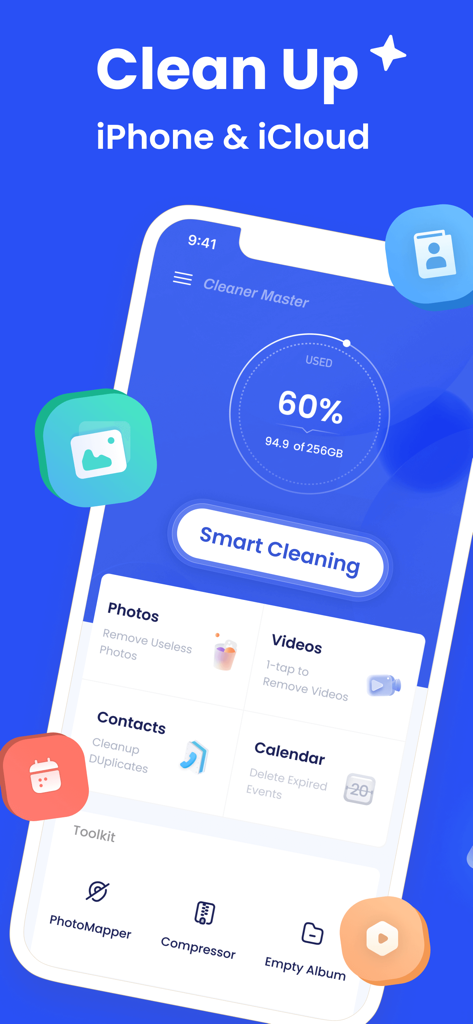
Clean Master: Clean Storage - Interface of the Clean Master app showing the smart cleaning button and storage usage dashboard for iPhone and iCloud
Interface of the Clean Master app showing the smart cleaning button and storage usage dashboard for iPhone and iCloud

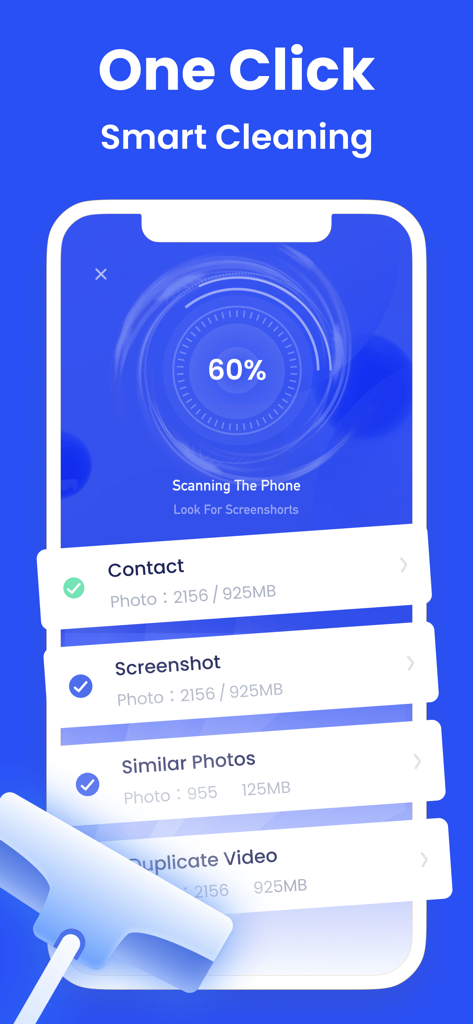
Clean Master: Clean Storage - iPhone screen showing the Clean Master app performing a one-click smart cleaning scan to find duplicate photos and screenshots.
iPhone screen showing the Clean Master app performing a one-click smart cleaning scan to find duplicate photos and screenshots.

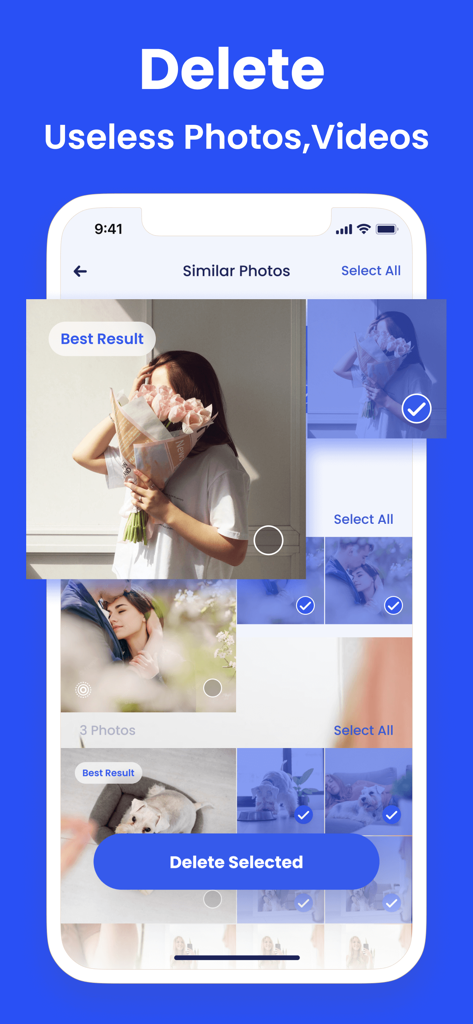
Clean Master: Clean Storage - Clean Master app interface displaying the similar photos deletion feature for clearing storage

Clean Master app interface displaying the similar photos deletion feature for clearing storage

Clean Master: Clean Storage - Interface of the Clean Master app showing an internet speed test for download and upload
Interface of the Clean Master app showing an internet speed test for download and upload

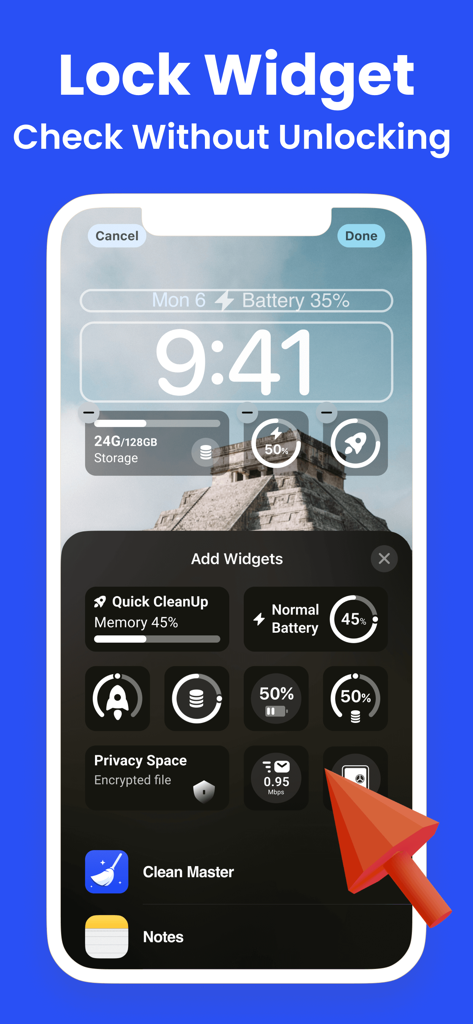
Clean Master: Clean Storage - Clean Master app showcasing customizable storage and battery widgets on an iPhone lock screen.
Clean Master app showcasing customizable storage and battery widgets on an iPhone lock screen.

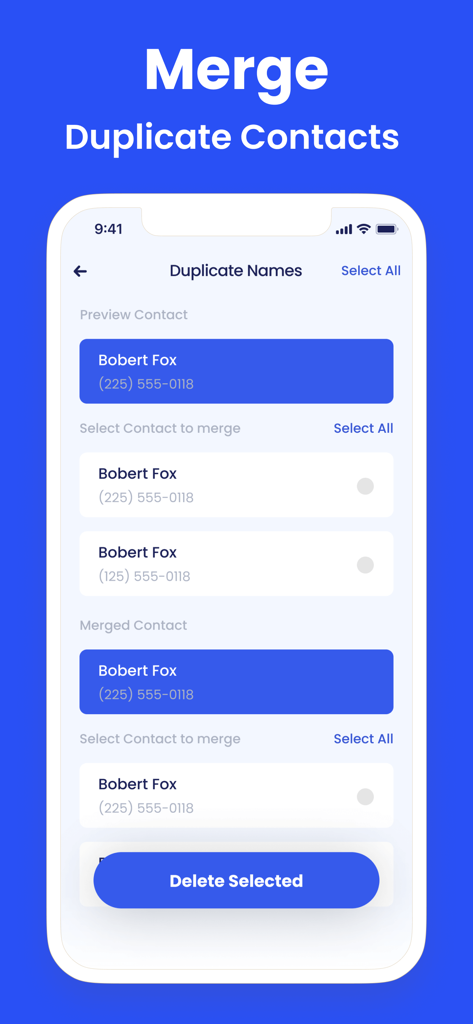
Clean Master: Clean Storage - Clean Master app screen showing the interface to identify and merge duplicate contacts to organize the phone address book
Clean Master app screen showing the interface to identify and merge duplicate contacts to organize the phone address book

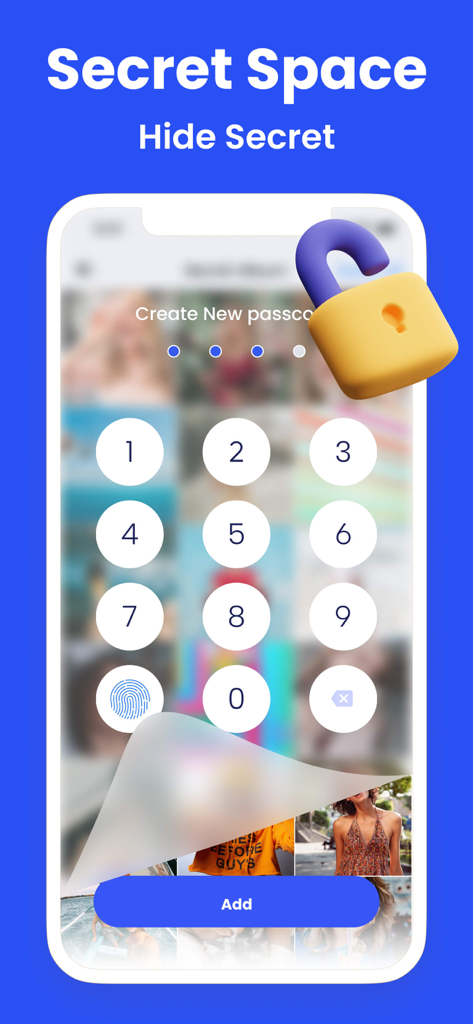
Clean Master: Clean Storage - Smartphone screen displaying a numeric passcode entry for the Secret Space feature to hide private photos.
Smartphone screen displaying a numeric passcode entry for the Secret Space feature to hide private photos.

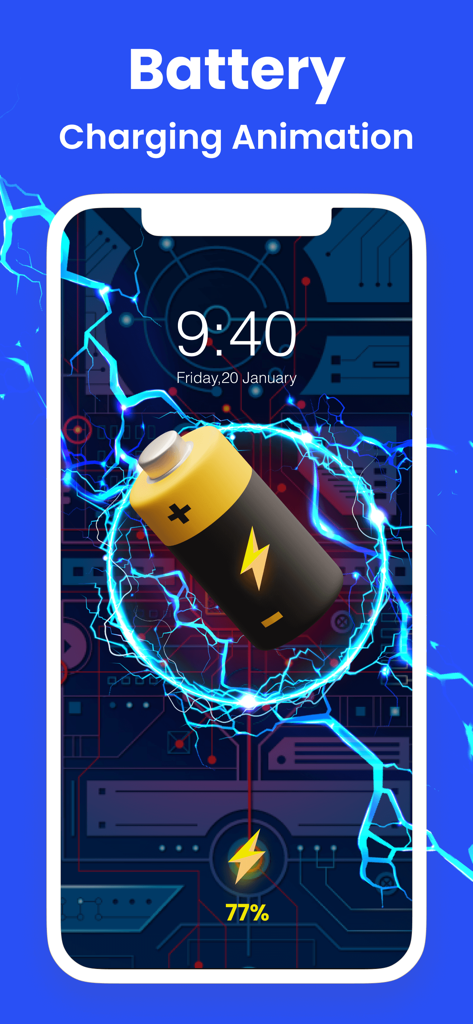
Clean Master: Clean Storage - iPhone screen showing a battery charging animation with blue electricity effects and a technical background
iPhone screen showing a battery charging animation with blue electricity effects and a technical background

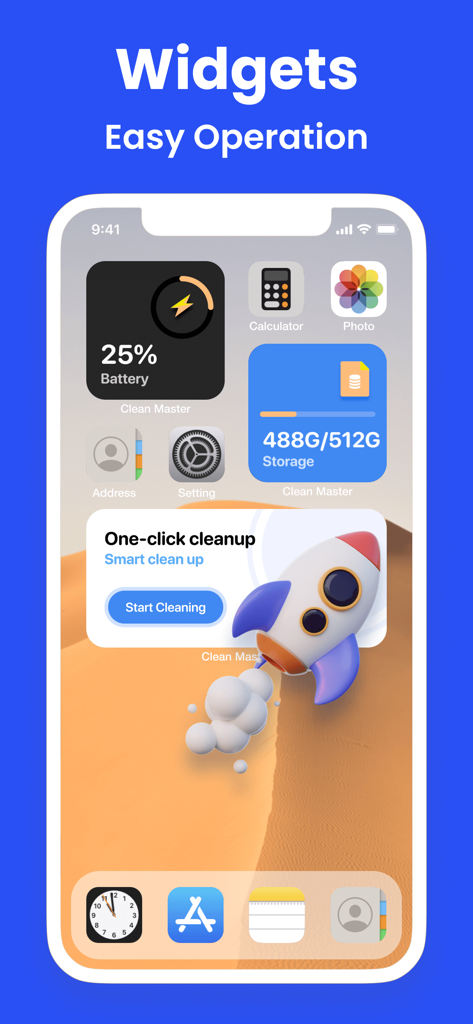
Clean Master: Clean Storage - iPhone home screen showing storage battery and one click cleanup widgets from Clean Master

iPhone home screen showing storage battery and one click cleanup widgets from Clean Master

Description

Don't let photos pile up randomly, organize your phone with Clean Master! Keep your phone tidy in just a few seconds. What can Clean Master do? Find useless files on your phone and greatly free up phone storage in seconds. Group similar photos & videos together to easily delete batch files at one time. Quickly clean up your phone contacts and calendar to keep everything organized. What features does Clean Master offer? ◆Photo Cleaner - Quickly find and delete duplicate photos - Smartly select the best results and save your phone space much faster - Analyze and delete similar photos, live photos, screenshots, blurred photos, etc ◆Video Cleaner - Multiple duplicate videos can be removed easily with a few steps - Optimized compression for the best video quality possible ◆Contacts Organizer - Remove unwanted contacts or merge them effectively - Merge duplicate contacts by name, number or email - Find incomplete contacts to delete or add more information ◆ Calendar Cleaner: Delete overdue events and reminders from your Calendar ◆ PhotoMapper: Remove photo GPS info, protect your personal privacy ◆Charging Animation - Get cool charging animation for a better charging experience - Make your phone more charming with various charging animations ◆ Tool Kit - Battery Life & Care-Protect the battery and reduce damage Secret Space - Encryption for privacy & Security upgrade Compressor - Compress the videos and photos to save storage space Speed Test - Check your Internet connection speed in a breeze Widget - Check your storage status Custom Notch - Let your wallpaper have cute "ears" Device Information - Get a full overview of your phone information Clean Master Payment & Subscription Terms: Choose between the following subscription options for unlimited access to all features: - Weekly Subscription - Monthly Subscription - Yearly Subscription - Your payment will be charged to your iTunes Account as soon as you confirm your purchase. - You can manage your subscriptions and turn off auto-renewal from your Account Settings after the purchase. - Within 24 hours before the end of the free trial period, the change fee calculated according to the subscription plan will be automatically debited from your account. - You can cancel the auto-renewal at any time, if the cancellation occurs at least 24 hours before the end of the current period. *** Manage your subscription directly from your iPhone *** Subscriptions may be managed by the user and auto-renewal may be turned off by going to the user’s Account Settings after purchase. 1. Tap the “Settings” icon on your mobile, then tap the “Store” icon. 2. Sign in with your iTunes ID. 3. Tap “View Apple ID” then “Manage App Subscriptions”. 4. You will be able to see when your next payment is due, or cancel your automatic renewal. Privacy policy: https://www.app-privacy-policy.com/live.php?token=QGRkEIrx2VzVoz6AkEmWqMcvHYkzhCnl Terms of use: https://www.app-privacy-policy.com/live.php?token=XtT4afDHNP31tlzjkftlLrp5Sz90ZMWj

Download

Download on App Store

This page is not an official page of the app or its developer, but an independent editorial publication created for informational and commentary purposes. Unless expressly stated otherwise, neither the app nor its developer is affiliated with, endorsed by, sponsored by, authorized by, or otherwise officially connected with MWM, Apple, Google Play, the app publisher, or the app's developer, and nothing on this page implies that the app was developed using MWM's services. Any trademarks, logos, screenshots, and other content remain the property of their respective owners.








