
This page is not an official page of the app or its developer, but an independent editorial publication created for informational and commentary purposes. Unless expressly stated otherwise, neither the app nor its developer is affiliated with, endorsed by, sponsored by, authorized by, or otherwise officially connected with MWM, Apple, Google Play, the app publisher, or the app's developer, and nothing on this page implies that the app was developed using MWM's services. Any trademarks, logos, screenshots, and other content remain the property of their respective owners.


ClickMeeting Webinars Meetings
The ultimate mobile platform for professional webinars and online meetings. Stream live events, manage remote teams, and engage your audience with background-ready performance and powerful lead-conversion tools.
Downloads
1M+User Rating
Total Ratings
300Publisher
Category
BusinessLocales
1Latest Version
6.0.1Size
89.6 MBFirst Released
Oct 13, 2016Empower Your Professional Presence Anywhere
Host, teach, and collaborate with a robust mobile platform designed for high-impact webinars and seamless business meetings.
Uninterrupted Multitasking
Stay connected in the background while you check emails or notes, ensuring your event never drops when you switch apps.
Intuitive All-in-One View
Say goodbye to screen-swiping. See the presenter, slides, and chat on one screen for a truly immersive experience.
Frequently Asked Questions
Everything you need to know about ClickMeeting Webinars Meetings
How does the ClickMeeting app support different types of online events?
The ClickMeeting app supports various online events including live, on-demand, and automated webinars, online meetings for up to 25 participants, and huge virtual events with up to 10k viewers using webcasting technology.
Can I stream my ClickMeeting events live on social media platforms?
Yes, with the ClickMeeting webinar app, organizers can stream their events live on Facebook or YouTube. This feature allows for broader audience reach and engagement.
Does ClickMeeting offer a Call-To-Action button for organizers?
Yes, ClickMeeting allows organizers to use a customized Call-To-Action button. This button redirects event attendees to a landing page of the organizer's choice, supporting marketing efforts.
Can ClickMeeting attendees view the presentation, presenter, and chat on a single screen?
Yes, attendees using the ClickMeeting app can view the presentation, presenter, and chat all on one screen. This design eliminates the need for screen-swiping for a streamlined experience.
What happens if I switch to another app or my screen goes inactive during a ClickMeeting event?
The ClickMeeting app works in the background. Your event does not turn off if you use other apps or if your screen remains inactive for a longer period, ensuring continuous participation.
Can ClickMeeting integrate with cloud storage services for files?
Yes, ClickMeeting allows organizers to utilize files stored in their cloud services. It integrates with popular platforms like Dropbox, OneDrive, and Google Drive for easy access to materials.
Is ClickMeeting suitable for large-scale virtual events?
Yes, ClickMeeting supports huge virtual events powered by webcasting technology. It allows streaming content for up to 10,000 viewers, making it suitable for large audiences.
Who are the primary users who benefit from ClickMeeting digital get-togethers?
ClickMeeting benefits various professionals including marketers, sales teams, remote teams, online teachers, C-level executives, business associations, and HR specialists, making it versatile for many business needs.
The following screenshots and description are sourced directly from the app's official store listing and are the property of the app developer.
App Store
Screenshots
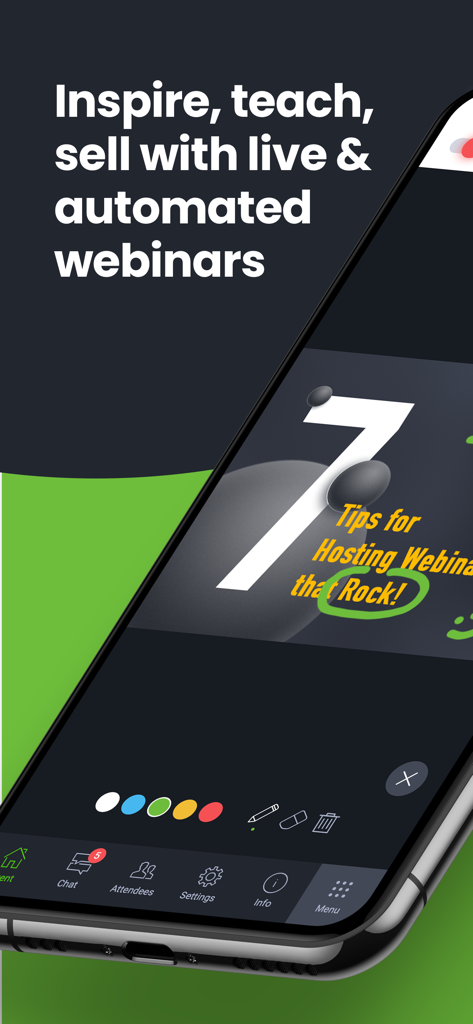
Smartphone screen showing ClickMeeting app interface with a webinar presentation and interactive drawing tools
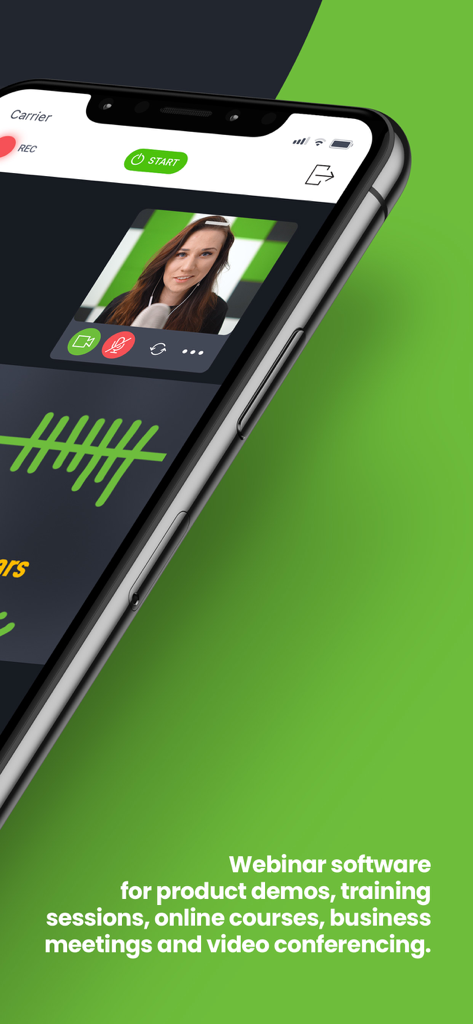
ClickMeeting mobile app interface showing a live video webinar with a presenter and professional meeting features
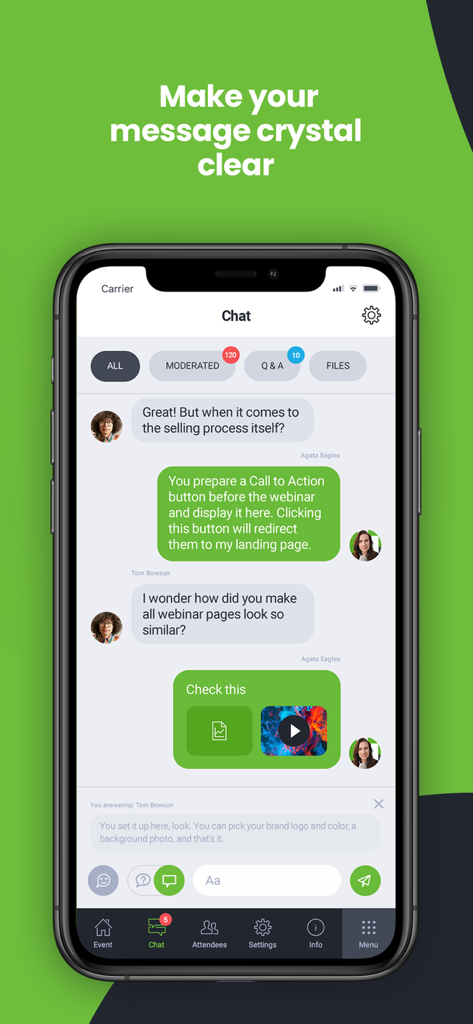
ClickMeeting mobile app screenshot showing the interactive chat interface with moderation and Q and A tabs
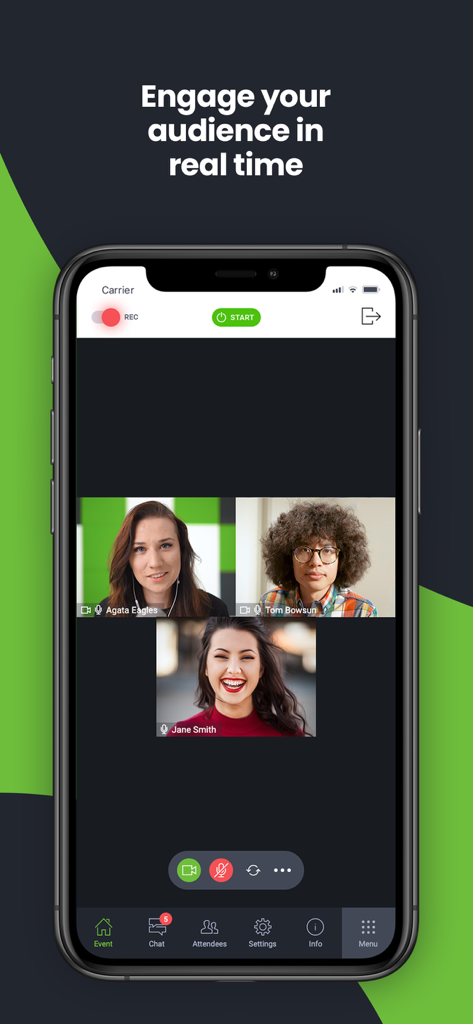
ClickMeeting mobile app interface showing a real-time video conference with three participants and engagement tools
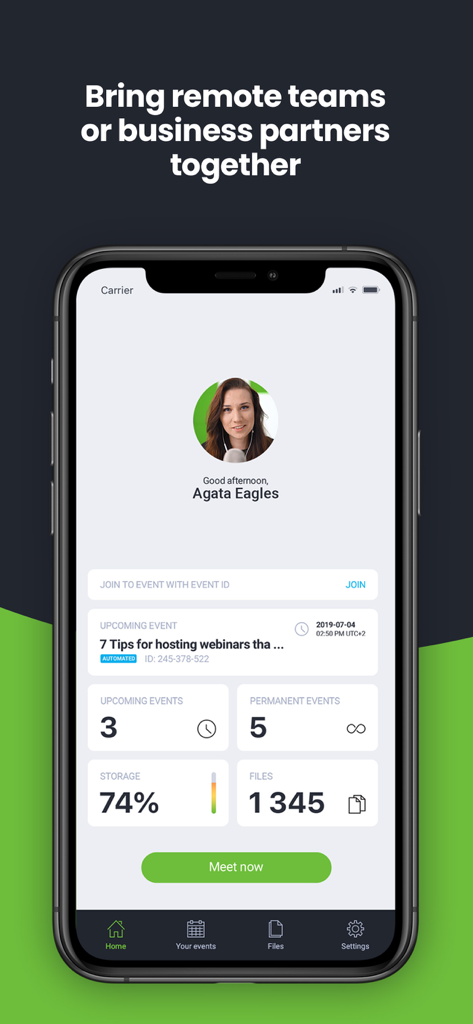
ClickMeeting app home screen showing upcoming webinars and event management stats on a mobile device.
Description
Download
More Like This
Apps with similar features and user experience
新东方云教室
Beijing New Oriental Education & Technology (Group) Co., Ltd

VK Calls
VK LLC

join.me - Simple Meetings
GoTo Group, Inc.

Zoho Webinar - Online Webinars
Zoho Corporation
Flow IM: Video Conferencing
Portable Ltd

微赞-企业直播视频营销平台
Guangzhou Appreciate Information Technology Co., Ltd.

爱问云
Yixing Aiwen Technology Co., Ltd.

G-Net MeetNow
G-Net Cloud Service Co., Ltd.

京ME会议
Jingdong Technology Information Technology Co., Ltd.
This page is not an official page of the app or its developer, but an independent editorial publication created for informational and commentary purposes. Unless expressly stated otherwise, neither the app nor its developer is affiliated with, endorsed by, sponsored by, authorized by, or otherwise officially connected with MWM, Apple, Google Play, the app publisher, or the app's developer, and nothing on this page implies that the app was developed using MWM's services. Any trademarks, logos, screenshots, and other content remain the property of their respective owners.