
This page is not an official page of the app or its developer, but an independent editorial publication created for informational and commentary purposes. Unless expressly stated otherwise, neither the app nor its developer is affiliated with, endorsed by, sponsored by, authorized by, or otherwise officially connected with MWM, Apple, Google Play, the app publisher, or the app's developer, and nothing on this page implies that the app was developed using MWM's services. Any trademarks, logos, screenshots, and other content remain the property of their respective owners.


ClickShare
Eliminate cable chaos and connect to any meeting room instantly. Share your screen securely from your mobile device for frictionless collaboration that keeps the focus on your ideas.
Downloads
851K+User Rating
Total Ratings
300Publisher
Category
BusinessLocales
17Latest Version
3.16Size
44.1 MBFirst Released
Apr 1, 2013Elevate Your Meeting Experience
Transforming how you collaborate. ClickShare connects your mobile device to the meeting room hardware seamlessly, making every presentation professional and stress-free.
Instant Wireless Sharing
Ditch the dongles and cables. Share your screen from your iPhone or iPad directly to any meeting room display with a single tap.
Frictionless Room Discovery
No more hunting for connection codes. Automatically find and connect to nearby ClickShare units so your meetings start exactly on time.
Frequently Asked Questions
Everything you need to know about ClickShare
How does the ClickShare app connect to meeting rooms?
The ClickShare app connects to meeting rooms by quickly finding network-connected ClickShare Base Units via mDNS/SSDP lookup. It also automatically connects to stand-alone setups by switching to the Base Unit Wi-Fi.
Can the ClickShare app share any content from my device?
Yes, the ClickShare app allows users to share any content on their device with everyone in the meeting. This includes screen sharing and sharing received PDFs from the meeting room.
Which ClickShare devices are compatible with the ClickShare app?
The ClickShare app is compatible with CS-100, CSE-200, CSE-800, CX-20, CX-30, and CX-50 ClickShare or ClickShare Conference equipped meeting rooms.
Does the ClickShare app support screen sharing in different orientations?
Yes, the ClickShare app supports sharing your screen in both portrait and landscape modes with supported applications. Audio does not share during screen sharing.
Is screen sharing with the ClickShare app secure?
Yes, the ClickShare app provides secure encrypted screen sharing. This protects the content being broadcasted from your device to the meeting room display.
How can users control screen sharing in the ClickShare app on iOS?
Users can control screen sharing from anywhere through the iOS Screen Recording shortcut. This allows for convenient management of the broadcast.
What is recorded when broadcasting the screen with ClickshareMirroring?
When broadcasting the screen with ClickshareMirroring, everything on your screen, including notifications, is recorded. Users should enable Do Not Disturb to prevent unexpected notifications.
Does the ClickShare app notify users about available updates?
Yes, the ClickShare app notifies users when an update is available. This prompt allows users to keep their application up-to-date for optimal performance and features.
The following screenshots and description are sourced directly from the app's official store listing and are the property of the app developer.
App Store
Screenshots
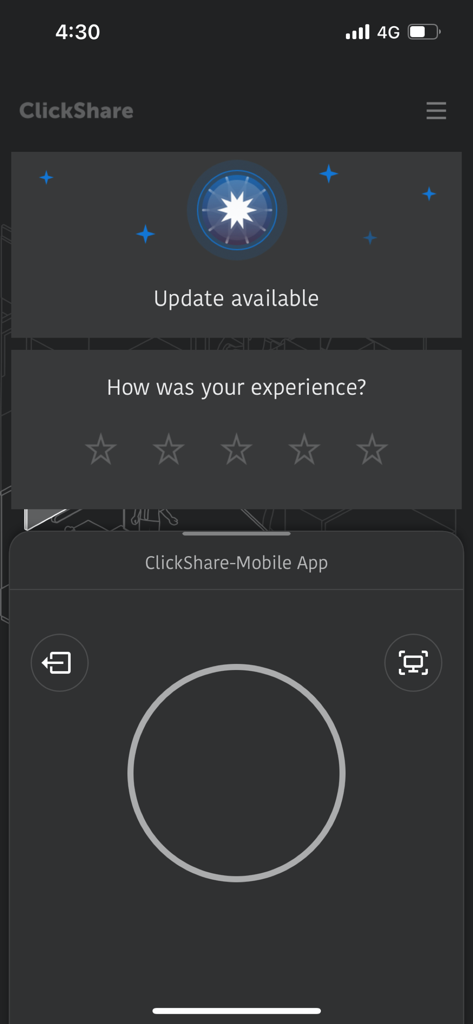
ClickShare mobile app interface for wireless screen sharing and meeting room connectivity.
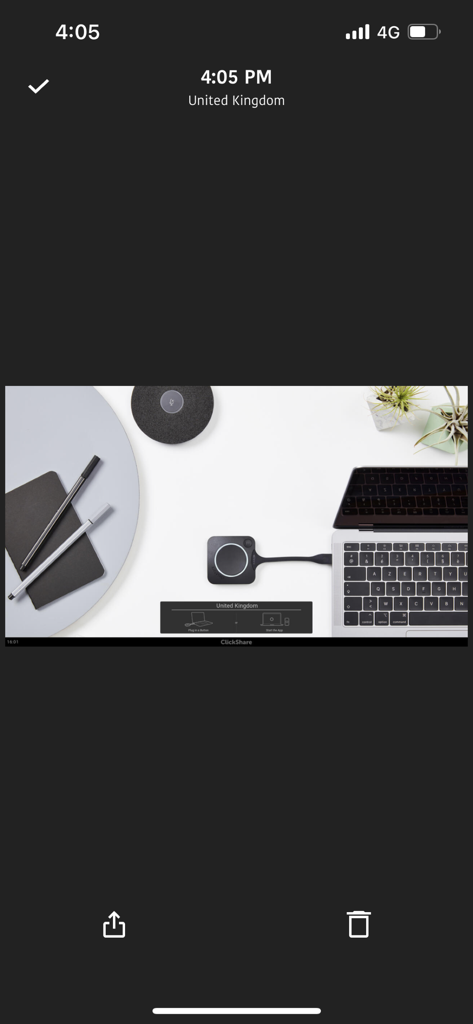
Laptop with a ClickShare button plugged in for a wireless meeting room presentation
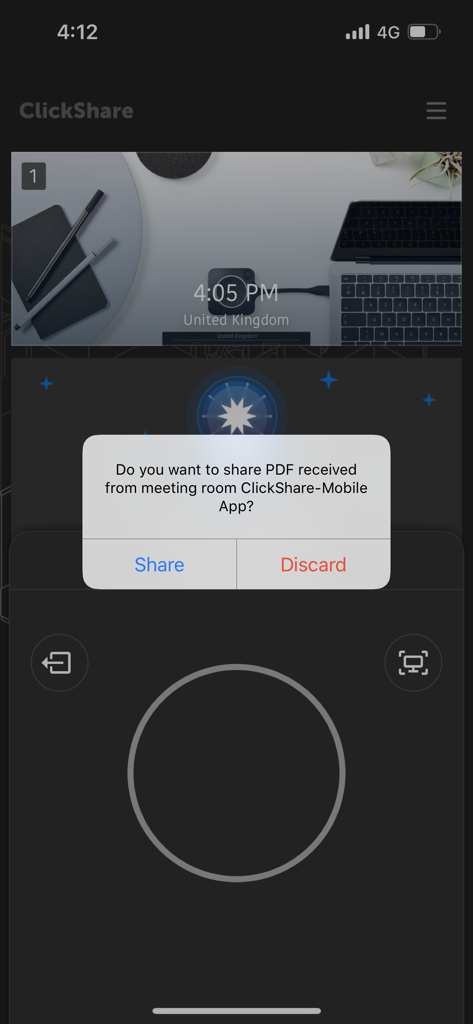
ClickShare mobile app interface displaying a popup prompt to share a received PDF file in a meeting room environment.
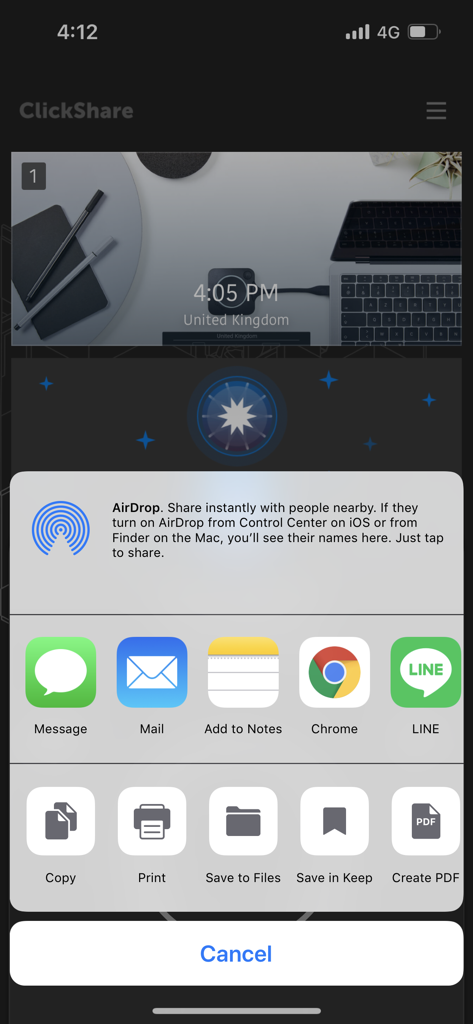
ClickShare app interface showing the native iOS share sheet with options like AirDrop, Mail, and Save to Files
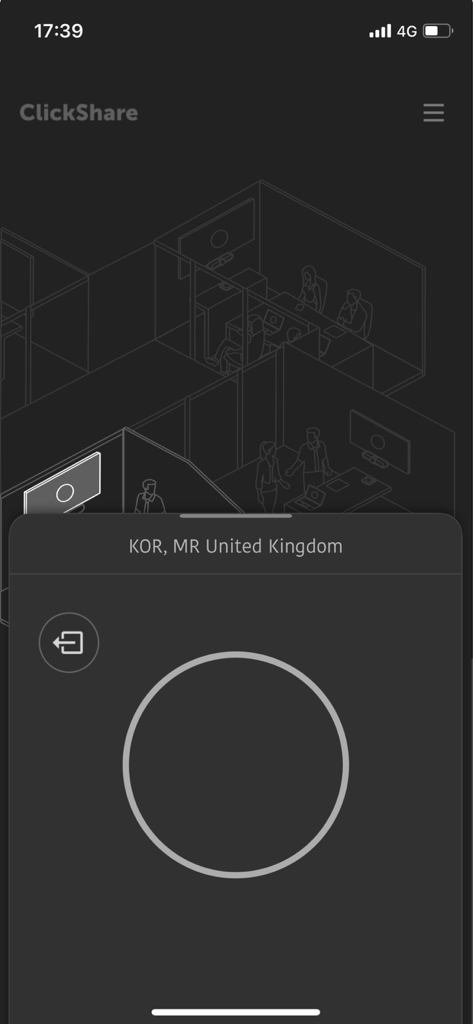
ClickShare app interface for connecting to a meeting room and sharing screen wirelessly.
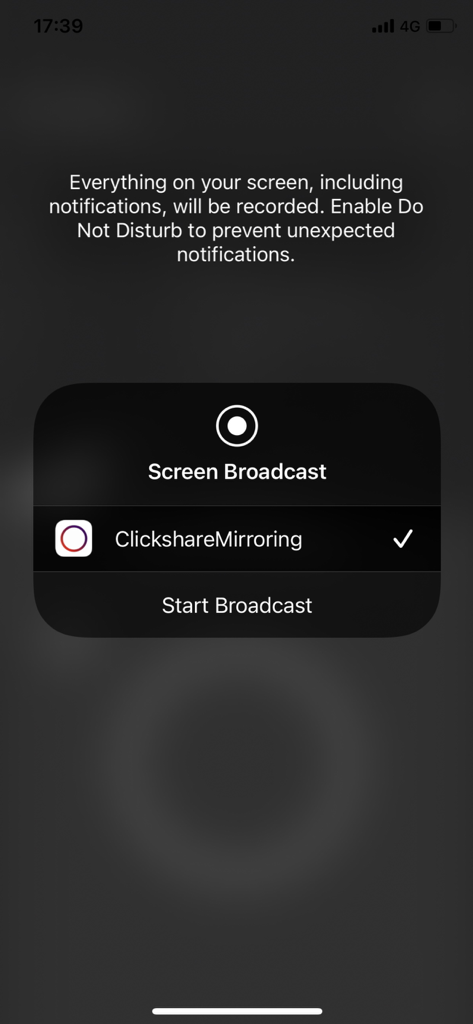
iOS Screen Broadcast interface showing ClickshareMirroring selected to start a wireless presentation
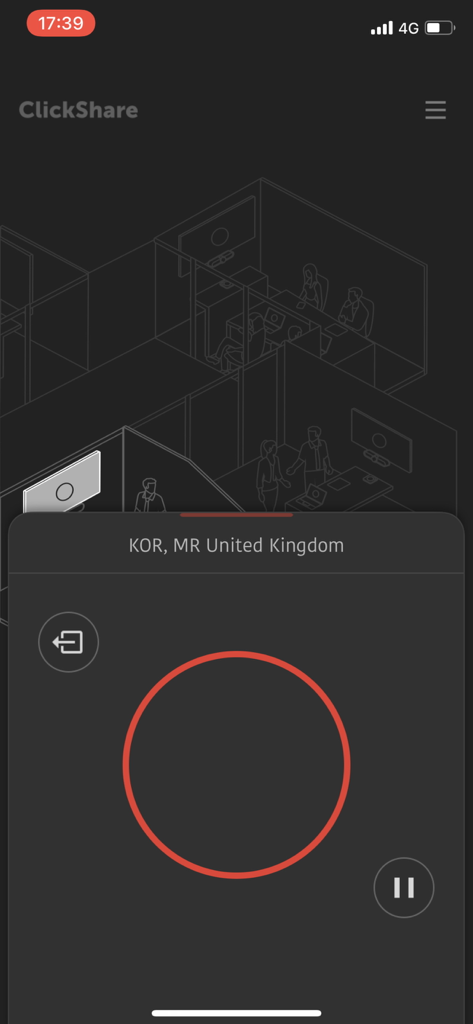
Mobile interface of the ClickShare app showing a meeting room connection and a large red sharing button.
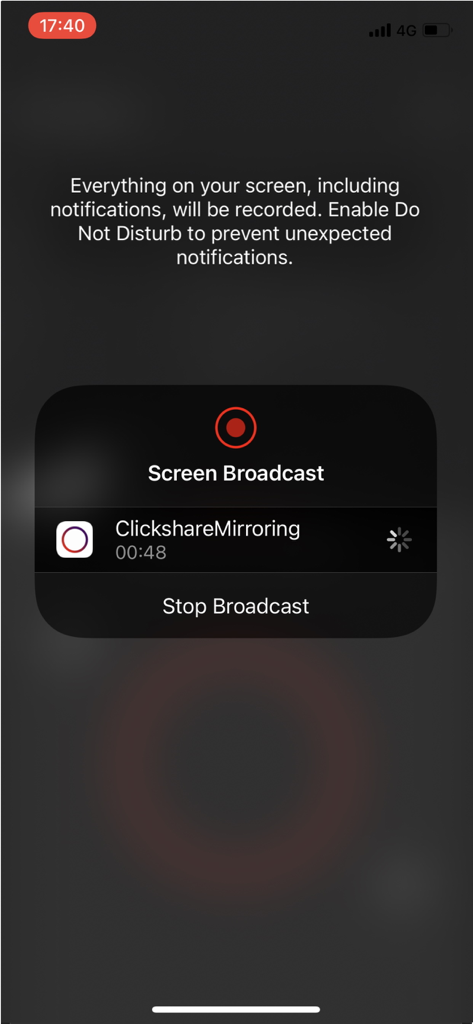
iPhone interface showing the ClickShare screen broadcast feature for wireless meeting room sharing
Description
Download
More Like This
Apps with similar features and user experience



This page is not an official page of the app or its developer, but an independent editorial publication created for informational and commentary purposes. Unless expressly stated otherwise, neither the app nor its developer is affiliated with, endorsed by, sponsored by, authorized by, or otherwise officially connected with MWM, Apple, Google Play, the app publisher, or the app's developer, and nothing on this page implies that the app was developed using MWM's services. Any trademarks, logos, screenshots, and other content remain the property of their respective owners.