
This page is not an official page of the app or its developer, but an independent editorial publication created for informational and commentary purposes. Unless expressly stated otherwise, neither the app nor its developer is affiliated with, endorsed by, sponsored by, authorized by, or otherwise officially connected with MWM, Apple, Google Play, the app publisher, or the app's developer, and nothing on this page implies that the app was developed using MWM's services. Any trademarks, logos, screenshots, and other content remain the property of their respective owners.


Clip Tone - Ring Tone Maker
Stop settling for dull, generic sounds. Upload your favorite tracks, cut the perfect beat, and make every call sound like you in just a few taps.
Downloads
45K+User Rating
Total Ratings
900Publisher
Category
MusicLocales
1Latest Version
1.0Size
109.5 MBFirst Released
Feb 25, 2025Ditch the Defaults, Define Your Sound
Transform your favorite viral hits and personal tracks into custom tones that match your vibe—no computer or complex software needed.
Your Music, Your Rules
Upload any audio file directly from your library to create a tone that is 100% unique and reflects your personal style.
Precision Cut in Seconds
Snip the catchiest chorus or that viral beat with an ultra-fast and easy editing tool designed for the perfect loop.
Frequently Asked Questions
Everything you need to know about Clip Tone - Ring Tone Maker
What is Clip Tone - Ring Tone Maker?
Clip Tone is an app that allows users to create custom ringtones from their favorite music. It provides tools to upload personal music, cut the best parts, and set them as unique phone ringtones.
Can I upload my own music to create ringtones with Clip Tone?
Yes, Clip Tone enables users to upload their own music. This core feature allows for the creation of personalized ringtones directly from the user's music library.
Does Clip Tone provide tools to trim audio for ringtones?
Yes, Clip Tone includes an easy-to-use cutting tool for precise audio edits. Users trim music to select specific segments for their custom ringtones.
How do I create a custom ringtone with the Clip Tone app?
Users create ringtones by uploading music, cutting the desired section with the app's tool, and then saving and setting the edited segment as their ringtone in minutes.
How can I manage my custom ringtones within Clip Tone?
Clip Tone allows users to manage their created ringtones. The app displays a list of "My Ringtones" where users can view, favorite, and install their custom tones.
Where can I find the Privacy Policy for Clip Tone?
The Privacy Policy for Clip Tone is accessible via the link provided in the app description: https://docs.google.com/document/d/18Hl8AQ49dNdW4pheGNRWM3Lk58mABDhoNvvmVJ_-Q9w/edit?usp=sharing.
The following screenshots and description are sourced directly from the app's official store listing and are the property of the app developer.
App Store
Screenshots
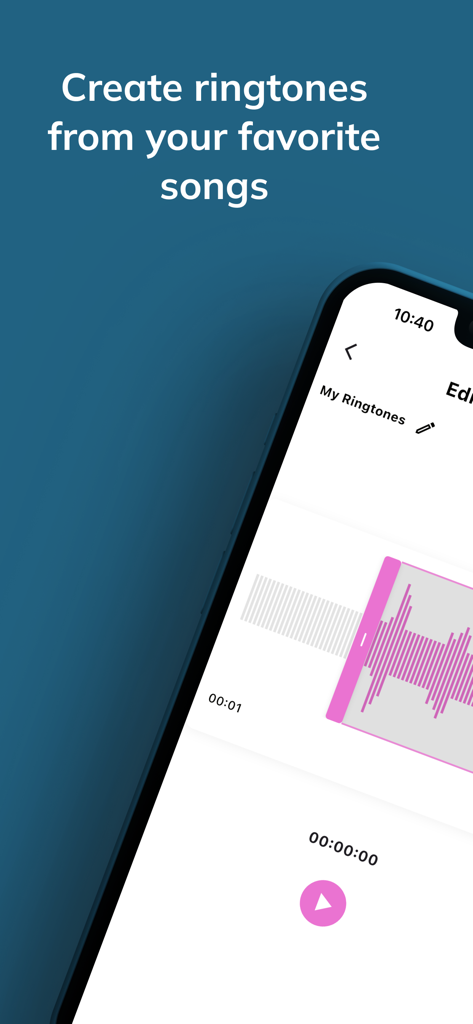
Clip Tone app screenshot showing the audio waveform editor for creating custom ringtones from songs
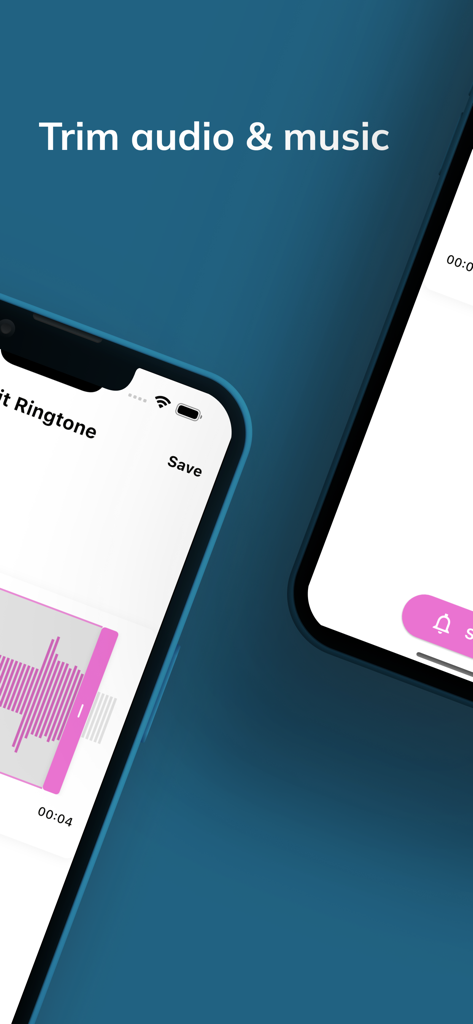
A mobile interface for trimming audio and music to create custom ringtones
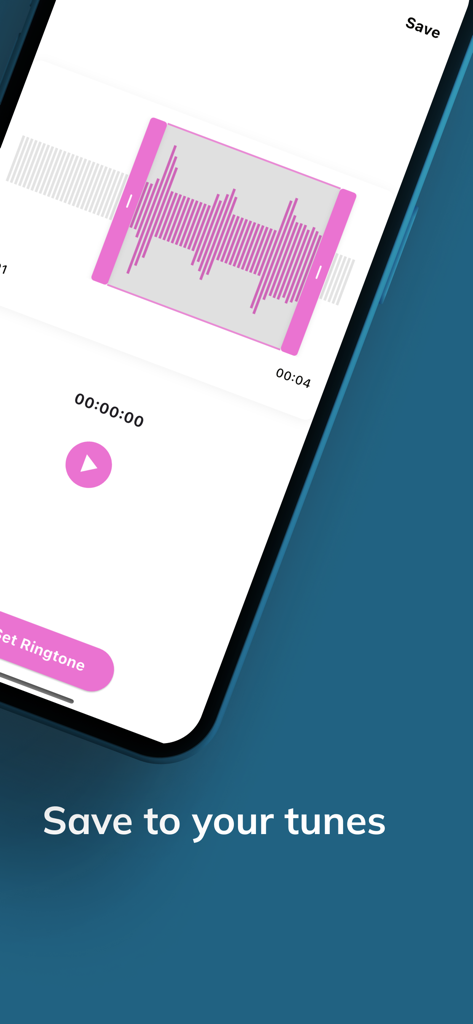
Interface of Clip Tone app showing an audio waveform editor with a save to your tunes button
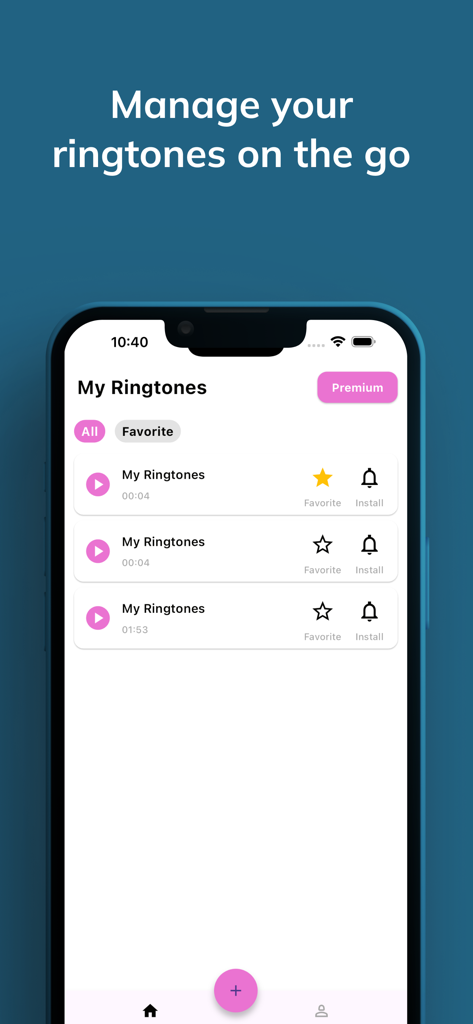
Smartphone screen displaying the My Ringtones section of Clip Tone app with a list of custom audio tracks
Description
Download
More Like This
Apps with similar features and user experience
Ringtones Maker - the ring app
苏娟 陈

LittyTone:Ringtone & AI Voice
Shenzhen Chuangyuan Huaqi technology Co., LTD
Garage Ringtones for iPhone
Appflow Software - FZCO

ClipTone: Ringtone & AI Cover
BUD TECHNOLOGIES, PTE. LTD.
Music Editor Cut MP3 Converter
Dream United, Ltd.

Mp3 Cutter - M4a, Music Cutter
TOWER OF HANOI SOFTWARE COMPANY LIMITED

Ringtone Maker & MP3 Converter
Oleksandr Pylaiev

Ringtone Maker +
迪刚 宋
Any Ringtones
Ion Danilov
This page is not an official page of the app or its developer, but an independent editorial publication created for informational and commentary purposes. Unless expressly stated otherwise, neither the app nor its developer is affiliated with, endorsed by, sponsored by, authorized by, or otherwise officially connected with MWM, Apple, Google Play, the app publisher, or the app's developer, and nothing on this page implies that the app was developed using MWM's services. Any trademarks, logos, screenshots, and other content remain the property of their respective owners.