
This page is not an official page of the app or its developer, but an independent editorial publication created for informational and commentary purposes. Unless expressly stated otherwise, neither the app nor its developer is affiliated with, endorsed by, sponsored by, authorized by, or otherwise officially connected with MWM, Apple, Google Play, the app publisher, or the app's developer, and nothing on this page implies that the app was developed using MWM's services. Any trademarks, logos, screenshots, and other content remain the property of their respective owners.


ClipClap: Video Clips Editor
The ultimate mobile editor for the next generation of creators. Merge clips, add Genmojis, and use pro templates to turn your memories into viral content with just a few taps.
Downloads
79K+User Rating
Total Ratings
0Publisher
Category
Photo & VideoLocales
6Latest Version
4.11.1Size
68.7 MBFirst Released
Oct 20, 2023Create Viral Content in Seconds
Turn your raw clips into high-energy vlogs and stories designed to generate hype and grow your digital community.
Two-Click Creation
Use ready-made templates to merge and edit your clips instantly, taking the friction out of your daily posting schedule.
Next-Gen Customization
Stand out on the feed by adding Genmoji and your own custom sticker collections to every video you create.
The following screenshots and description are sourced directly from the app's official store listing and are the property of the app developer.
App Store
Screenshots
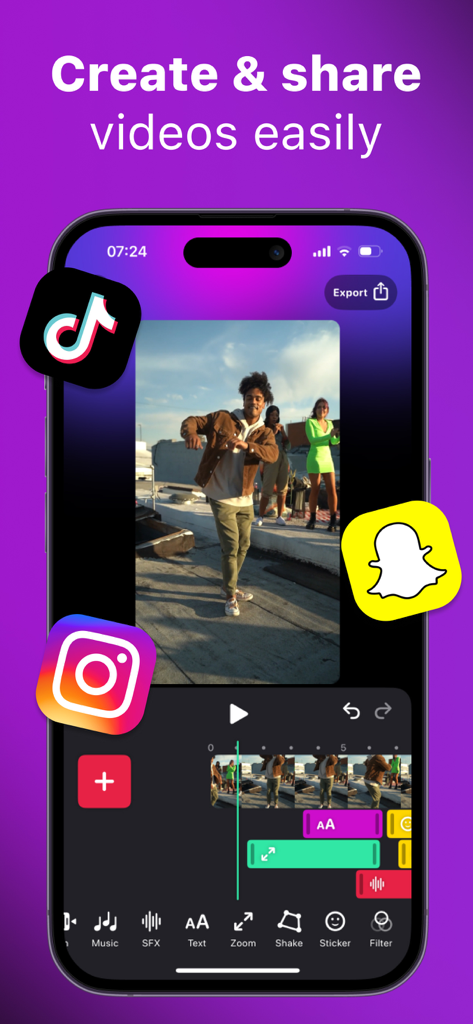
Mobile interface of ClipClap video editor showing a video timeline and social media icons for sharing.
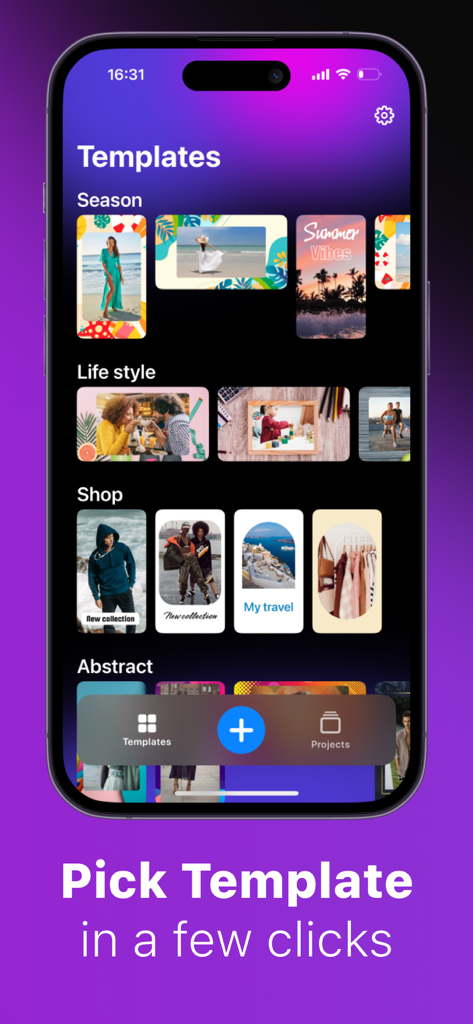
Screenshot of ClipClap app showing various video editing templates for lifestyle and social media stories.
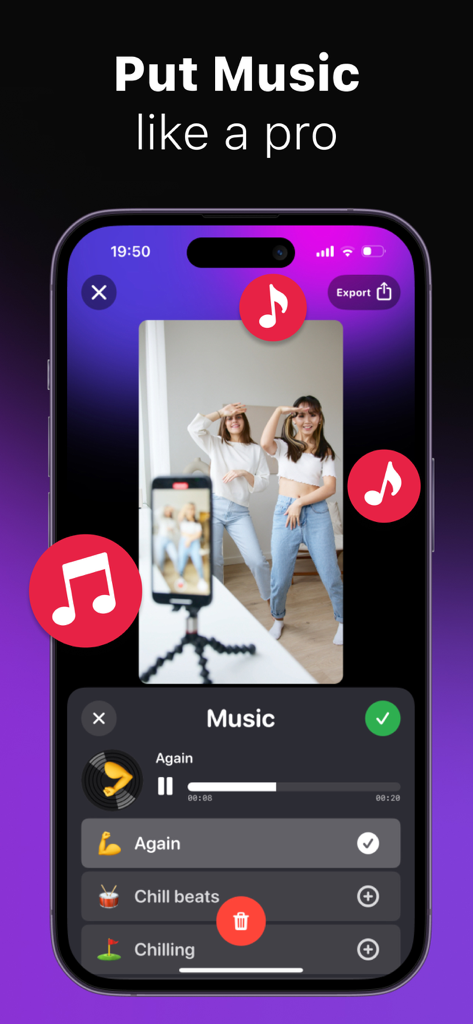
Mobile interface of ClipClap app showing how to add background music to a dance video clip
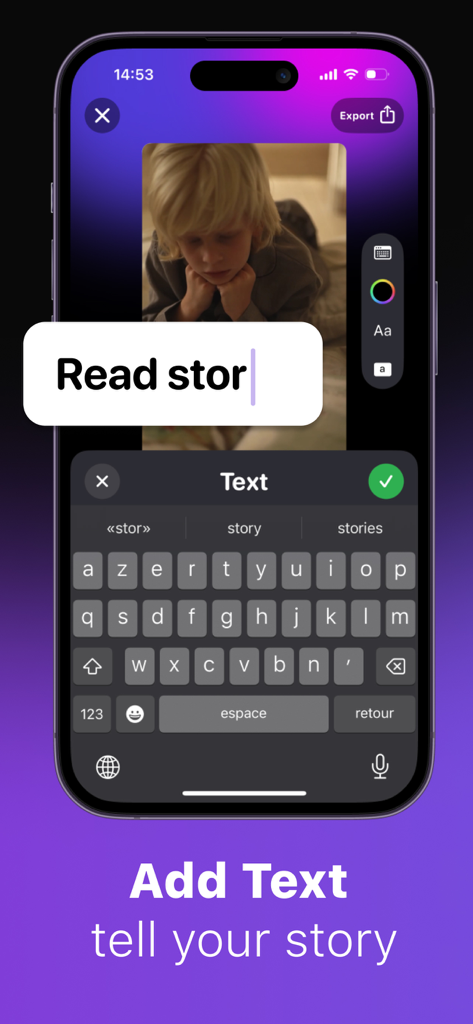
Interface of ClipClap app showing a text overlay being typed onto a video with an on-screen keyboard.
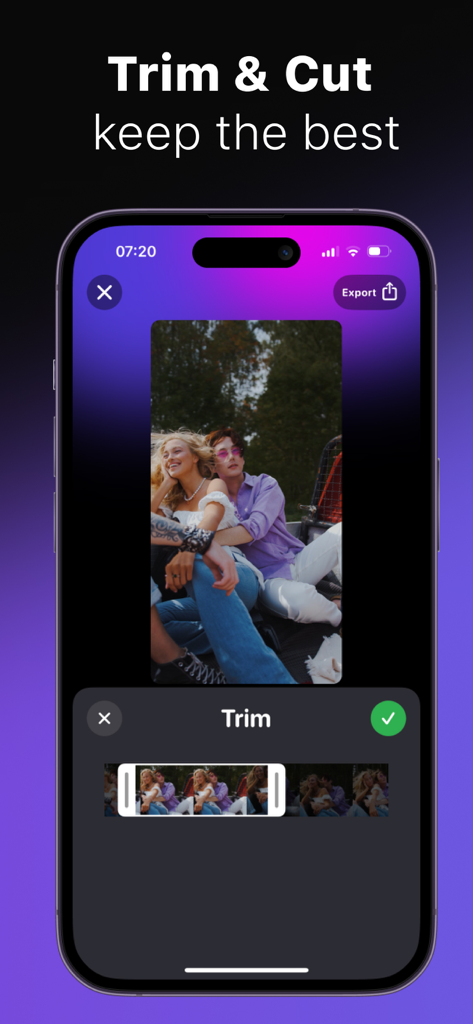
ClipClap app interface showing the trim and cut video editing feature on an iPhone
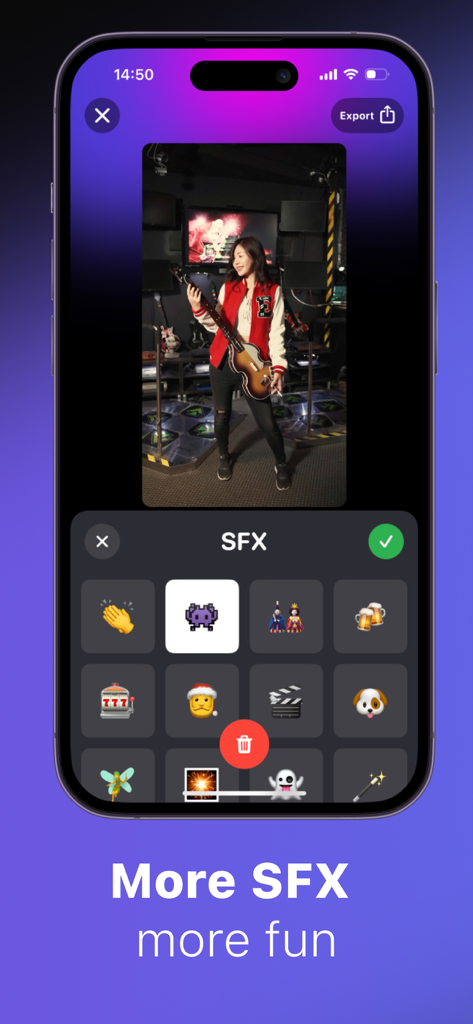
ClipClap app interface showing the SFX and sticker selection screen for video editing.
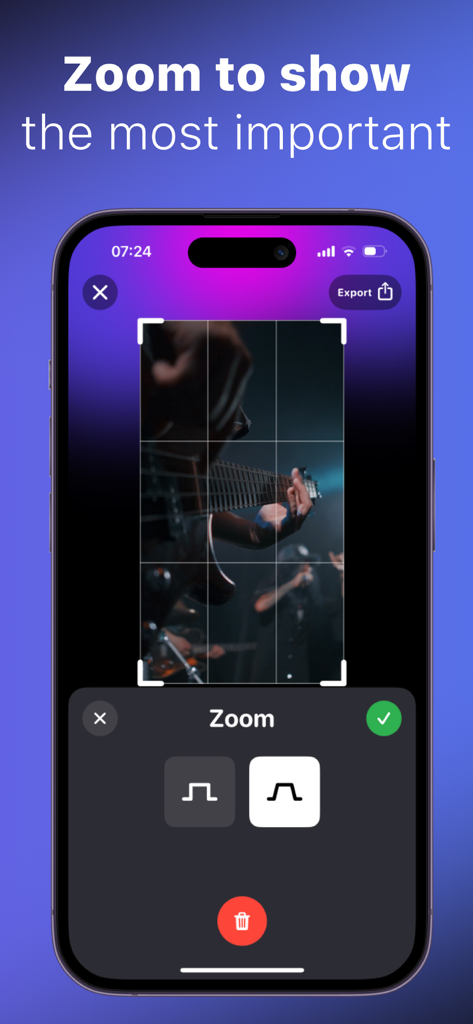
ClipClap video editor interface showing the zoom feature being applied to a video clip of a guitarist
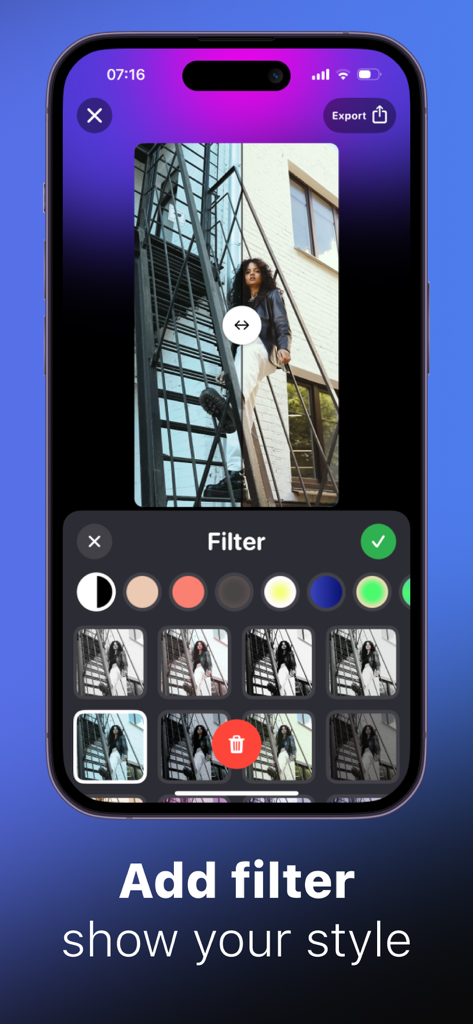
ClipClap app screen showing how to apply aesthetic filters to photos and videos
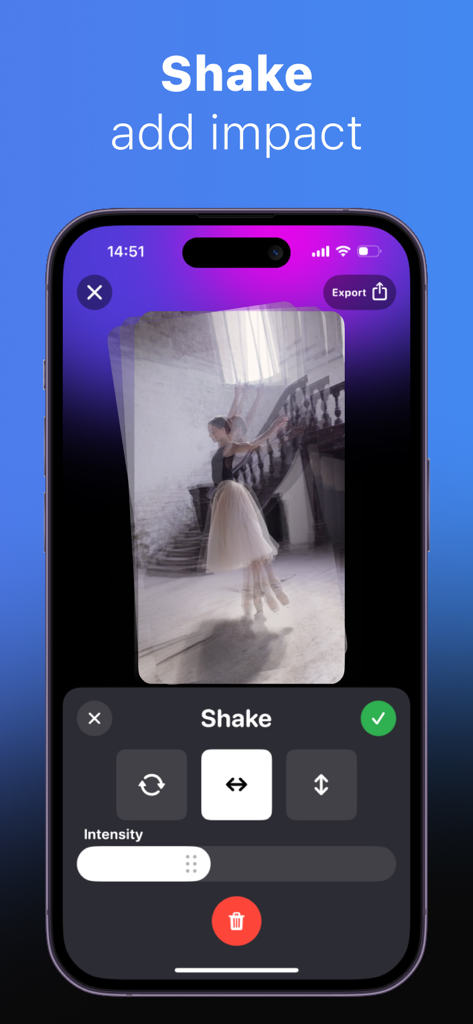
Interface of ClipClap video editor showing shake effect settings and intensity slider.
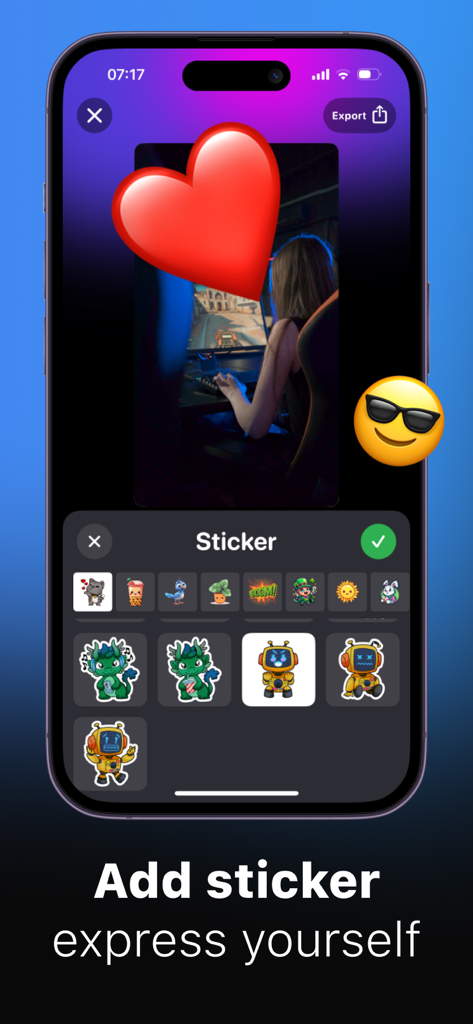
ClipClap app interface showing the sticker selection tool for video editing
Description
Download
More Like This
Apps with similar features and user experience

VEED Shorts: AI videos
VEED Ltd

AI Video Maker - Renderforest
Renderforest LLC

Slideshow Creator -MovieStudio
立瑗 胡

Filmigo Video Maker & Editor
VIDEOSHOW PTE. LTD.

Slideshow Maker Video & Photo
Honk Honk Punch Pty Ltd

Quick Slideshow Maker + Music
Zipo Apps Ltd.

Salad Video -Video Editor
ChengDu PinGuo Technology Co., Ltd.

Story Swag - Quick Reels
Slider LLC

StoryWave - Video Maker
UNSTATIC LTD
This page is not an official page of the app or its developer, but an independent editorial publication created for informational and commentary purposes. Unless expressly stated otherwise, neither the app nor its developer is affiliated with, endorsed by, sponsored by, authorized by, or otherwise officially connected with MWM, Apple, Google Play, the app publisher, or the app's developer, and nothing on this page implies that the app was developed using MWM's services. Any trademarks, logos, screenshots, and other content remain the property of their respective owners.