
This page is not an official page of the app or its developer, but an independent editorial publication created for informational and commentary purposes. Unless expressly stated otherwise, neither the app nor its developer is affiliated with, endorsed by, sponsored by, authorized by, or otherwise officially connected with MWM, Apple, Google Play, the app publisher, or the app's developer, and nothing on this page implies that the app was developed using MWM's services. Any trademarks, logos, screenshots, and other content remain the property of their respective owners.

ClipToLive • Live Wallpapers
Express your unique vibe with 4K AI-generated art and turn any social media clip into a cinematic live wallpaper in seconds.
Downloads
500+User Rating
Total Ratings
0Publisher
Category
Graphics & DesignLocales
1Latest Version
1.1.1Size
25.0 MBFirst Released
Feb 3, 2026Design Your Ultimate Aesthetic
Go beyond static images. Transform your favorite social clips and AI-generated dreams into fluid 4K Live Wallpapers that define your digital identity.
Viral-to-Live Conversion
Instantly turn any TikTok, Instagram, or X clip into a seamless Live Photo just by pasting the link. No screen-recording or complex editing required.
AI Creative Studio
Generate unique animated wallpapers in 40+ trending styles like Anime, Cyberpunk, and Vintage to match your current vibe and era.
The following screenshots and description are sourced directly from the app's official store listing and are the property of the app developer.
App Store
Screenshots
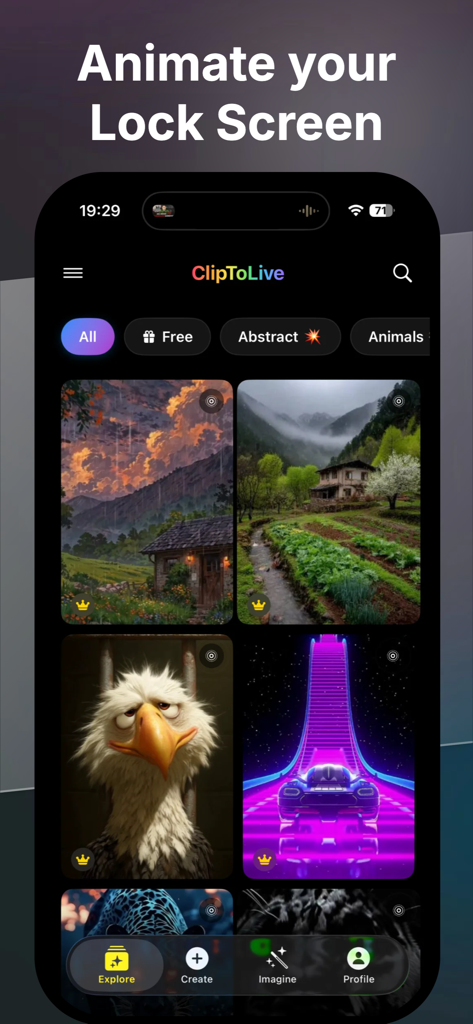
ClipToLive app gallery showcasing diverse live wallpaper options to animate an iPhone lock screen
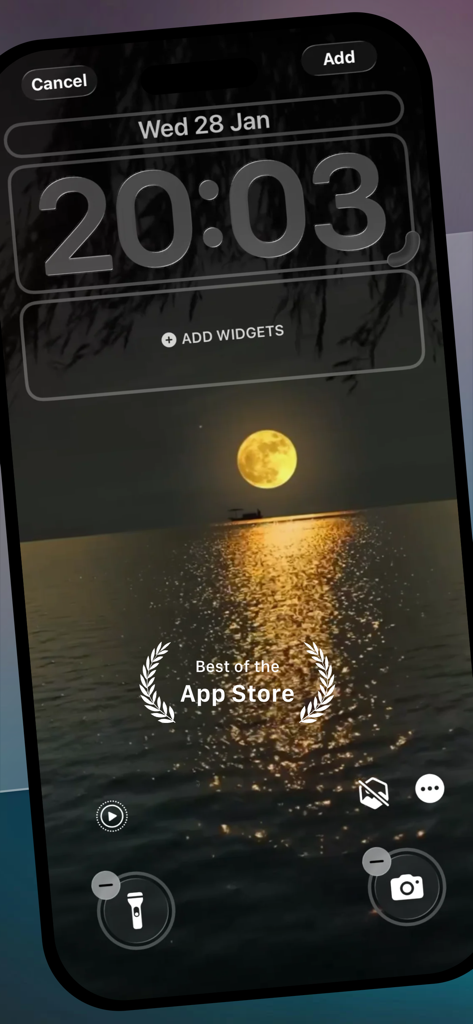
iPhone lock screen customization preview featuring a cinematic full moon over the ocean
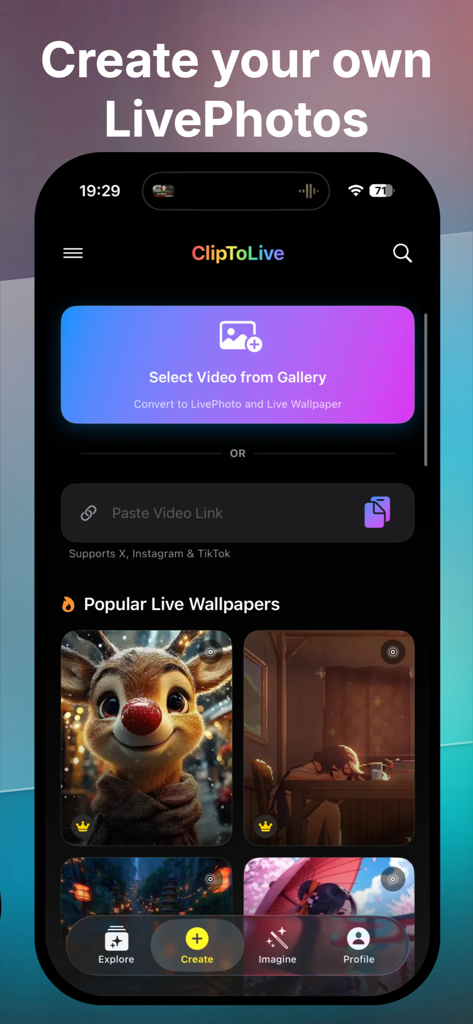
ClipToLive app interface showing options to convert gallery videos and social media links into custom Live Photo wallpapers.
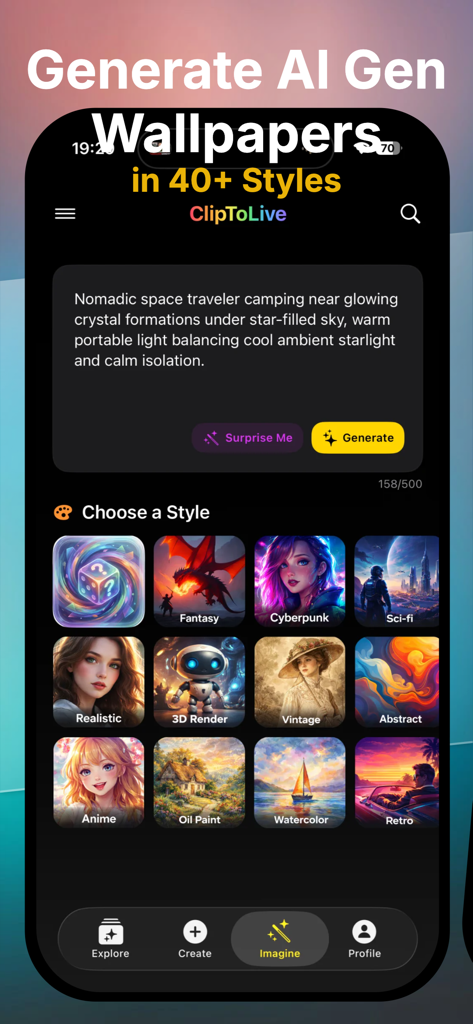
ClipToLive app interface for generating AI wallpapers with 40 plus artistic styles
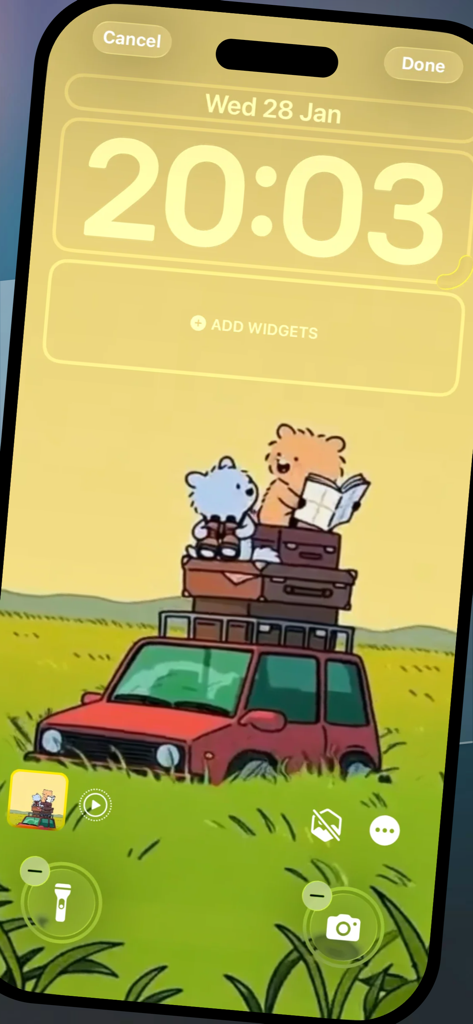
IPhone lock screen customization preview featuring a cute cartoon illustration of bears on a travel car.
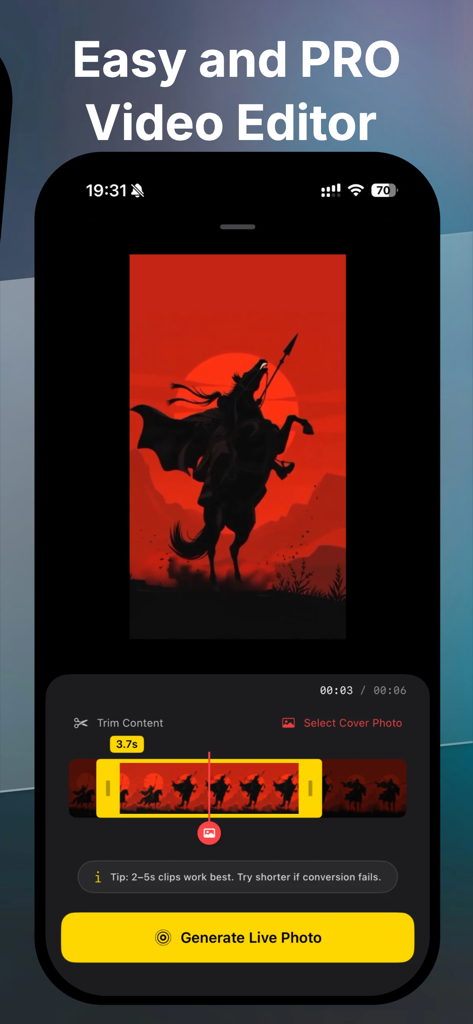
Interface of the ClipToLive app showing a video editor screen with a silhouette warrior artwork and a button to generate live photos
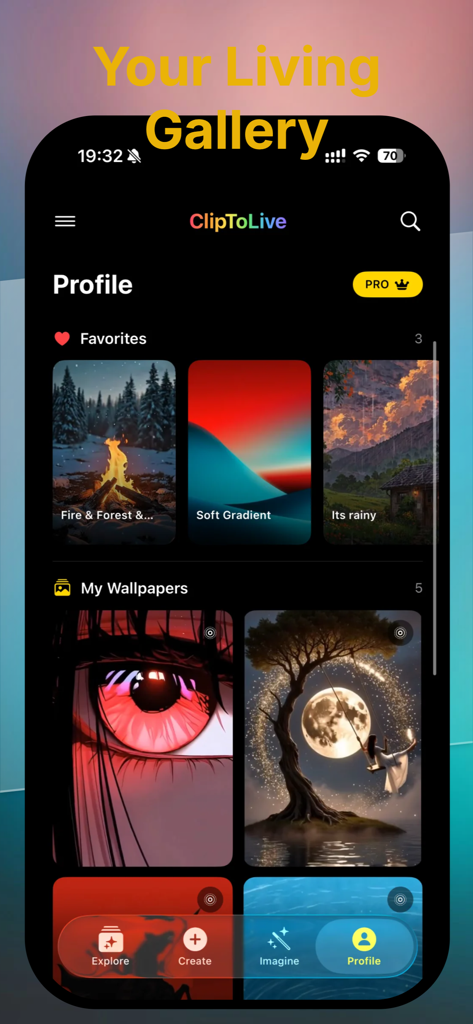
ClipToLive app profile screen showing a personal collection of aesthetic live wallpapers and favorite designs
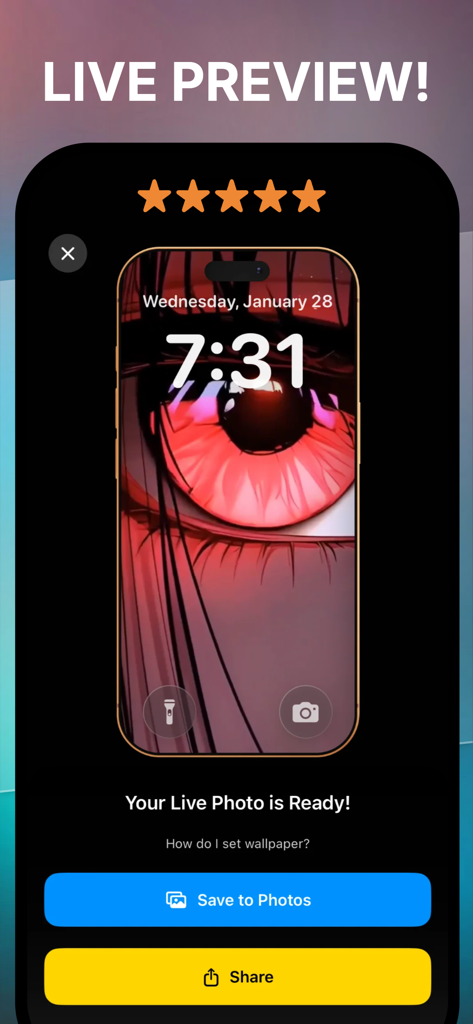
Live preview of a red anime eye wallpaper on an iPhone lock screen in the ClipToLive app
Description
Download
More Like This
Top-ranked apps in the same category

iScreen - Widgets & Wallpaper
Xiamen ShenZhuo Information Technology Co., Ltd.

Kling AI: AI Image&Video Maker
LOHAS GAMES PTE. LTD.

Home AI - AI Interior Design
HUBX YAZILIM HIZMETLERI ANONIM SIRKETI

ibis Paint X
ibis inc.

Adobe Express: Create Anything
Adobe Inc.

AR Drawing: Sketch & Paint
Digital Solutions Technologies Limited

Layout - Photo Collage Maker
Fitness Labs SRL

Sketchbook®
Sketchbook, Inc.

Themify - Widget & Icon Themes
AIBY Incorporated
This page is not an official page of the app or its developer, but an independent editorial publication created for informational and commentary purposes. Unless expressly stated otherwise, neither the app nor its developer is affiliated with, endorsed by, sponsored by, authorized by, or otherwise officially connected with MWM, Apple, Google Play, the app publisher, or the app's developer, and nothing on this page implies that the app was developed using MWM's services. Any trademarks, logos, screenshots, and other content remain the property of their respective owners.