
This page is not an official page of the app or its developer, but an independent editorial publication created for informational and commentary purposes. Unless expressly stated otherwise, neither the app nor its developer is affiliated with, endorsed by, sponsored by, authorized by, or otherwise officially connected with MWM, Apple, Google Play, the app publisher, or the app's developer, and nothing on this page implies that the app was developed using MWM's services. Any trademarks, logos, screenshots, and other content remain the property of their respective owners.

CodeBot
Turn spare moments into real progress. Write, run, and debug C code on your iPhone or iPad with zero setup, lightning-fast execution, and built-in AI assistance.
Downloads
100+User Rating
Total Ratings
0Publisher
Category
Developer ToolsLocales
1Latest Version
1.1Size
11.4 MBFirst Released
Oct 27, 2025Turn Your Spare Moments into Real Progress
Stop waiting until you're back at your desk. CodeBot transforms your iPhone and iPad into a professional-grade C environment, allowing you to bridge the gap between inspiration and execution wherever you are.
Zero-Setup Coding
Forget the headache of configuring compilers or local servers. Write and run C code instantly with a one-tap execution engine designed for immediate feedback.
AI-Powered Debugging
Get unstuck faster with built-in AI assistance. Whether you're practicing for a technical interview or solving a logic puzzle, our AI helps you refine your code on the fly.
The following screenshots and description are sourced directly from the app's official store listing and are the property of the app developer.
App Store
Screenshots
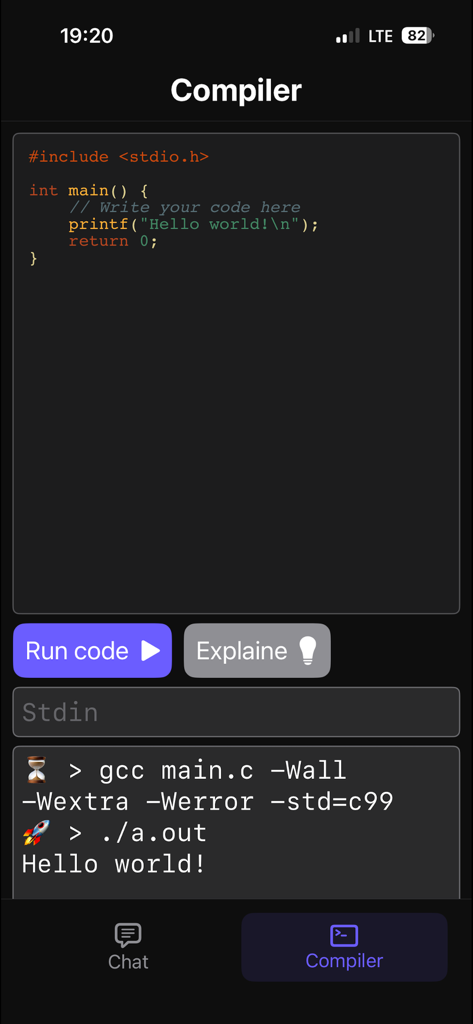
CodeBot app interface showing a C code editor and terminal output on a mobile device
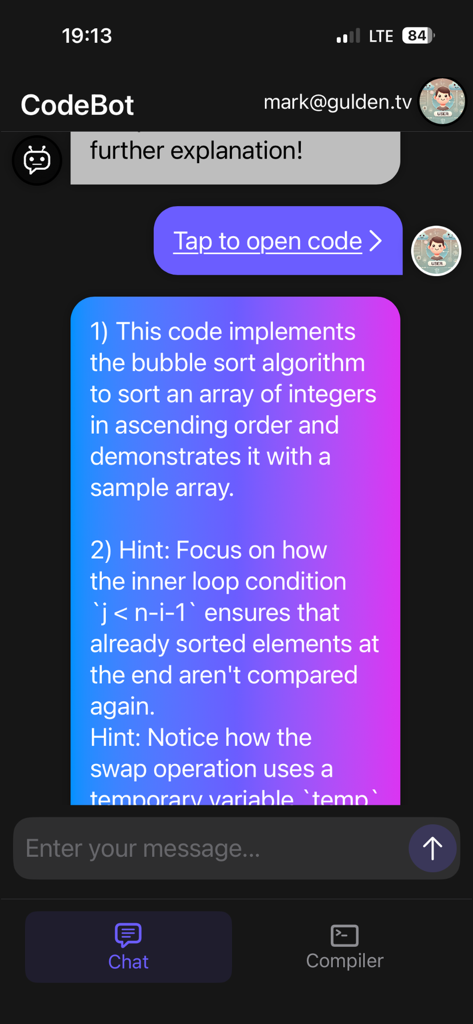
CodeBot AI assistant providing bubble sort code explanation in a chat interface
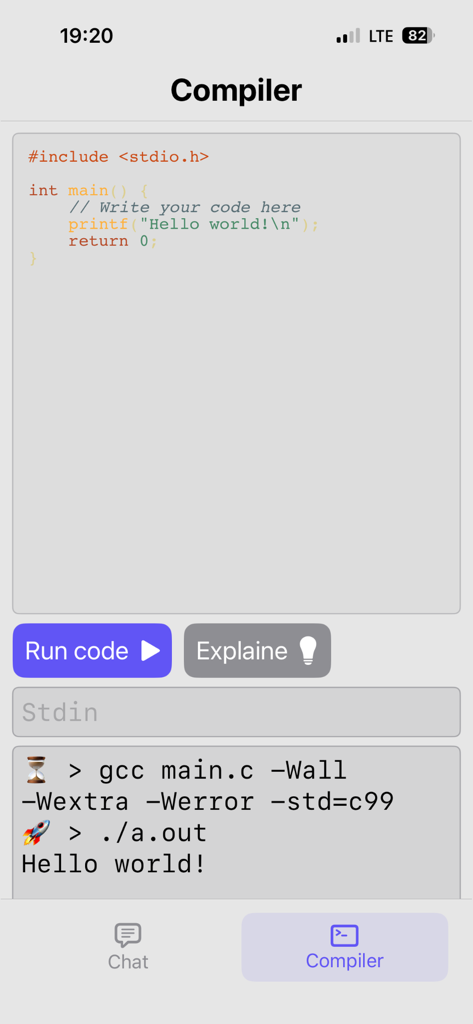
Interface of the CodeBot app showing a C code compiler with an editor and terminal output for a Hello World program
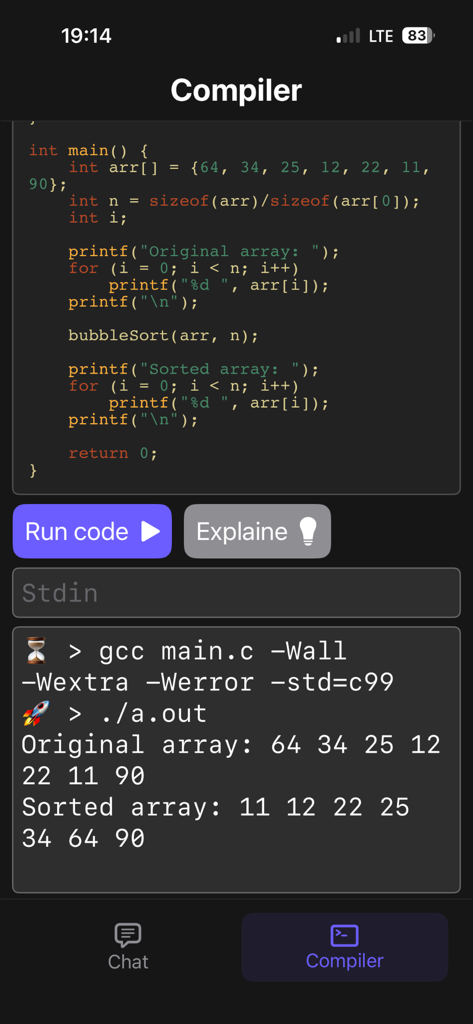
CodeBot mobile app interface showing C code for a bubble sort algorithm and the resulting console output on an iPhone.
Description
Download
More Like This
Top-ranked apps in the same category

TestFlight
Apple Inc.

avoGate
Lark Company Limited

Replit: Vibe Code Apps
Replit, Inc

GitHub
GitHub
Emergent AI: Vibe Code Apps
Emergent Labs Inc

ProxyPin - Open Source Capture
Minimalist Network Co., Ltd.

O-KAM Pro
Shenzhen VeePai IoT Intelligent Technology LLC

iProxy - Sys admin tools
N-LAB, OOO

Apple Developer
Apple Inc.
This page is not an official page of the app or its developer, but an independent editorial publication created for informational and commentary purposes. Unless expressly stated otherwise, neither the app nor its developer is affiliated with, endorsed by, sponsored by, authorized by, or otherwise officially connected with MWM, Apple, Google Play, the app publisher, or the app's developer, and nothing on this page implies that the app was developed using MWM's services. Any trademarks, logos, screenshots, and other content remain the property of their respective owners.