
Color Lens: an AR color picker

Instantly capture precise HEX, RGB, and HSB codes from the world around you. The essential tool for designers and DIYers to turn physical inspiration into digital reality.
Publisher
Category
Photo & VideoDownloads
7K+User Rating
Total Ratings
0Locales
1Discover the interface used by 7K+ users.
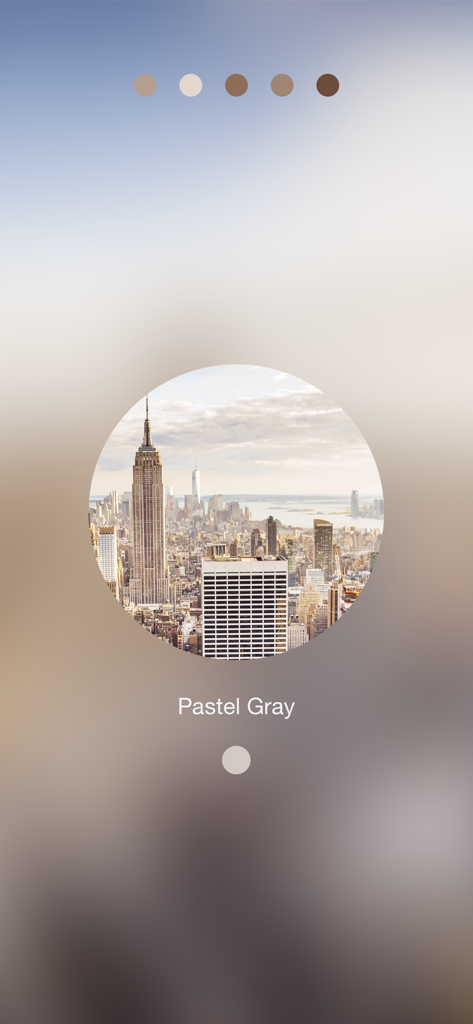
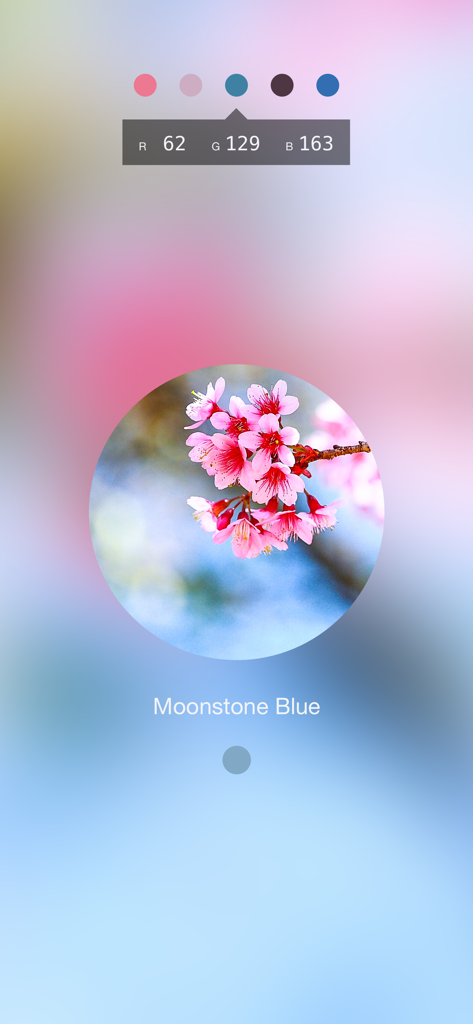

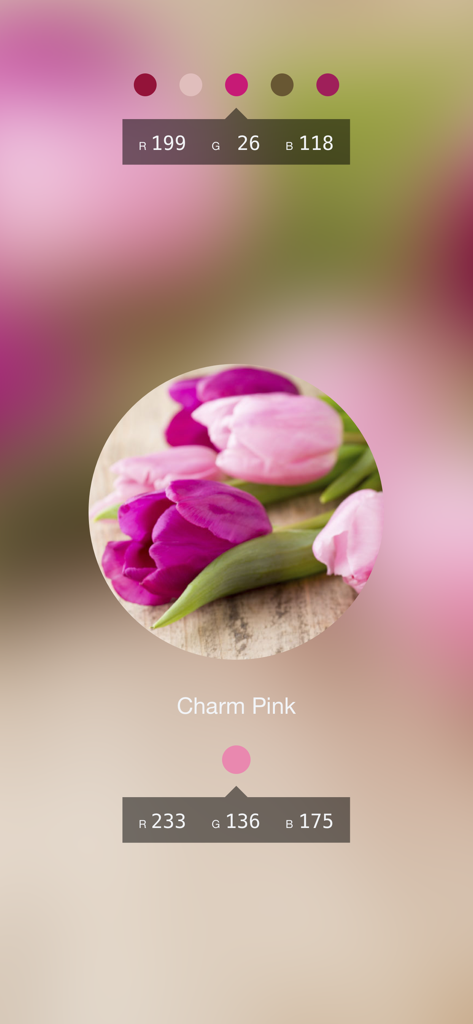
The tools that make this app stand out, trusted by 7K+ users.
Point your camera at any object to instantly capture dominant colors. Tap to pause the preview and lock in the perfect shade for your project.
Get instant access to Hex, RGB, and HSB codes. Perfect for designers moving inspiration from the real world into Canva, Adobe, or Procreate.
Long-tap to save colors as high-quality images with their specific codes. Build digital mood boards and keep your creative references organized.
Everything you need to know about Color Lens: an AR color picker.
Description
Latest Version
1.6
Size
12.7 MB
First Released
Apr 12, 2015
Join thousands of designers and DIYers using AR to bridge the gap between real-world inspiration and digital precision. Get instant Hex, RGB, and HSB codes on your iPhone today.
Top-ranked apps in the same category

BYTEDANCE PTE. LTD.

Instagram, Inc.

Google LLC

Canva Pty Ltd

Snap, Inc.

Beijing Kwai Technology Co., Ltd.

Instagram, Inc.

Xiamen Meitu Technology Co., Ltd.

Google LLC
App information, icons, screenshots, and descriptions displayed on this page are sourced from the Apple App Store and are the property of their respective developers. Download estimates and rankings are based on MWM's proprietary models and may not reflect actual figures. This page is provided for informational and analytical purposes only.
Believe this page infringes your intellectual property? File a dispute