
This page is not an official page of the app or its developer, but an independent editorial publication created for informational and commentary purposes. Unless expressly stated otherwise, neither the app nor its developer is affiliated with, endorsed by, sponsored by, authorized by, or otherwise officially connected with MWM, Apple, Google Play, the app publisher, or the app's developer, and nothing on this page implies that the app was developed using MWM's services. Any trademarks, logos, screenshots, and other content remain the property of their respective owners.


Common Core Pocket
Stop digging through bulky binders and complex PDFs. Access every Common Core State Standard in seconds with a color-coded, searchable reference designed for the classroom and on-the-go planning.
Downloads
5K+User Rating
Total Ratings
0Publisher
Category
EducationLocales
1Latest Version
2.1Size
12.1 MBFirst Released
Mar 31, 2015Master the Standards Anywhere
The ultimate portable reference for educators and parents to access, search, and track Common Core State Standards in seconds.
Instant Standard Lookup
Find exactly what you need by subject, grade, or strand without digging through bulky manuals or endless PDFs.
Visual Learning Progressions
Easily track how skills evolve across grade levels to better differentiate instruction and support student growth.
Frequently Asked Questions
Everything you need to know about Common Core Pocket
What is the Common Core Pocket app?
Common Core Pocket is a reference application that provides quick access to all Common Core State Standards. It is designed for a wide range of users including teachers, parents, administrators, and students.
How do users search for standards in Common Core Pocket?
Common Core Pocket allows users to look up standards by subject area (English Language Arts, Math, History/Social Studies, Science & Technical Subjects, Writing), grade, ELA/Literacy Strand, and Math Domain.
Does Common Core Pocket show learning progressions?
Yes, Common Core Pocket provides learning progressions, enabling users to visualize how learning concepts develop across different grade levels.
Can Common Core Pocket display enlarged text?
Yes, Common Core Pocket supports enlarged text by responding to the device's large print setting, which enhances readability for users.
Can users filter standards by grade in Common Core Pocket?
Yes, users can set specific grade levels for English Language Arts and Math within Common Core Pocket to filter and focus on relevant standards.
Does Common Core Pocket have a keyword highlighting feature?
Yes, Common Core Pocket features a 'scan key' that highlights topic keywords in bold, making it easier for users to quickly identify and locate specific information within the standards.
Are subject areas color-coded in Common Core Pocket?
Yes, Common Core Pocket uses color-coded subject areas, which visually distinguishes different standards and aids in quick identification for users.
Is there a help section available in Common Core Pocket?
Yes, Common Core Pocket includes a dedicated instructions and help section, which provides guidance through actual screenshots and sequential instructions.
Does Common Core Pocket support Dark Mode?
Yes, Common Core Pocket is Dark Mode enabled, offering users an alternative visual theme for comfortable viewing, especially in low-light conditions.
The following screenshots and description are sourced directly from the app's official store listing and are the property of the app developer.
App Store
Screenshots
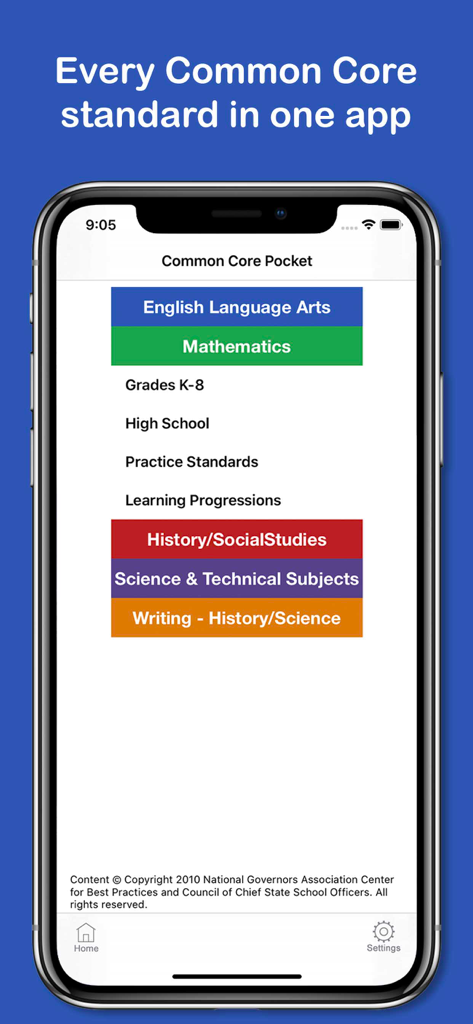
Home screen of the Common Core Pocket app displaying color-coded menu buttons for English Language Arts, Mathematics, and Science subjects.
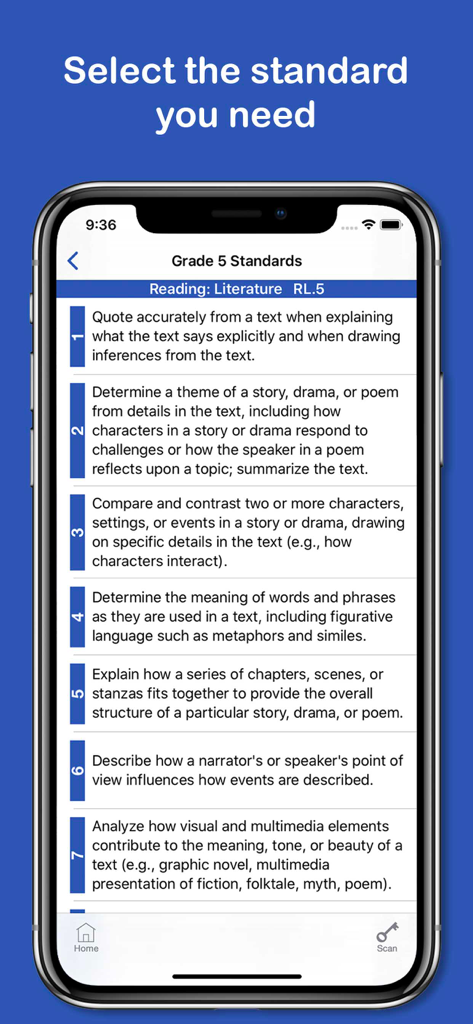
List of Grade 5 Common Core Reading Literature standards in the app
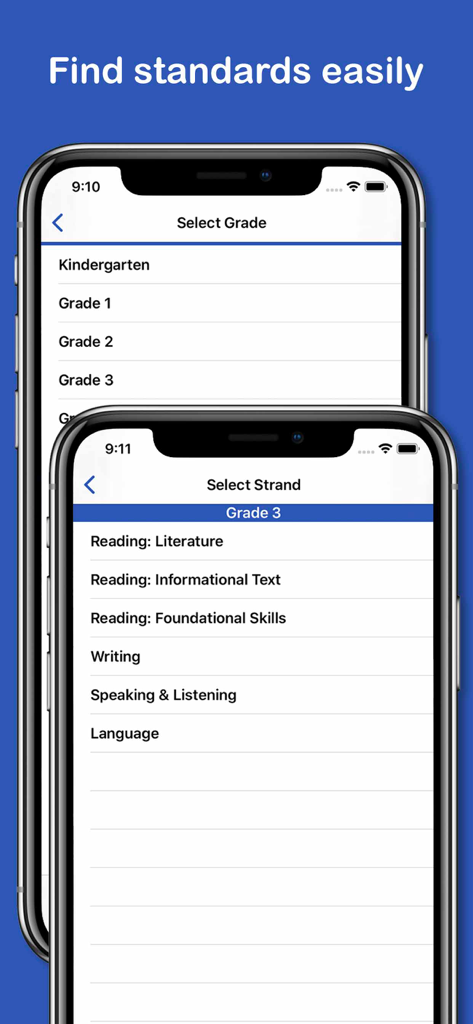
Common Core Pocket app interface showing screens for selecting grade levels and subject strands like reading and writing
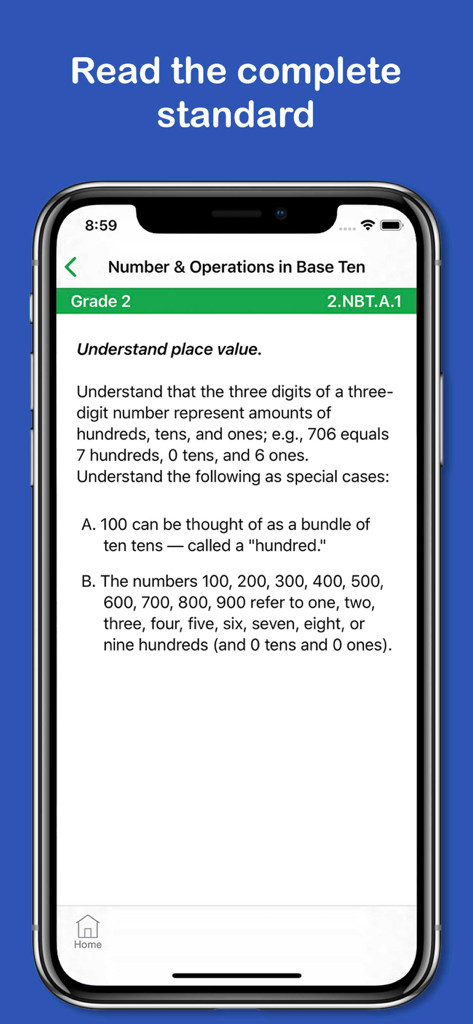
Common Core Pocket app displaying Grade 2 Number and Operations in Base Ten math standards
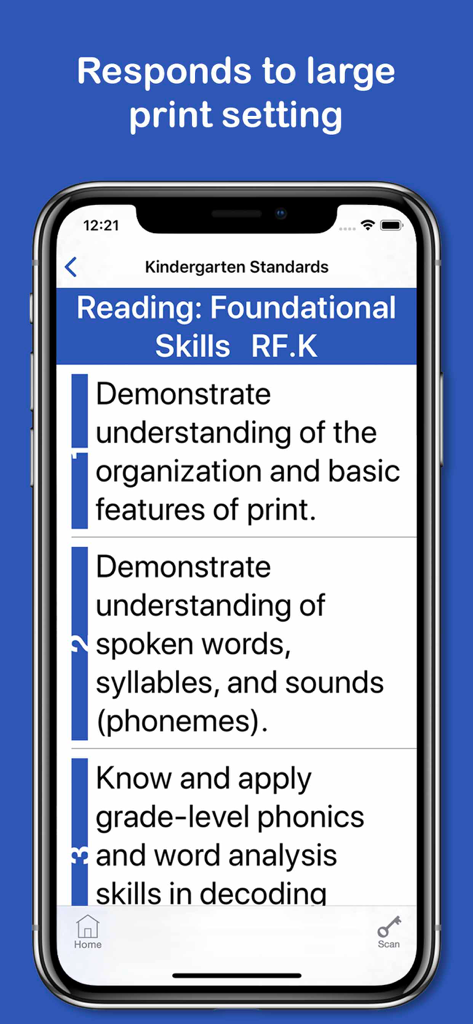
Screenshot of the Common Core Pocket app showing kindergarten reading standards with large print enabled.
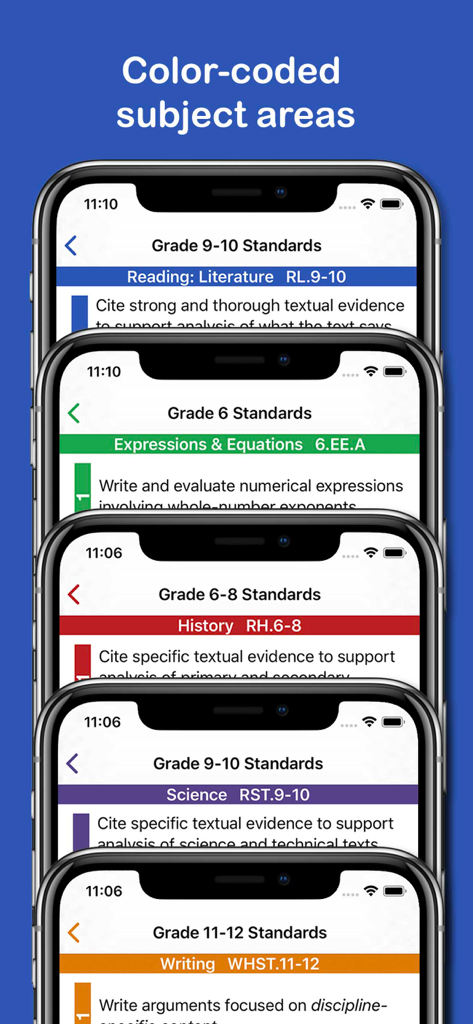
Common Core Pocket app showing color coded subject areas including Reading History Science and Writing
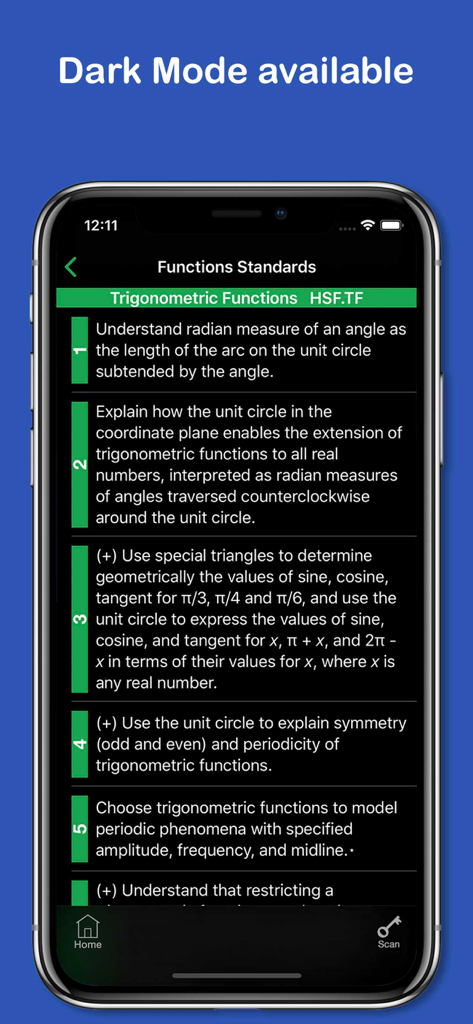
Common Core Pocket app in dark mode showing trigonometric functions standards.
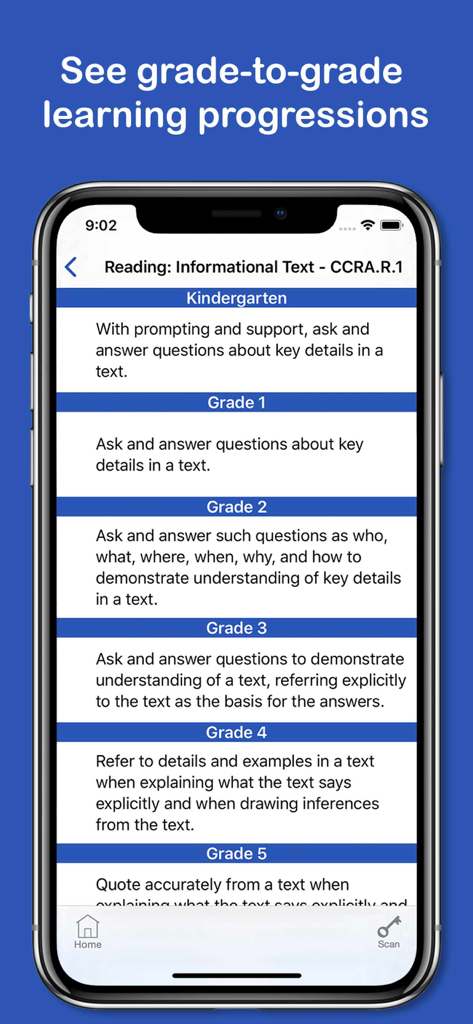
Common Core Pocket app interface displaying grade-to-grade learning progressions for reading informational text standards.
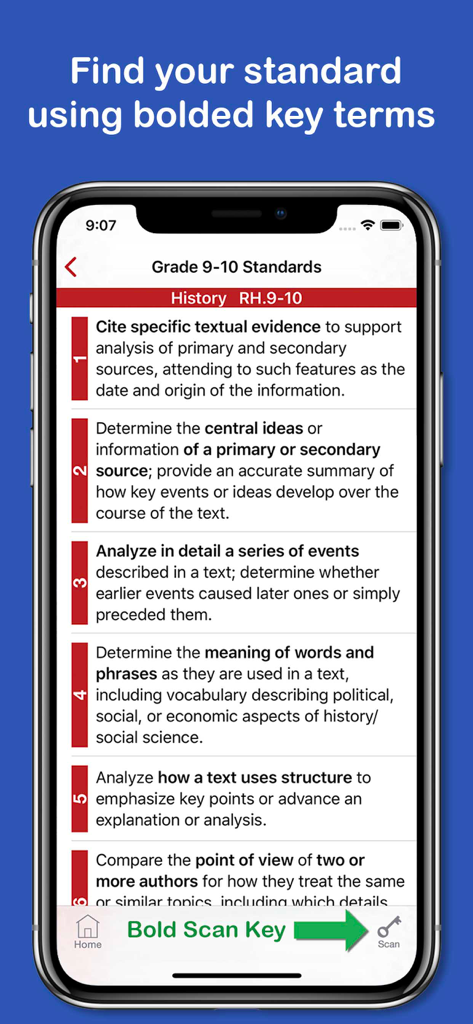
Screenshot of the Common Core Pocket app showing Grade 9-10 History standards with bolded key terms and the scan key button
Description
Download
More Like This
Top-ranked apps in the same category

Duolingo - Language Lessons
Duolingo, Inc

Speak & Learn English: Learna
DEEP FLOW SOFTWARE SERVICES - FZCO

驾考宝典-科一科四驾驶证考试驾考通
Wuhan Jiakaobaodian Information Service Co., Ltd.

Toca Boca World
Toca Boca AB

Google Classroom
Google LLC

作业帮-中小学家长作业检查和辅导工具
Guangzhou Polar Future Culture Technology Co., Ltd

学信网
Student Information Consultation Service Co., Ltd.

Gauth: AI Study Companion
GAUTHTECH PTE. LTD.

ArtWorkout: Learn How to Draw
Aleksandr Ulitin
This page is not an official page of the app or its developer, but an independent editorial publication created for informational and commentary purposes. Unless expressly stated otherwise, neither the app nor its developer is affiliated with, endorsed by, sponsored by, authorized by, or otherwise officially connected with MWM, Apple, Google Play, the app publisher, or the app's developer, and nothing on this page implies that the app was developed using MWM's services. Any trademarks, logos, screenshots, and other content remain the property of their respective owners.