Compass: east north west south
Download on App Store

This page is not an official page of the app or its developer, but an independent editorial publication created for informational and commentary purposes. Unless expressly stated otherwise, neither the app nor its developer is affiliated with, endorsed by, sponsored by, authorized by, or otherwise officially connected with MWM, Apple, Google Play, the app publisher, or the app's developer, and nothing on this page implies that the app was developed using MWM's services. Any trademarks, logos, screenshots, and other content remain the property of their respective owners.

Logo of Compass: east north west south
Download on App Store

Compass: east north west south

The reliable, offline-first directional tool for explorers who value privacy. Get accurate azimuths and share your coordinates securely—wherever the trail takes you.

Key Figures

Downloads

1K+

User Rating

1.0/5

Total Ratings

0

Publisher

KitApp

Category

Navigation

Locales

5

Latest Version

1.9

Size

56.2 MB

First Released

Nov 12, 2024
Features

Built for the Modern Explorer

Experience a professional-grade compass that combines traditional navigation principles with digital precision, designed to keep you on track even when the grid fails.

True Offline Navigation

Explore the backcountry without fear. Our core compass features work flawlessly in remote areas without cellular service or Wi-Fi.

Privacy You Can Trust

Navigate with high-accuracy azimuths and degrees with the peace of mind that your location data is never collected or shared.

The following screenshots and description are sourced directly from the app's official store listing and are the property of the app developer.

App Store

Screenshots
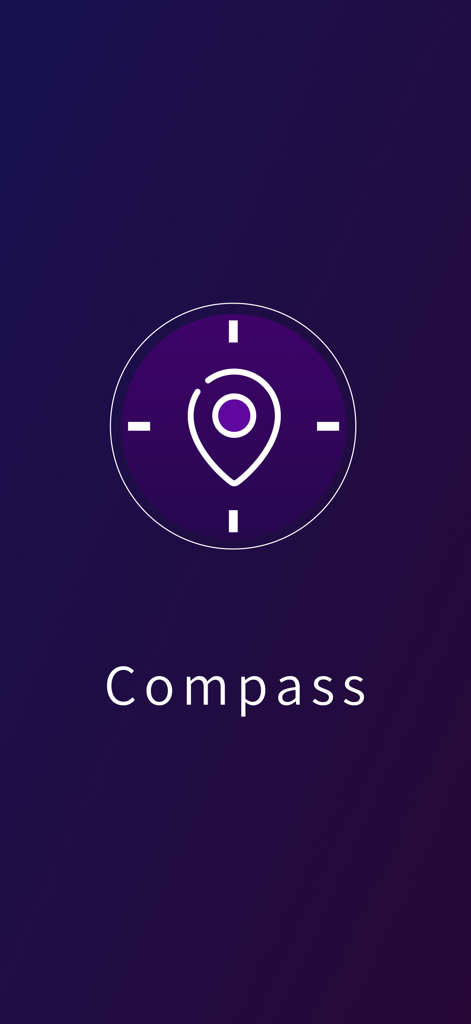
Compass: east north west south - Compass Pro app splash screen with location pin icon on a dark purple gradient background
Compass Pro app splash screen with location pin icon on a dark purple gradient background

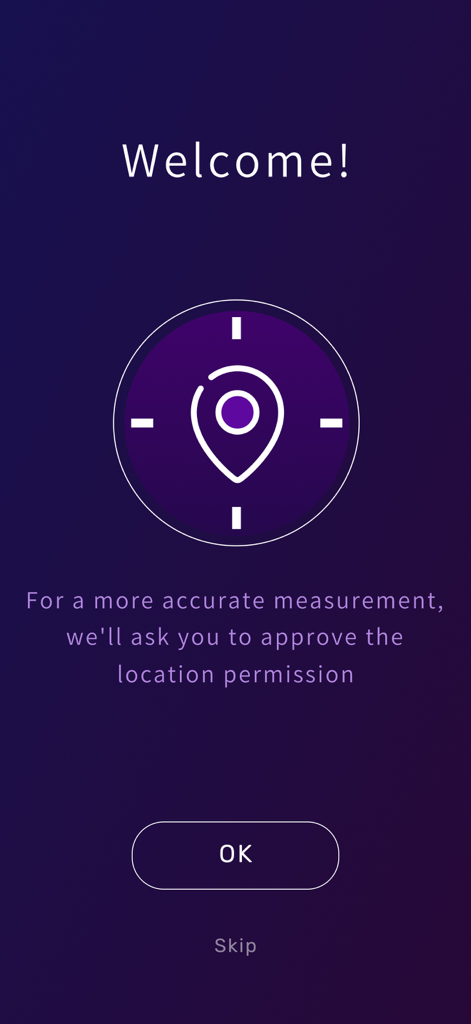
Compass: east north west south - Welcome screen of the Compass Pro app requesting location permission for accurate measurements
Welcome screen of the Compass Pro app requesting location permission for accurate measurements

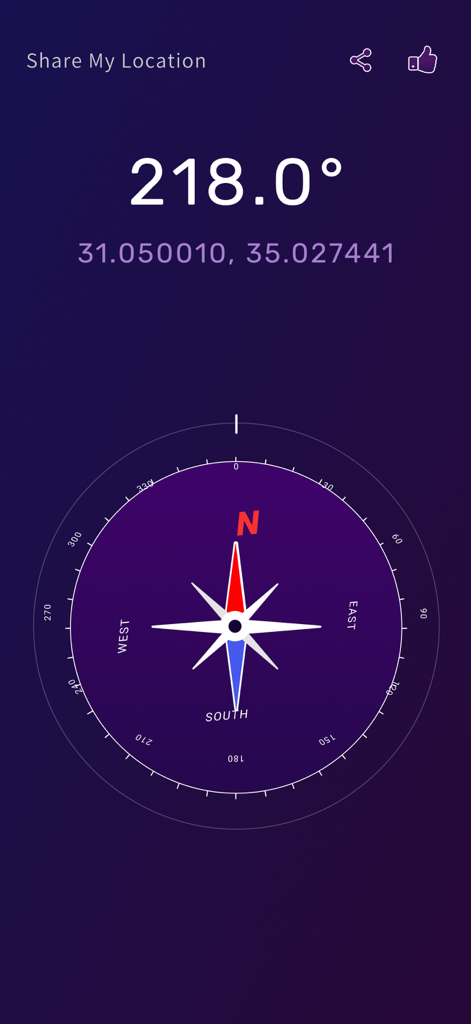
Compass: east north west south - Digital compass display showing azimuth degrees and precise GPS coordinates with a share location option
Digital compass display showing azimuth degrees and precise GPS coordinates with a share location option

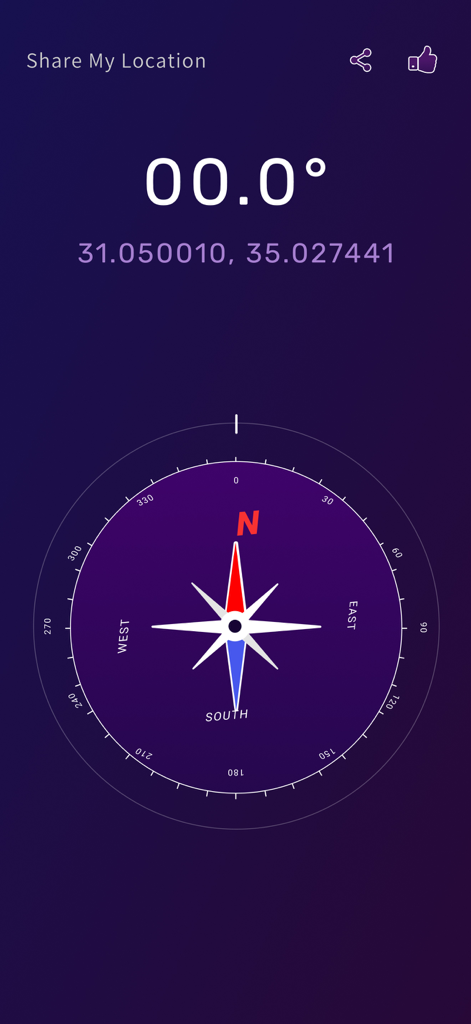
Compass: east north west south - Digital compass interface showing north direction with GPS coordinates and degree reading

Digital compass interface showing north direction with GPS coordinates and degree reading

Description

COMPASS, YOUR WAY The Compass Pro app enables you to get directions to any location, accurately and efficiently. Grab the accurate and easy-to-use Directional Compass App by KitApp. This simple and handy direction compass has excellent outdoor activities and travel features. Are you an organized traveler? Or an adventurer with a poor sense of direction? Whichever you may be, explore the outdoor world with comfort and ease using this new compass map. Learn to navigate, track your location, and share it with your loved ones using this mobile directional compess app. WHAT YOU GET WITH THE COMPASS APP 1. USER FRIENDLY Simple yet efficient app design. This app is great for transitioning users from traditional to digital habits on travels. Compasss App’s design includes Cardinal (East North West South) and Ordinal (Northeast, Southeast, Southwest, and Northwest) gyro compass pointers with Azimuth angles in degrees. Functions are easy to understand and navigate. 2. ROAD NAVIGATION TOOL Avoid disorientation during outdoor activities or travel. Paired with maps compass, this directional App will assist you in unfamiliar routes. Find your way in and way out by discovering option routes without any difficulty. With its compass maps feature, you may also track your distance to your destination. 3. COMPASS APP’S LOCATION SHARING FEATURE You can share and send your current location via message to your travel buddies. You can send your Full longitude and latitude details in decimal degrees, google address, and map location—an easy meet-up solution when you’re lost or got separated along the way. Indeed, a map compass for direction that everyone can use. 4. COMPASS APP OFFLINE MODE Basic compass functions work offline, making the app dependable in remote areas without internet. Note that map-based features may require a connection. 5. FREE TO USE Totally 100% free to use. You’ll never need to worry about up-front charges or hidden costs while using my Compass app. A must-have tool for emergency and uncertain circumstances whenever you’re hiking, backpacking, or doing any outdoor activities. With the compass app for direction installed on your device, a map, and your adventurous spirit: you can explore and enjoy every step of your journey. Head Straight! Head North. The Modern Compass Map App 100% Safe to use. We assure you that no data will be collected without permission under the Privacy Policy. This application requests your location data to provide accurate compass directions based on your current position. We ensure that no data is collected or shared without your permission as per our Privacy Policy. Grab directional compass map by KitApp on IOS devices. A must-have survival and emergency application and tool. Your feedback with the Compass App: Directional compass will help us with our developments and improvements. We would love to hear from you. Please get in touch with us at service@compass-pro.com or leave a rating and review! For more information or support, visit https://www.compass-pro.com/contact

Download

Download on App Store

This page is not an official page of the app or its developer, but an independent editorial publication created for informational and commentary purposes. Unless expressly stated otherwise, neither the app nor its developer is affiliated with, endorsed by, sponsored by, authorized by, or otherwise officially connected with MWM, Apple, Google Play, the app publisher, or the app's developer, and nothing on this page implies that the app was developed using MWM's services. Any trademarks, logos, screenshots, and other content remain the property of their respective owners.