Compress PDF ・ Make PDF

Compress PDF ・ Make PDF

Download on App Store
Logo of Compress PDF ・ Make PDF

Compress PDF · Make PDF: Your Professional Mobile Document Studio

Scan, merge, and convert files in seconds. Effortlessly bypass email size limits with smart compression and keep your sensitive documents secure with password protection—all from your iPhone.

Publisher

RIJIPUPS OU

Category

Productivity

Downloads

33K+

User Rating

4.2/5

Total Ratings

200

Locales

1

Efficiency in Action

Discover the interface used by 33K+ users.
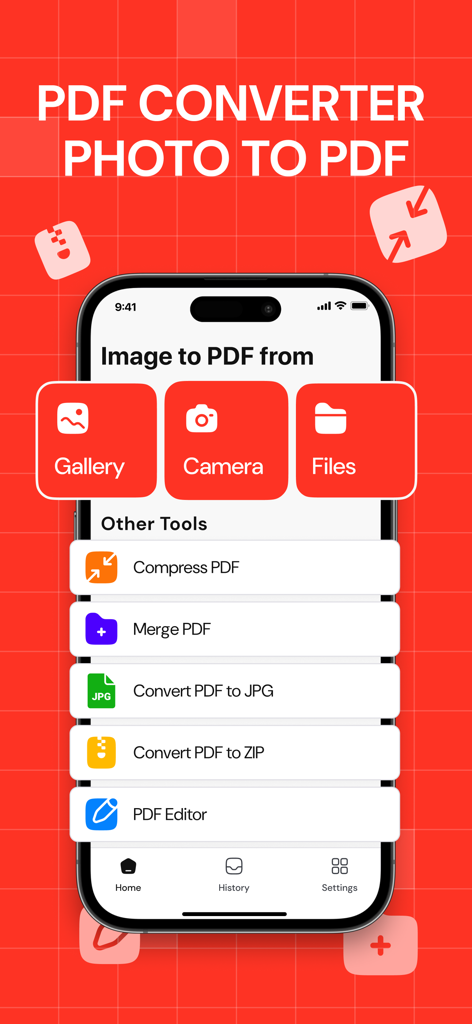
Main screen of the PDF converter app on an iPhone showing options to convert images from gallery or camera to PDF plus other tools like compress and merge.

Main screen of the PDF converter app on an iPhone showing options to convert images from gallery or camera to PDF plus other tools like compress and merge.

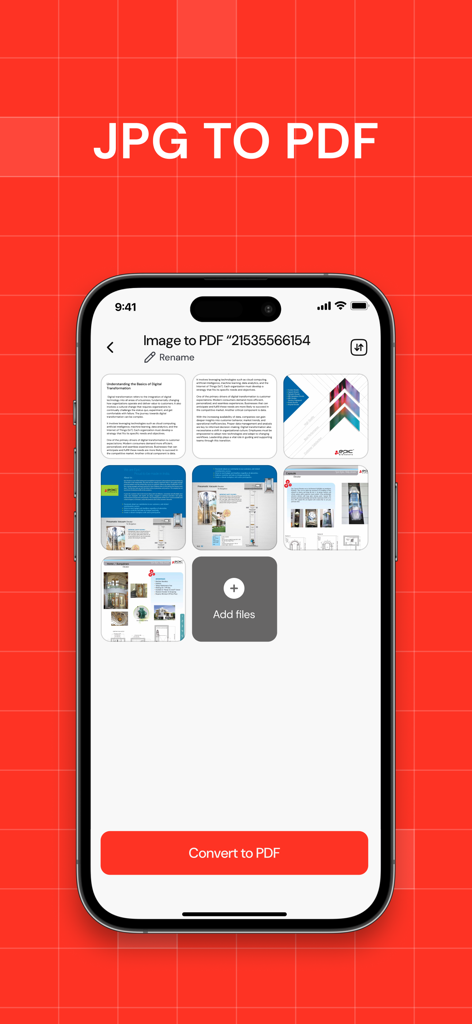
iPhone interface showing multiple images selected to be converted into a single PDF document

iPhone interface showing multiple images selected to be converted into a single PDF document

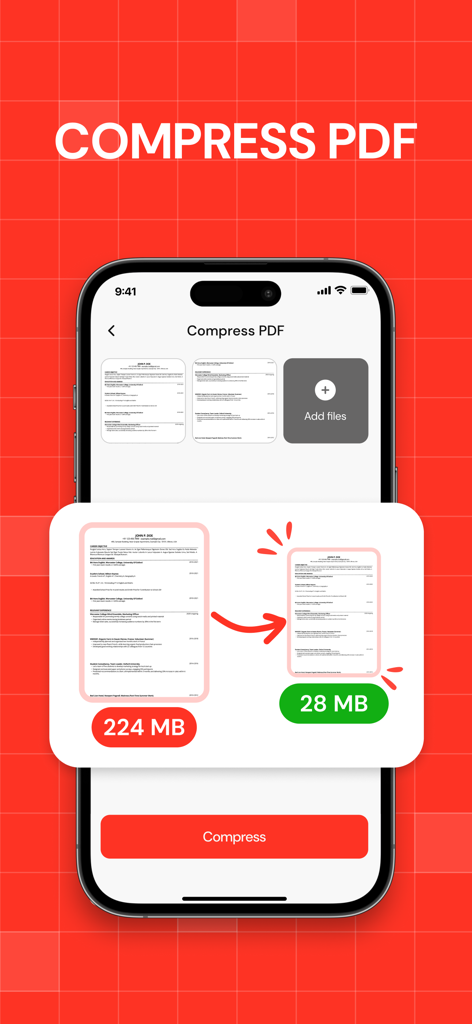
Mobile app interface showing PDF file size reduction from 224MB to 28MB

Mobile app interface showing PDF file size reduction from 224MB to 28MB

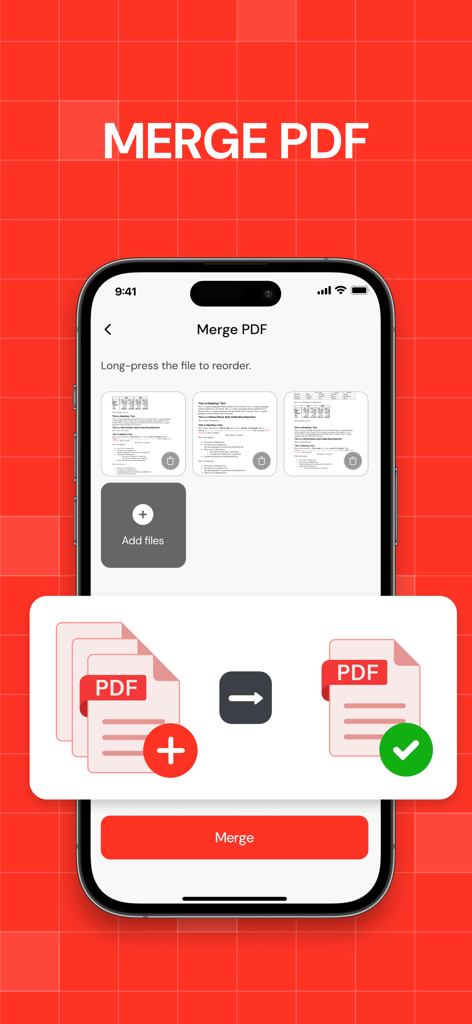
iPhone screen showing how to merge multiple PDF files into one document

iPhone screen showing how to merge multiple PDF files into one document

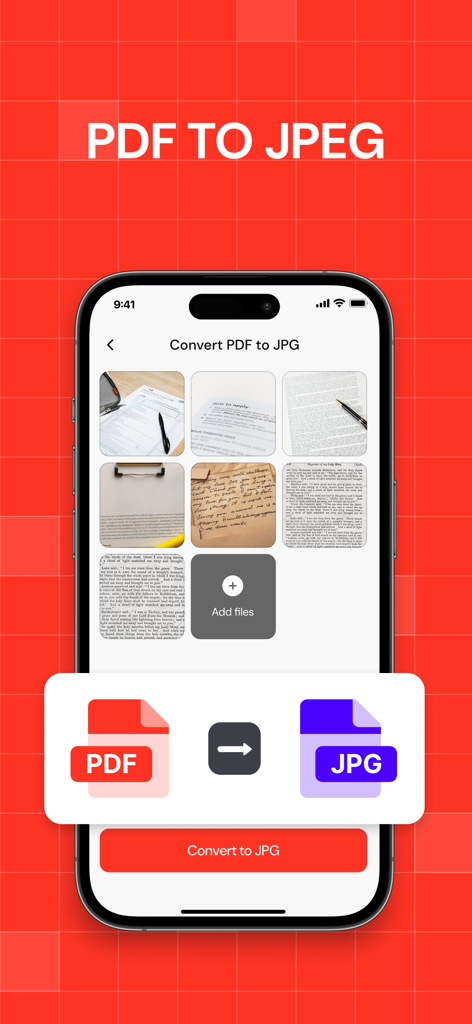
Mobile app interface showing the process of converting PDF documents into JPEG images.

Mobile app interface showing the process of converting PDF documents into JPEG images.

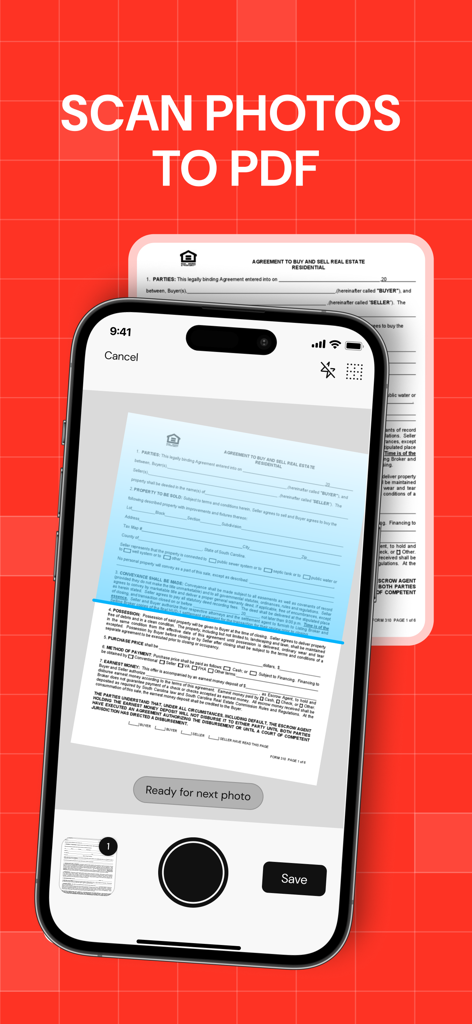
A mobile app interface scanning a real estate contract to convert it into a PDF file.

A mobile app interface scanning a real estate contract to convert it into a PDF file.

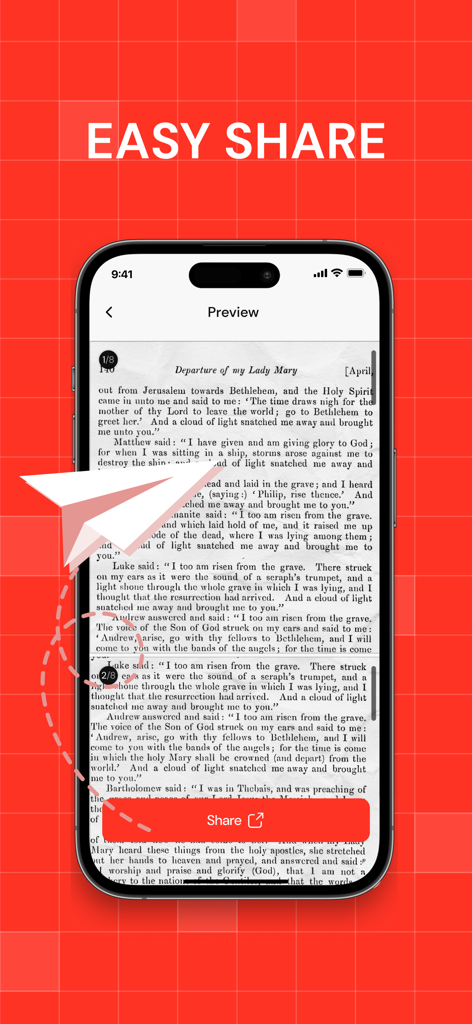
A preview screen of a PDF document in an app with a large red Share button and the text Easy Share

A preview screen of a PDF document in an app with a large red Share button and the text Easy Share

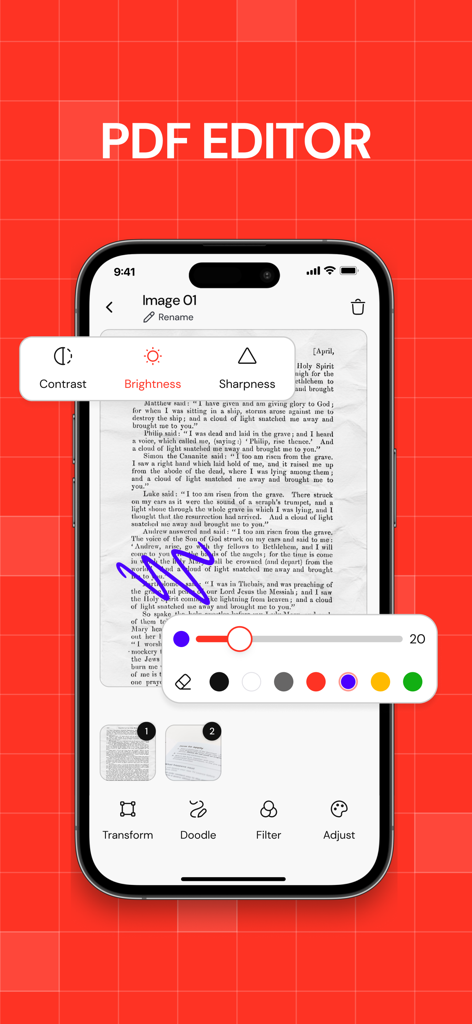
iPhone screen showing a PDF editor app with document markup tools and image adjustment settings

iPhone screen showing a PDF editor app with document markup tools and image adjustment settings

Master Your Document Workflow

The tools that make this app stand out, trusted by 33K+ users.

🗜️

Shrink Files, Keep Quality

Bypass email and Slack size limits by compressing large PDFs in seconds while maintaining professional clarity.

🪄

Smart Vision Scanning

Replace your office scanner with AI-powered edge detection that turns physical paperwork into perfect PDFs instantly.

🔐

Privacy-First Security

Protect sensitive contracts, tax forms, and IDs with secure password encryption handled directly on your device.

About the app

Everything you need to know about Compress PDF ・ Make PDF.

Description

Turn your iPhone into a powerful, easy-to-use PDF machine. Whether you need to convert, scan, compress, edit or keep your documents safe — PDF Converter has you covered. Here’s what you can do: ・ Convert photos, files, or camera scans into PDFs in seconds ・ Use the smart camera (Apple Vision-powered) to auto-detect document edges, auto-shoot, crop, and apply filters ・ Compress PDFs with flexible quality settings — save space without losing clarity ・ Merge multiple PDFs into one clean file ・ Convert PDFs to JPG (with quality options) or ZIP archives ・ Keep your conversion history neatly organized — search and sort your files easily ・ Lock sensitive documents with a password ・ Reorder or delete pages ・ Edit, adjust and enhance PDF pages Super optimized processing will help you process hundreds of pages without delays and errors 
Students scanning notes. Office workers tidying paperwork. Freelancers sending contracts. Anyone who wants full control over their PDFs — right from their phone. If you want your PDFs exactly the way you want them — with no fuss — PDF Converter is for you. Download it today and see how easy PDF can be. Privacy Policy: http://rjpups.com/converter/privacypolicy Terms of Use: https://rjpups.com/converter/terms Support: https://rjpups.com/pdfconverter/support

Latest Version

1.0.15

Size

41.1 MB

First Released

Jul 16, 2025

Master Your Workflow with the Ultimate PDF Machine

Join 33,000+ professionals and students who compress, scan, and secure documents in seconds. Your pocket-sized office is just a tap away.

Download on App Store

App information, icons, screenshots, and descriptions displayed on this page are sourced from the Apple App Store and are the property of their respective developers. Download estimates and rankings are based on MWM's proprietary models and may not reflect actual figures. This page is provided for informational and analytical purposes only.

Believe this page infringes your intellectual property? File a dispute