
This page is not an official page of the app or its developer, but an independent editorial publication created for informational and commentary purposes. Unless expressly stated otherwise, neither the app nor its developer is affiliated with, endorsed by, sponsored by, authorized by, or otherwise officially connected with MWM, Apple, Google Play, the app publisher, or the app's developer, and nothing on this page implies that the app was developed using MWM's services. Any trademarks, logos, screenshots, and other content remain the property of their respective owners.


Image to PDF Converter +
Transform your images into high-quality PDFs instantly without ever leaving your device. Protect your sensitive data with offline conversion, watermarking, and password encryption designed for professionals on the move.
Downloads
199K+User Rating
Total Ratings
1K+Publisher
Category
ProductivityLocales
1Latest Version
1.0.9Size
18.1 MBFirst Released
Jul 26, 2021Professional PDF Tools for Your Mobile Workflow
Transform photos and documents into professional, encrypted PDFs instantly. Since everything happens offline, your sensitive data never leaves your device.
100% Offline Privacy
Convert sensitive documents like IDs, tax forms, and contracts without cloud uploads. Your data stays securely on your iPhone or iPad, never on a server.
Secure & Brand Your Files
Protect your information with military-grade encryption and add custom watermarks to prevent unauthorized use of your professional documents.
Frequently Asked Questions
Everything you need to know about Image to PDF Converter +
Does Image to PDF Converter + work without an internet connection?
Yes, Image to PDF Converter + operates offline. It processes images into PDF files directly on your device, without requiring data to be sent to cloud services.
How do I convert images to PDF using Image to PDF Converter +?
Image to PDF Converter + allows users to select images from their gallery with a '+' icon or capture new ones using the camera. It then groups and converts them into a single PDF.
Can I add a watermark to PDFs with Image to PDF Converter +?
Yes, Image to PDF Converter + supports adding a watermark to PDF files. This feature is accessible within the application's editing interface.
Does Image to PDF Converter + offer password protection for PDF files?
Yes, Image to PDF Converter + includes password protection. This feature encrypts your PDF, ensuring that only users with the correct password can open the document.
How can I share PDF files created with Image to PDF Converter +?
Image to PDF Converter + allows easy sharing of PDF files through email, quick share, and other integrated sharing options available on your device.
What are the subscription prices for Image to PDF Converter +?
Image to PDF Converter + offers monthly subscriptions for $5.99 and annual subscriptions for $49.99. These subscriptions provide benefits like ad removal.
How do I manage or cancel my Image to PDF Converter + subscription?
You can manage and cancel your Image to PDF Converter + subscription via your iTunes account settings. Auto-renewal can be turned off at least 24 hours before renewal.
Can Image to PDF Converter + merge PDF documents?
Yes, Image to PDF Converter + provides a merge PDF feature, enabling users to combine multiple documents into a single PDF file.
Does Image to PDF Converter + include a document scanner?
Yes, Image to PDF Converter + includes a document scanning function. This allows users to capture and process physical documents directly into the app.
Where can I find the Privacy Policy for Image to PDF Converter +?
The Privacy Policy for Image to PDF Converter + is located at https://chief-cheque-627.notion.site/Privacy-Policy-16f6adfdb37481ab8057d7d27f70aac4.
The following screenshots and description are sourced directly from the app's official store listing and are the property of the app developer.
App Store
Screenshots
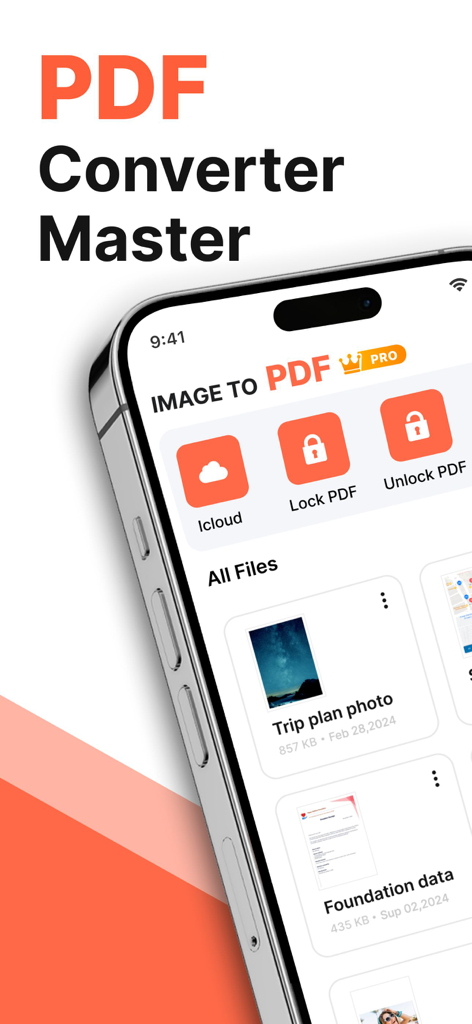
iPhone displaying the Image to PDF Converter app interface with file locking and cloud storage options
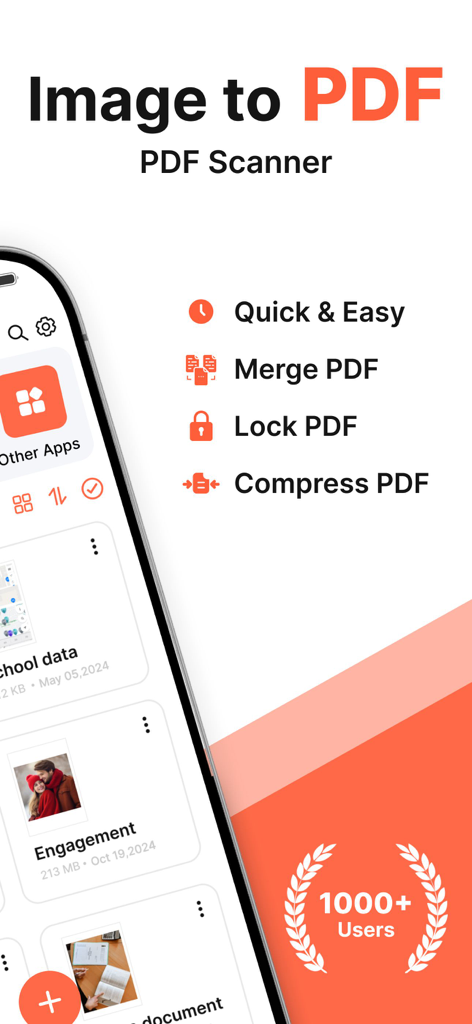
Image to PDF Converter app interface showcasing scan merge lock and compress features
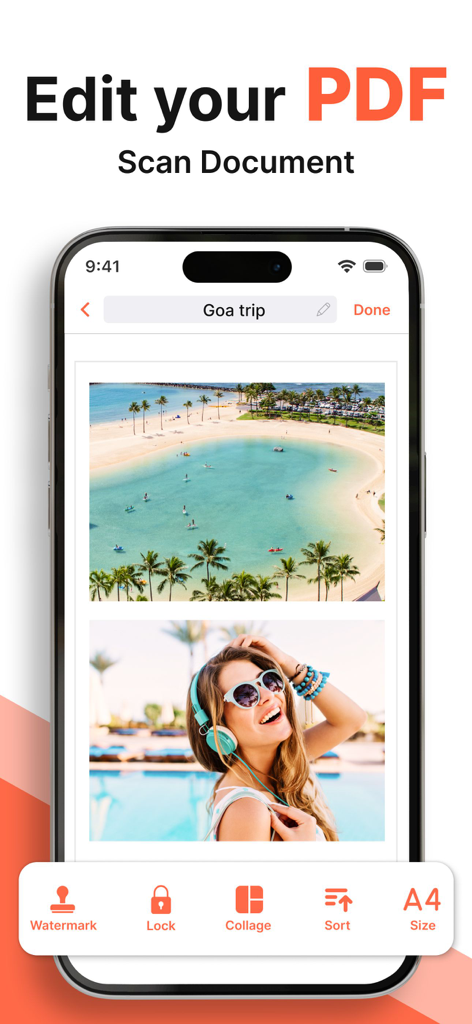
Mobile app interface showing options to edit scan and password protect PDF documents
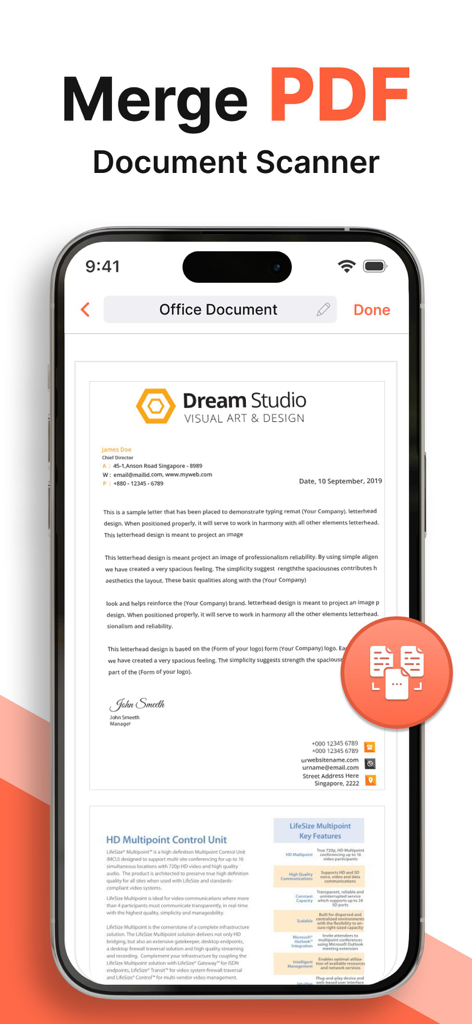
Interface of the Image to PDF app showing the Merge PDF and Document Scanner features with an office letterhead preview
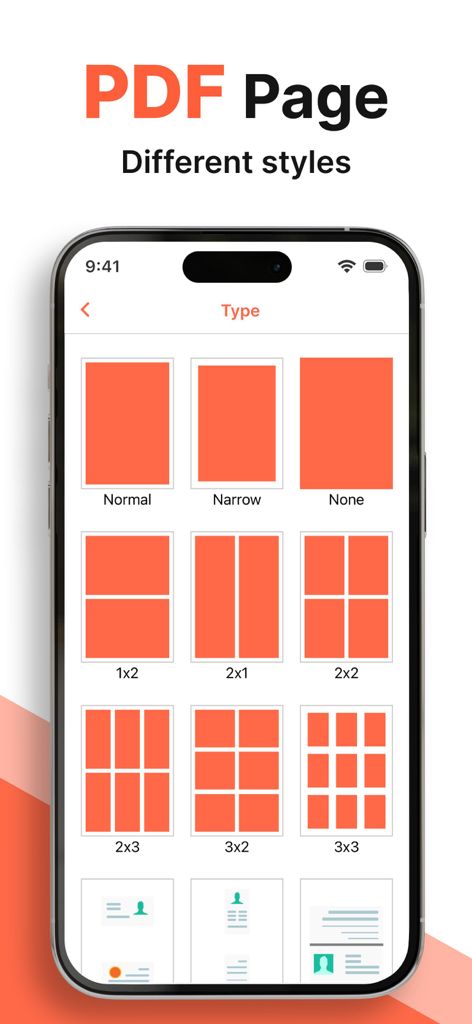
A smartphone interface displaying various PDF page layout styles and image grid configurations for document conversion.
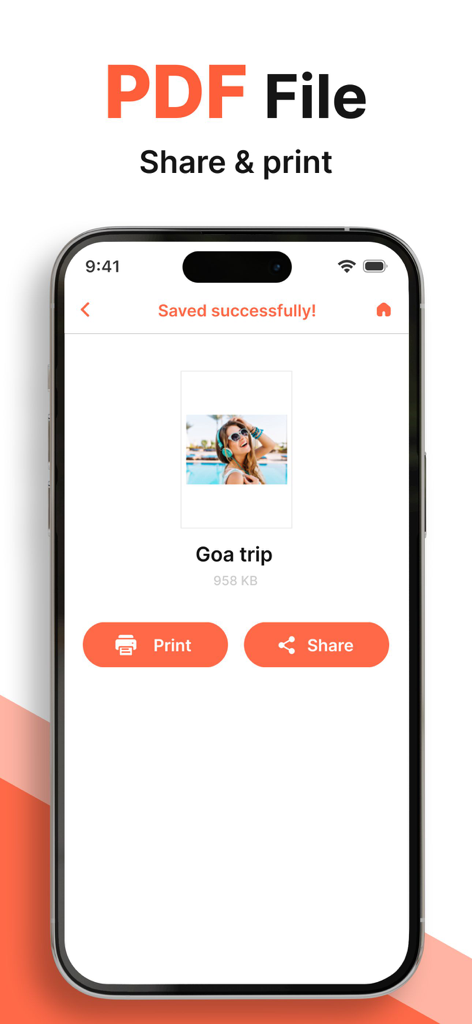
A smartphone screen showing a successfully saved PDF file with options to print or share the document
Description
Download
More Like This
Apps with similar features and user experience

Photo to PDF Converter Scanner
Hendrik Folkerts

PDFMaker: JPG to PDF converter
Arthur Eduardo Skaetta Alvarez Desenvolvimento de Software LTDA.

Convert Image To PDF tools
Abdullah Albalawi

PDF Converter -
晓珍 胡

Lexy PDF Viewer-Maker,Builder
MONSTER SHOW NETWORK TECHNOLOGY LIMITED

PDF Photos
Sarrada Software Inc

Image to PDF - Convert to PDF
WEBDIA INC.

Photo to PDF Converter Tool
Douglas (Hangzhou) Technology Co., LTD

PDF conversion assistant
福新 杨
This page is not an official page of the app or its developer, but an independent editorial publication created for informational and commentary purposes. Unless expressly stated otherwise, neither the app nor its developer is affiliated with, endorsed by, sponsored by, authorized by, or otherwise officially connected with MWM, Apple, Google Play, the app publisher, or the app's developer, and nothing on this page implies that the app was developed using MWM's services. Any trademarks, logos, screenshots, and other content remain the property of their respective owners.