Compress PDF : Reduce PDF Size

Compress PDF : Reduce PDF Size

Download on App Store
Logo of Compress PDF : Reduce PDF Size

Compress PDF : Reduce PDF Size - Shrink Files Instantly for Faster Sharing

Stop worrying about email attachment limits and low storage. Effortlessly downsize large scanned documents and high-res PDFs in seconds while maintaining perfect document integrity.

Download on App Store

Publisher

Nitin Katrodiya

Category

Productivity

Downloads

0

User Rating

1.9/5

Total Ratings

0

Locales

1

Efficiency in Action

Discover the interface used by 0 users.
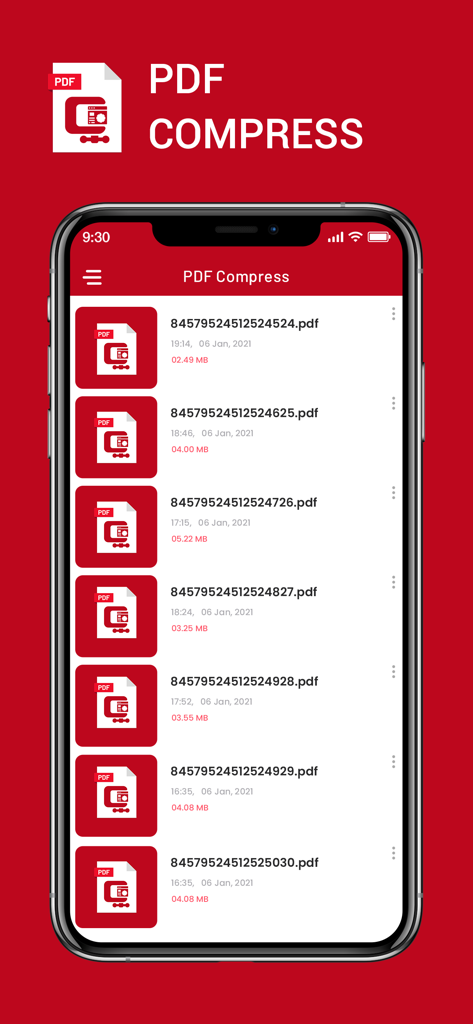
Interface of the PDF Compress app showing a list of documents with reduced file sizes on a smartphone screen

Interface of the PDF Compress app showing a list of documents with reduced file sizes on a smartphone screen

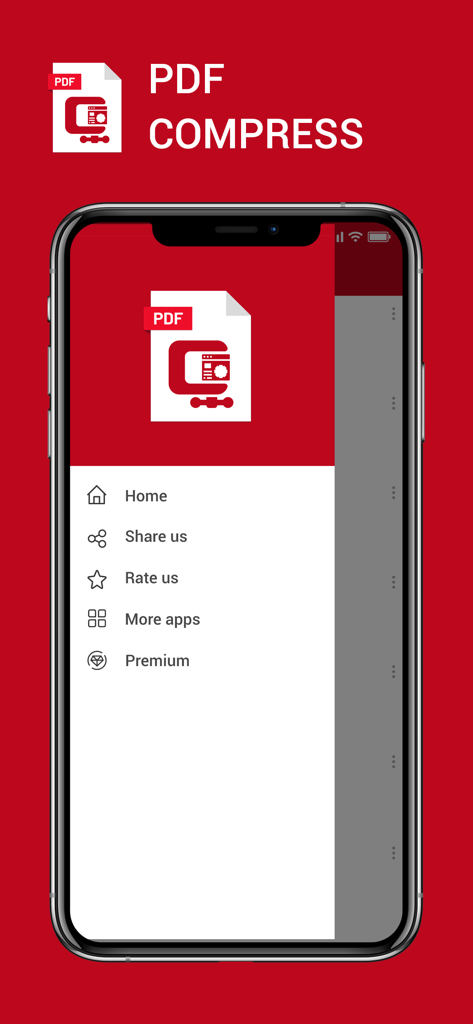
Mobile screen showing the navigation menu of the Compress PDF app with options like Home Share and Premium

Mobile screen showing the navigation menu of the Compress PDF app with options like Home Share and Premium

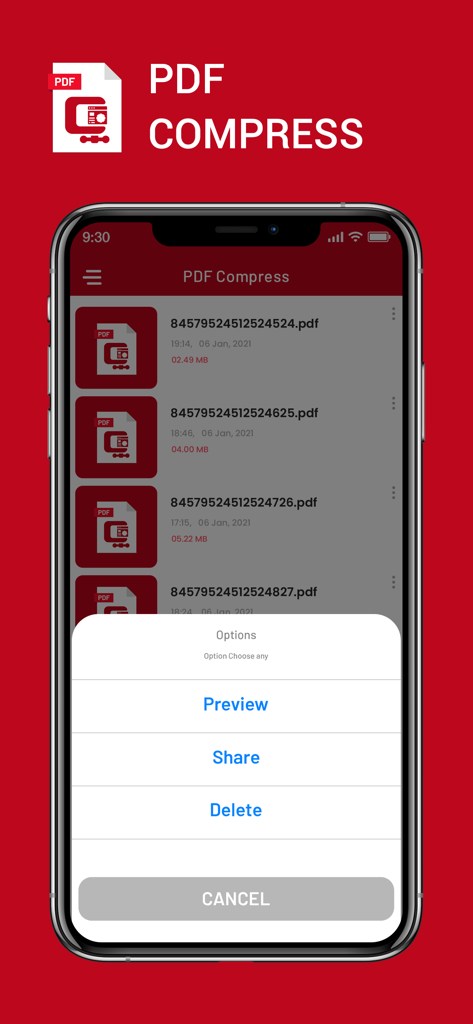
iPhone screen showing the PDF Compress app file list and an options menu with preview and share actions

iPhone screen showing the PDF Compress app file list and an options menu with preview and share actions

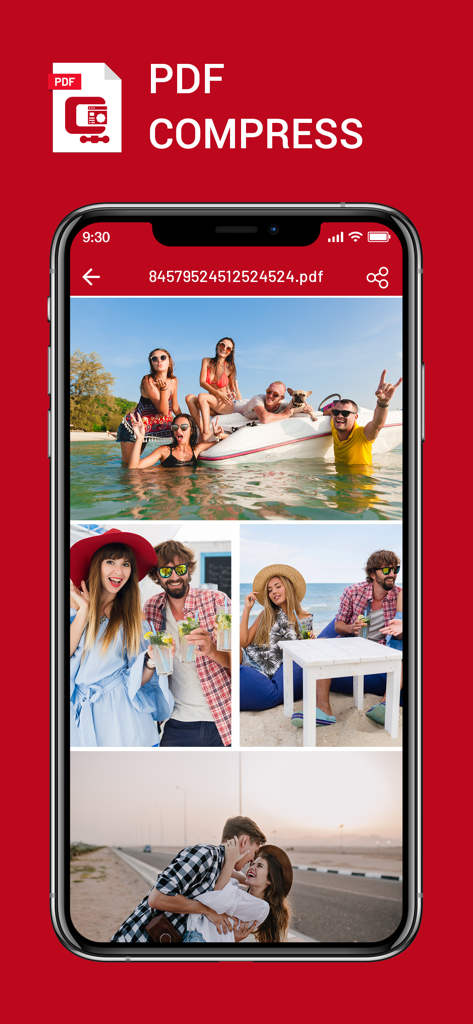
iPhone displaying a PDF file containing several photos within the PDF Compress app interface

iPhone displaying a PDF file containing several photos within the PDF Compress app interface

Shrink Your Files, Not Your Productivity

The tools that make this app stand out, trusted by 0 users.

🚀

Ultra-Fast Processing

Save time with high-speed compression designed for on-the-go productivity, perfect for tight deadlines.

📤

Bypass Email Limits

Shrink large scans instantly to fit Gmail, Outlook, or Canvas requirements and avoid the frustration of bounced emails.

💎

Maintain Document Integrity

Reduce file size significantly while keeping your text sharp and your graphics professional and clear.

About the app

Everything you need to know about Compress PDF : Reduce PDF Size.

Description

Compress PDF file size makes it possible for anyone to reduce your PDF documents size, especially useful for those PDF files with many scan graphics and photos. Compressed PDF documents requires less disk space for storage and faster uploads and downloads saves transmission time and cost. This app gives you access to compression options to help you to reduce PDF file size without compromising the document's integrity. compression app app provides you a great chance to use the pdf size limit zip and enjoy pdf reduce size app. In this pdf size limit zip app you have to play as a pdf size reducer. 
Features of Compress PDF Files Size:
- Full size compression
- Ultra fast processing power
- Less Battery usage
- Supports all other files also How to play Compress PDF Files Size:
- Choose your file
- Click compress and give a name
- The zip file will appear in the file browser this PDF compress is very useful and very lightweight application. you can reduce size for any PDF file. and Optimize your Memory for other usages. Compressed PDF documents requires less disk space for storage and faster uploads and downloads saves transmission time and cost. The PDFOptim gives you access to compression options to help you to reduce PDF file size without compromising the document's integrity. PDFOptim rewrites the entire PDF documents using selected compression options as efficiently as possible. Some PDF documents might not get compressed, because the PDF documents might be already compressed or have nothing much to compress. If your PDF documents are in another app (For Example Mail, DropBox or SkyDrive etc.) that uses the Open In… button, tap the button to open the PDF document in PDFOptim. You can also transfer PDF documents from your desktop computer via iTunes into PDFOptim application on your iPhone or iPad. If you like this app please share with other and give review or rating. SUBSCRIPTION INFORMATION : - Subscribe for unlimited access to all the Premium features. - - Subscription is automatically renewed unless canceled 24 hours before the renewal - Payment will be charged to iTunes Account at confirmation of purchase - Account will be charged for renewal within 24-hours prior to the end of the current period, at the same price - Subscriptions may be managed by the user and auto-renewal may be turned off by going to the user’s Account Settings after purchase - Any unused portion of a free trial period, if offered, will be forfeited when the user purchases a subscription to that publication, where applicable Privacy Policy : https://nitinkatrodiya.wordpress.com/privacy-policy/ & Terms of Service: https://nitinkatrodiya.wordpress.com/terms-and-condition/

Latest Version

1.3

Size

12.4 MB

First Released

Jan 7, 2021

Ready to Beat the Upload Limit?

Shrink your PDFs in seconds and save storage on your device. Join thousands of users who get their documents sent without the hassle.

Download on App Store

App information, icons, screenshots, and descriptions displayed on this page are sourced from the Apple App Store and are the property of their respective developers. Download estimates and rankings are based on MWM's proprietary models and may not reflect actual figures. This page is provided for informational and analytical purposes only.

Believe this page infringes your intellectual property? File a dispute