Connect My Computer

Connect My Computer

Download on App Store
Logo of Connect My Computer

Connect My Computer: Your Desktop Power, Anywhere You Carry Your iPad

The high-performance VNC client for agile professionals. Securely access your Mac or PC with retina precision, full keyboard shortcuts, and precise gesture control from your mobile device.

Publisher

Hana Mobile LLC

Category

Productivity

Downloads

233K+

User Rating

2.9/5

Total Ratings

2K+

Locales

13

Desktop Power, Pocket-Sized

Discover the interface used by 233K+ users.
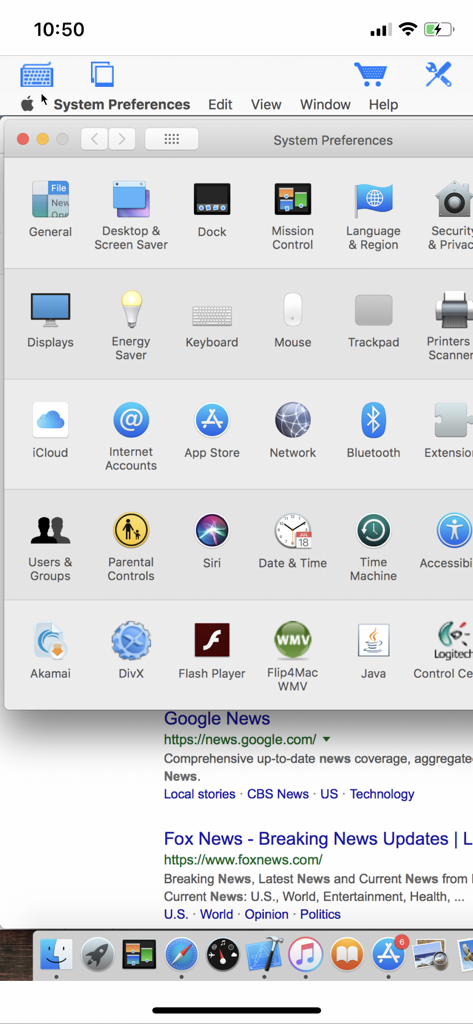
Remote access to macOS System Preferences on an iPhone screen using the Connect My Computer app

Remote access to macOS System Preferences on an iPhone screen using the Connect My Computer app

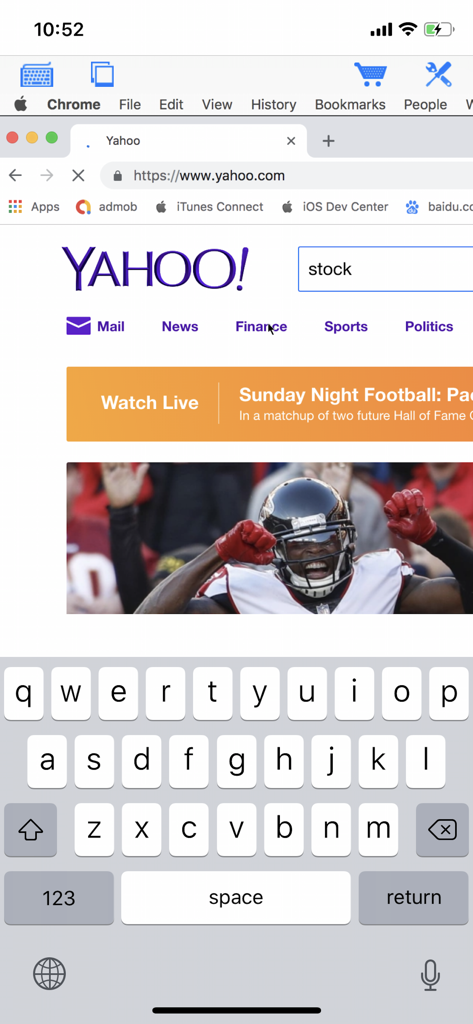
An iPhone displaying a remote desktop session with the Yahoo website and an onscreen virtual keyboard

An iPhone displaying a remote desktop session with the Yahoo website and an onscreen virtual keyboard

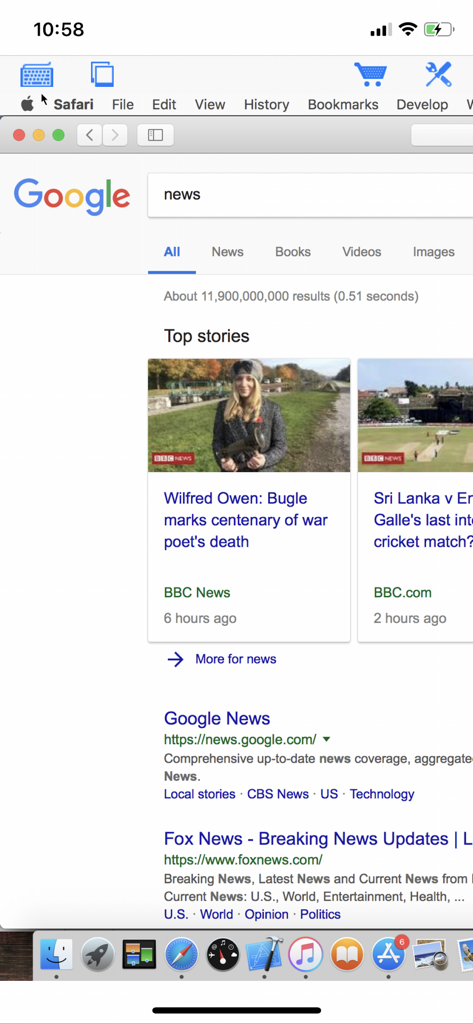
Remote access to a Mac desktop showing Safari browser on an iPhone screen

Remote access to a Mac desktop showing Safari browser on an iPhone screen

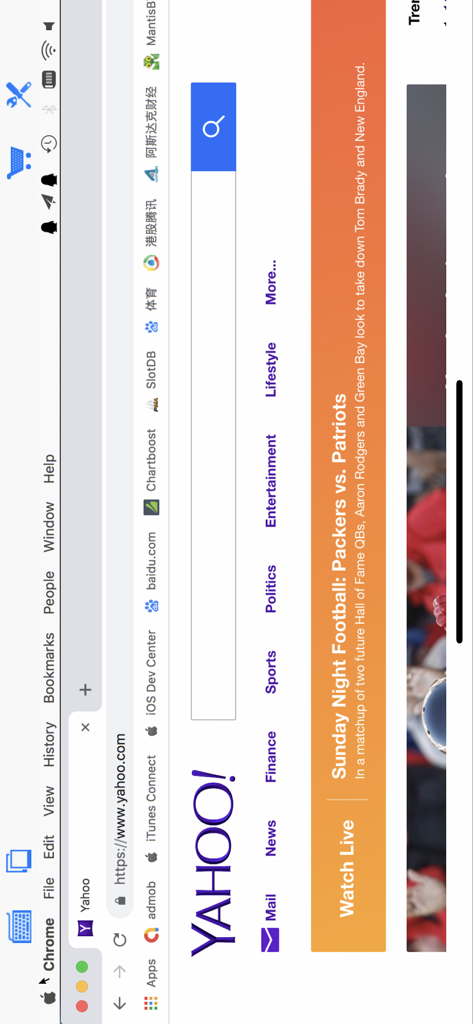
Remote view of a Mac desktop running Chrome browser with the Yahoo homepage open via the Connect My Computer app

Remote view of a Mac desktop running Chrome browser with the Yahoo homepage open via the Connect My Computer app

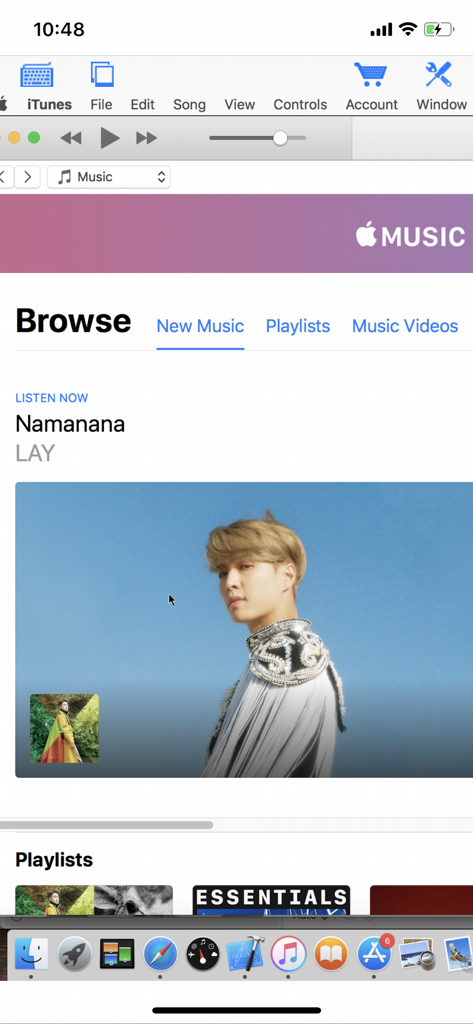
Remote view of a Mac computer desktop with iTunes open through the Connect My Computer mobile app

Remote view of a Mac computer desktop with iTunes open through the Connect My Computer mobile app

Your Entire Desktop, Always Within Reach

The tools that make this app stand out, trusted by 233K+ users.

🖥️

Professional Desktop Access

Run resource-heavy Mac and Windows software directly from your mobile device. Perfect for checking renders, triggering scripts, or accessing files on the go.

🖱️

Precision Touch Control

Experience true desktop navigation with full trackpad support, right-click functionality, and custom modifier keys designed for professional workflows.

🚀

Lightweight & Subscription-Free

Skip the expensive enterprise fees. Enjoy a high-speed, cost-effective connection that supports everything from the latest Mac OS to legacy Windows servers.

About the app

Everything you need to know about Connect My Computer.

Description

Connect to your Mac computers from iPad/iPhone/iPod Touch at anytime! Great functionalities and It's FREE! Support Retina display for the new iPad and iPhone XS Max! Compared with this free version, the Pro version has more features: - Multiple connections - Trackpad to move mouse cursor (also support click) and do mouse wheel scroll - Mouse right click, hover and mouse drag - Modifier keypad including Shift, Ctrl and Alt which enables you to press almost any key combinations. - A cool functional keyboard: Cut, copy & paste and other shortcuts keypad, including HOME, END, PAGE UP, PAGE DOWN, Arrow keys, etc. - Virtual left button and right mouse button - Easy dragging and resizing using virtual mousepad - Support video output (need iPad or iOS4 and output connector) Features: - Specifically designed for both iPad and iPhone - Support Retina display for the new iPad and iPhone 4/4S - Take advantage of iPad's big screen - Portrait and landscape mode - Support various resolutions and colors - Tap to do click, double tap to double click, and all easy to use features - Pinch to zoom in and out. Choose the zoom scale you like - International keyboard support for many languages, including French, German, Italian, Korean, Russian, Swedish, Spanish, Portuguese etc. - Mac OS X Login - Easy to use design Supported Platform: - Mac OS X Mountain Lion - Mac OS X Lion - Mac OS X Snow Leopard - Mac OS X Leopard - Mac OS X Tiger - Windows with VNC server installed Note: This is also a full VNC client. Thus you can also use it to connect to Windows with VNC server installed. Brief install instructions (Use it if you do not need step-by-step instructions): How to configure my Mac? - Mac OS Tiger: http://www.macminicolo.net/Mac_VNC_tutor.html - Leopard or Snow Leopard: http://reviews.cnet.com/8301-13727_7-10329122-263.html For detailed setup instructions and more information, see http://www.hanajobs.com/mobile/forums/show/13.page Send your comments/suggestions to hanamobiles@gmail.com or visit our website.

Latest Version

1.4.1

Size

6.6 MB

First Released

Oct 1, 2010

Ready to Access Your Computer From Anywhere?

Join over 233,000 professionals who turn their iPad and iPhone into a mobile workstation. Download the free VNC client today and leave the laptop behind.

Download on App Store

App information, icons, screenshots, and descriptions displayed on this page are sourced from the Apple App Store and are the property of their respective developers. Download estimates and rankings are based on MWM's proprietary models and may not reflect actual figures. This page is provided for informational and analytical purposes only.

Believe this page infringes your intellectual property? File a dispute