
Cursornow - Cursor Dashboard


The mobile-first dashboard for developers to track usage, monitor credit resets, and avoid the usage cliff during your most critical coding sessions.
Publisher
Category
Developer ToolsDownloads
7K+User Rating
Total Ratings
0Locales
1Discover the interface used by 7K+ users.
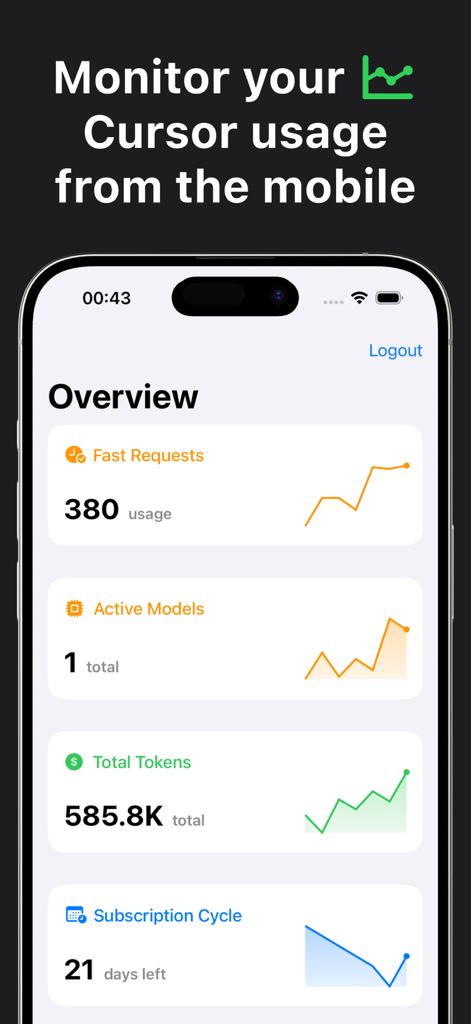
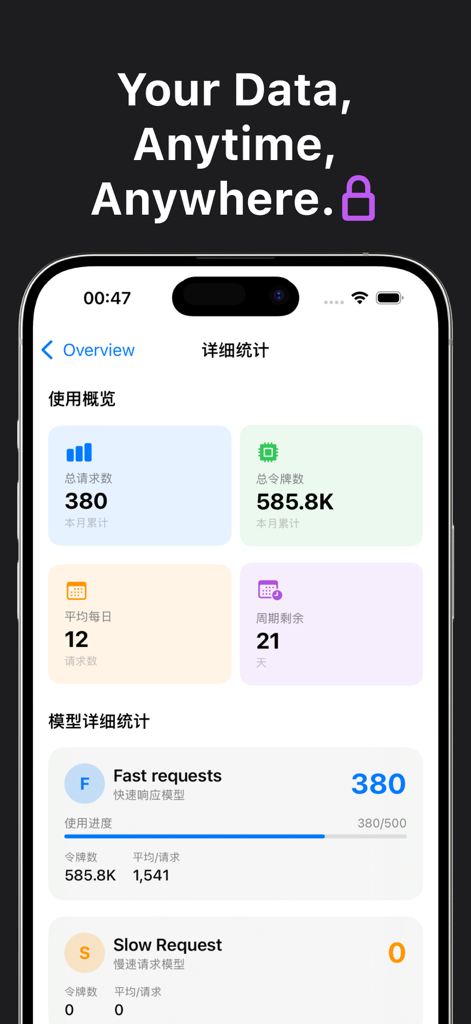
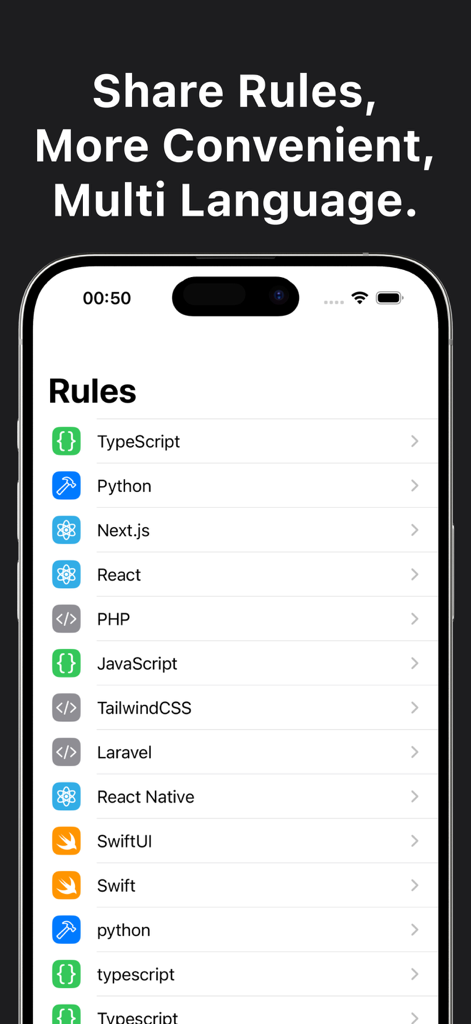
The tools that make this app stand out, trusted by 7K+ users.
Instantly track your daily and monthly AI request consumption from your pocket to avoid hitting the usage cliff mid-sprint.
Always know exactly when your plan refreshes so you can strategically plan high-intensity refactoring and building sessions.
Visualize your AI coding patterns over time with data-driven metrics designed for the optimized software engineer.
Everything you need to know about Cursornow - Cursor Dashboard.
Description
Latest Version
1.0
Size
14.1 MB
First Released
Jun 9, 2025
Get the mobile-first dashboard built for optimized developers. Track your Cursor credits, monitor your limits, and stay in your flow state—anywhere, anytime.
Everything you need to know about Cursornow - Cursor Dashboard
Cursornow is a mobile application for monitoring your usage of the Cursor AI coding assistant. It provides insights into daily and monthly usage, remaining refresh days, and interaction patterns.
Cursornow offers key features including viewing daily and monthly Cursor usage, checking remaining refresh days, understanding interaction patterns over time, and a mobile-first design.
Yes, Cursornow allows you to check your remaining refresh days for your Cursor subscription. This keeps you informed about plan resets and helps avoid unexpected service cutoffs.
Yes, Cursornow displays both daily and monthly usage metrics for the Cursor AI coding assistant. This includes total requests and total tokens used by the user.
Yes, Cursornow features a mobile-first design. This ensures quick and convenient access to your Cursor usage insights directly from your mobile device, anywhere.
Cursornow tracks specific usage metrics for Cursor, including the number of fast requests, total active models, total tokens used, and the remaining days in your subscription cycle.
Yes, Cursornow includes a "Rules" section. This section lists configurations for various programming languages like TypeScript, Python, and JavaScript, facilitating multi-language development workflows.
Top-ranked apps in the same category

Apple Inc.

Replit, Inc

GitHub

Shenzhen VeePai IoT Intelligent Technology LLC

Apple Inc.

650 Industries, Inc.

Simon Stovring

Apple Inc.

Versa AI, Inc.
App information, icons, screenshots, and descriptions displayed on this page are sourced from the Apple App Store and are the property of their respective developers. Download estimates and rankings are based on MWM's proprietary models and may not reflect actual figures. This page is provided for informational and analytical purposes only.
Believe this page infringes your intellectual property? File a dispute