
This page is not an official page of the app or its developer, but an independent editorial publication created for informational and commentary purposes. Unless expressly stated otherwise, neither the app nor its developer is affiliated with, endorsed by, sponsored by, authorized by, or otherwise officially connected with MWM, Apple, Google Play, the app publisher, or the app's developer, and nothing on this page implies that the app was developed using MWM's services. Any trademarks, logos, screenshots, and other content remain the property of their respective owners.


CV Maker: Resume Builder App
Stop struggling with formatting and blank pages. Create a professional, recruiter-ready resume on your phone with AI-powered cover letters, smart objective suggestions, and templates designed to bypass modern tracking systems.
Downloads
629K+User Rating
Total Ratings
7K+Publisher
Category
BusinessLocales
36Latest Version
2.4.3Size
28.2 MBFirst Released
Feb 4, 2022Land Your Dream Job Faster
Everything you need to build a high-impact, ATS-friendly resume that catches recruiters' eyes in minutes.
Beat the Bots
Professionally designed layouts optimized to pass through Applicant Tracking Systems and reach human recruiters.
AI-Powered Writing
Generate professional objectives and cover letters instantly. No more writer's block or formatting headaches.
Frequently Asked Questions
Everything you need to know about CV Maker: Resume Builder App
What is the primary function of the CV Maker - AI Resume Builder app?
The CV Maker - AI Resume Builder app allows users to quickly build professional resumes and CVs. It provides ATS-friendly templates, easy customization, and fast PDF export for job applications.
Does the CV Maker - AI Resume Builder app offer ATS-friendly templates?
Yes, the CV Maker - AI Resume Builder app provides ATS-friendly resume templates. This feature helps users create resumes that are optimized for Applicant Tracking Systems.
Can users export their resumes in PDF format with the CV Maker - AI Resume Builder?
Yes, the Resume Builder & CV Maker app allows users to save and share their created resumes in PDF format. This ensures easy sharing for job applications.
How does the CV Maker - AI Resume Builder app support multiple languages?
The multilingual Resume Builder & CV Maker app allows users to select their native language for creating CVs. It supports languages such as English, Spanish, German, French, and Italian.
Can users customize the font, size, and style of their resume templates in CV Maker - AI Resume Builder?
Yes, the Resume Builder & CV Maker app allows users to edit the font color, size, and style of resume templates. This customization helps reflect personal style.
Does the CV Maker - AI Resume Builder app offer AI assistance for content creation?
Yes, the CV Maker - AI Resume Builder features AI-powered objective suggestions and an AI cover letter creator. It also allows generating objectives with AI.
Can users hide specific content sections in the CV Maker - AI Resume Builder app?
Yes, the Resume Builder & CV Maker app permits skipping particular sections to hide content. Users can enable or disable sections as needed.
How much does a premium subscription to the CV Maker - AI Resume Builder app cost?
The app offers an annual or monthly premium subscription. Payment details are charged to your iTunes Account upon purchase confirmation. Specific prices are not detailed in the description.
Does the premium subscription for CV Maker - AI Resume Builder automatically renew?
Yes, the premium subscription for Resume Builder & CV Maker renews automatically. Users can turn off auto-renewal by accessing their Account Settings 24 hours before the current period ends.
Is adding a profile picture mandatory when creating a CV with CV Maker - AI Resume Builder?
No, the inclusion of profile pictures is not mandatory in the Resume Builder & CV Maker app. Users have the option to add or omit a photo.
The following screenshots and description are sourced directly from the app's official store listing and are the property of the app developer.
App Store
Screenshots
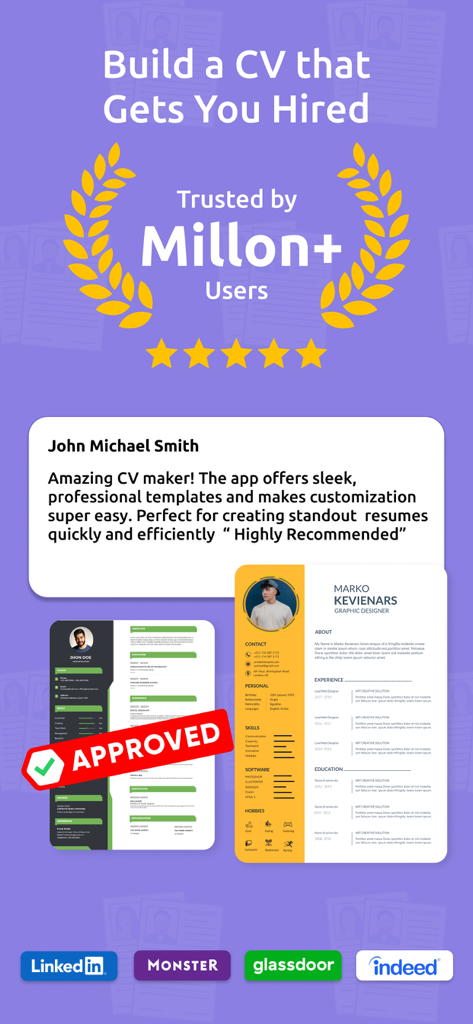
Professional CV maker app displaying sleek resume templates and high user ratings
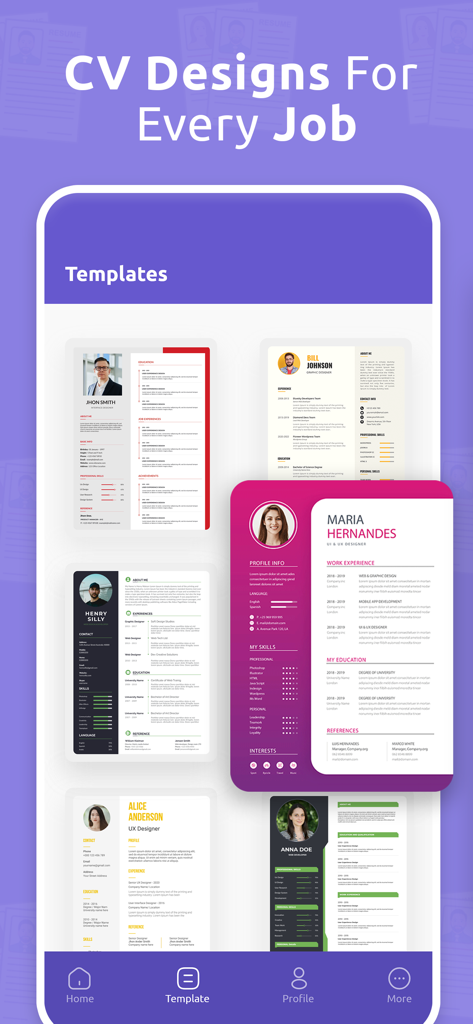
A variety of professional and modern CV templates available for different job roles in the app
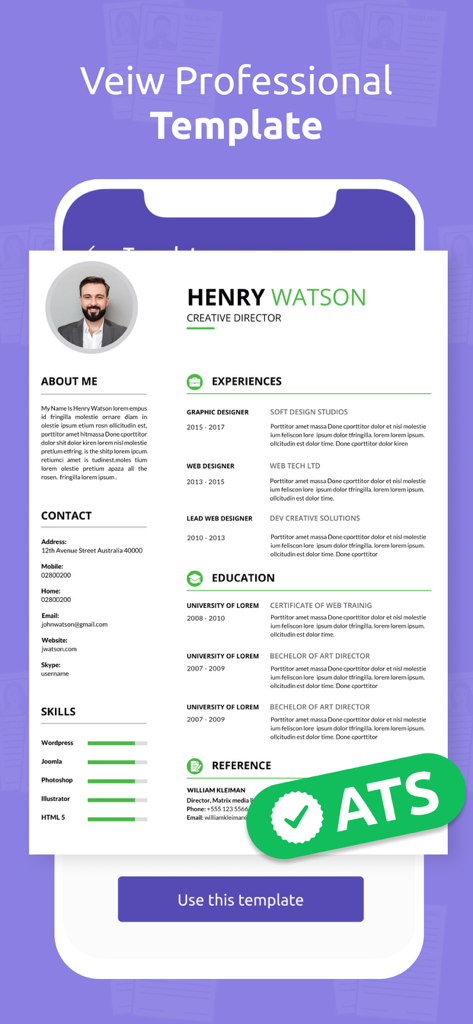
Professional ATS friendly resume template for a creative director
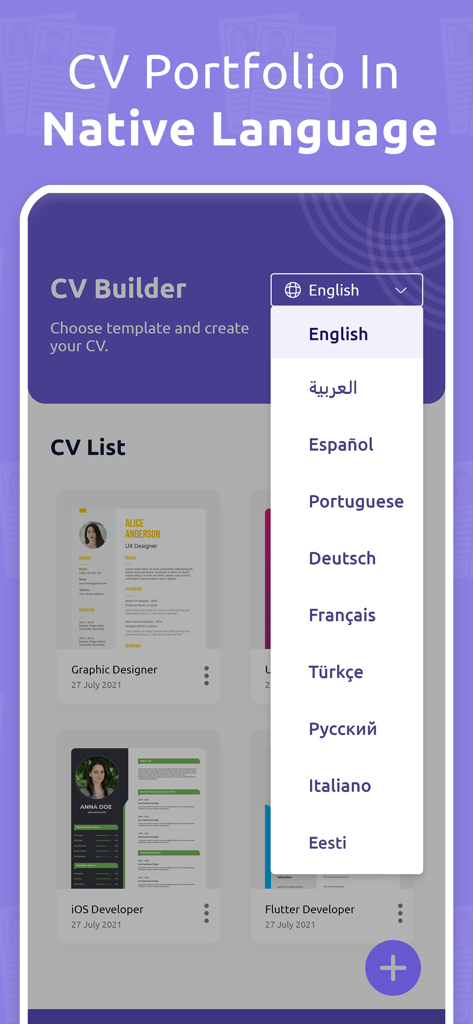
Language selection menu in the CV Maker app showing multilingual resume building options.
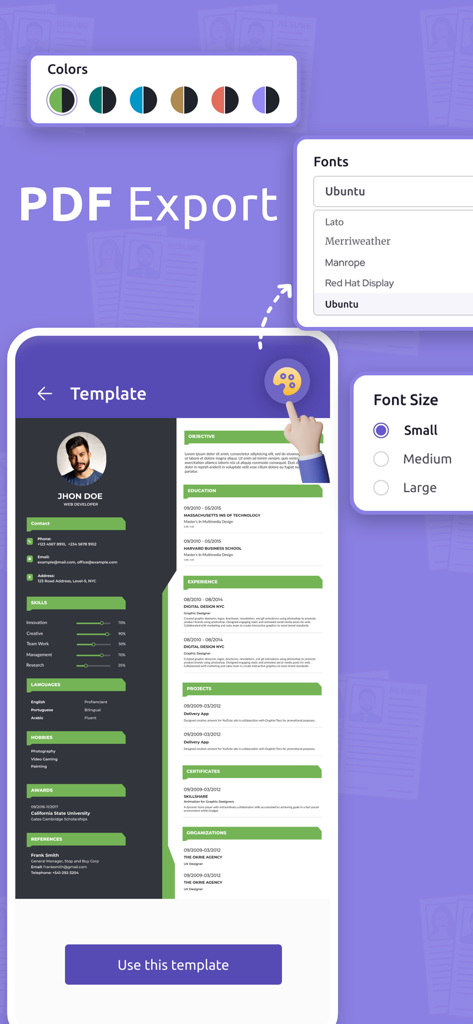
Resume builder app interface displaying font color and size customization options for professional PDF export
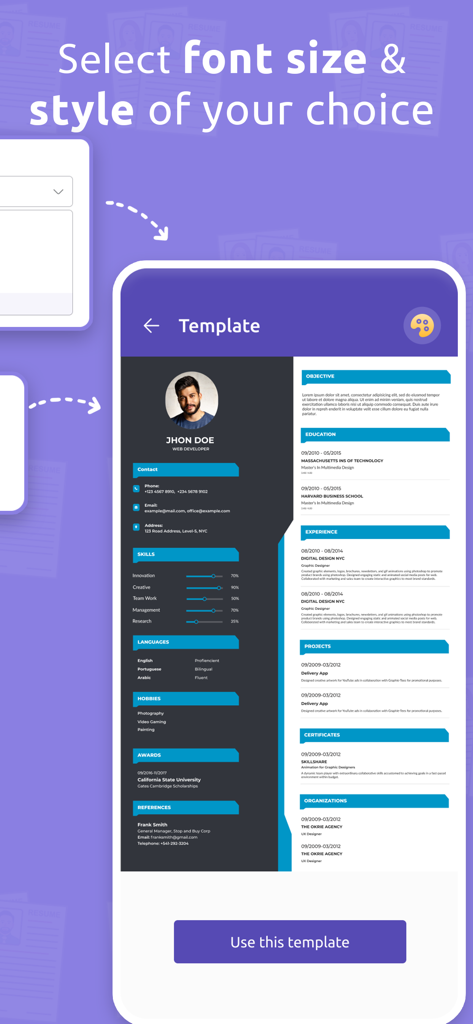
Mobile screen showing professional resume template customization with font size and style options
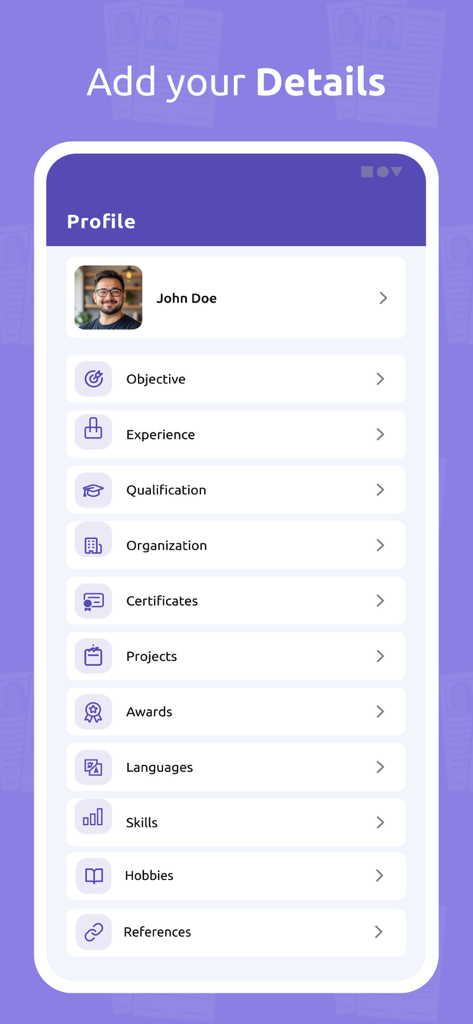
Mobile app interface titled Add your Details showing resume sections like Experience Skills and Qualifications for a professional CV
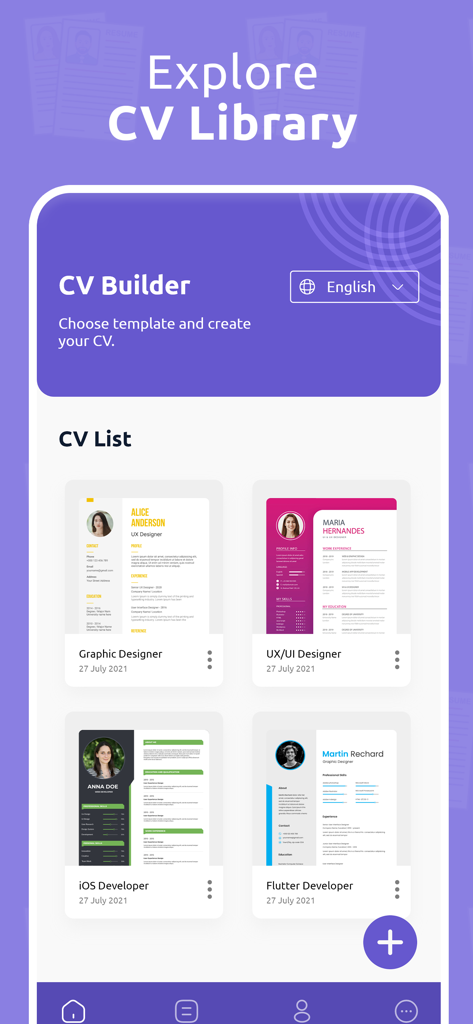
A library of professional resume templates for various job roles
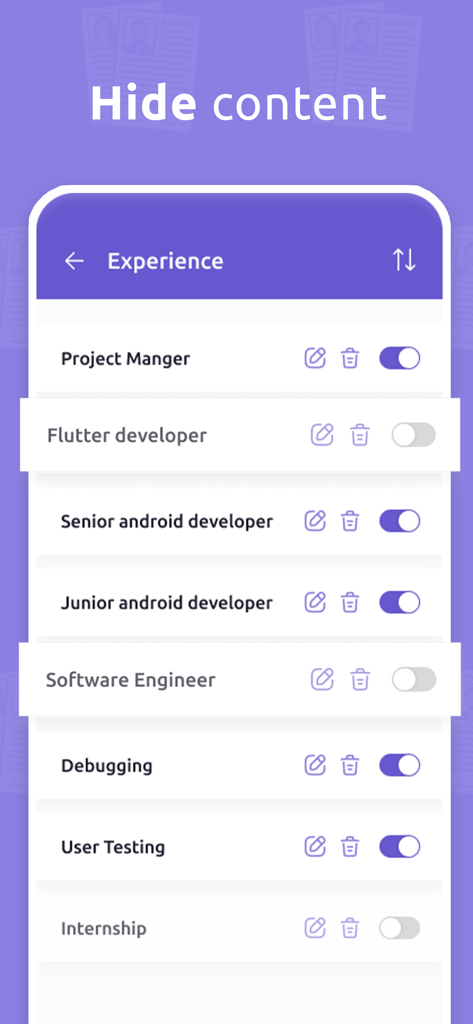
Mobile app interface showing how to hide or enable specific resume experience sections
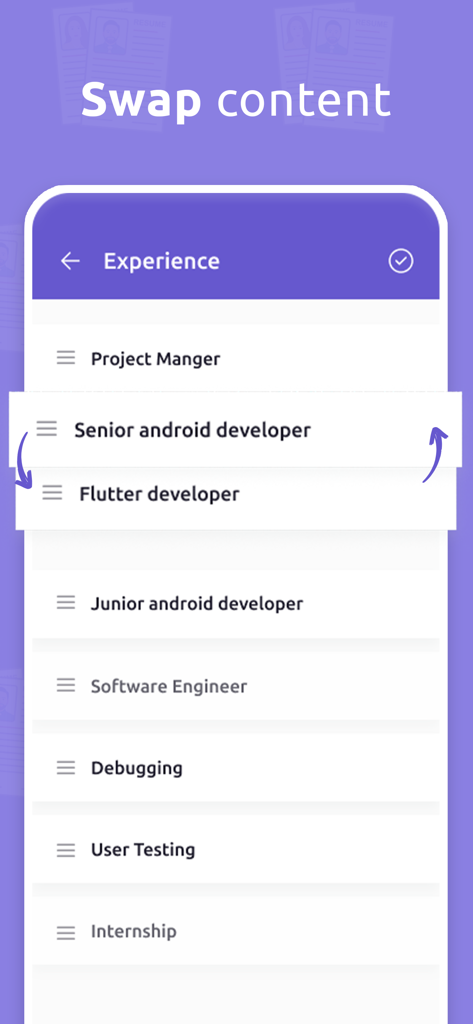
Mobile app interface showing how to swap and reorder job experience sections in CV Maker.
Description
Download
More Like This
Apps with similar features and user experience
Resume : Intelligent CV Maker
Intelligent CV
Resume Builder - CV Creator
Clebson Pereira
Resume Builder - CV Engineer
First Pick Ltd
Resume Builder Pro with AI
Uncaught Exception Inc.
Quick & Easy Resume Builder CV
Wiliam Goncalves Pinto
Resume Maker, CV Job Builder
Oleg Yuriev

Resume Builder⁺
Rounding Squares BV
履歴書作成(インディード)
Indeed Inc.
履歴書作成
WEBDIA INC.
This page is not an official page of the app or its developer, but an independent editorial publication created for informational and commentary purposes. Unless expressly stated otherwise, neither the app nor its developer is affiliated with, endorsed by, sponsored by, authorized by, or otherwise officially connected with MWM, Apple, Google Play, the app publisher, or the app's developer, and nothing on this page implies that the app was developed using MWM's services. Any trademarks, logos, screenshots, and other content remain the property of their respective owners.