Date601

Date601

Download on App Store
Logo of Date601

Date601: The ISO 8601 Date Standard for Your Daily Workflow

Eliminate date ambiguity and streamline your logging. Get today's date in the YYYY-MM-DD format instantly on your iPhone and Apple Watch.

Download on App Store

Publisher

Prathamesh Kowarkar

Category

Utilities

Downloads

0

User Rating

1.0/5

Total Ratings

0

Locales

1

The Standard, Visualized

Discover the interface used by 0 users.
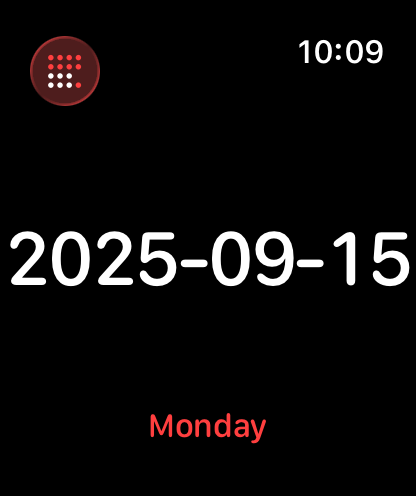
Apple Watch screen displaying the current date in ISO 8601 format and the day of the week

Apple Watch screen displaying the current date in ISO 8601 format and the day of the week

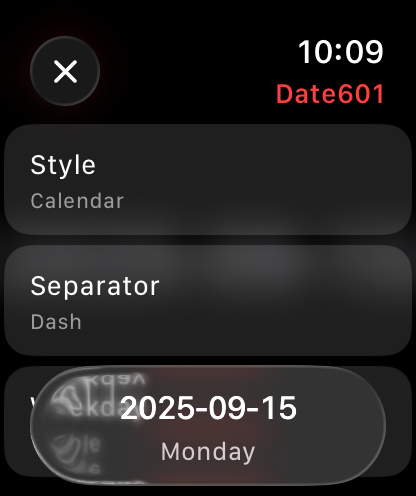
Apple Watch settings for Date601 showing ISO 8601 date format options

Apple Watch settings for Date601 showing ISO 8601 date format options

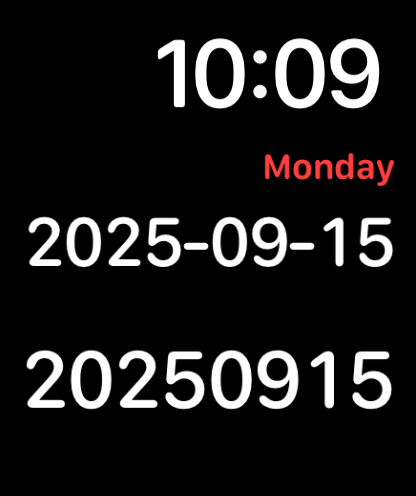
Screenshot of Date601 app showing the current time and today's date in ISO 8601 formats.

Screenshot of Date601 app showing the current time and today's date in ISO 8601 formats.

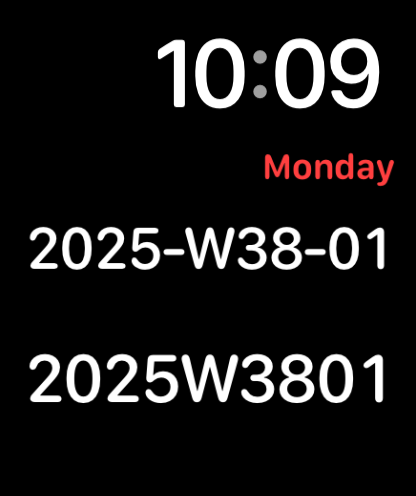
Apple Watch display showing time and date in ISO 8601 week format

Apple Watch display showing time and date in ISO 8601 week format

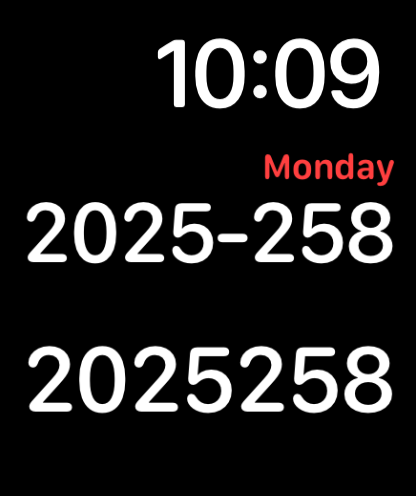
Date601 app showing ordinal date on Apple Watch

Date601 app showing ordinal date on Apple Watch

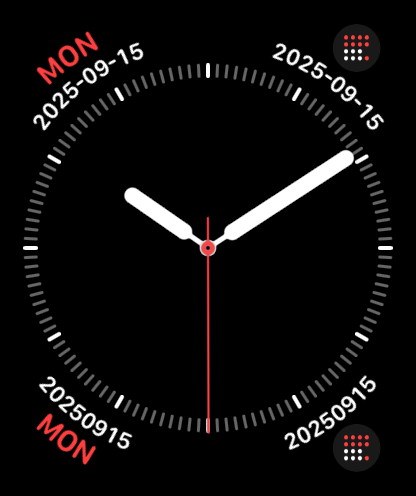
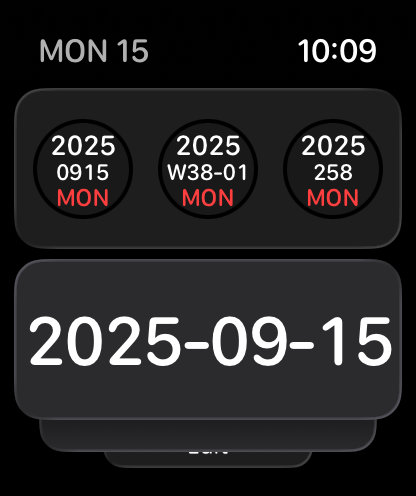
Analog Apple Watch face displaying various ISO 8601 date complications using the Date601 app

Analog Apple Watch face displaying various ISO 8601 date complications using the Date601 app

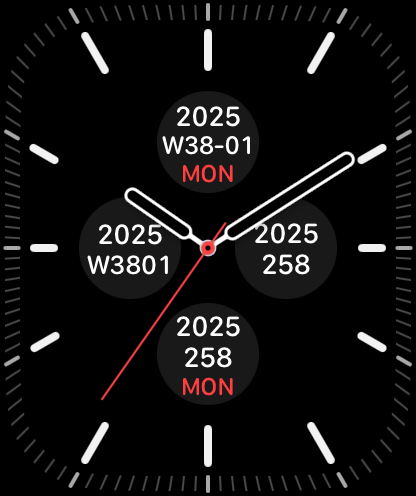
Apple Watch face showing various ISO 8601 date complications including week and day of year

Apple Watch face showing various ISO 8601 date complications including week and day of year

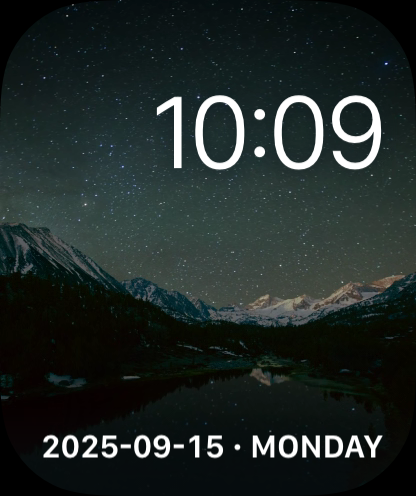
Apple Watch face displaying the current time and date in ISO 8601 format against a starry mountain background

Apple Watch face displaying the current time and date in ISO 8601 format against a starry mountain background

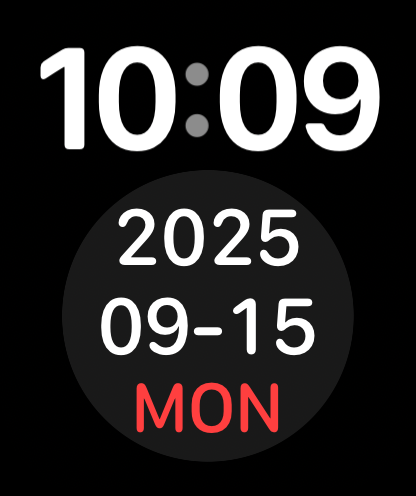
Apple Watch interface displaying the current date in ISO 8601 format YYYY-MM-DD

Apple Watch interface displaying the current date in ISO 8601 format YYYY-MM-DD

Apple Watch display showing today's date in ISO 8601 format

Apple Watch display showing today's date in ISO 8601 format

Standardize Your Workflow

The tools that make this app stand out, trusted by 0 users.

At-a-Glance Precision

Access the ISO date instantly via Apple Watch complications, eliminating the mental tax of converting formats mid-workflow.

📁

Lexicographical Excellence

Ensure your files, logs, and backups stay perfectly sorted chronologically by using the definitive YYYY-MM-DD standard.

🎯

Unix-Style Minimalism

A lightweight 1.5MB utility that follows the philosophy of doing one thing perfectly without unnecessary bloat or friction.

About the app

Everything you need to know about Date601.

Description

View today's date in ISO 8601 format. Optionally view the day of the week as well.

Latest Version

1.3 (15)

Size

1.5 MB

First Released

Mar 31, 2025

Standardize Your Workflow Today

Join developers and data professionals using Date601 for a frictionless, ISO 8601-compliant experience on your iPhone and Apple Watch.

Download on App Store

App information, icons, screenshots, and descriptions displayed on this page are sourced from the Apple App Store and are the property of their respective developers. Download estimates and rankings are based on MWM's proprietary models and may not reflect actual figures. This page is provided for informational and analytical purposes only.

Believe this page infringes your intellectual property? File a dispute