
This page is not an official page of the app or its developer, but an independent editorial publication created for informational and commentary purposes. Unless expressly stated otherwise, neither the app nor its developer is affiliated with, endorsed by, sponsored by, authorized by, or otherwise officially connected with MWM, Apple, Google Play, the app publisher, or the app's developer, and nothing on this page implies that the app was developed using MWM's services. Any trademarks, logos, screenshots, and other content remain the property of their respective owners.


Google Chrome
This app doesn't just browse; it delivers Google's full power to command your online world, securing every interaction and syncing across all devices.
Downloads
500M+User Rating
Total Ratings
12.2MPublisher
Category
UtilitiesLocales
38Latest Version
147.0.7727.47Size
319.5 MBFirst Released
Jun 28, 2012Google Chrome: Core Features Analysis
An evaluation of key functionalities driving a seamless and secure browsing experience for tech-savvy users.
Cross-Device Synchronization
The app provides seamless synchronization of bookmarks, tabs, and passwords across all user devices (phone, computer, tablet) upon sign-in.
Integrated Password Management
It features an integrated Google Password Manager, allowing users to securely generate, save, and manage passwords, with alerts for compromised credentials.
Integrated Google Search
The app provides direct access to Google Search, allowing users to quickly find information and utilize voice commands for hands-free searching.
Enhanced Security Protection
The app offers an Enhanced Protection Mode, providing the highest level of security to ensure confident browsing.
Proactive Safety Alerts
This tool includes Safety Check, giving users peace of mind with proactive alerts regarding potential security risks.
Instant Web Translation
It allows users to explore websites in over 130 languages, offering one-click translation for entire pages.
Convenient Autofill Functionality
It offers an autofill feature, reducing typing time by automatically filling in saved payments, addresses, and passwords.
Tab Organization with Groups
This tool allows users to create tab groups, which helps in maintaining an organized browsing experience across multiple devices.
Frequently Asked Questions
Everything you need to know about Google Chrome
What is Google Chrome?
Google Chrome is a fast and secure web browser developed by Google. It provides a comprehensive web experience with integrated Google services and robust security features.
How does Google Chrome enhance web security?
Google Chrome enhances security with Enhanced Protection Mode, proactive Safety Check alerts, and Google Password Manager. It helps users browse confidently and protects their data and credentials.
Can Google Chrome translate web pages?
Yes, Google Chrome can translate web pages. It features Google Translate, which explores the web in over 130 languages and translates entire sites with a single click.
Does Google Chrome offer an Incognito mode?
Yes, Google Chrome offers Incognito mode. This mode allows users to surf the web without saving browsing history, cookies, site data, or information entered in forms.
How does Google Chrome manage passwords and autofill information?
Google Chrome uses Google Password Manager to securely generate and save passwords. It also provides autofill for saved payments, addresses, and passwords, saving typing time and ensuring fast sign-ins.
Can users synchronize data across devices with Google Chrome?
Yes, users can synchronize data across devices with Google Chrome. It saves bookmarks, tabs, and passwords, making them accessible when signed into Chrome on phones, computers, or tablets.
Is Google Chrome compatible with Google Lens?
Yes, Google Chrome is compatible with Google Lens. Users can search what they see on their screen or with their camera directly within the browser using Google Lens.
Can I set Google Chrome as my default browser?
Yes, you can set Google Chrome as your default browser. Instructions are provided to open settings, tap "Default Browser App", and select Chrome to use it anytime.
Does Google Chrome offer tab grouping features?
Yes, Google Chrome offers tab grouping features. Users can create tab groups to stay organized across their synced devices, improving browsing efficiency.
What is Safety Check in Google Chrome?
Safety Check in Google Chrome provides proactive safety alerts. It reviews updates, checks for compromised passwords, and ensures Safe Browsing is active, contributing to browsing security.
The following screenshots and description are sourced directly from the app's official store listing and are the property of the app developer.
App Store
Screenshots
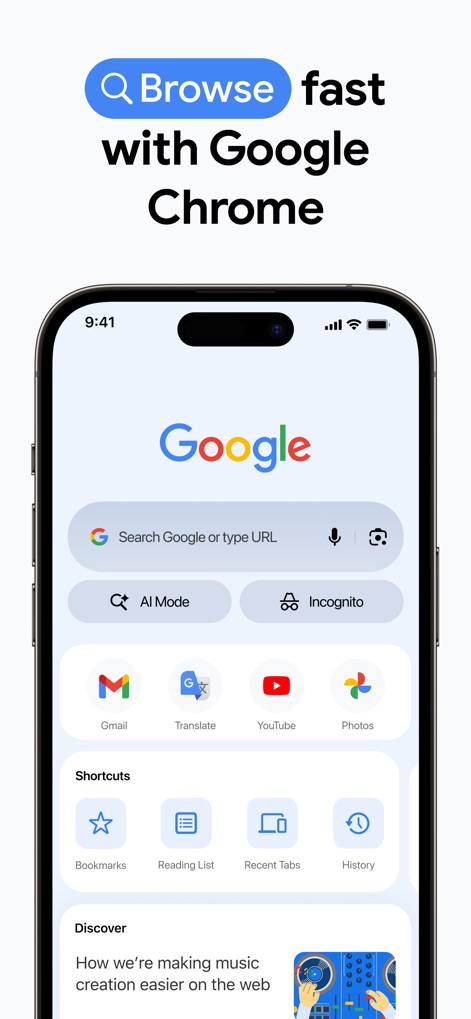
Fast Browsing Start
The app provides quick access to core Google services like Gmail and YouTube directly from the home screen, alongside a prominent search bar for immediate web navigation.
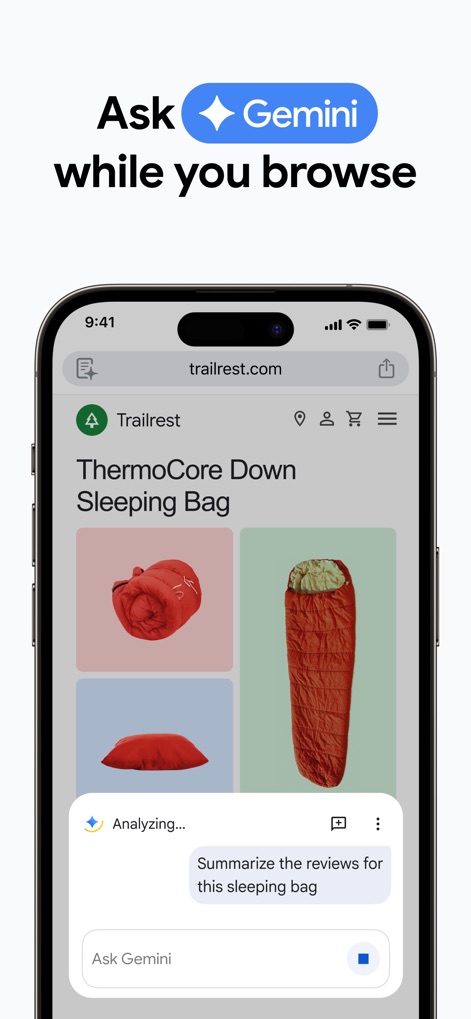
AI-Powered Assistance
This tool seamlessly integrates Gemini AI, allowing users to interact directly with the AI for tasks such as summarizing product reviews on any webpage.
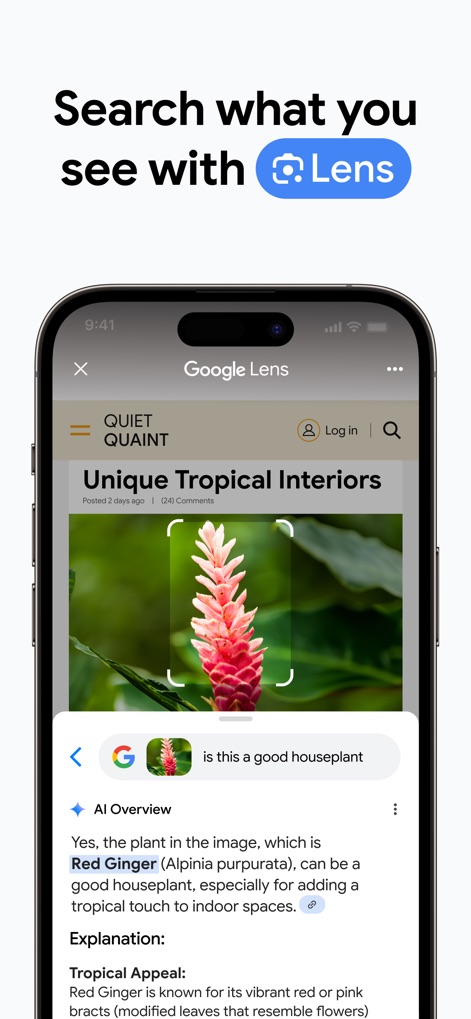
Visual Search Smart
Users can leverage Google Lens to identify objects in images, receiving an instant "AI Overview" and detailed explanations about the visual content.
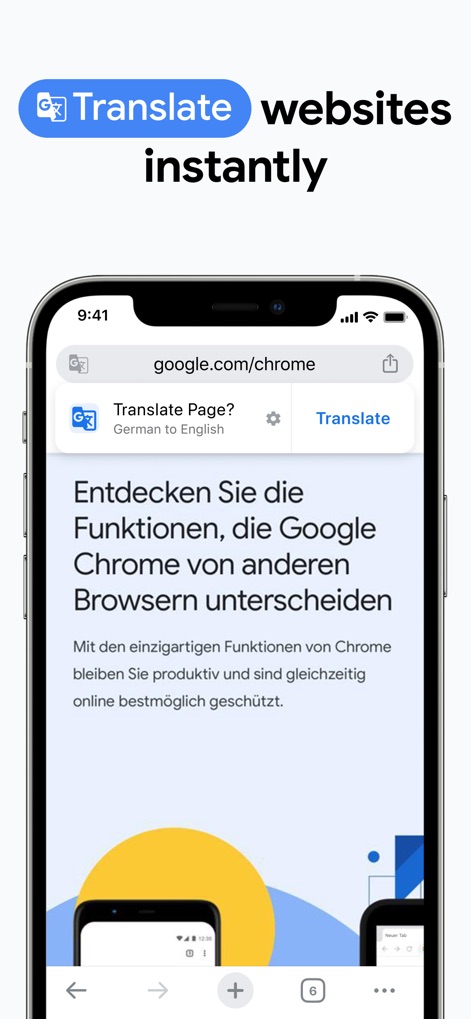
Instant Page Translation
The app offers seamless webpage translation, indicated by the "Translate Page" banner, allowing users to instantly explore content in over 130 languages.
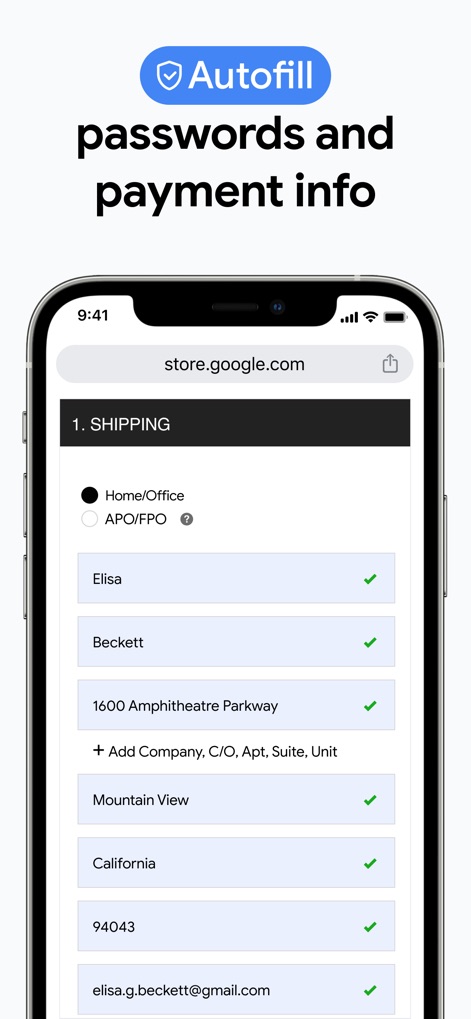
Effortless Form Filling
This tool streamlines online forms with its intelligent Autofill feature, automatically populating shipping addresses and contact information for quicker transactions.
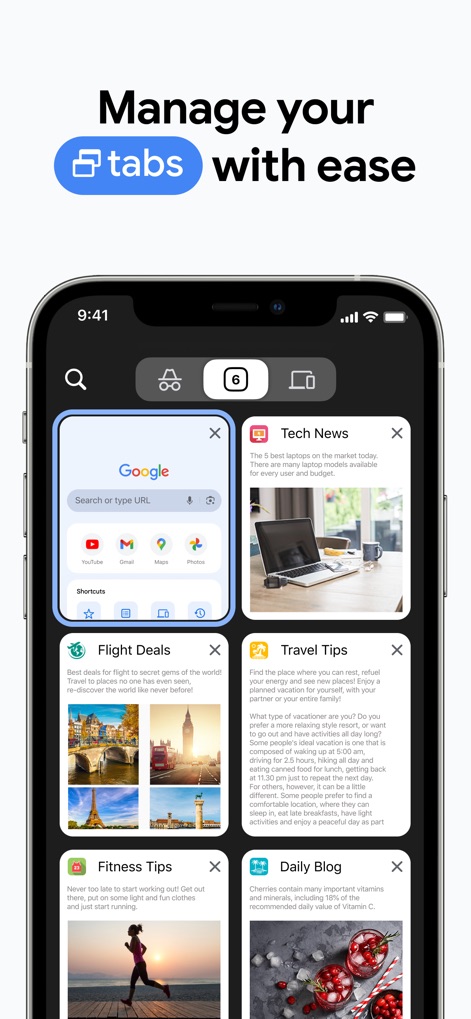
Organized Tab Management
Users can efficiently manage their browsing with a clear card-based tab overview and the ability to organize tabs, visible by the distinct tab count icon.
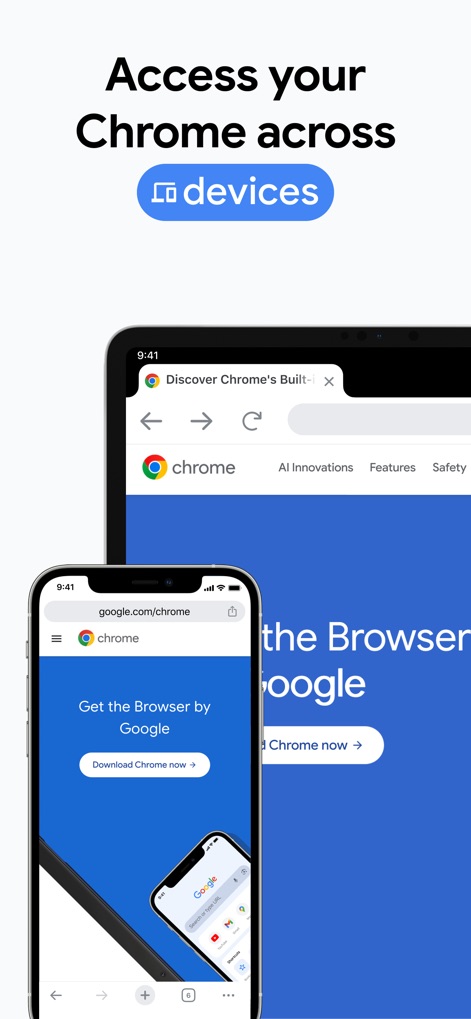
Cross-Device Harmony
The app ensures a consistent browsing experience across all devices, clearly demonstrating a synced user interface between phone and tablet screens.
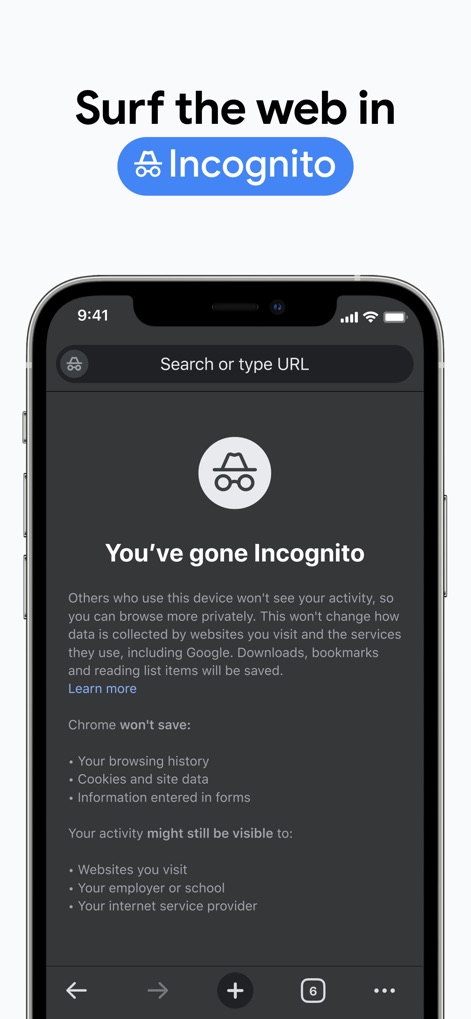
Private Browsing Mode
This tool provides a dedicated Incognito mode, identifiable by its distinct dark interface and clear text explaining browsing privacy protections.
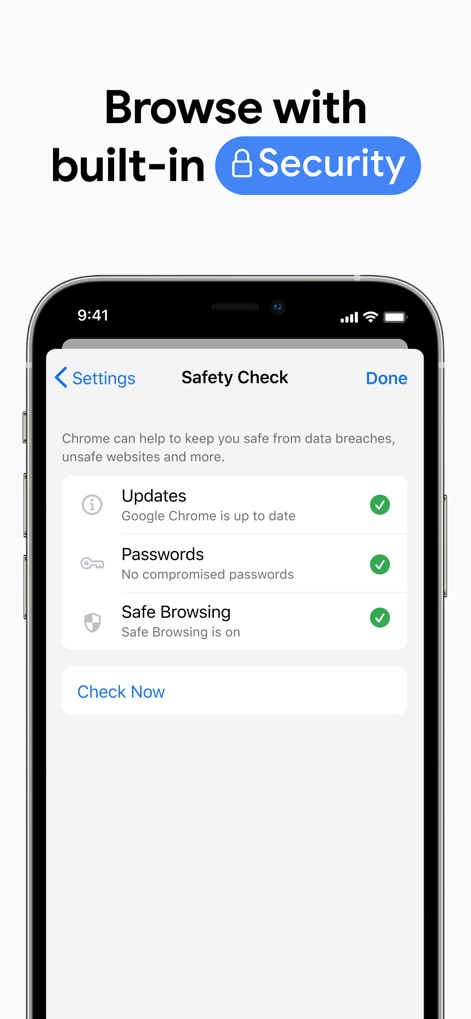
Enhanced Security Check
The app features a comprehensive "Safety Check" within its settings, displaying clear status indicators for updates, password security, and safe browsing.
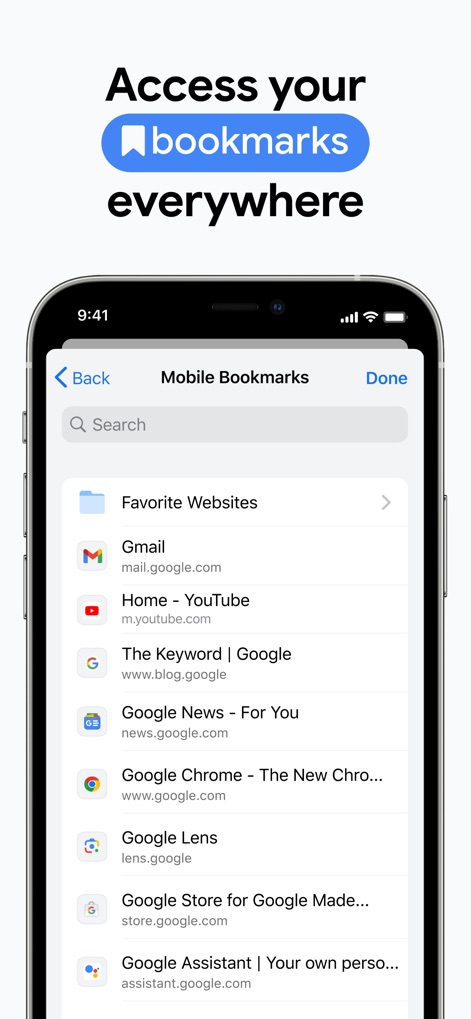
Accessible Bookmarks Everywhere
Users can easily access their saved content through the "Mobile Bookmarks" list, which includes a convenient search bar for quick navigation.
Description
Download
More Like This
Apps with similar features and user experience

Ulaa Browser
Zoho Corporation
Security from Hacks & Spyware
GRUHERSAN SRL

Firefox: Private Web Browser
Mozilla Corporation

Opera: AI browser with VPN
Opera Norway AS

Yandex Browser with Alice AI
DIRECT CURSUS COMPUTER SYSTEMS TRADING LLC

360浏览器-极速版-安全上网-文件扫描PDF工具
Beijing Qihoo Technology Co Ltd

Vivaldi Powerful Web Browser
Vivaldi Technologies AS

Whale - Naver Whale Browser
NAVER Corp.

Qwant Private Search
Qwant
This page is not an official page of the app or its developer, but an independent editorial publication created for informational and commentary purposes. Unless expressly stated otherwise, neither the app nor its developer is affiliated with, endorsed by, sponsored by, authorized by, or otherwise officially connected with MWM, Apple, Google Play, the app publisher, or the app's developer, and nothing on this page implies that the app was developed using MWM's services. Any trademarks, logos, screenshots, and other content remain the property of their respective owners.