
This page is not an official page of the app or its developer, but an independent editorial publication created for informational and commentary purposes. Unless expressly stated otherwise, neither the app nor its developer is affiliated with, endorsed by, sponsored by, authorized by, or otherwise officially connected with MWM, Apple, Google Play, the app publisher, or the app's developer, and nothing on this page implies that the app was developed using MWM's services. Any trademarks, logos, screenshots, and other content remain the property of their respective owners.


DentalMonitoring
Skip the frequent office visits. Use AI-powered scans to stay connected with your orthodontist remotely, track your progress in real-time, and achieve your perfect smile on your own schedule.
Downloads
1M+User Rating
Total Ratings
26K+Publisher
Category
MedicalLocales
17Latest Version
7.41.1Size
232.2 MBFirst Released
Mar 12, 2015Expert Care Without the Commute
DentalMonitoring combines professional orthodontic oversight with the convenience of your smartphone, ensuring a perfect smile while fitting into your busy lifestyle.
Convenient Home Check-ins
Save hours of travel and waiting room time. Complete your clinical check-ups in minutes from the comfort of your home or office.
Visual Progress Tracking
Stay motivated by watching your transformation unfold with side-by-side comparisons and real-time achievement statistics.
Frequently Asked Questions
Everything you need to know about DentalMonitoring
What is DentalMonitoring?
DentalMonitoring is an app enabling dental professionals to remotely monitor patients' orthodontic treatments between appointments. It requires clinician supervision and personal login information for patient access.
How do patients access DentalMonitoring?
Patients access the DentalMonitoring app using personal login information provided by their supervising clinician. It can only be used under a professional's supervision.
What equipment is needed to use the DentalMonitoring app?
The DentalMonitoring app is intended for use with the patented DM ScanBox and DM Cheek Retractor. These tools maximize the quality of intraoral pictures taken with patients’ smartphones.
Can patients send messages to their doctor through DentalMonitoring?
Yes, patients can send messages to their practitioner via the DentalMonitoring app. They also receive specific notifications and advice directly from their doctor through the app.
How does DentalMonitoring help dental professionals?
DentalMonitoring offers professionals control for remote monitoring, time optimization through customized protocols, and workflow optimization. It also enhances patient compliance with regular follow-ups.
Do patients receive tutorials for taking pictures with DentalMonitoring?
Yes, an in-app tutorial is available for patients using DentalMonitoring. This tutorial explains how to take good intra-oral pictures, ensuring ease of use without technical expertise.
Can patients see their treatment progress in DentalMonitoring?
Yes, patients see their treatment progress within DentalMonitoring. The app provides before/after comparisons and achievement statistics, helping patients stay motivated throughout their orthodontic treatment journey.
The following screenshots and description are sourced directly from the app's official store listing and are the property of the app developer.
App Store
Screenshots
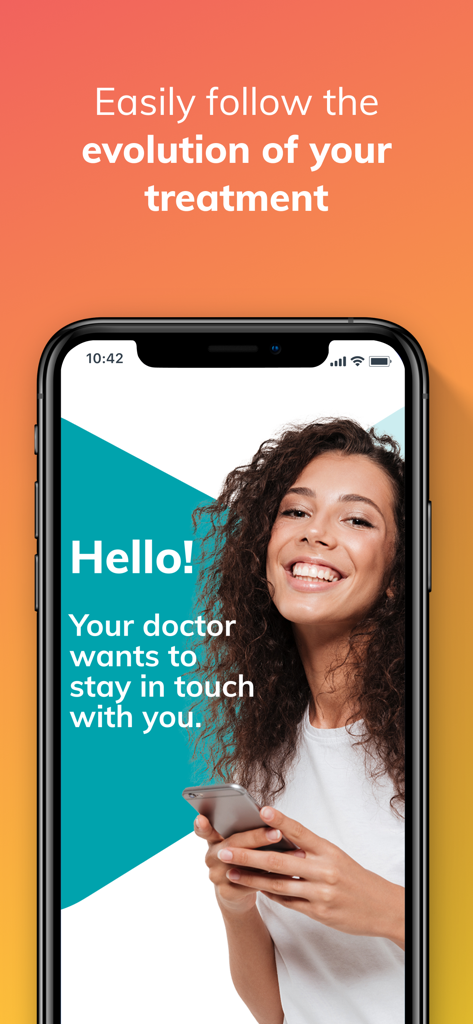
A smartphone screen displaying the DentalMonitoring app featuring a smiling woman and a message about remote doctor communication.
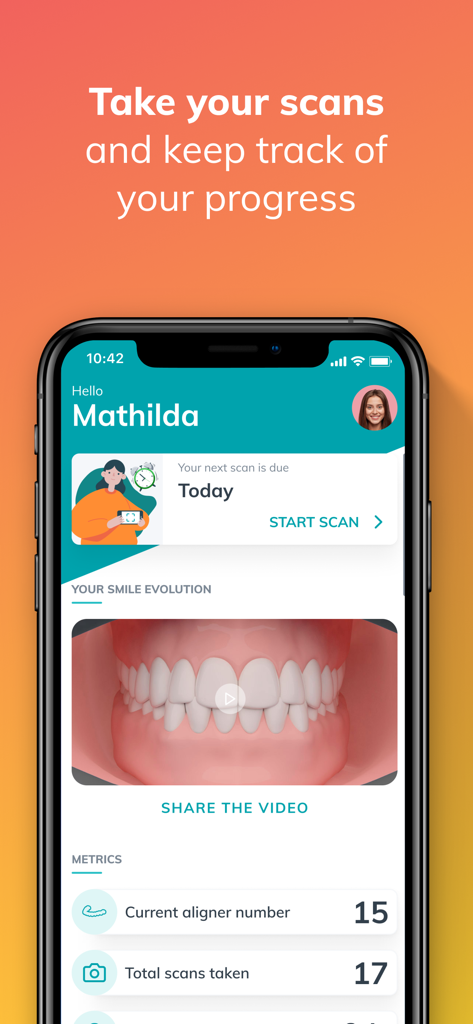
A smartphone screen displaying the DentalMonitoring app dashboard with scan reminders and orthodontic progress metrics
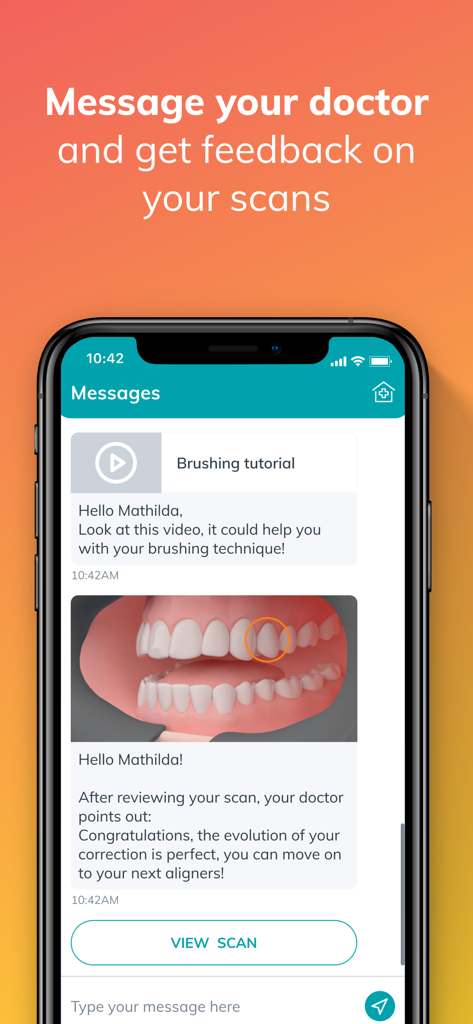
DentalMonitoring app message interface showing a doctor's feedback on a dental scan and a brushing tutorial video.
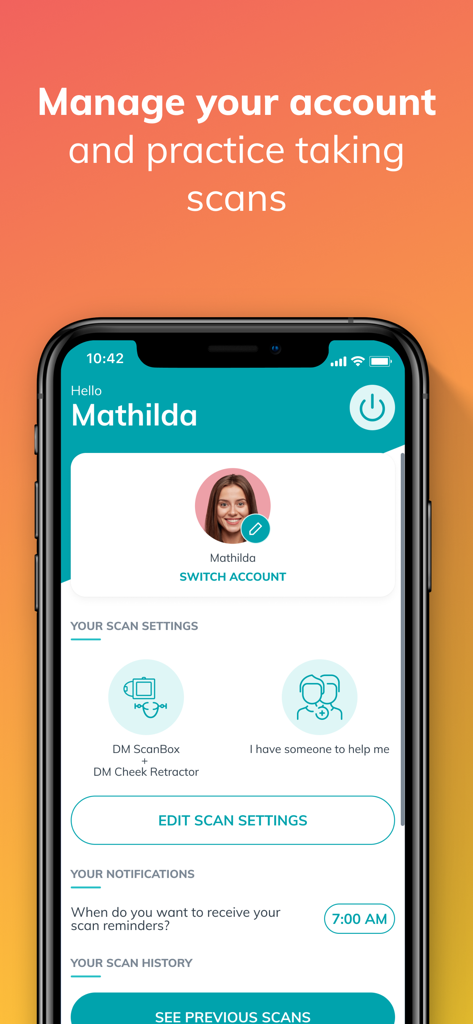
DentalMonitoring app dashboard showing user profile scan settings and notifications
Description
Download
More Like This
Apps with similar features and user experience

MFIT Personal
MFIT PERSONAL APP LTDA

Fitness App (ABC Trainerize)
TSR Gym Technik Ltd.
Everfit - Train smart
Everfit Technologies Inc.

Spruce: Medical Communication
Spruce Health, Inc

TrueCoach
TrueCoach, Inc.

Avaliação Física PRO
Code App Tecnologia da Informacao Eireli - ME

ShiftCare
ShiftCare Pty. Ltd.

Tecnofit para Personal Trainer
Tecnofit Tecnologia e Sistemas LTDA
OrthoKit: Orthodontic App
Evolved Orthodontics SL
This page is not an official page of the app or its developer, but an independent editorial publication created for informational and commentary purposes. Unless expressly stated otherwise, neither the app nor its developer is affiliated with, endorsed by, sponsored by, authorized by, or otherwise officially connected with MWM, Apple, Google Play, the app publisher, or the app's developer, and nothing on this page implies that the app was developed using MWM's services. Any trademarks, logos, screenshots, and other content remain the property of their respective owners.