
This page is not an official page of the app or its developer, but an independent editorial publication created for informational and commentary purposes. Unless expressly stated otherwise, neither the app nor its developer is affiliated with, endorsed by, sponsored by, authorized by, or otherwise officially connected with MWM, Apple, Google Play, the app publisher, or the app's developer, and nothing on this page implies that the app was developed using MWM's services. Any trademarks, logos, screenshots, and other content remain the property of their respective owners.

Dictation Pro - Voice to Text
Stop typing and start doing. Transform your voice and YouTube videos into accurate text with AI-powered precision, synced perfectly across your iPhone, iPad, and Apple Watch.
Downloads
187K+User Rating
Total Ratings
1K+Publisher
Category
ProductivityLocales
16Latest Version
5.74Size
23.6 MBFirst Released
Mar 15, 2017Your Voice is Your Most Powerful Tool
Transform speech into text, transcribe YouTube videos, and translate languages instantly to maximize your daily output across the entire Apple ecosystem.
Hands-Free Smart Dictation
Draft emails, notes, and journals at the speed of thought. Perfect for capturing ideas while commuting or working out without touching a keyboard.
AI-Powered Media Transcription
Instantly convert voice memos and YouTube links into searchable text. A essential feature for students and professionals to repurpose content in seconds.
The following screenshots and description are sourced directly from the app's official store listing and are the property of the app developer.
App Store
Screenshots
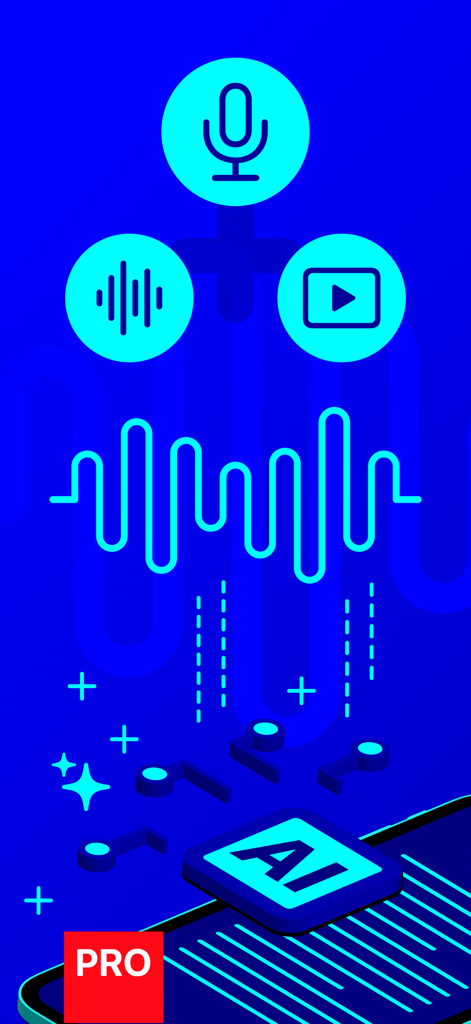
AI voice to text transcription and video translation features for Dictation Pro app

Graphic illustration of a globe surrounded by international flags and a translation icon representing the app's multilingual support
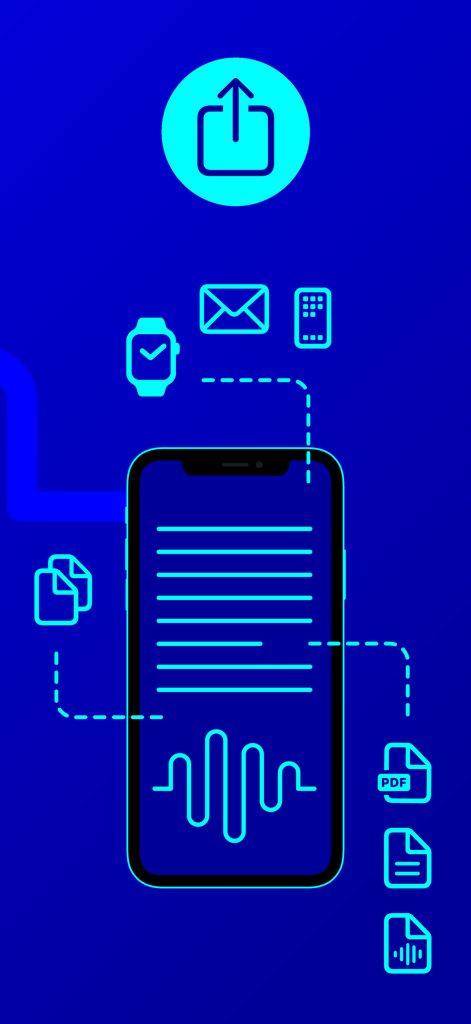
Graphic showing Dictation Pro app integration with Apple Watch, email, and multiple file formats like PDF and text.
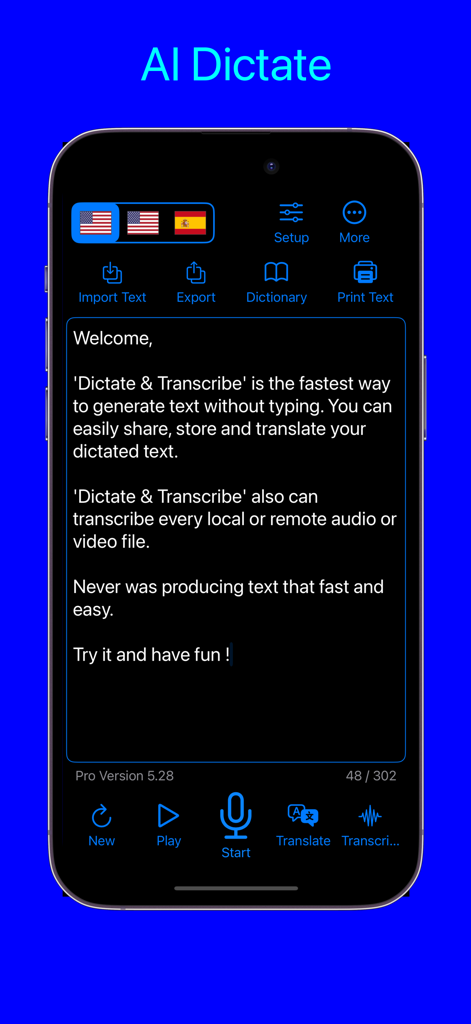
Main interface of the Dictation Pro app showing voice to text and transcription features
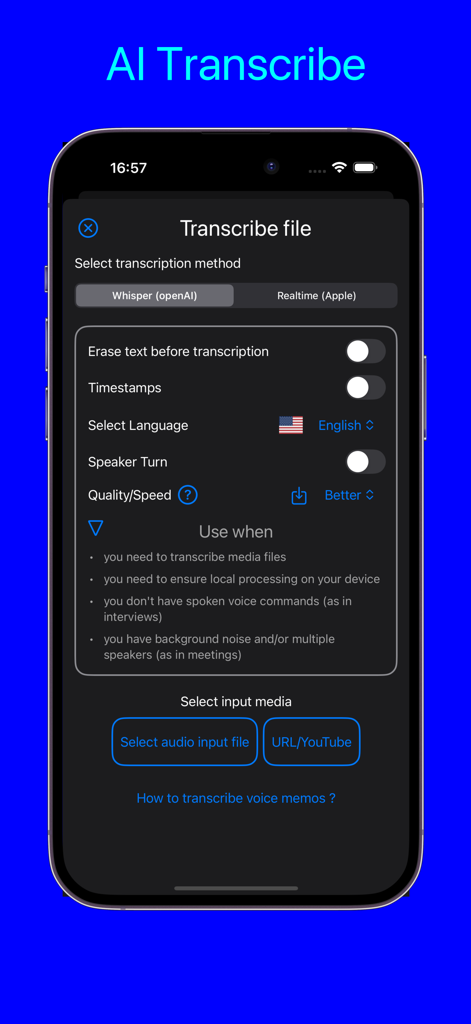
AI Transcribe interface in Dictation Pro app showing options for OpenAI Whisper transcription and YouTube link processing
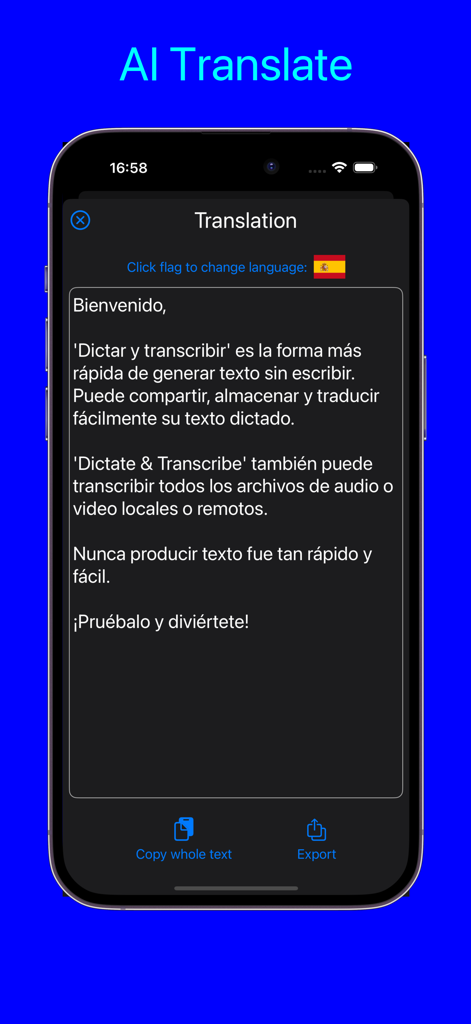
Dictation Pro app interface showing AI translation of text into Spanish on an iPhone
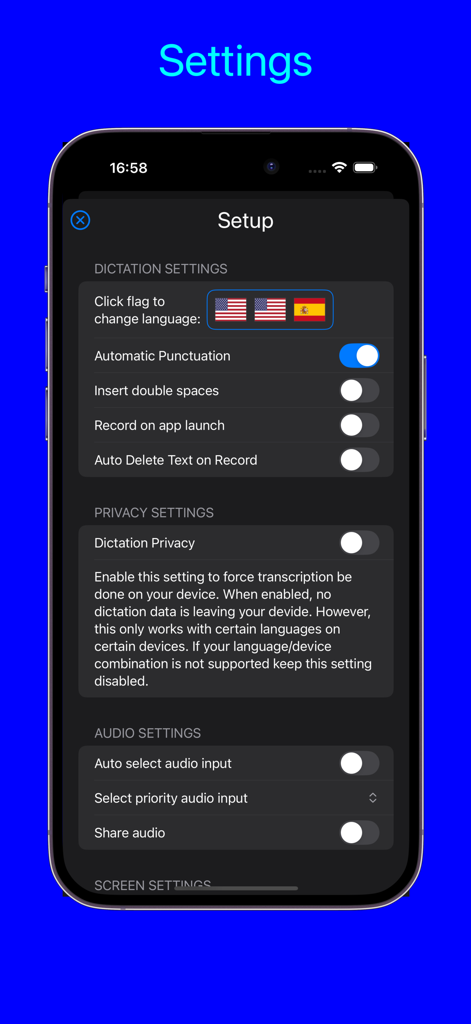
Settings screen of the Dictation Pro app showing options for language selection privacy and audio configurations
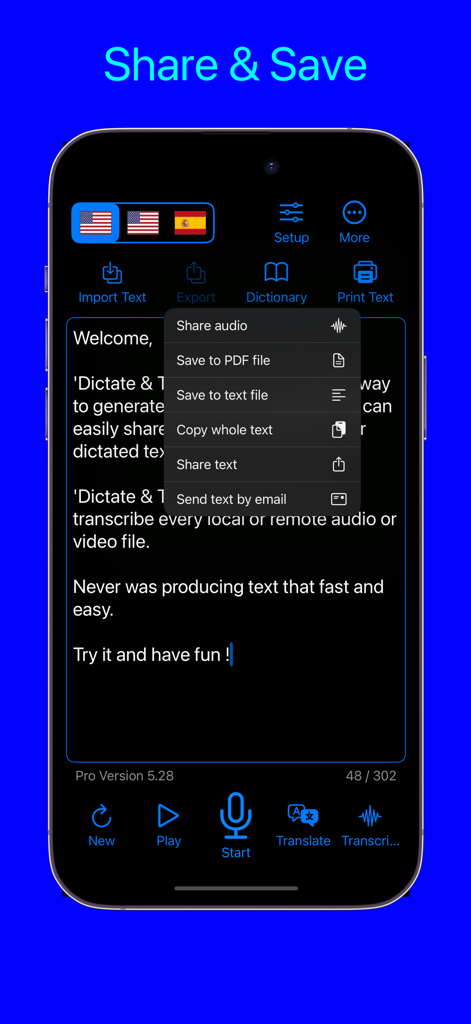
Sharing and saving options menu in Dictation Pro voice to text app
Description
Download
More Like This
Apps with similar features and user experience

Plaud: AI Note Taker
PLAUD LLC

Notee: AI Note Taker
GM UniverseApps Limited

클로바노트 - 음성 그 이상의 기록
NAVER Corp.

录音专家-专业录音转文字助手
Chongqing Yeyuegua Technology Co., Ltd

听脑AI - 实时录音转文字总结助手
Shanghai Xiuyu Network Technology Co., Ltd

Granola - AI Meeting Notes
Granola inc

Transkriptor - Speech to Text
Textintel FZE

Minutes: AI Meeting Note Taker
Minutes AI, LLC

Fireflies: AI notetaker
FIREFLIES.AI CORP.
This page is not an official page of the app or its developer, but an independent editorial publication created for informational and commentary purposes. Unless expressly stated otherwise, neither the app nor its developer is affiliated with, endorsed by, sponsored by, authorized by, or otherwise officially connected with MWM, Apple, Google Play, the app publisher, or the app's developer, and nothing on this page implies that the app was developed using MWM's services. Any trademarks, logos, screenshots, and other content remain the property of their respective owners.