
dManager - datamanager


Bring desktop-class efficiency to your iOS workflow with multi-threaded speeds, smart resume, and advanced cURL support for total file control.
Publisher
Category
ProductivityDownloads
142K+User Rating
Total Ratings
100Locales
3Discover the interface used by 142K+ users.
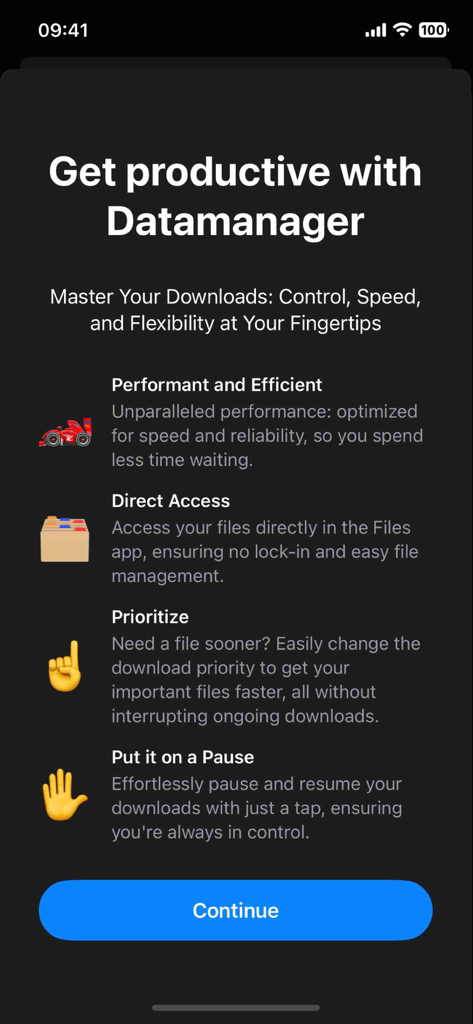
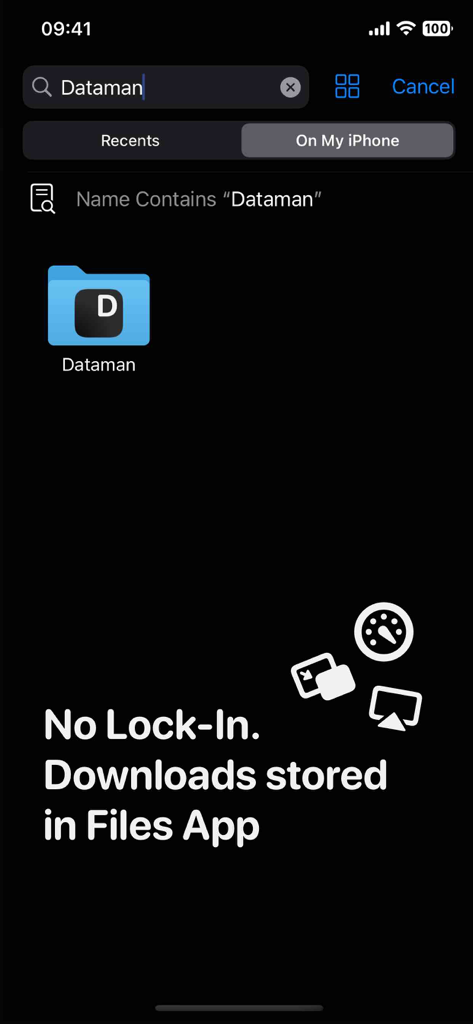
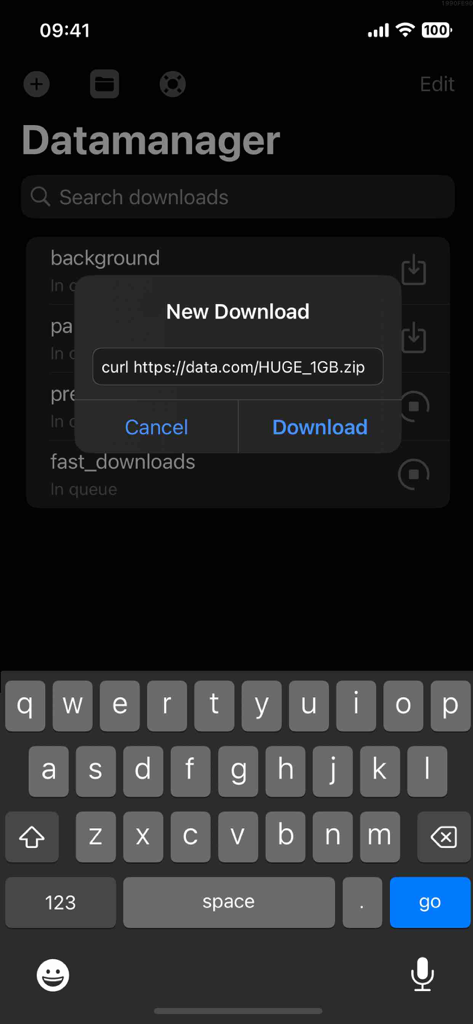
The tools that make this app stand out, trusted by 142K+ users.
Maximize your bandwidth and save time with accelerated downloads optimized for peak efficiency and battery performance.
Bypass native iOS limitations with intelligent network handling that automatically recovers interrupted downloads without starting over.
Directly sync with the Files app or utilize Developer Mode for cURL command inputs to handle complex downloads with surgical precision.
Everything you need to know about dManager - datamanager.
Description
Latest Version
1.2
Size
60.8 MB
First Released
Nov 5, 2024
Join over 142,000 power users who have upgraded their mobile workflow. Experience multi-threaded speed, smart resumes, and total download management today.
Everything you need to know about dManager - datamanager
dManager - datamanager is a download manager designed for enhanced management of downloads directly from your device. It provides features like pausing, resuming, prioritizing, and efficient handling of network disruptions.
Yes, dManager - datamanager allows users to seamlessly pause and resume downloads as needed. This feature provides precise control over ongoing download processes directly from the device.
Yes, dManager - datamanager includes Smart Network Handling. Downloads automatically pick up exactly where they left off, eliminating the need to restart due to any network disruptions or connectivity issues.
dManager - datamanager features Prioritized Queuing. Users can effortlessly adjust the download queue to set priorities, ensuring that important downloads finish first without interrupting ongoing transfers.
Yes, dManager - datamanager ensures unrestricted file access. Downloaded files are instantly accessible without usage restrictions. The app includes an integrated file explorer and compatibility with the Files app.
Yes, dManager - datamanager is developer-friendly. It includes a dedicated developer mode which enables direct cURL command inputs, providing advanced options for various download tasks.
Yes, dManager - datamanager accelerates downloads using efficient multi-threading. This optimization enhances download speed while simultaneously optimizing battery consumption for the device.
dManager - datamanager stores downloaded files directly within the Files app on your device. This ensures direct access and no lock-in, providing users with complete control and easy file management.
Top-ranked apps in the same category

OpenAI OpCo, LLC

Google LLC

X.AI Corporation

Google LLC

Shanghai Zhixin Puhui Technology Co., Ltd.

Google LLC

Microsoft Corporation

Google LLC

Google LLC
App information, icons, screenshots, and descriptions displayed on this page are sourced from the Apple App Store and are the property of their respective developers. Download estimates and rankings are based on MWM's proprietary models and may not reflect actual figures. This page is provided for informational and analytical purposes only.
Believe this page infringes your intellectual property? File a dispute