Docker Manager GUI - WhaleDeck

Docker Manager GUI - WhaleDeck


Download on App Store
Logo of Docker Manager GUI - WhaleDeck

WhaleDeck: The Ultimate Visual Command Center for Docker

Streamline your DevOps workflow and manage containers across multiple servers with a powerful, intuitive dashboard designed exclusively for the Apple ecosystem.

Publisher

Florian Seida

Category

Developer Tools

Downloads

47K+

User Rating

4.6/5

Total Ratings

100

Locales

3

Your Infrastructure, Visualized

Discover the interface used by 47K+ users.
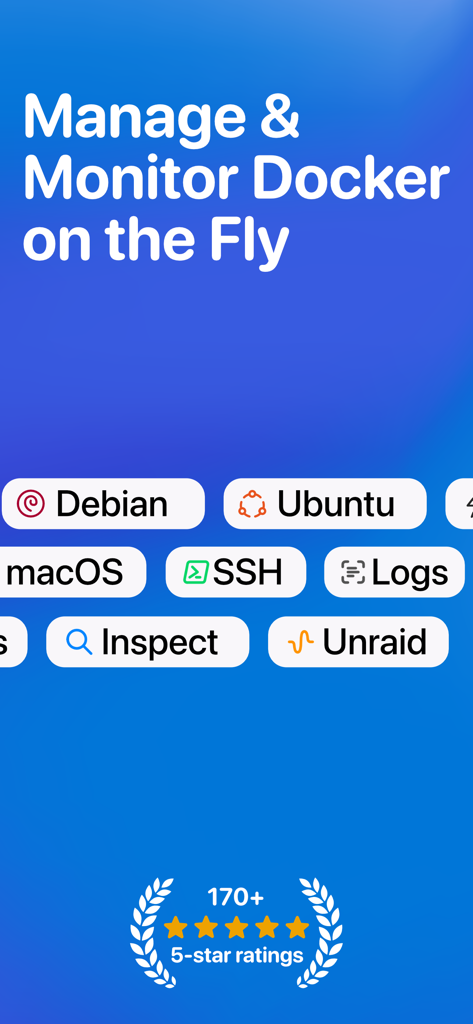
Promotional graphic for WhaleDeck showing Docker management features across platforms including Debian Ubuntu and macOS with 5 star ratings

Promotional graphic for WhaleDeck showing Docker management features across platforms including Debian Ubuntu and macOS with 5 star ratings

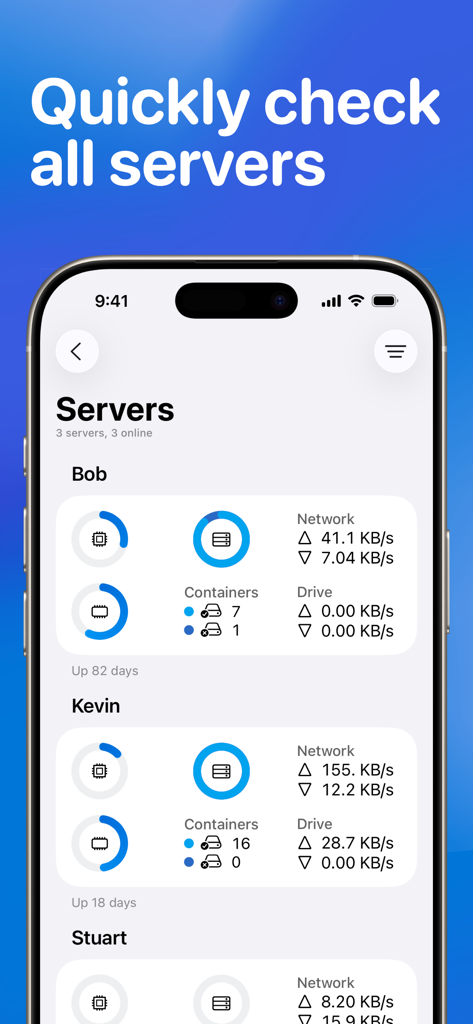
WhaleDeck mobile dashboard displaying real-time metrics and container status for multiple Docker servers.

WhaleDeck mobile dashboard displaying real-time metrics and container status for multiple Docker servers.

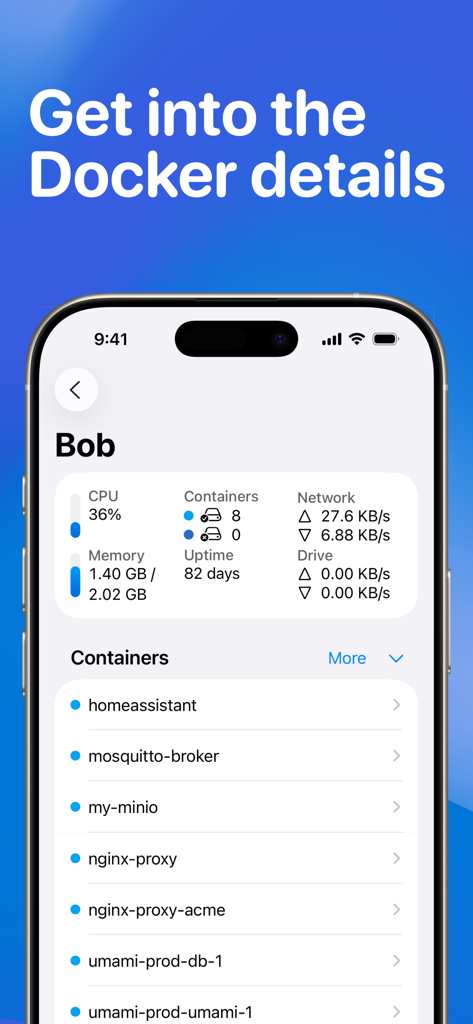
iPhone screen displaying WhaleDeck Docker manager with server CPU usage and a list of active containers

iPhone screen displaying WhaleDeck Docker manager with server CPU usage and a list of active containers

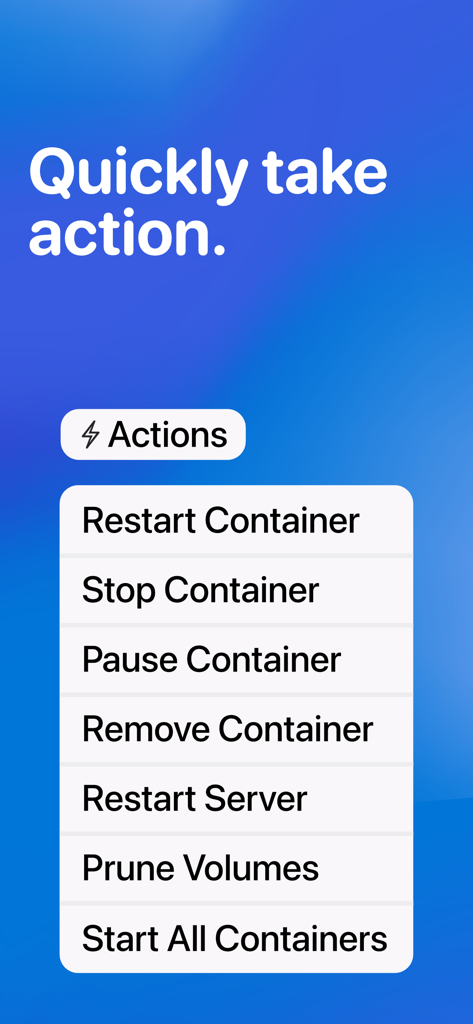
WhaleDeck mobile app interface showing a list of quick Docker actions including restart container and stop container.

WhaleDeck mobile app interface showing a list of quick Docker actions including restart container and stop container.

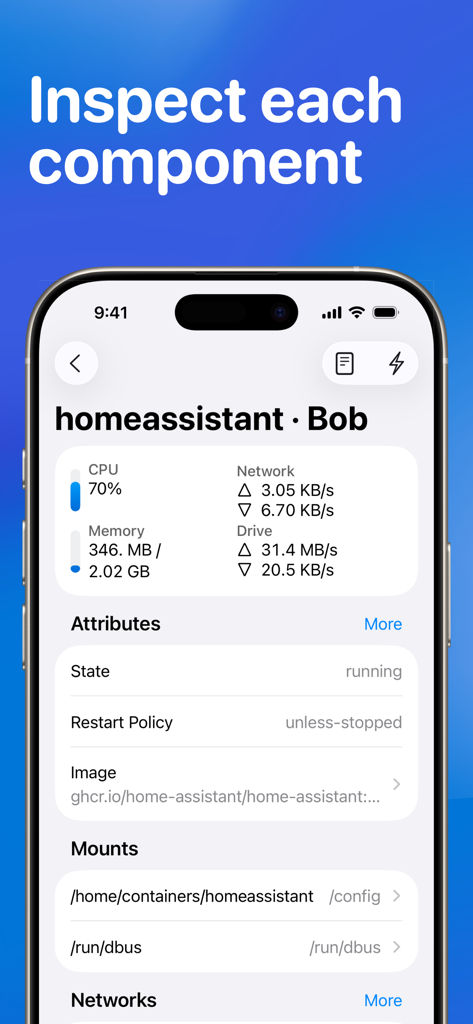
WhaleDeck dashboard displaying CPU and memory usage for a Docker container

WhaleDeck dashboard displaying CPU and memory usage for a Docker container

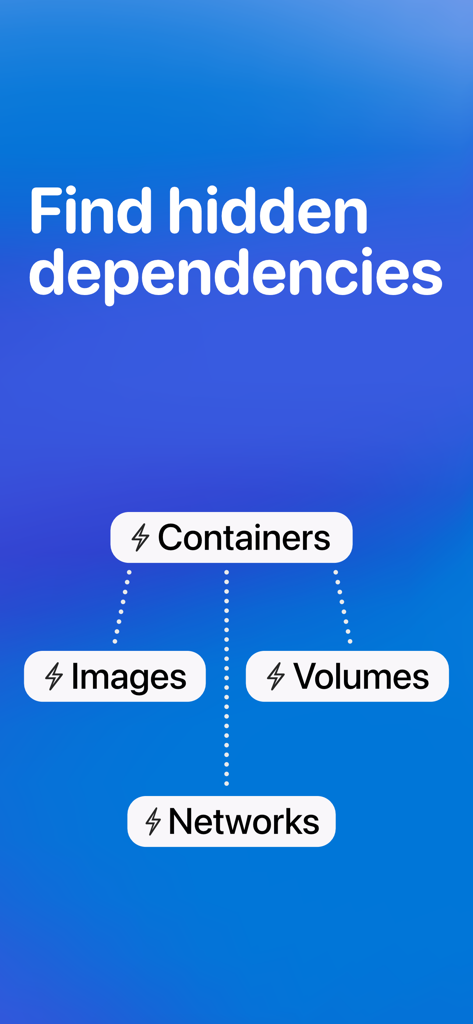
WhaleDeck app screen showing the relationship between Docker containers images volumes and networks

WhaleDeck app screen showing the relationship between Docker containers images volumes and networks

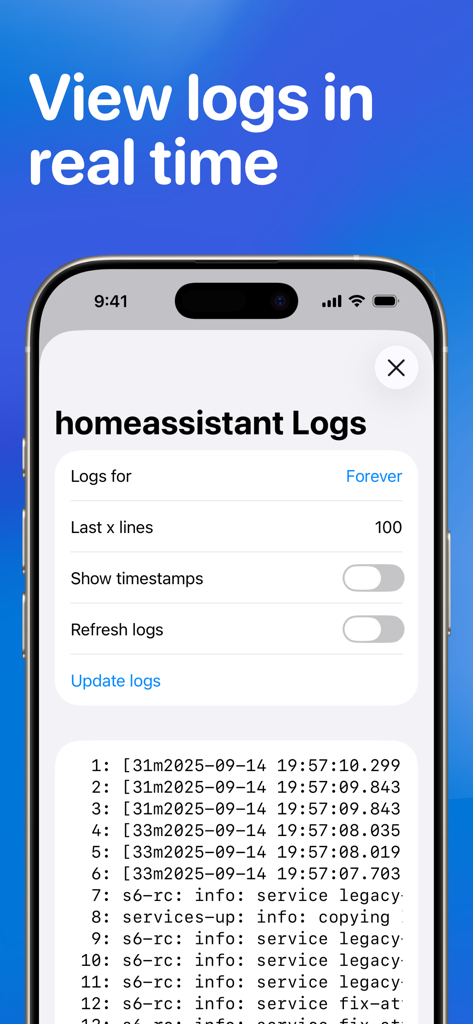
WhaleDeck mobile app showing a real-time log viewer for a Docker container

WhaleDeck mobile app showing a real-time log viewer for a Docker container

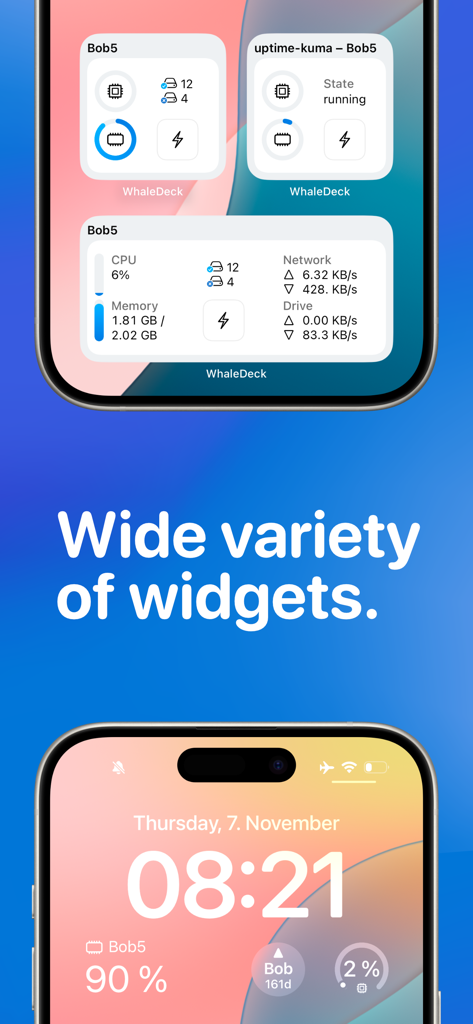
WhaleDeck app displaying various server monitoring widgets on an iPhone home screen and lock screen.

WhaleDeck app displaying various server monitoring widgets on an iPhone home screen and lock screen.

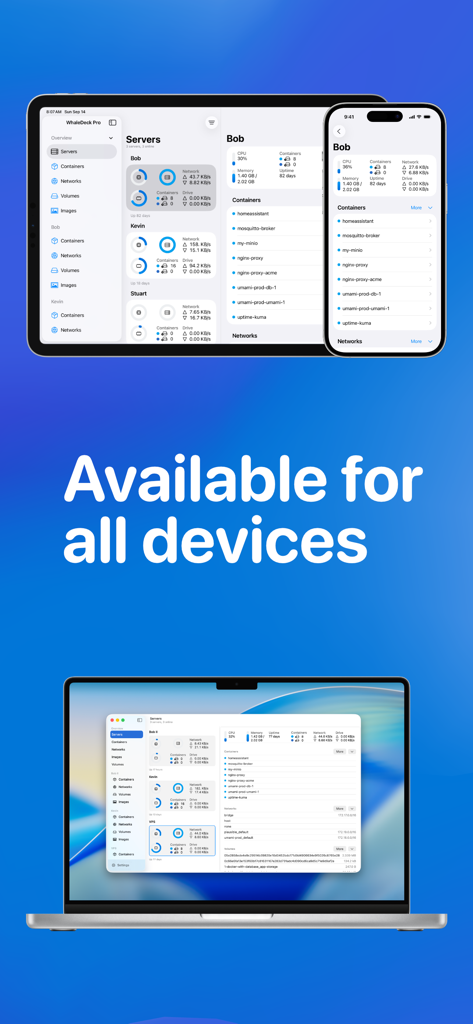
WhaleDeck Docker manager GUI displayed on iPhone iPad and Mac illustrating cross-device compatibility

WhaleDeck Docker manager GUI displayed on iPhone iPad and Mac illustrating cross-device compatibility

Master Your Docker Ecosystem from Anywhere

The tools that make this app stand out, trusted by 47K+ users.

📊

Visual Performance Monitoring

Eliminate terminal fatigue with real-time graphs for CPU, RAM, and network usage. Gain instant visibility into your container health without typing a single command.

☁️

Seamless Multi-Server Sync

Centralize your entire infrastructure across Linux and macOS servers. Use iCloud sync to switch between your Mac and iPhone effortlessly while maintaining full control.

⚡

Rapid Action & Pro Security

Deploy fixes instantly with bulk container actions and stay informed via lock screen widgets. Secured by FaceID to ensure your production environments remain protected.

About the app

Everything you need to know about Docker Manager GUI - WhaleDeck.

Description

WhaleDeck is your all-in-one Docker environment manager. Reduce complexity and stay productive with a visual dashboard that centralizes performance metrics, container logs, and actions across multiple servers. Whether you’re just starting with Docker or you’re an experienced professional, WhaleDeck helps you work more efficiently. Easily monitor your entire environment, gain insights into containers, networks, and volumes, and quickly address issues as they arise. WhaleDeck’s intuitive interface puts you in control, letting you tailor the tool to fit your workflow. Start for free to: · Add your Linux server and instantly visualize CPU, memory, drive, and network usage · Access container logs, details, and insights to quickly identify and resolve issues · Take direct action on containers – start, stop, or pause them individually or in bulk · Use Split View to see multiple parts of your environment side by side · Secure your setup with biometric authentication Upgrade to WhaleDeck Pro to: · Manage unlimited servers and maintain all your environments in one place · Gain deeper insights into container resource usage · Enjoy macOS server support and iCloud syncing for seamless cross-device access · Enhance your workflow with home and lock screen widgets, plus custom refresh rates · Dive deeper with detailed network and volume information WhaleDeck Pro is available as a monthly or annual subscription, or as a one-time lifetime purchase. For feedback or help, contact support@whaledeck.app or use the built-in form. Terms of Use: https://whaledeck.app/termsandconditions

Latest Version

3.1.0

Size

12.9 MB

First Released

May 2, 2022

Take Command of Your Docker Environment

Join 47,000+ developers managing containers with ease. Download WhaleDeck today and bring the power of professional DevOps to your iPhone, iPad, and Mac.

Download on App Store

App information, icons, screenshots, and descriptions displayed on this page are sourced from the Apple App Store and are the property of their respective developers. Download estimates and rankings are based on MWM's proprietary models and may not reflect actual figures. This page is provided for informational and analytical purposes only.

Believe this page infringes your intellectual property? File a dispute