
This page is not an official page of the app or its developer, but an independent editorial publication created for informational and commentary purposes. Unless expressly stated otherwise, neither the app nor its developer is affiliated with, endorsed by, sponsored by, authorized by, or otherwise officially connected with MWM, Apple, Google Play, the app publisher, or the app's developer, and nothing on this page implies that the app was developed using MWM's services. Any trademarks, logos, screenshots, and other content remain the property of their respective owners.


DocReviewPad - Review Docs
Master discovery with secure, local document review. Annotate, Bates stamp, and issue code thousands of pages on your iPad or Mac—no cloud connection required.
Downloads
100User Rating
Total Ratings
100Publisher
Category
BusinessLocales
1Latest Version
26.1.1Size
39.0 MBFirst Released
Jan 30, 2021Litigation-Ready Document Review
Streamline your discovery process with professional-grade tools designed specifically for the mobile attorney, from first review to final production.
Instant Bates Numbering
Apply customized Bates stamps to thousands of pages in seconds, replacing hours of manual labor with a single tap on your iPad or Mac.
Privacy-First Discovery
Work with absolute confidence. Review sensitive case files securely without a mandatory cloud connection, keeping your data local and private.
The following screenshots and description are sourced directly from the app's official store listing and are the property of the app developer.
App Store
Screenshots
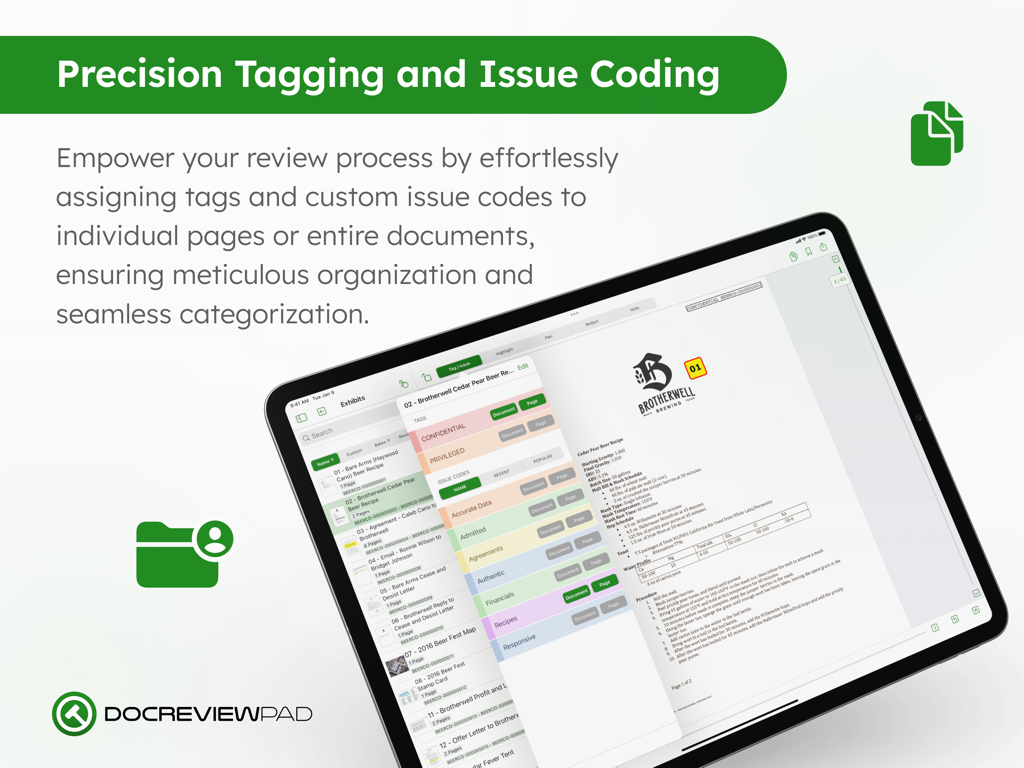
DocReviewPad interface on iPad showing legal document tagging and issue coding options
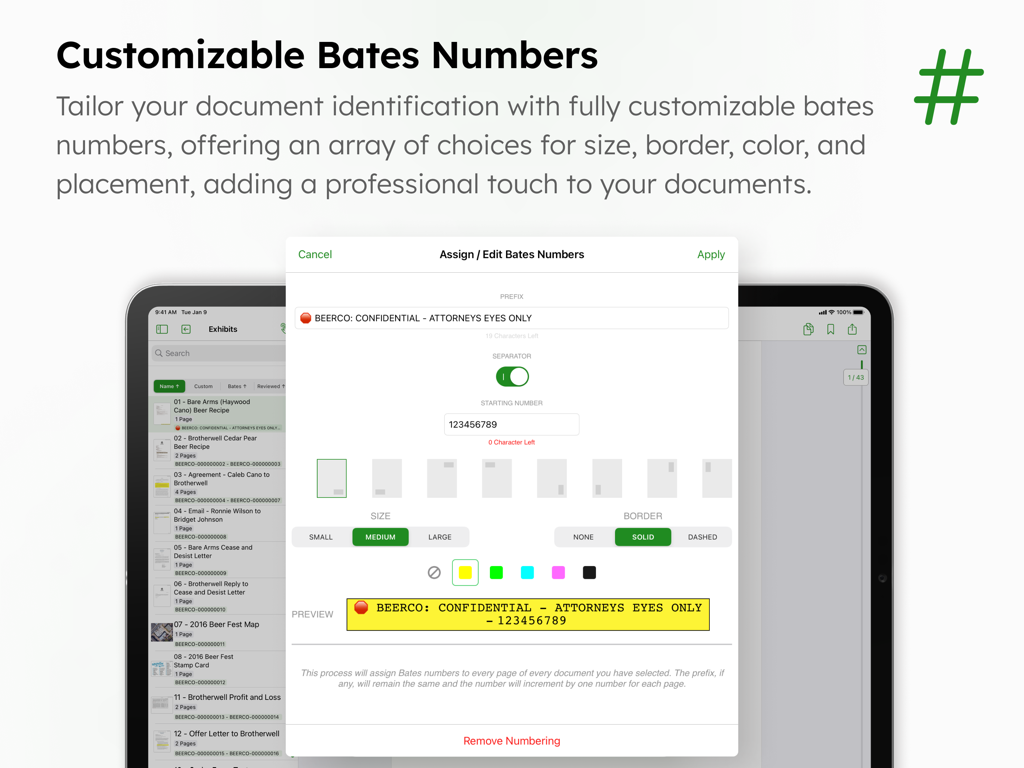
Interface showing customizable Bates numbers for legal document identification in DocReviewPad.
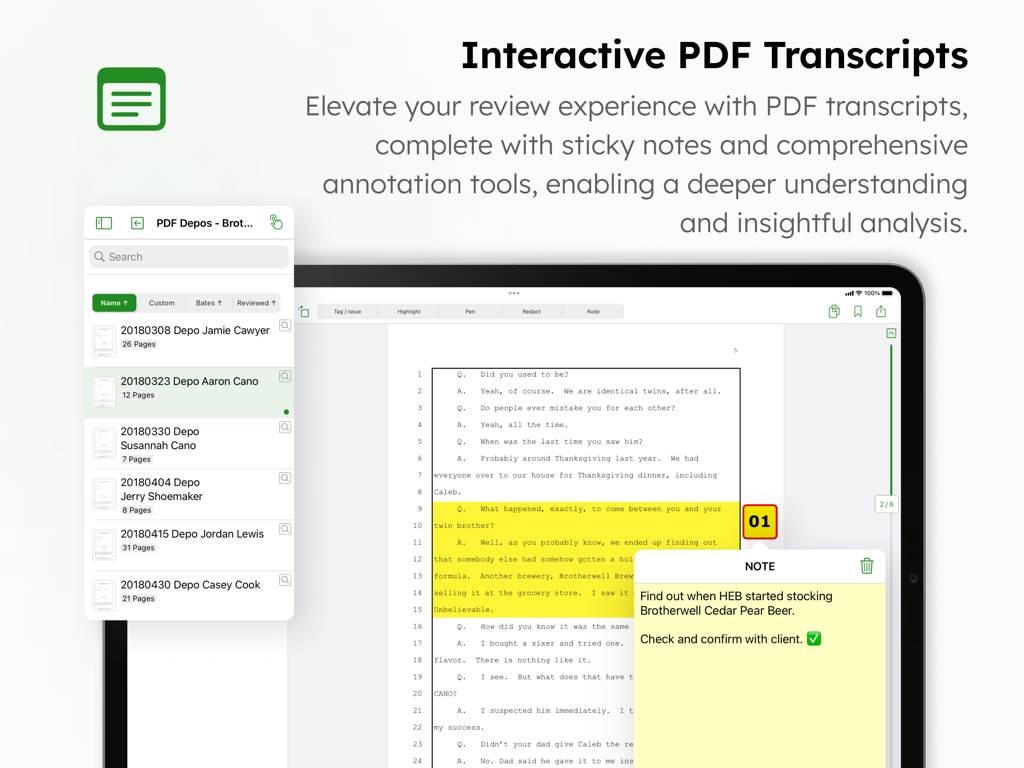
DocReviewPad app interface on an iPad showing a legal transcript with highlights and a digital sticky note.
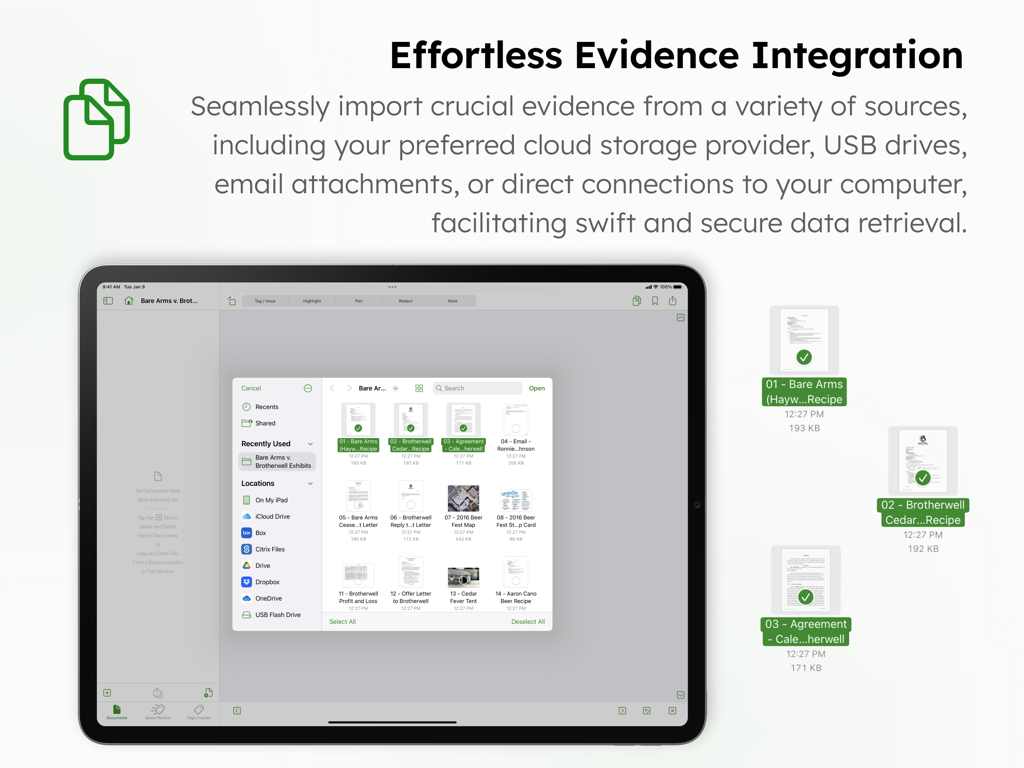
DocReviewPad app on iPad showing the document import interface for legal evidence from various cloud storage and USB sources
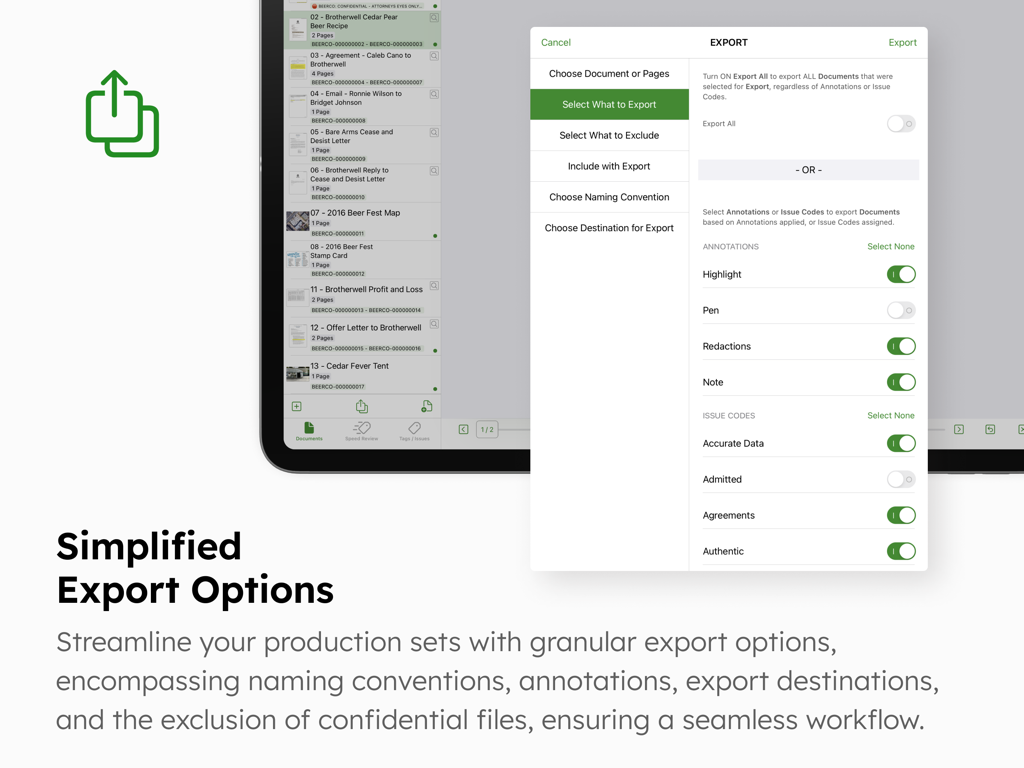
DocReviewPad app interface showing granular export options and settings for legal documents
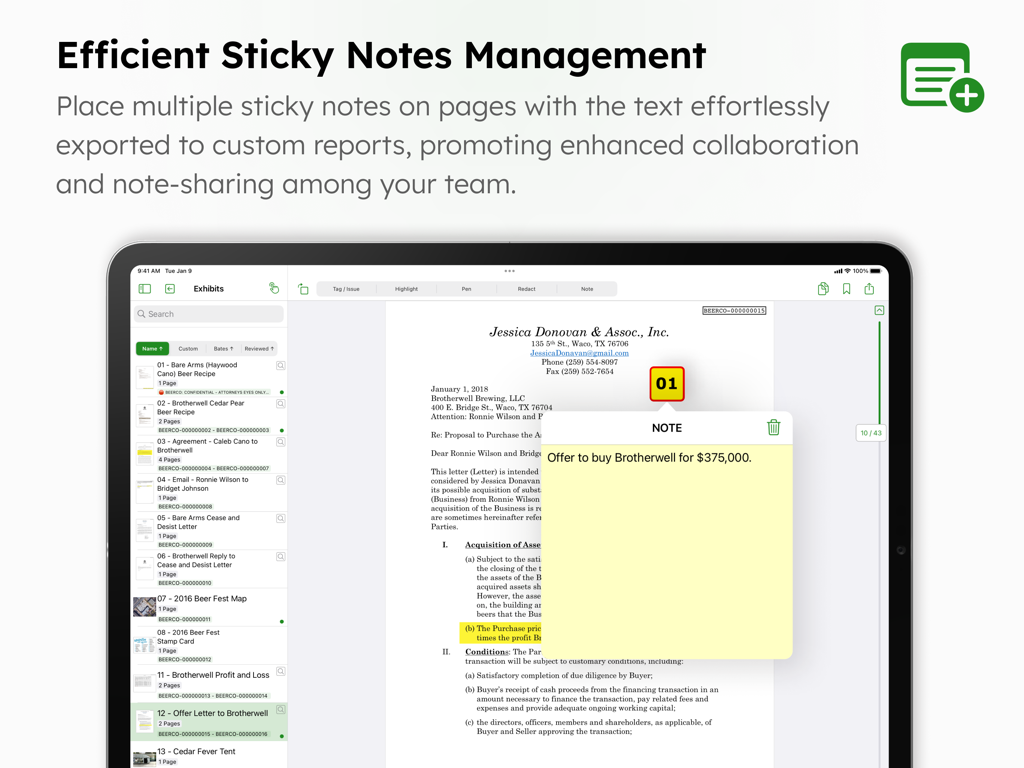
A digital sticky note applied to a legal document within the DocReviewPad app interface on an iPad
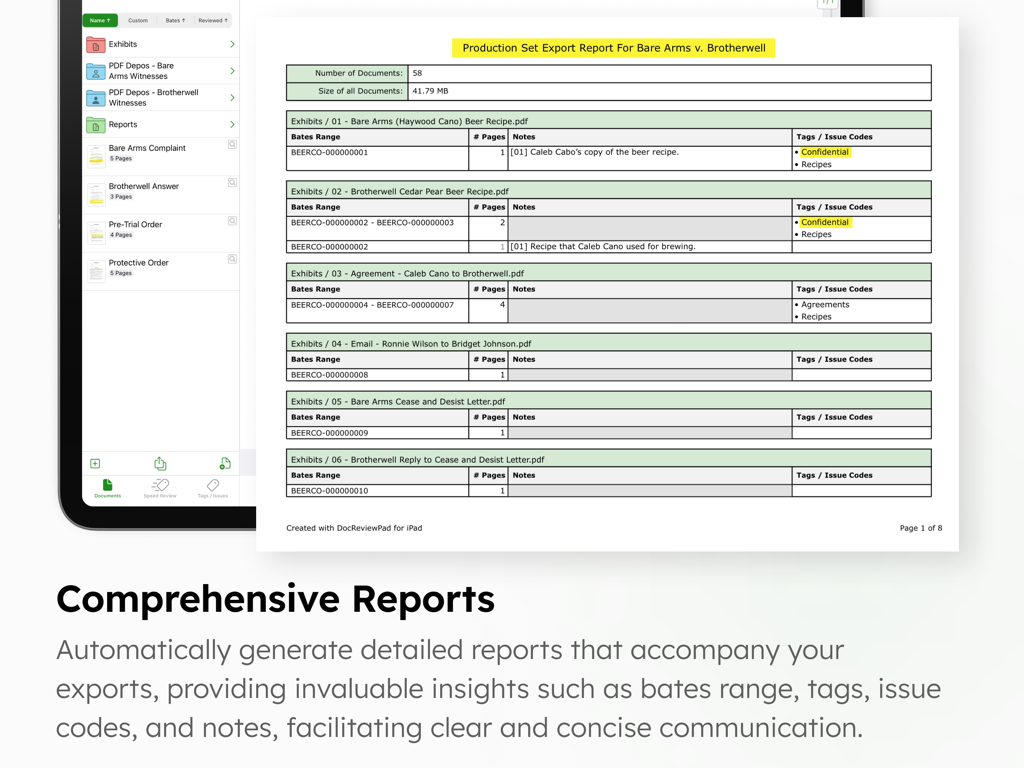
A production set export report for legal documents displaying bates ranges and issue codes on an iPad screen
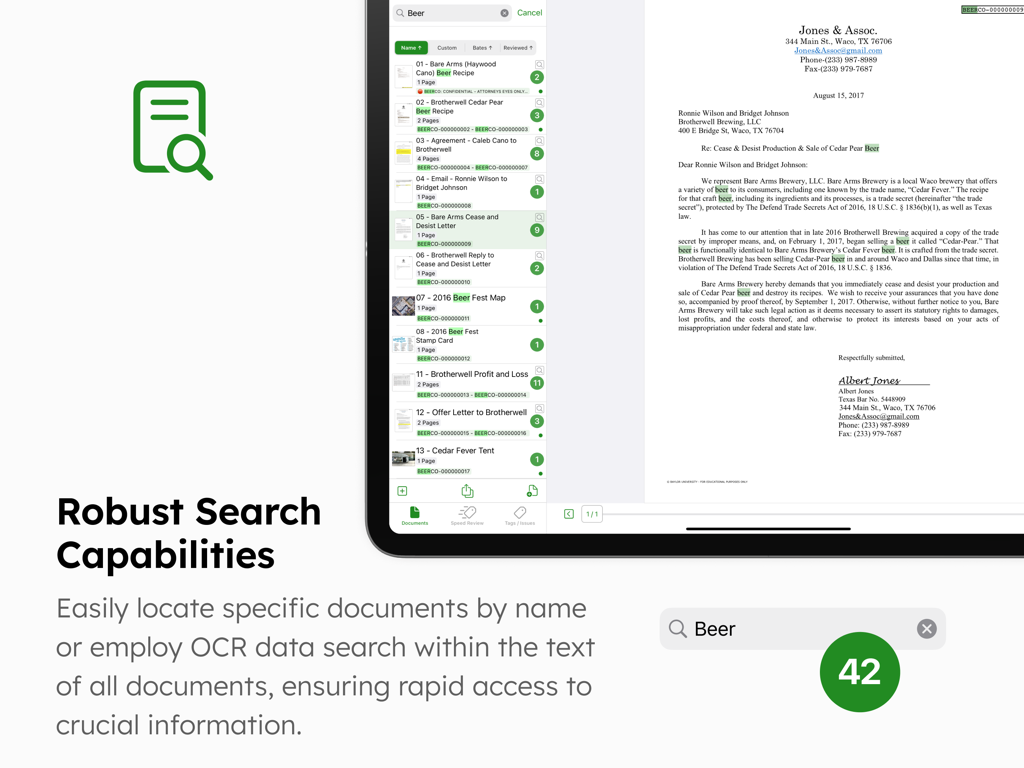
DocReviewPad app interface on an iPad showing the robust search and OCR capabilities for legal document review.
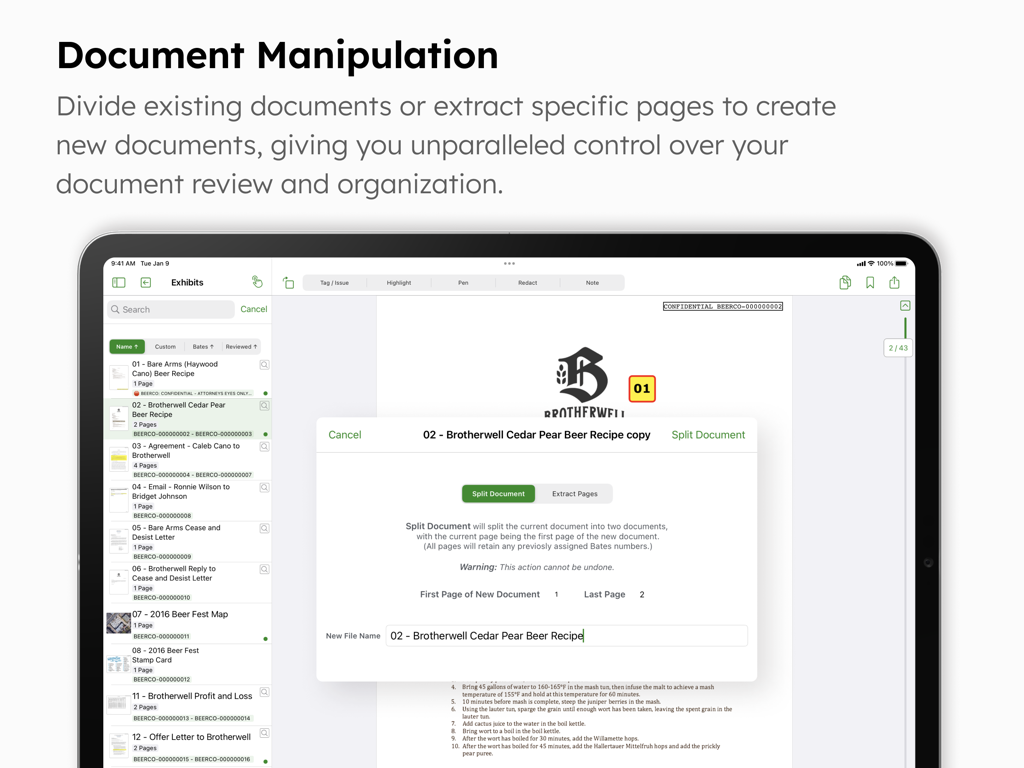
DocReviewPad interface showing document manipulation tools to split or extract pages on an iPad
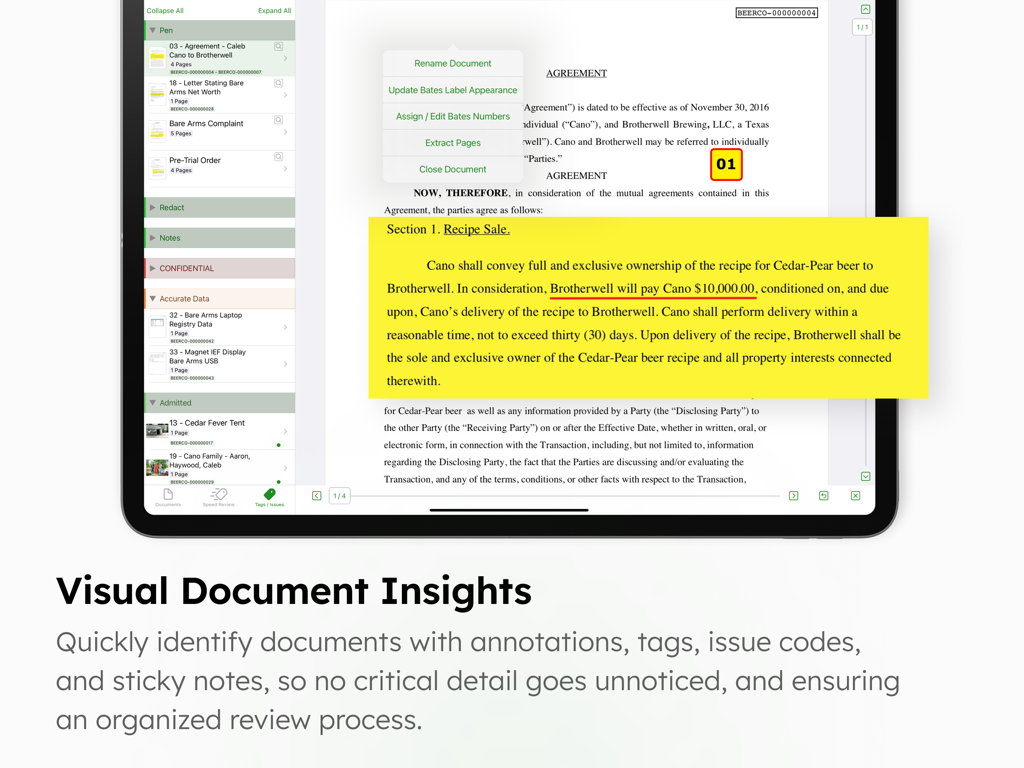
DocReviewPad app interface on an iPad showing a legal agreement with a yellow virtual sticky note and annotation tools
Description
Download
More Like This
Apps with similar features and user experience

This page is not an official page of the app or its developer, but an independent editorial publication created for informational and commentary purposes. Unless expressly stated otherwise, neither the app nor its developer is affiliated with, endorsed by, sponsored by, authorized by, or otherwise officially connected with MWM, Apple, Google Play, the app publisher, or the app's developer, and nothing on this page implies that the app was developed using MWM's services. Any trademarks, logos, screenshots, and other content remain the property of their respective owners.