Document Viewer – PDF Editor

Document Viewer – PDF Editor

Download on App Store
Logo of Document Viewer – PDF Editor

Document Viewer – PDF Editor: Your All-in-One Mobile Office for Instant Productivity

Effortlessly view, annotate, and manage PDFs, Word, and Excel files in one lightweight app. Designed for speed and 100% privacy—your documents never leave your device.

Download on App Store

Publisher

Hung Van Nguyen

Category

Productivity

Downloads

0

User Rating

1.0/5

Total Ratings

0

Locales

1

Efficiency in Action

Discover the interface used by 0 users.
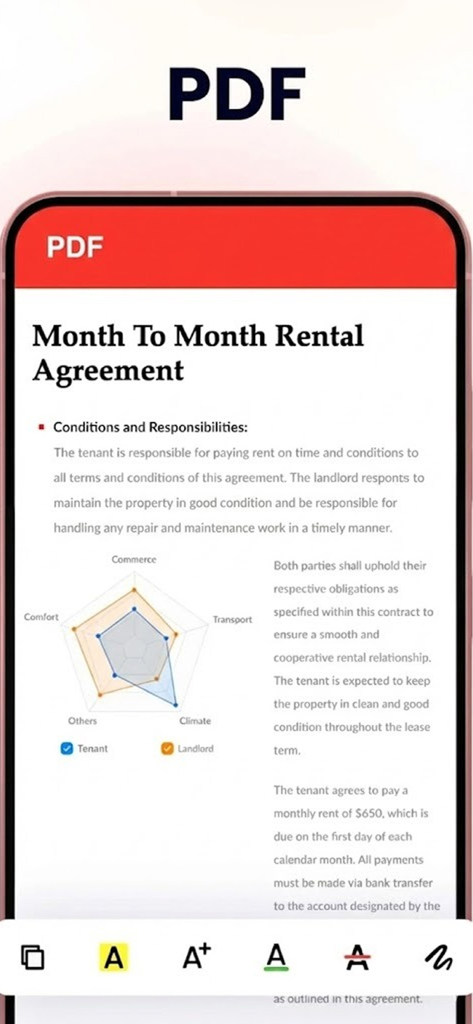
A mobile screen showing a rental agreement PDF document with editing and annotation tools

A mobile screen showing a rental agreement PDF document with editing and annotation tools

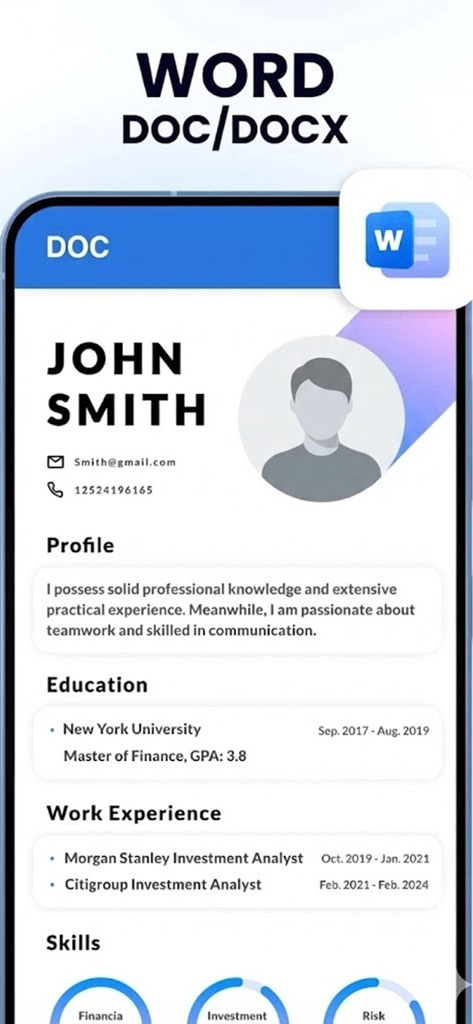
iPhone screen showing a Word document resume in the Document Viewer app

iPhone screen showing a Word document resume in the Document Viewer app

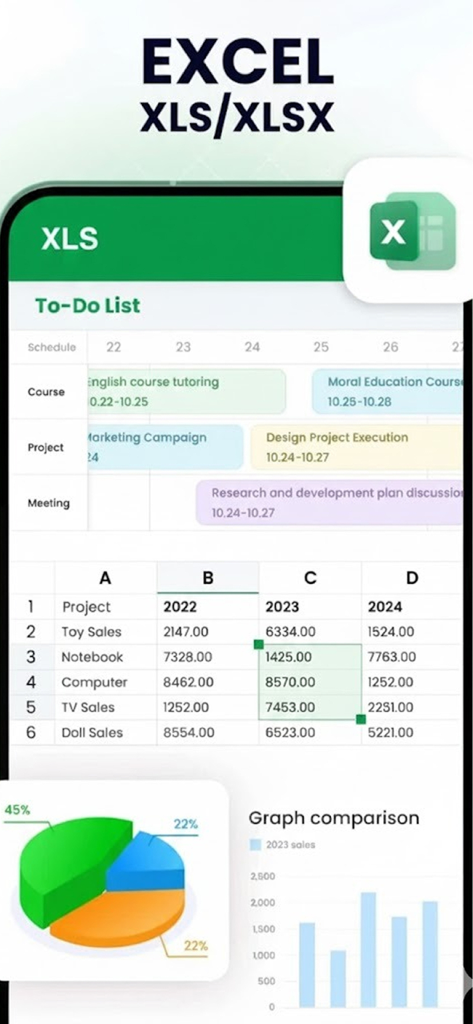
Smartphone screen displaying an Excel spreadsheet with schedules and data charts

Smartphone screen displaying an Excel spreadsheet with schedules and data charts

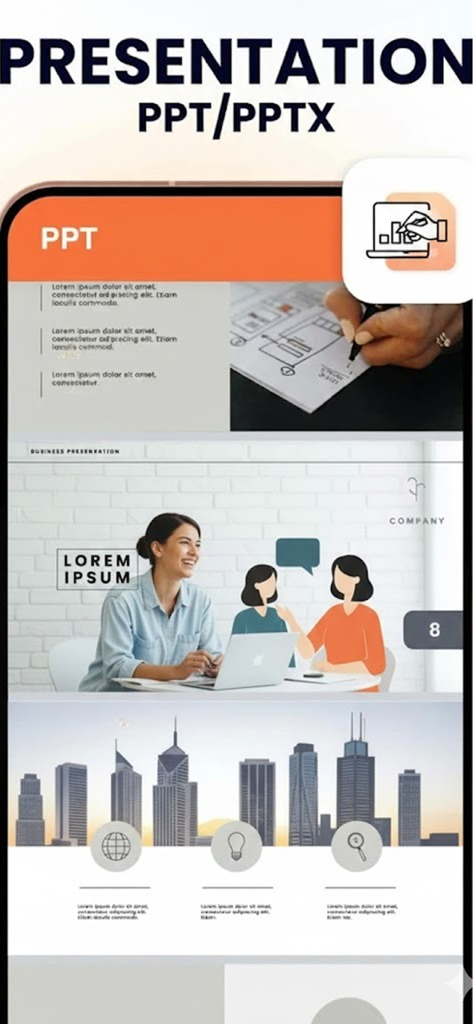
iPhone screen displaying a PowerPoint presentation using the Document Viewer app

iPhone screen displaying a PowerPoint presentation using the Document Viewer app

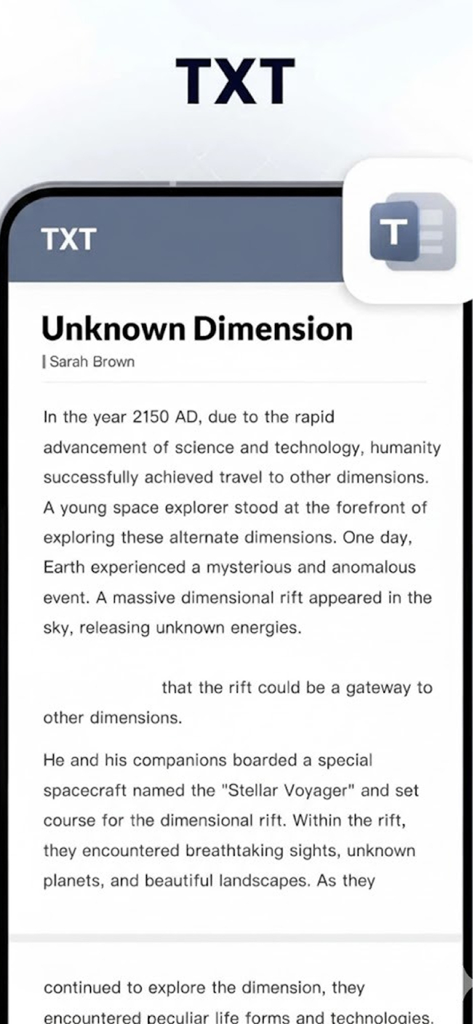
Smartphone screen showing the text file viewer feature of the Document Viewer app.

Smartphone screen showing the text file viewer feature of the Document Viewer app.

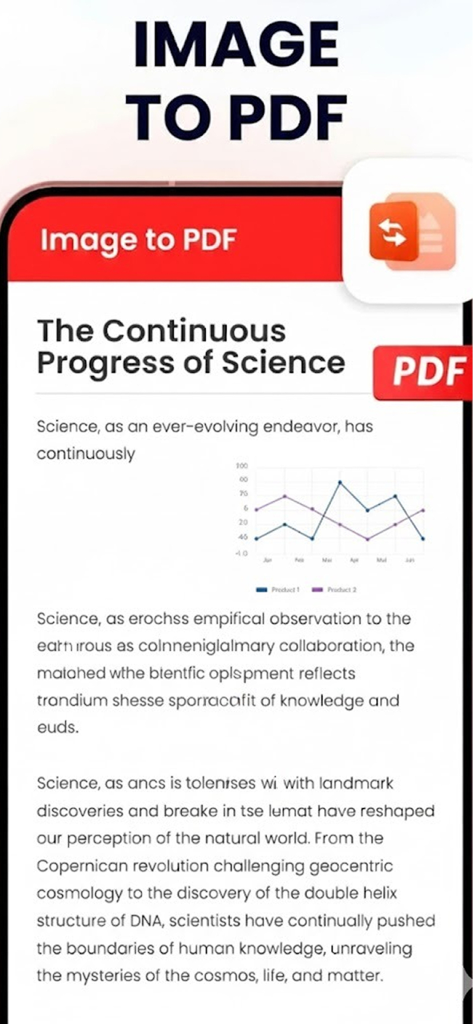
Mobile app screen showing the conversion of a scientific document image into a PDF file

Mobile app screen showing the conversion of a scientific document image into a PDF file

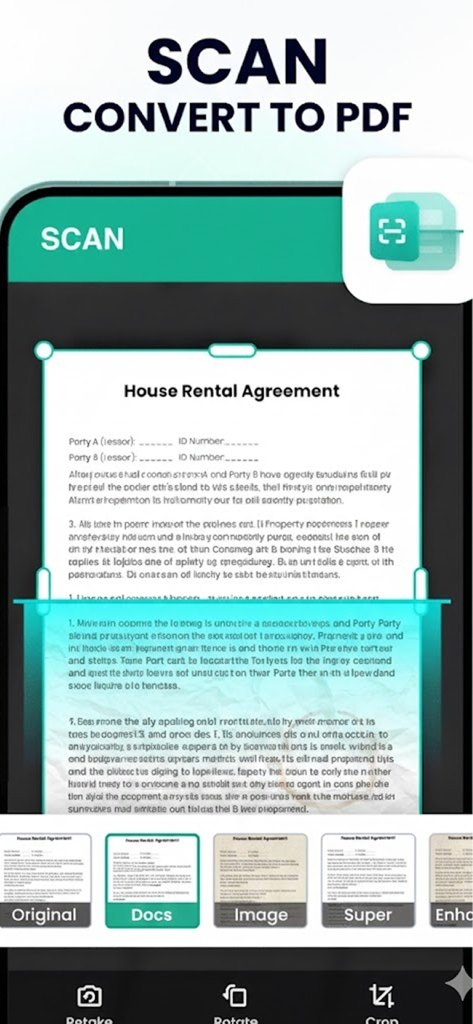
A smartphone interface showing the feature to scan a document and convert it to a PDF.

A smartphone interface showing the feature to scan a document and convert it to a PDF.

Your All-in-One Mobile Office

The tools that make this app stand out, trusted by 0 users.

📂

Open Every Format

Eliminate app fatigue by viewing PDF, Word, Excel, and PowerPoint files in one single, lightweight power-tool.

✍️

Pro-Level Editing

Highlight key insights and mark up documents instantly during your commute or between meetings without needing a laptop.

🛡️

Private & Lightning Fast

Keep your sensitive files secure with local-only storage and enjoy instant loading times without the bloat of traditional suites.

About the app

Everything you need to know about Document Viewer – PDF Editor.

Description

Document Reader – PDF Editor is an all-in-one tool to read, edit, and manage PDF documents easily on your device. Whether you need to open office files, annotate PDFs, or organize documents, this smart document reader helps you get work done faster. **** Key Features - PDF Reader & Viewer: Open PDFs instantly with smooth scrolling and clear text rendering. - PDF Editor: Highlight text, add notes, draw, underline, and mark important sections. - Document Manager: Organize files, rename documents, delete unused PDFs, and search quickly. - All Document Support: Read PDF, Word, Excel, PowerPoint, and text files in one app. - Fast & Lightweight: Optimized for speed with low storage and battery usage. - Easy Sharing: Share documents via email, messaging apps, or cloud services. **** Safe & Private Your documents stay on your device. We don’t upload or track your files. Whether you’re a student, professional, or everyday user, Document Reader – PDF Editor is the perfect companion for reading and editing documents anytime, anywhere. **** Download now and turn your phone into a powerful document tool ****

Latest Version

1.0

Size

51.6 MB

First Released

Jan 13, 2026

Ready to Transform Your iPhone into a Powerful Document Hub?

Join thousands of students and professionals who manage, edit, and annotate files on the go. Experience the fast, private, and all-in-one tool that simplifies your digital life—completely offline and at your fingertips.

Download on App Store

App information, icons, screenshots, and descriptions displayed on this page are sourced from the Apple App Store and are the property of their respective developers. Download estimates and rankings are based on MWM's proprietary models and may not reflect actual figures. This page is provided for informational and analytical purposes only.

Believe this page infringes your intellectual property? File a dispute