
This page is not an official page of the app or its developer, but an independent editorial publication created for informational and commentary purposes. Unless expressly stated otherwise, neither the app nor its developer is affiliated with, endorsed by, sponsored by, authorized by, or otherwise officially connected with MWM, Apple, Google Play, the app publisher, or the app's developer, and nothing on this page implies that the app was developed using MWM's services. Any trademarks, logos, screenshots, and other content remain the property of their respective owners.

Dual Camera Split Videos: Revo
Capture the action and your reaction in a single take. The #1 multi-camera studio to record front and back perspectives, react to the web in real-time, and broadcast live with professional picture-in-picture modes—no editing required.
Downloads
36K+User Rating
Total Ratings
2K+Publisher
Category
Photo & VideoLocales
7Latest Version
1.3.7Size
22.8 MBFirst Released
Aug 7, 2021Double the View, Half the Effort
Elevate your storytelling with multi-camera features designed for the next generation of creators. From viral reactions to immersive vlogs, Revo captures every perspective in one take, saving you hours of editing.
Dual-Lens Storytelling
Record from your front and rear cameras simultaneously with Split Screen or PIP modes. Perfect for sharing the world's action and your raw reaction in a single frame.
Instant Reaction Studio
Use Web and Upload modes to film yourself over live websites or existing videos. It is the ultimate shortcut for creating high-engagement reaction videos and tutorials without a PC.
The following screenshots and description are sourced directly from the app's official store listing and are the property of the app developer.
App Store
Screenshots
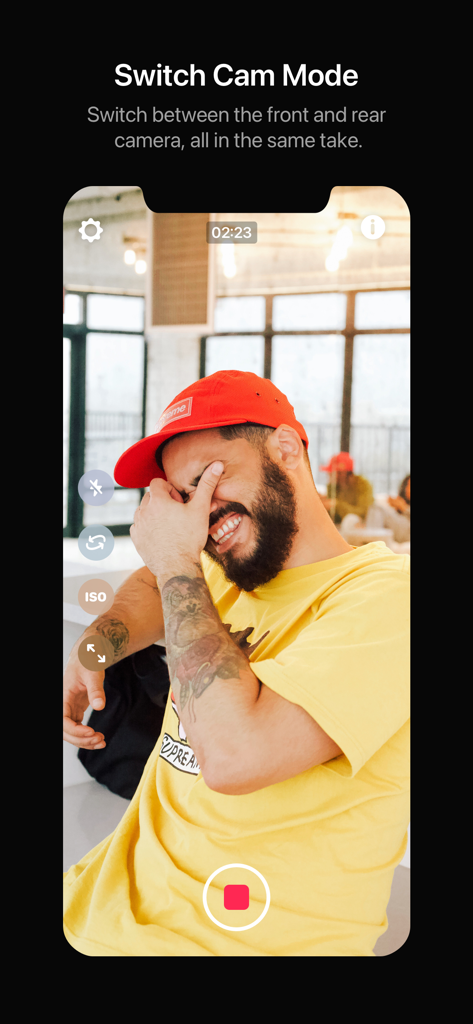
The Switch Cam Mode interface in the Revo app showing a vlogger recording and flipping between front and rear cameras.
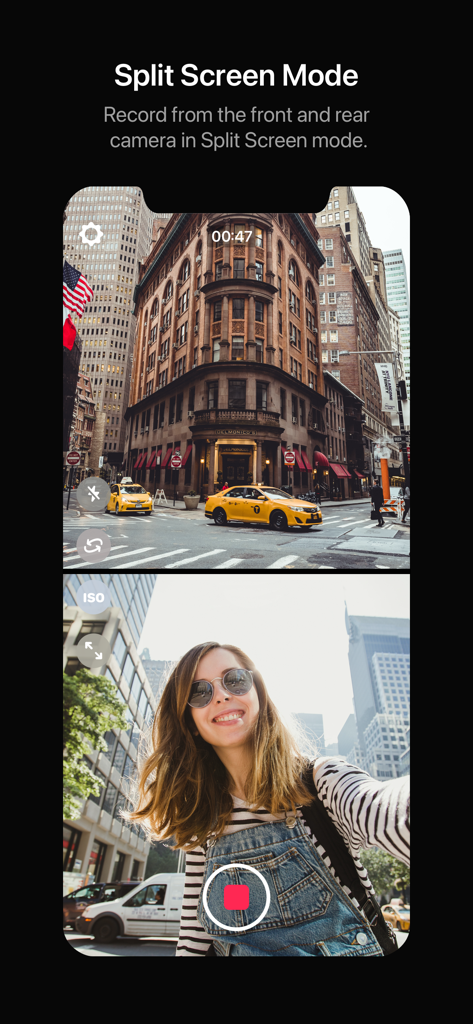
A recording session in split screen mode showing both front and rear camera views simultaneously
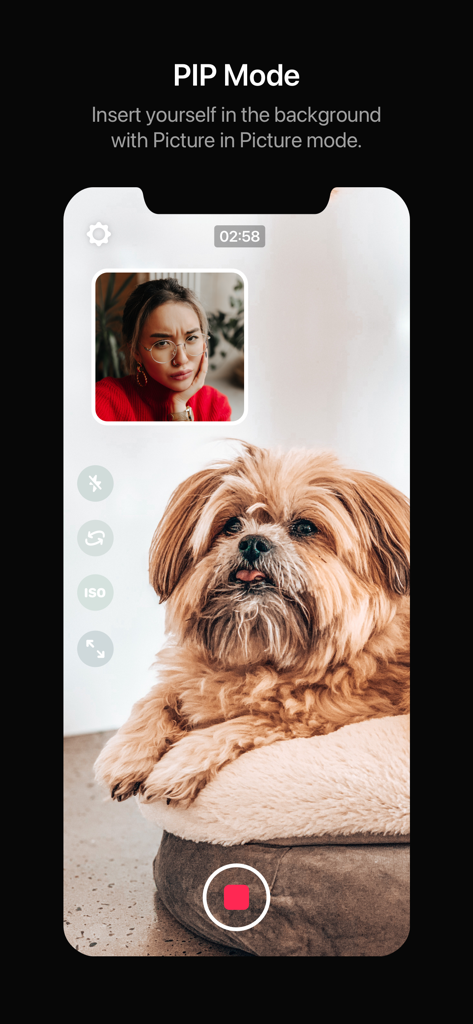
Dual camera app showing PIP mode with a reaction window over a video of a dog

Smartphone screen displaying Revo app Web Mode for recording reaction videos on TikTok
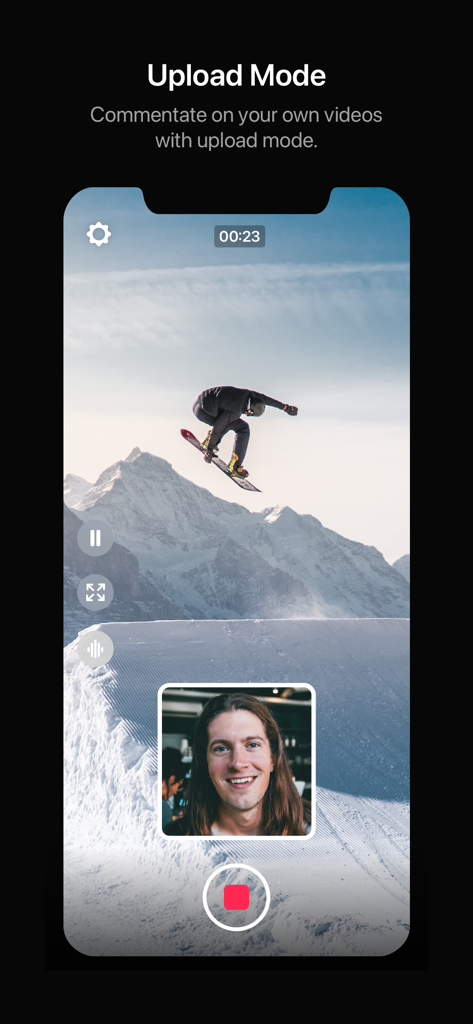
A user recording a reaction video over a snowboarding clip using Revo Upload Mode in picture-in-picture layout
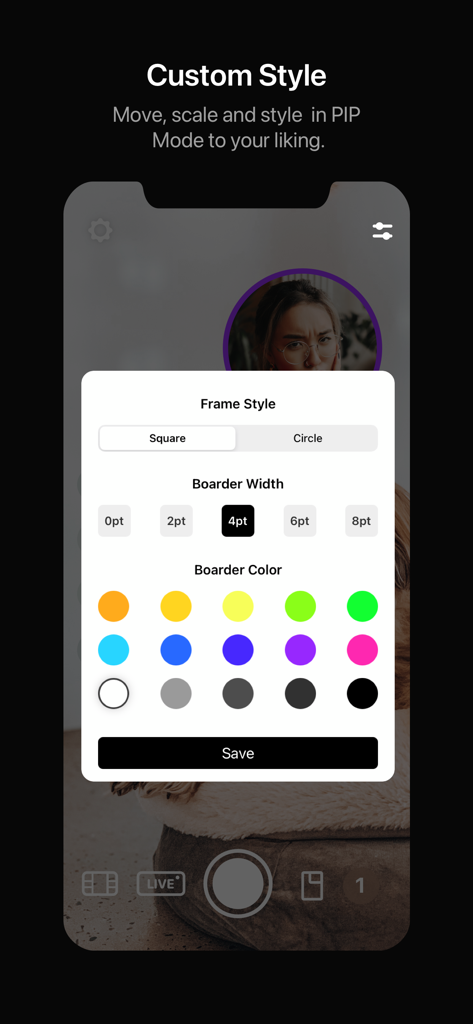
Interface of the Revo app showing customization options for PIP mode including frame style, border width, and border color
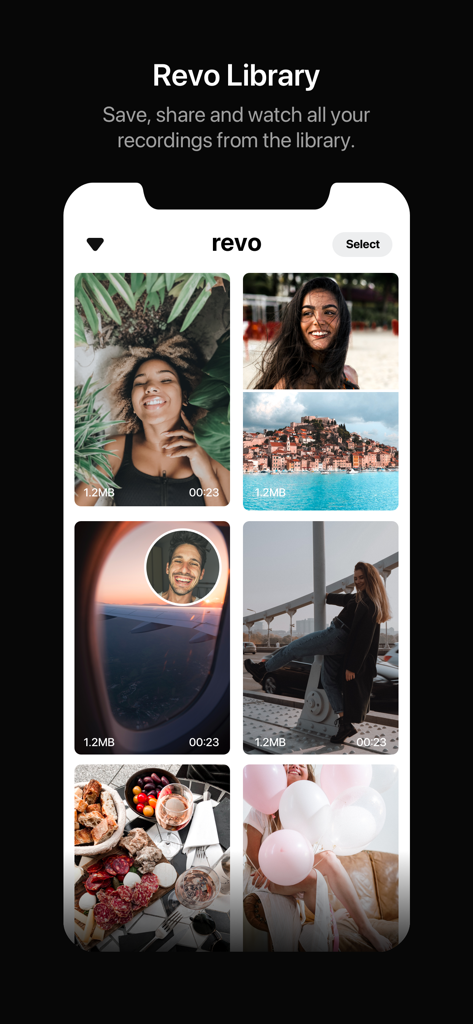
Revo app library interface showing a grid of saved dual camera video recordings.
Description
Download
More Like This
Apps with similar features and user experience

2Camera Dual Camera Front Back
自力 黄
CamFusion - Dual Camera 视频抽帧截图
Liangjie Information Technology (Chengmai) Co., Ltd.

Double Camera •
Dayworks, LLC

2Cam – Dual & Double Camera
VISION FZ LLE

Dualgram
Just2us Pte Ltd
DUBL Pro
DUBL, INC.

DoubleTake - Multicam video
Bending Spoons Apps ApS
This page is not an official page of the app or its developer, but an independent editorial publication created for informational and commentary purposes. Unless expressly stated otherwise, neither the app nor its developer is affiliated with, endorsed by, sponsored by, authorized by, or otherwise officially connected with MWM, Apple, Google Play, the app publisher, or the app's developer, and nothing on this page implies that the app was developed using MWM's services. Any trademarks, logos, screenshots, and other content remain the property of their respective owners.