DWG FastView Pro-CAD viewer
Download on App Store

This page is not an official page of the app or its developer, but an independent editorial publication created for informational and commentary purposes. Unless expressly stated otherwise, neither the app nor its developer is affiliated with, endorsed by, sponsored by, authorized by, or otherwise officially connected with MWM, Apple, Google Play, the app publisher, or the app's developer, and nothing on this page implies that the app was developed using MWM's services. Any trademarks, logos, screenshots, and other content remain the property of their respective owners.


Logo of DWG FastView Pro-CAD viewer
Download on App Store

DWG FastView Pro-CAD viewer

The go-to solution for architects and field engineers. Open 2D/3D DWG drawings instantly with no registration and full offline support—speed and precision at your fingertips.

Key Figures

Downloads

277K+

User Rating

3.6/5

Total Ratings

300

Publisher

Gstarsoft Co., Ltd

Category

Productivity

Locales

13

Latest Version

2.5.0

Size

148.2 MB

First Released

Sep 18, 2012
Features

Professional CAD Tools Built for the Field

Handle complex 2D and 3D drawings with a high-speed engine that works wherever you do—no registration, no internet, and no limits.

Zero-Friction Startup

Forget mandatory logins and account setups. Download and start working on your DWG files instantly with no registration required.

Reliable Offline Performance

Perfect for construction sites and remote dead zones. View and edit your blueprints with zero internet dependency and total data privacy.

The following screenshots and description are sourced directly from the app's official store listing and are the property of the app developer.

App Store

Screenshots
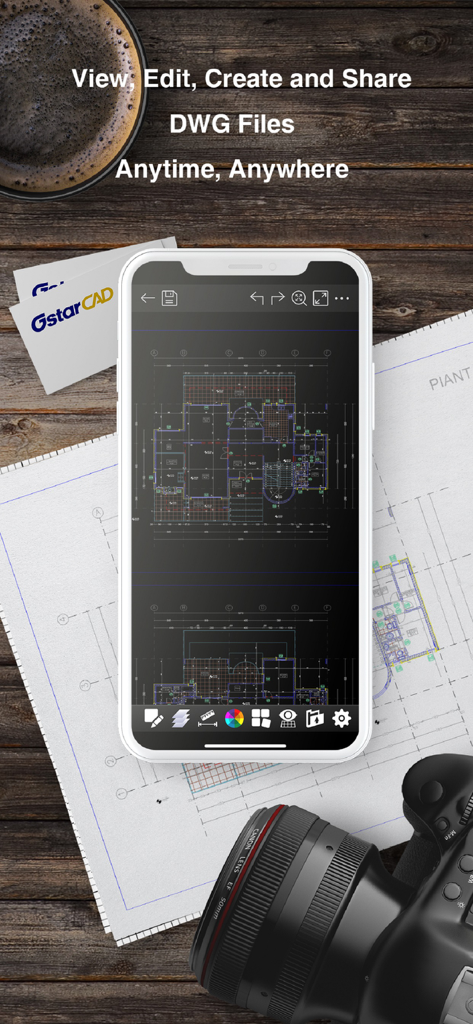
DWG FastView Pro-CAD viewer - DWG FastView Pro app showing a CAD floor plan on a smartphone screen over technical blueprints
DWG FastView Pro app showing a CAD floor plan on a smartphone screen over technical blueprints

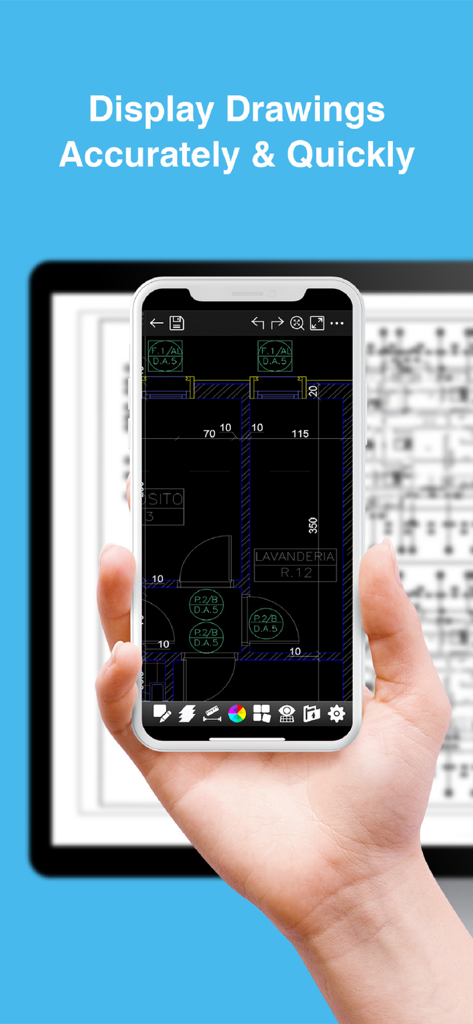
DWG FastView Pro-CAD viewer - Smartphone and tablet displaying detailed CAD drawings using DWG FastView Pro
Smartphone and tablet displaying detailed CAD drawings using DWG FastView Pro

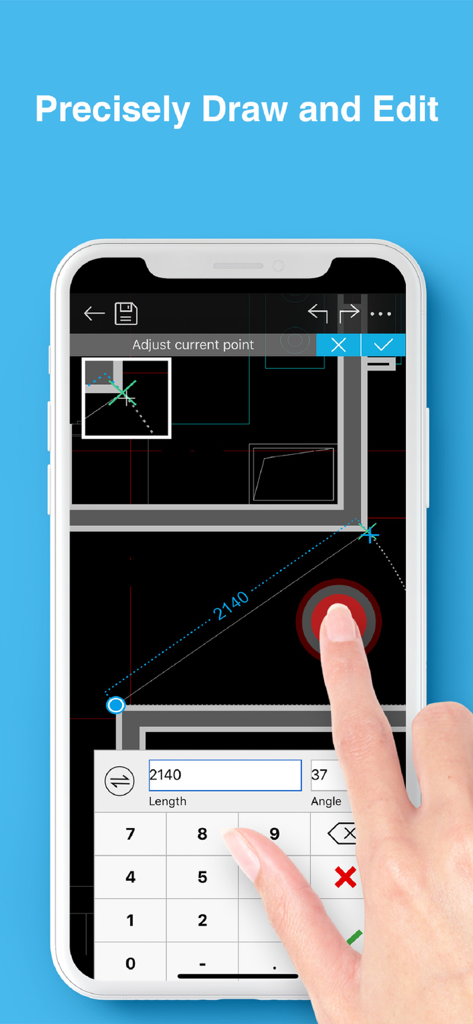
DWG FastView Pro-CAD viewer - Precisely editing architectural CAD drawings on a smartphone with DWG FastView Pro.
Precisely editing architectural CAD drawings on a smartphone with DWG FastView Pro.

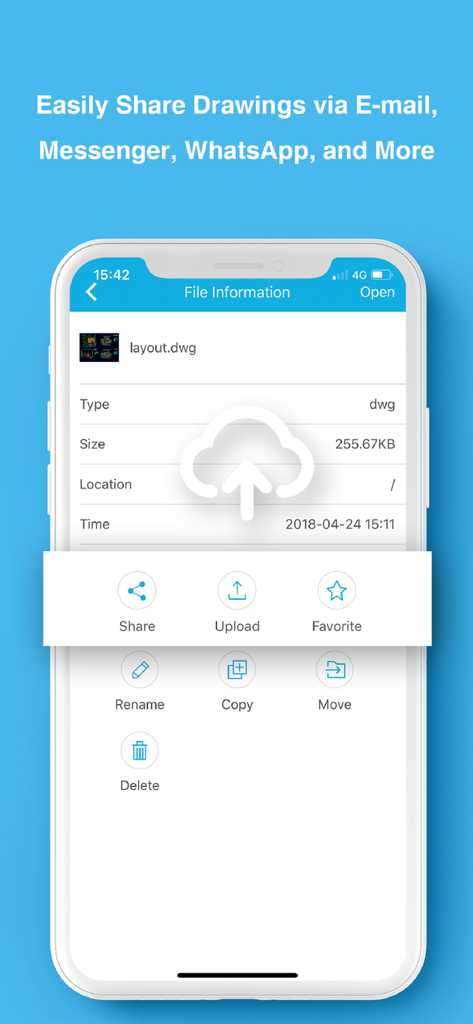
DWG FastView Pro-CAD viewer - DWG FastView Pro app interface showing file sharing and management options for CAD drawings
DWG FastView Pro app interface showing file sharing and management options for CAD drawings

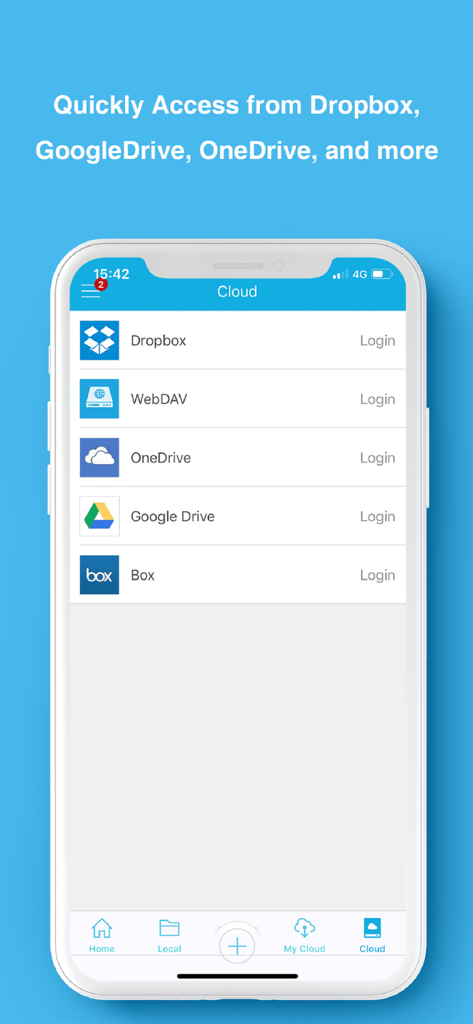
DWG FastView Pro-CAD viewer - DWG FastView Pro mobile app interface showing cloud storage options including Dropbox and Google Drive
DWG FastView Pro mobile app interface showing cloud storage options including Dropbox and Google Drive

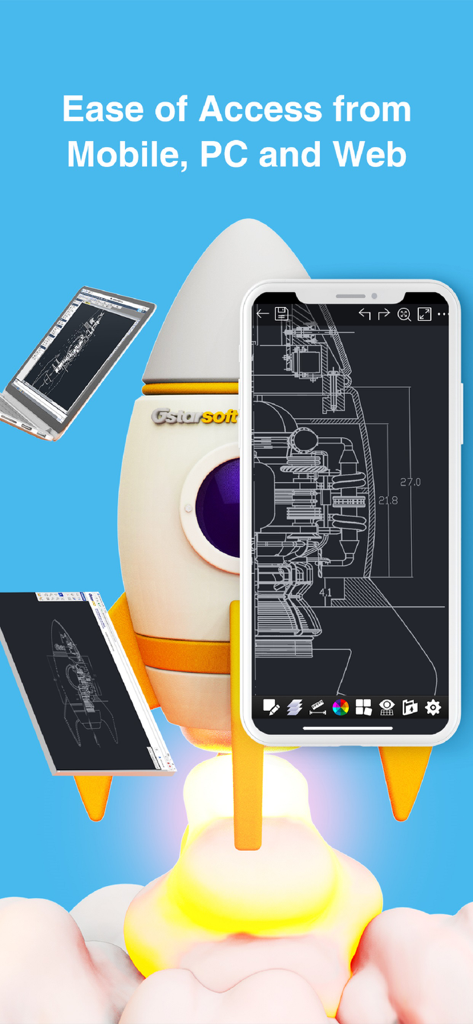
DWG FastView Pro-CAD viewer - DWG FastView Pro app interface displayed on mobile smartphone tablet and laptop screens next to a rocket ship illustration
DWG FastView Pro app interface displayed on mobile smartphone tablet and laptop screens next to a rocket ship illustration

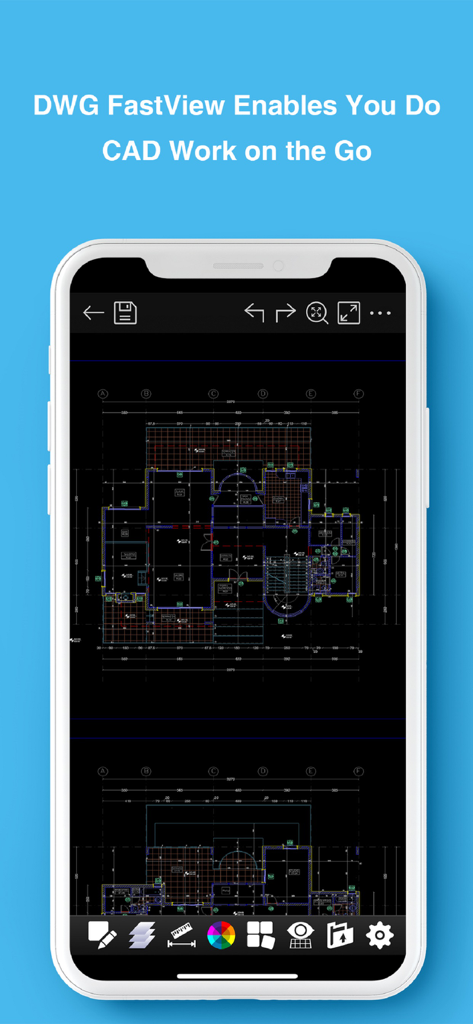
DWG FastView Pro-CAD viewer - A smartphone displaying a detailed technical floor plan drawing on the DWG FastView Pro mobile app interface

A smartphone displaying a detailed technical floor plan drawing on the DWG FastView Pro mobile app interface

Description

DWG FastView Pro is fully compatible with 2D/3D DWG drawings, which can smoothly open DWG drawings from GstarCAD, AutoCAD and other CAD platforms, also can view CAD design in .dxf format etc. Let’s see its 5 highlights: (1) Creating, browsing and editing are totally free; There is no limit to how large the file is. Directly browse documents of local storage from DWG FastView. Also, it’s free to create new drawings. (2) No registration & Offline drawings Do you find it boring and time-wasting that some other CAD APPs ask you to register and log in? Now, simply download DWG FastView and use it immediately with no NO REGISTRATION needed. Besides, without internet, you are able to save your masterpieces in the local workspace. At the same time, drawings from E-mail or Network Disk like Dropbox or WebDAV can be opened, viewed, edited, shared as well with Internet. (3) Support export to PDF, BMP, JPG and PNG, and share it to anyone freely. Transfer CAD drawings into PDF format and customize its paper size, orientation, color and so on. You can also convert CAD drawings to image format-BMP, JPG, PNG. And all of them can be viewed and shared by DWG FastView. (4)View Mode and Edit Mode satisfy diverse needs; To satisfy your SIMPLY NEED to OPEN and VIEW .dwg, we create View Mode, providing simple tools for FASTER VIEW .dwg. Besides, Edit Mode is better at professional and practical drawing. (5)Helpful and responsive technical support. There are four ways to get technical support 1. Click the “Rate” button to share your valuable comments and suggestions with us 2. Click the “Feedback” button to send your tech problem to us via email 3. Directly send email to support.mc@gstarcad.net to let us know your technical question 4. Follow the latest news or contact us through Facebook, Twitter and Linkedin Facebook: https://www.facebook.com/DWGFastView Twitter: https://twitter.com/DWGFastView Linkedin: https://www.linkedin.com/company/suzhou-gstarsoft-co-ltd

Download

Download on App Store

This page is not an official page of the app or its developer, but an independent editorial publication created for informational and commentary purposes. Unless expressly stated otherwise, neither the app nor its developer is affiliated with, endorsed by, sponsored by, authorized by, or otherwise officially connected with MWM, Apple, Google Play, the app publisher, or the app's developer, and nothing on this page implies that the app was developed using MWM's services. Any trademarks, logos, screenshots, and other content remain the property of their respective owners.