
This page is not an official page of the app or its developer, but an independent editorial publication created for informational and commentary purposes. Unless expressly stated otherwise, neither the app nor its developer is affiliated with, endorsed by, sponsored by, authorized by, or otherwise officially connected with MWM, Apple, Google Play, the app publisher, or the app's developer, and nothing on this page implies that the app was developed using MWM's services. Any trademarks, logos, screenshots, and other content remain the property of their respective owners.


uMake: 3D CAD Modeling, Design
Transform your ideas into industrial-grade 3D models on the go. The award-winning iPad app for architects and designers, now supercharged with AI rendering and AR visualization.
Downloads
3M+User Rating
Total Ratings
11K+Publisher
Category
Graphics & DesignLocales
14Latest Version
3.54Size
311.9 MBFirst Released
Nov 10, 2015Professional 3D Design Without Limits
Bring your boldest ideas to life with a powerful NURBS-based modeling engine, AI-driven creative tools, and seamless industry-standard workflows.
Desktop-Class CAD Precision
Create industrial-grade 3D models using professional tools like boolean operations, extrusion, and exact dimensioning, all optimized for Apple Pencil.
AI-Powered Creative Edge
Transform 2D sketches into 3D objects instantly and generate photorealistic renderings in seconds to impress clients and speed up your workflow.
Frequently Asked Questions
Everything you need to know about uMake: 3D CAD Modeling, Design
What is uMake: 3D CAD Modeling, Design?
uMake is an award-winning 3D CAD modeling app for iPad and iPhone. It enables professionals to create architectural designs, product concepts, and professional 3D models using industrial-grade NURBS technology on the go.
Can I create architectural designs using uMake?
Yes, uMake facilitates architectural designs. It offers a complete 3D design toolkit, precision CAD tools with accurate measurements, and a professional rendering engine for architectural visualization and AR.
Does uMake incorporate AI features for design tasks?
Yes, uMake incorporates powerful AI design tools. Users can apply unique styles to sketches or models, turn 2D images into 3D objects, and generate stunning styled renderings rapidly within the app.
What file types does uMake support for CAD import and export?
uMake supports CAD file import and export for STEP, IGES, OBJ, STL, and USDz formats. It also integrates with SketchUp (SKP) and major CAD software like SolidWorks, Fusion 360, and AutoCAD.
Does uMake provide Apple Pencil support for 3D modeling?
Yes, uMake provides Apple Pencil support for 3D modeling. This feature enables precise 3D sketching with intelligent construction planes and accurate dimensioning tools within the application.
Is it possible to convert 2D images into 3D objects with uMake?
Yes, uMake allows conversion of 2D images into 3D objects. Its AI features enable users to transform flat images into three-dimensional models, which can then be placed into dynamic scenes.
Are there ready-to-use design resources available in uMake?
Yes, uMake includes ready-to-use design resources. These comprise professional CAD templates, an extensive 3D model library for interior design, architectural elements, and product design starter kits.
Who is the target user for the uMake app?
The uMake app targets architects, interior designers, product designers, engineers, CAD professionals, 3D modelers, and students. It provides powerful professional CAD tools optimized for mobile use.
How does the uMake subscription auto-renewal process work?
uMake subscriptions automatically renew at the end of each period. Payment charges to the iTunes Account upon purchase. Users manage or cancel auto-renewal within iTunes Account Settings at least 24 hours prior.
Does uMake offer tutorials and guides for learning?
Yes, uMake offers comprehensive learning resources. These include professional CAD tutorials, 3D modeling guides, architecture and design workflows, product design techniques, and a detailed knowledge base for users.
The following screenshots and description are sourced directly from the app's official store listing and are the property of the app developer.
App Store
Screenshots
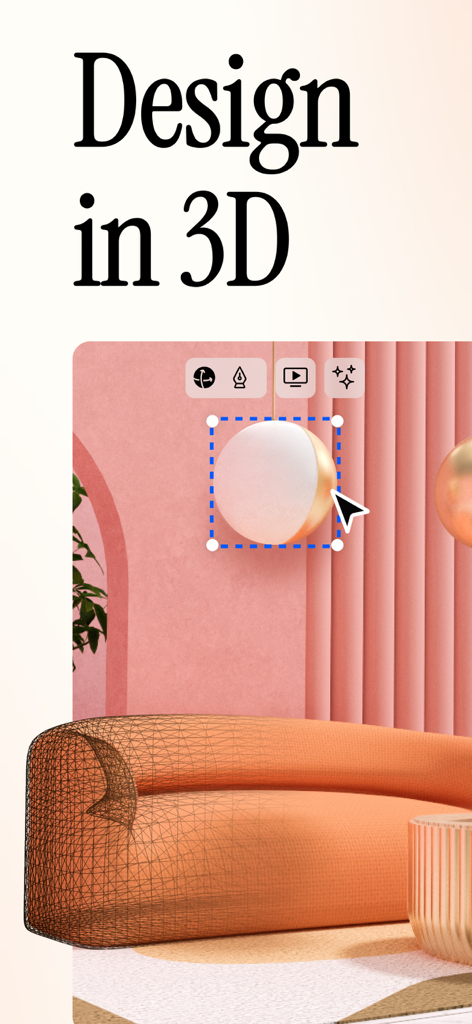
A 3D interior design workspace in uMake showing a rendered room and modeling tools.
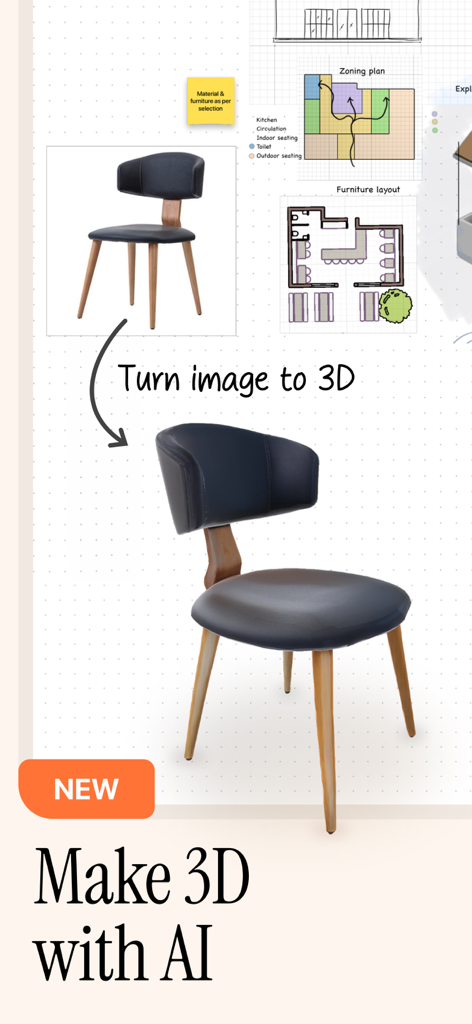
A demonstration of the uMake app's AI feature converting a 2D image of a chair into a 3D model.
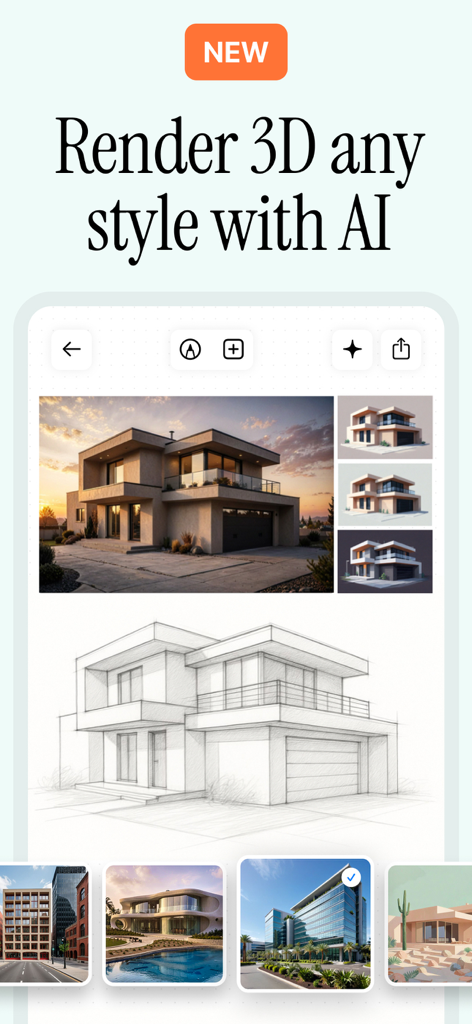
Architectural sketch transformed into professional 3D renders using uMake AI styles
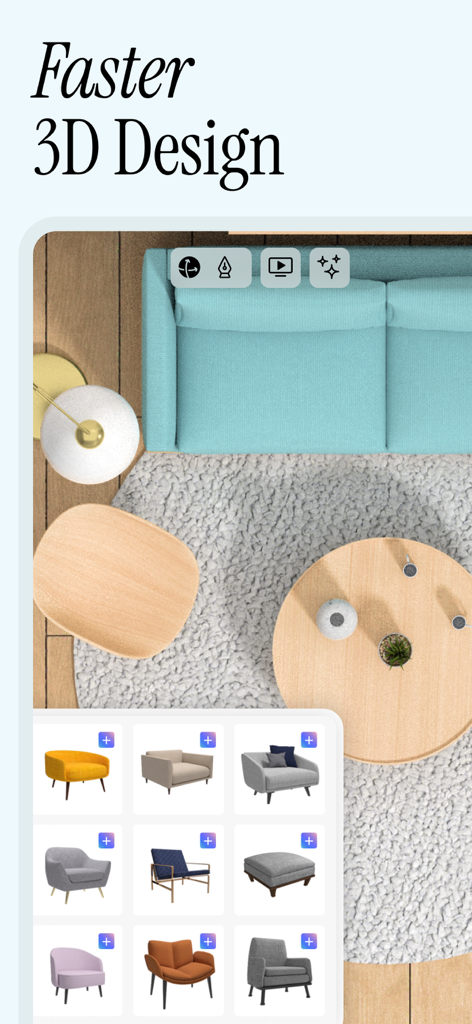
Top-down view of a 3D interior design project in uMake showing furniture options and layout tools.

A professional 3D interior design rendering in uMake featuring material textures and color selection tools
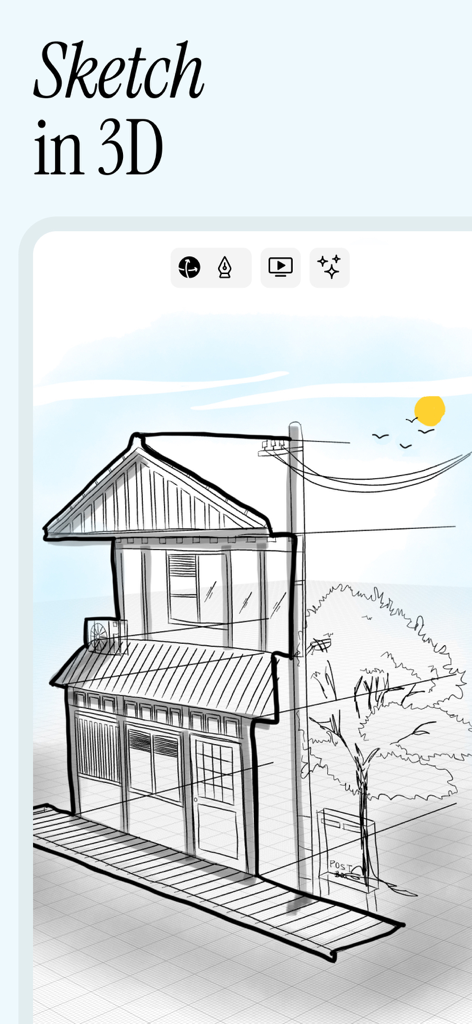
A hand-drawn 3D architectural sketch of a house in the uMake app
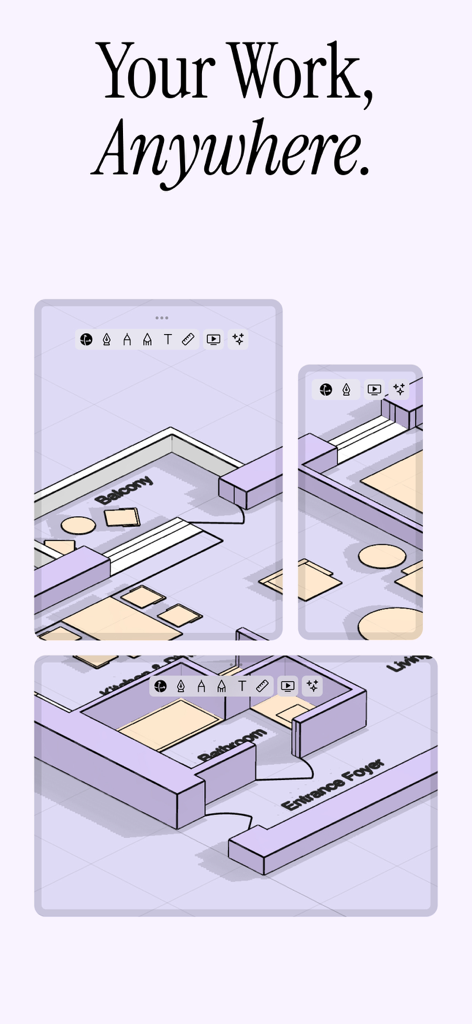
uMake app showing 3D interior floor plan design on various mobile screens
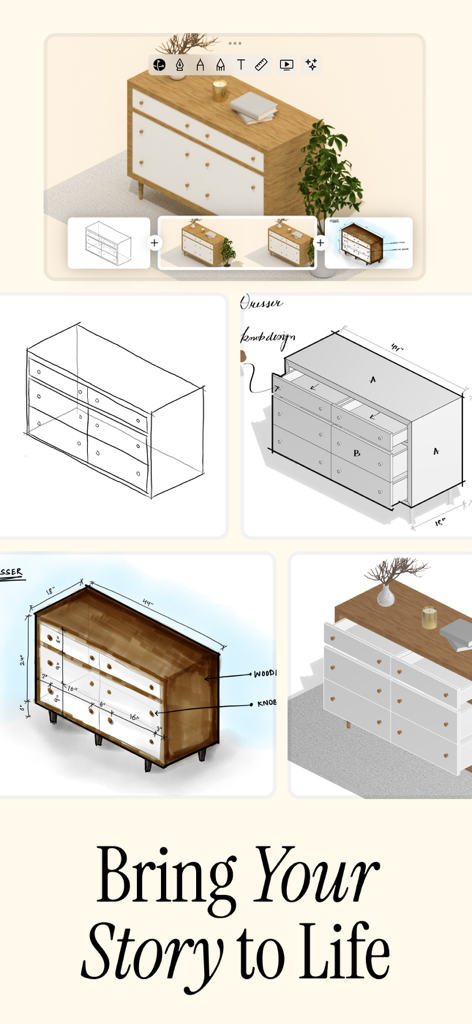
3D CAD modeling workflow in uMake showing a dresser from initial sketch to final render

uMake interface showing a 3D architectural model and the smart libraries plant assets menu.
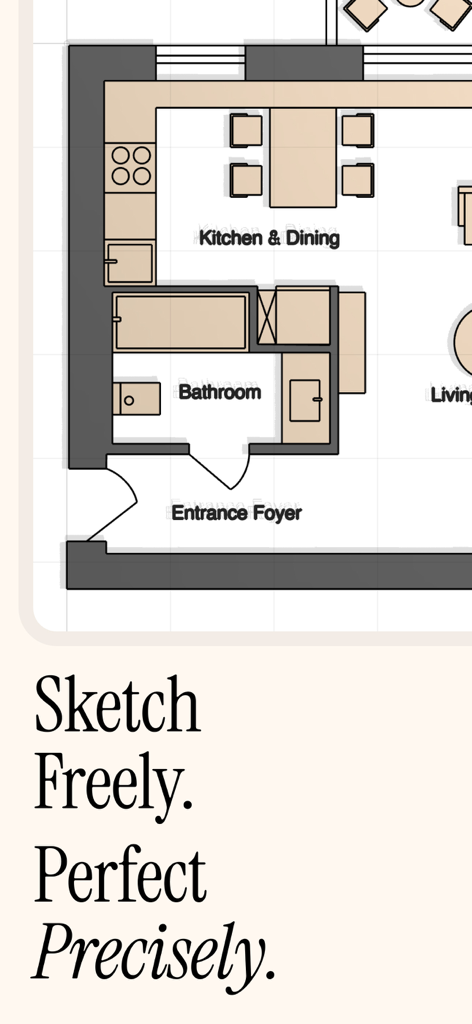
Detailed 2D architectural floor plan layout showing kitchen dining and bathroom areas in uMake
Description
Download
More Like This
Apps with similar features and user experience




This page is not an official page of the app or its developer, but an independent editorial publication created for informational and commentary purposes. Unless expressly stated otherwise, neither the app nor its developer is affiliated with, endorsed by, sponsored by, authorized by, or otherwise officially connected with MWM, Apple, Google Play, the app publisher, or the app's developer, and nothing on this page implies that the app was developed using MWM's services. Any trademarks, logos, screenshots, and other content remain the property of their respective owners.