DWG Viewer & Converter

DWG Viewer & Converter

Download on App Store
Logo of DWG Viewer & Converter

DWG Viewer & Converter: Professional CAD Viewing and Conversion on the Go

Access, inspect, and convert DWG, DXF, and DWF files with high-precision rendering. The essential mobile toolkit for architects and engineers—no CAD software required.

Download on App Store

Publisher

Priyankaben Satashiya

Category

Productivity

Downloads

200

User Rating

1.0/5

Total Ratings

0

Locales

1

Precision in Your Pocket

Discover the interface used by 200 users.
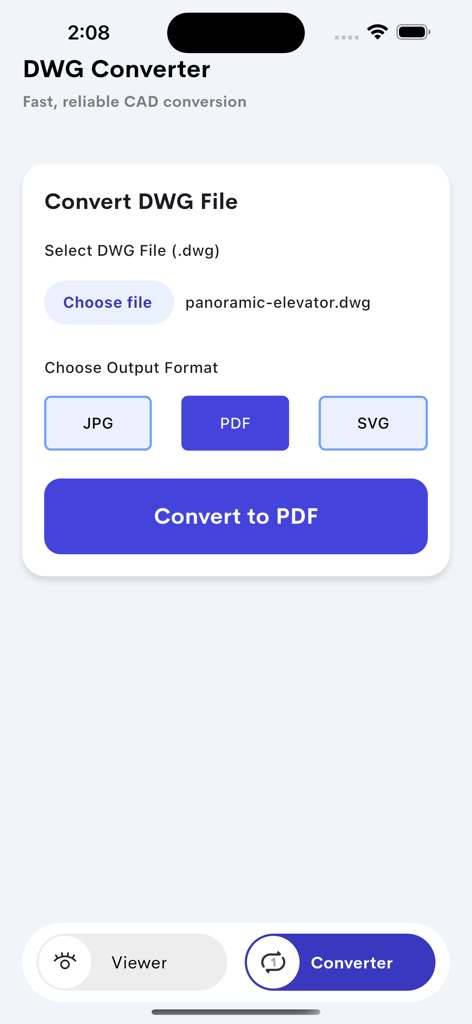
Interface of the DWG Converter app showing options to convert a CAD file to PDF, JPG, or SVG

Interface of the DWG Converter app showing options to convert a CAD file to PDF, JPG, or SVG

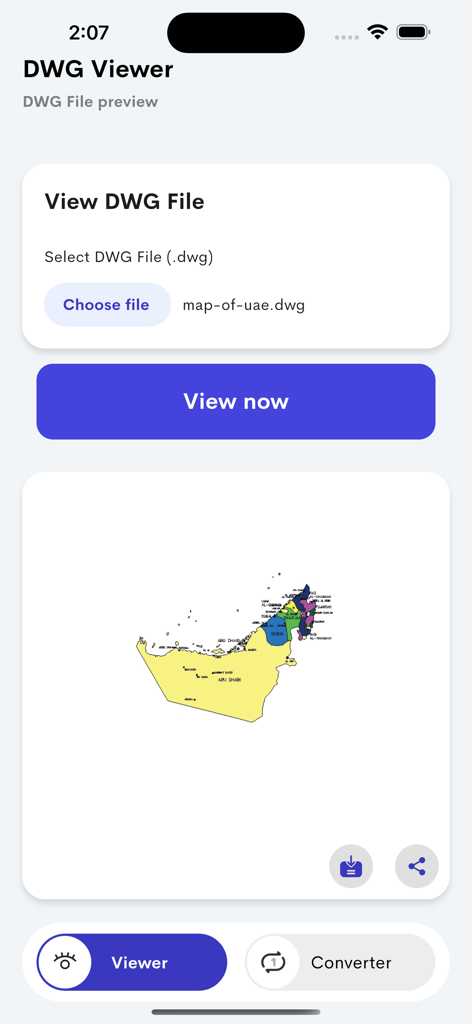
Interface of the DWG Viewer app showing a preview of a map of the UAE from a CAD file on a mobile device.

Interface of the DWG Viewer app showing a preview of a map of the UAE from a CAD file on a mobile device.

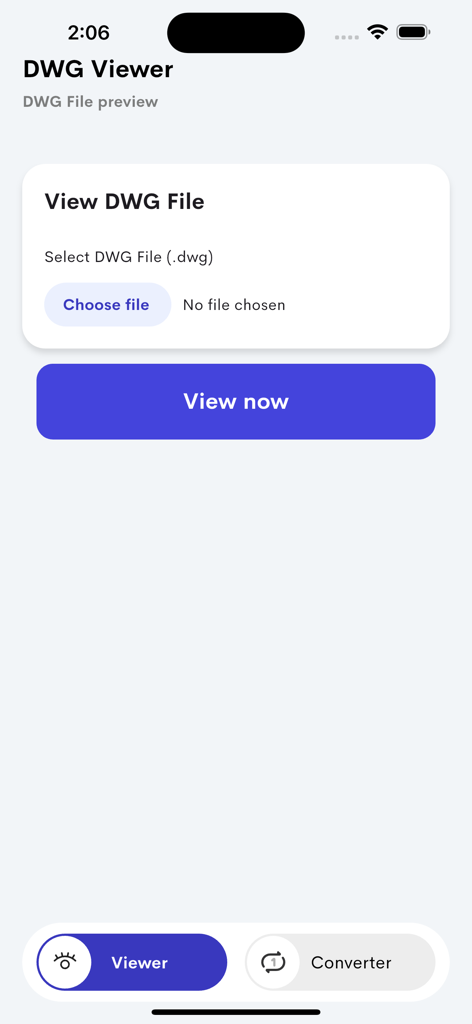
Mobile interface of the DWG Viewer app showing the screen to upload and view CAD files

Mobile interface of the DWG Viewer app showing the screen to upload and view CAD files

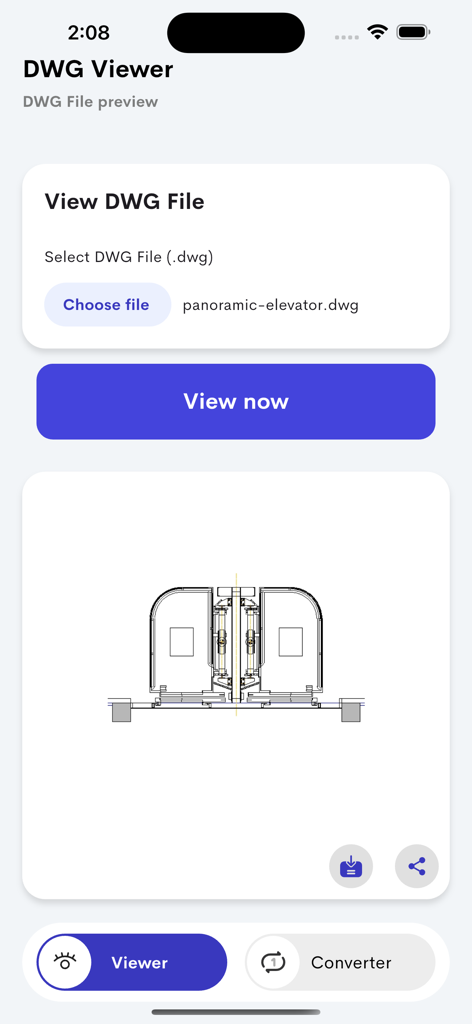
Technical CAD drawing of an elevator displayed in the DWG Viewer mobile application interface

Technical CAD drawing of an elevator displayed in the DWG Viewer mobile application interface

Streamline Your CAD Workflow Anywhere

The tools that make this app stand out, trusted by 200 users.

🏗️

Instant CAD Accessibility

Open DWG, DXF, and DWF files with high-precision rendering directly on your mobile device, no CAD license required.

🔄

One-Tap File Conversion

Instantly transform complex drawings into universal PDF, JPG, or SVG formats for seamless sharing with clients and contractors.

📍

Field-Ready Precision

Inspect every detail with smooth zoom and layer support, making it the perfect tool for site inspections and on-the-go blueprint reviews.

About the app

Everything you need to know about DWG Viewer & Converter.

Description

DWG Viewer & Converter is a powerful tool designed for engineers, architects, and designers to open, view, and convert DWG, DXF, and DWF files anytime, anywhere. No CAD software required — just upload your drawing and view it instantly in high quality. Easily convert DWG files to popular formats like PDF, JPG, or SVG for easy sharing or printing. With smooth navigation, zoom, and layer support, this app makes it simple to inspect technical drawings and collaborate efficiently. Whether you’re on-site, in the office, or reviewing blueprints on the go, DWG Viewer & Converter ensures professional-grade precision and convenience. Key Features: View DWG, DXF, and DWF files instantly Convert DWG to PDF, JPG, or SVG High-quality rendering of CAD drawings Easy file import from device or cloud Share or export converted files in seconds Privacy Policy : https://forms.gle/vhozS7rzv4sz65d38 Terms of Use : https://www.apple.com/legal/internet-services/itunes/dev/stdeula/

Latest Version

1.0

Size

53.3 MB

First Released

Nov 6, 2025

The CAD Toolkit That Fits in Your Pocket

Stop waiting for your workstation to boot up. Open, view, and convert your DWG, DXF, and DWF files with professional precision—anytime, anywhere.

Download on App Store

App information, icons, screenshots, and descriptions displayed on this page are sourced from the Apple App Store and are the property of their respective developers. Download estimates and rankings are based on MWM's proprietary models and may not reflect actual figures. This page is provided for informational and analytical purposes only.

Believe this page infringes your intellectual property? File a dispute