
This page is not an official page of the app or its developer, but an independent editorial publication created for informational and commentary purposes. Unless expressly stated otherwise, neither the app nor its developer is affiliated with, endorsed by, sponsored by, authorized by, or otherwise officially connected with MWM, Apple, Google Play, the app publisher, or the app's developer, and nothing on this page implies that the app was developed using MWM's services. Any trademarks, logos, screenshots, and other content remain the property of their respective owners.
EDGE Lighting -LED Borderlight
Stand out with stunning animated borders and neon effects. Personalize your screen with vibrant custom gradients optimized for Dynamic Island and high-end OLED displays.
Downloads
0User Rating
Total Ratings
0Publisher
Category
Photo & VideoLocales
16Latest Version
1.0Size
17.0 MBFirst Released
Mar 20, 2026Elevate Your iPhone’s Aesthetic
Transform your device into a statement piece with stunning LED borders and fluid animations designed for the ultimate customization experience.
Infinite RGB Customization
Match your gaming setup or daily vibe with custom color gradients, neon glows, and adjustable intensity that reflect your unique style.
Precision Notch & Island Fit
Highlight your premium hardware with lighting effects specifically optimized to frame the Dynamic Island and notch for a seamless, high-end look.
The following screenshots and description are sourced directly from the app's official store listing and are the property of the app developer.
App Store
Screenshots
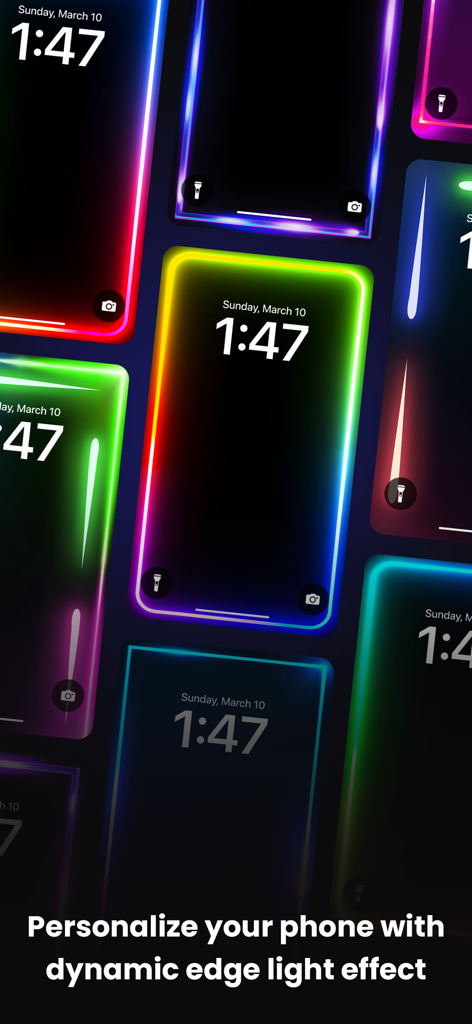
A collection of iPhone lock screens featuring vibrant neon edge lighting and dynamic border effects.
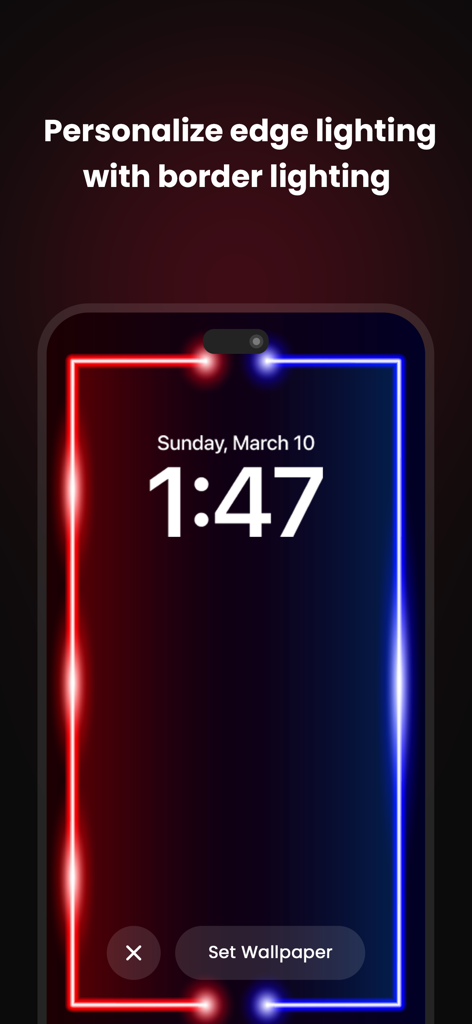
Smartphone screen displaying a vibrant red and blue neon edge lighting border
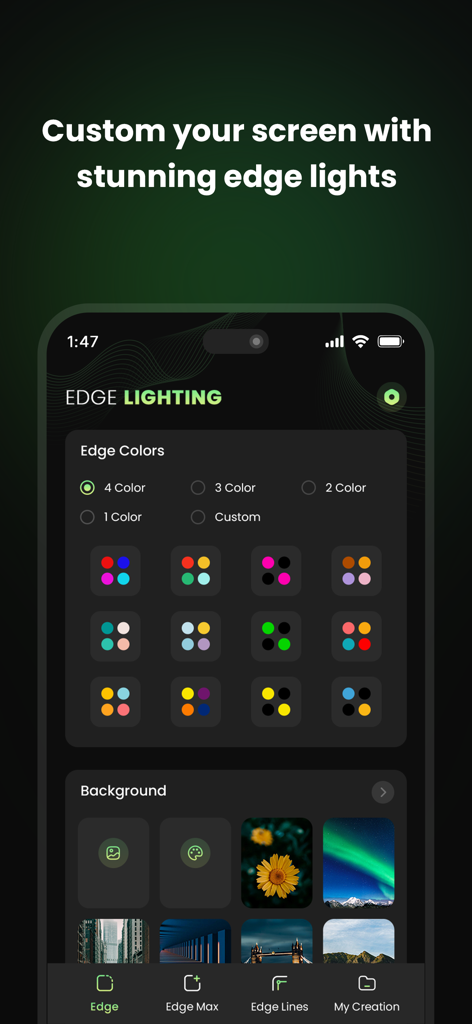
iPhone screen showing the edge lighting app interface with color presets and background wallpaper selection
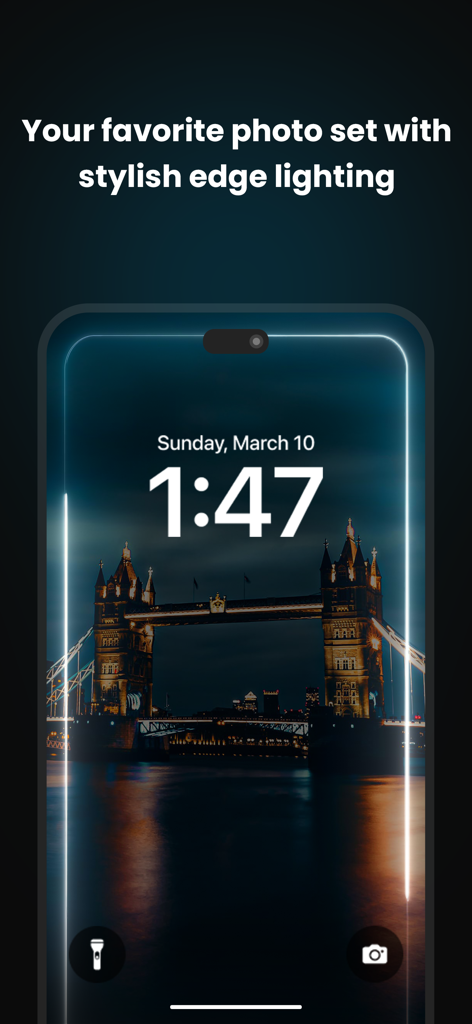
An iPhone lock screen featuring a nighttime photo of Tower Bridge with a stylish white glowing border animation.
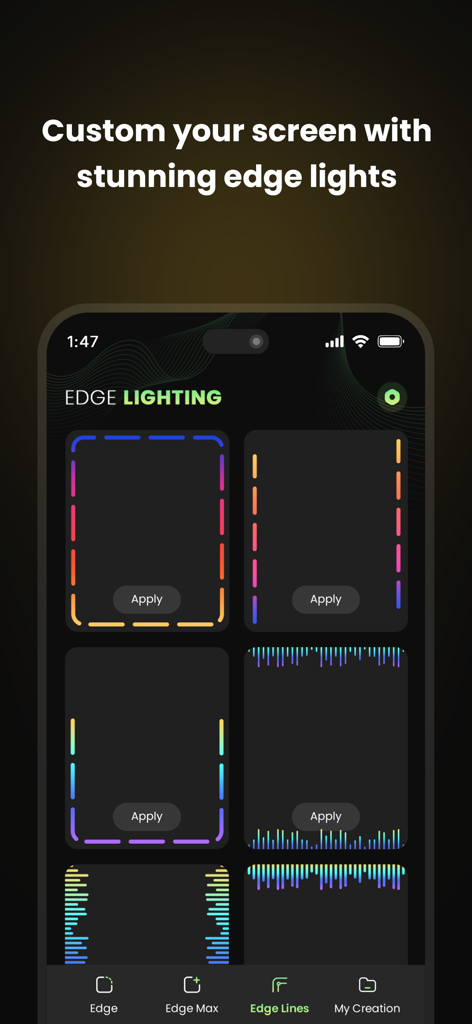
Interface of the Edge Lighting app showing various neon border and line styles for screen customization
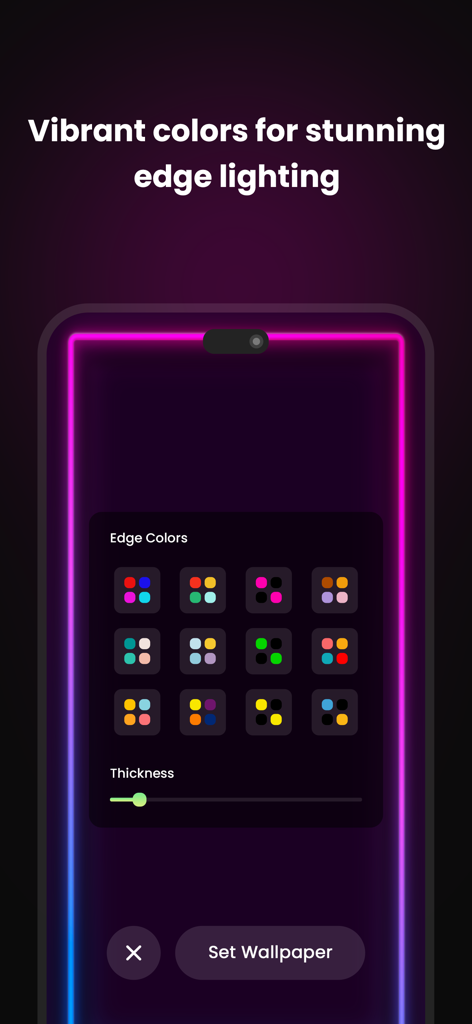
iPhone screen displaying vibrant neon pink edge lighting with a color customization menu and border thickness slider
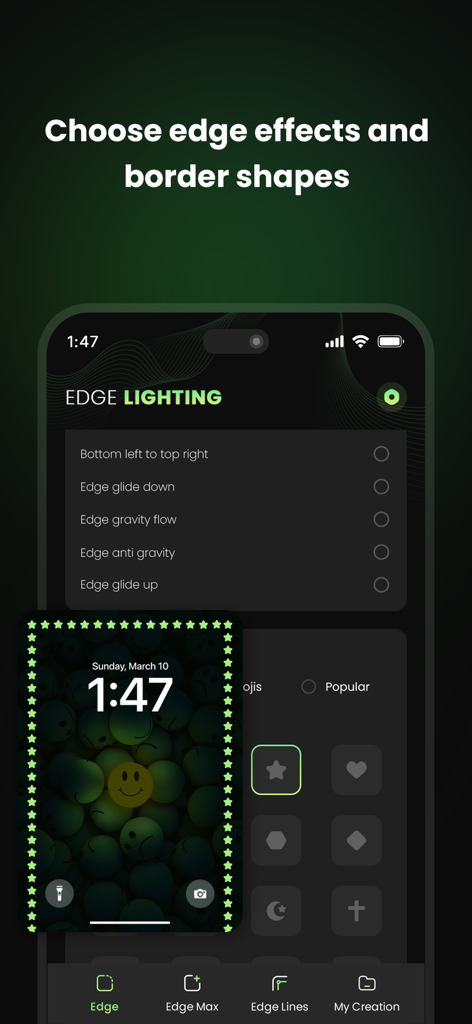
Interface for choosing edge effects and border shapes in the EDGE Lighting app with a preview of a star border on an iPhone lock screen
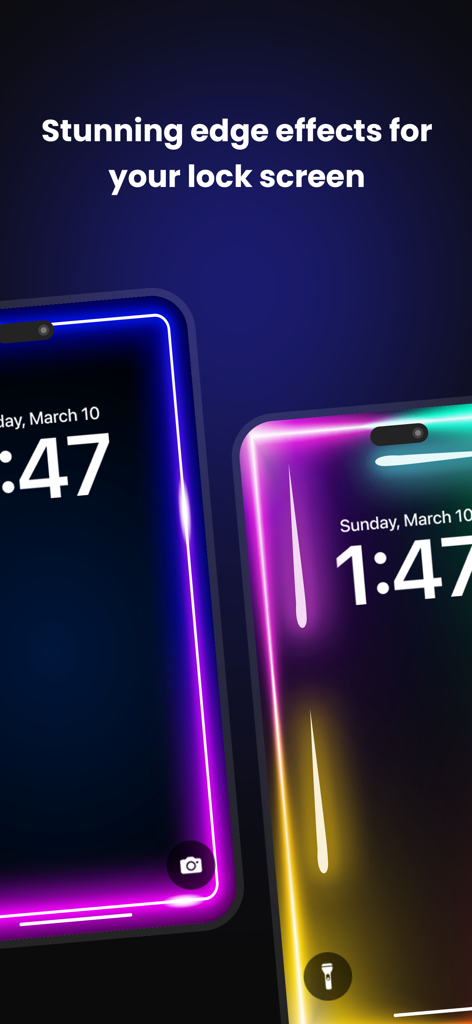
Colorful LED border lighting animations on iPhone lock screens
Description
Download
More Like This
Top-ranked apps in the same category

CapCut: Photo & Video Editor
BYTEDANCE PTE. LTD.
Instagram, Inc.

YouTube
Google LLC

Canva: AI Video & Photo Editor
Canva Pty Ltd

Snapchat
Snap, Inc.
Edits: Video Editor
Instagram, Inc.

Meta AI - Vibes & AI Glasses
Meta Platforms, Inc.

快手
Beijing Kwai Technology Co., Ltd.

Google Photos: Backup & Edit
Google LLC
This page is not an official page of the app or its developer, but an independent editorial publication created for informational and commentary purposes. Unless expressly stated otherwise, neither the app nor its developer is affiliated with, endorsed by, sponsored by, authorized by, or otherwise officially connected with MWM, Apple, Google Play, the app publisher, or the app's developer, and nothing on this page implies that the app was developed using MWM's services. Any trademarks, logos, screenshots, and other content remain the property of their respective owners.