
This page is not an official page of the app or its developer, but an independent editorial publication created for informational and commentary purposes. Unless expressly stated otherwise, neither the app nor its developer is affiliated with, endorsed by, sponsored by, authorized by, or otherwise officially connected with MWM, Apple, Google Play, the app publisher, or the app's developer, and nothing on this page implies that the app was developed using MWM's services. Any trademarks, logos, screenshots, and other content remain the property of their respective owners.


Edoo
Manage daily activities, track deadlines, and access school materials instantly. Stay involved in your child's education from anywhere, at any time.
Downloads
7K+User Rating
Total Ratings
0Publisher
Category
EducationLocales
1Latest Version
3.1.3Size
31.1 MBFirst Released
Feb 2, 2018Todo el colegio en la palma de tu mano
Simplificamos la gestión escolar para que puedas enfocarte en lo más importante: el futuro de tus hijos.
Seguimiento de Actividades
Visualiza tareas diarias y fechas límite para apoyar el aprendizaje de tus hijos día a día.
Materiales Disponibles 24/7
Descarga guías y documentos adjuntos al instante para que el estudio en casa sea más fácil que nunca.
Frequently Asked Questions
Everything you need to know about Edoo
What is the Edoo app used for?
Edoo is an application that streamlines processes and facilitates communication among parents, students, and teachers. It provides access to personal and child's activities, including daily tasks, delivery dates, and downloadable attachments, accessible at any time.
Can I view my child's grades and scores in Edoo?
Yes, Edoo allows users to track their child's academic progress. The "Punteos" (Scores) section displays subject-specific points and detailed breakdowns of performance for various learning activities, such as "Destrezas de Aprendizaje".
Does the Edoo app show school events and student activities?
Yes, Edoo displays school events and activities. The "Actividades" tab shows a list of tasks with dates, and a dedicated calendar view lists events like "CONSAGRACIÓN" or "Entrega de notas" for specific months.
Can I manage multiple children's profiles within the Edoo app?
Yes, the Edoo app supports managing multiple student profiles. Users can switch between different children, for example, "María Alarcón" and "José Alarcón," to view their respective activities and academic information.
How do I find my school in the Edoo app?
To find your school in Edoo, open the app. The initial screen prompts you to "Busca tu colegio" (Search your school). Type your school's name into the provided search bar to locate and select it.
Does Edoo show student achievements or awards?
Yes, Edoo tracks and displays student achievements. The "Sucesos" (Events/Achievements) tab shows recognized accomplishments such as "Logro Excelencia obtenido" (Excellence Achievement) along with information on who assigned them.
The following screenshots and description are sourced directly from the app's official store listing and are the property of the app developer.
App Store
Screenshots
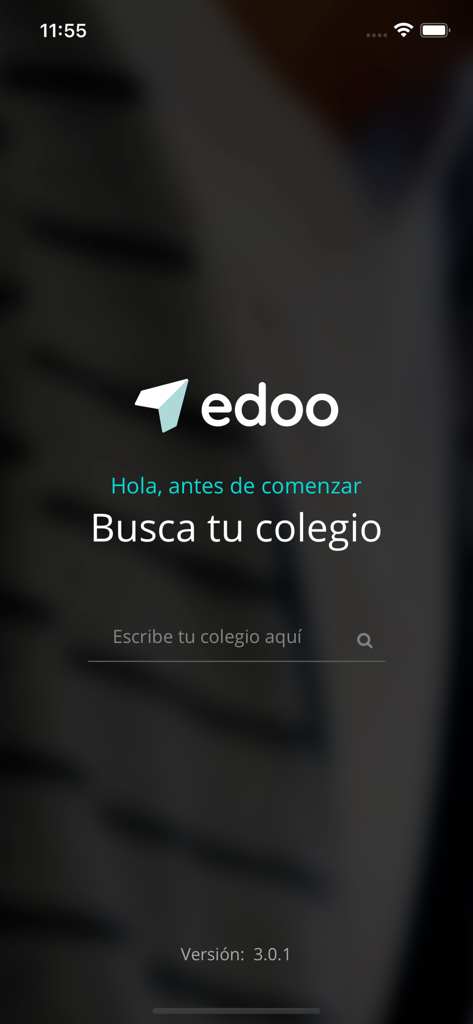
Edoo mobile app welcome screen in Spanish asking users to search for their school
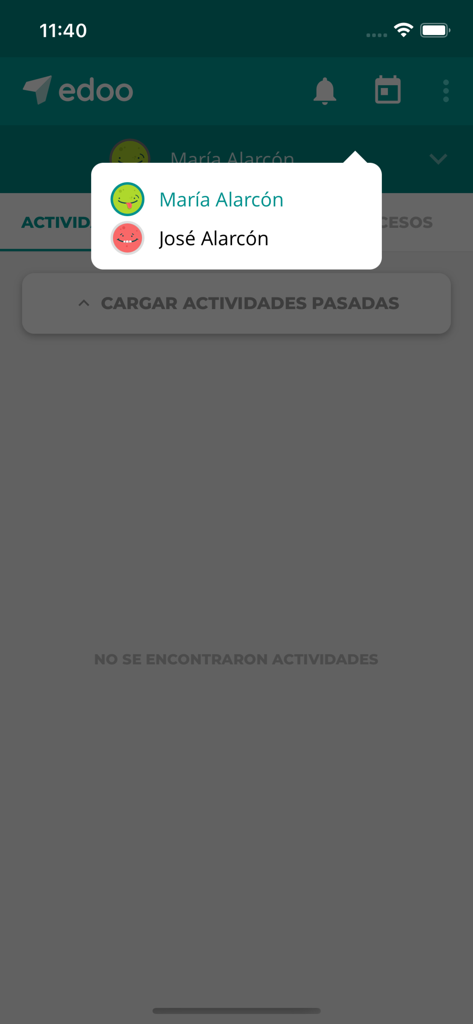
Edoo app interface showing a profile selection dropdown menu with names Maria Alarcon and Jose Alarcon
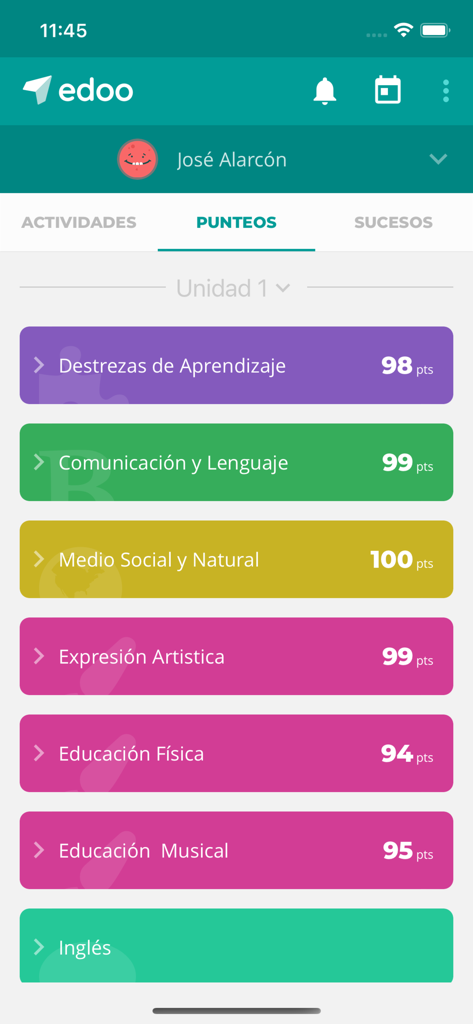
Edoo mobile app screen displaying student grades for various school subjects in Spanish.
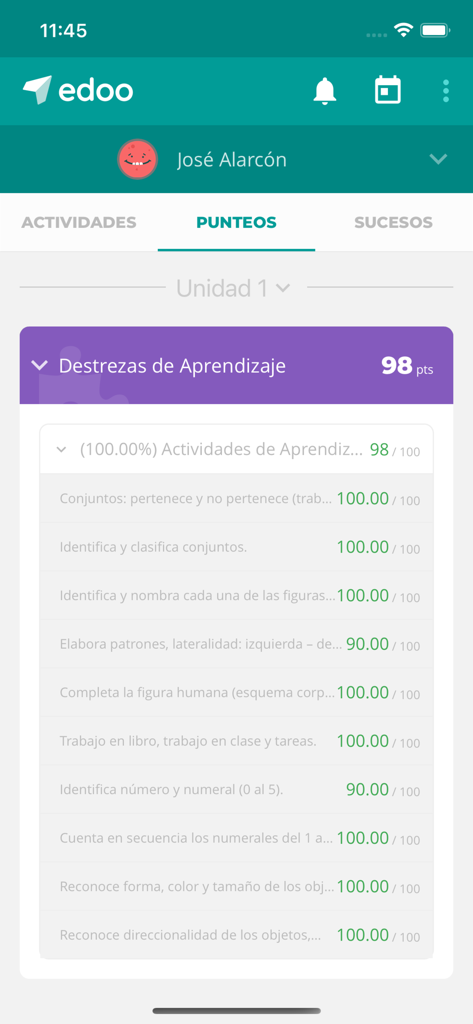
Edoo app interface showing a students academic grades and learning skills scores.
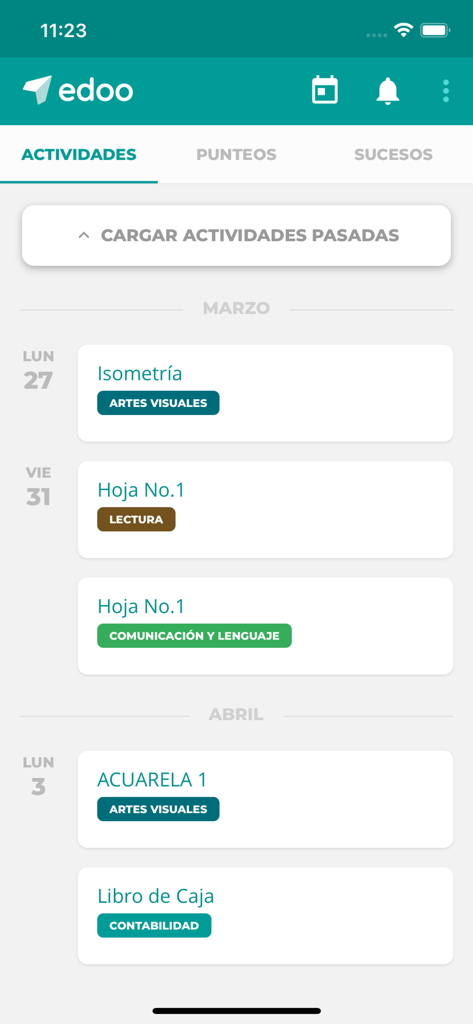
Edoo mobile application displaying a chronological list of school assignments and activities in Spanish.
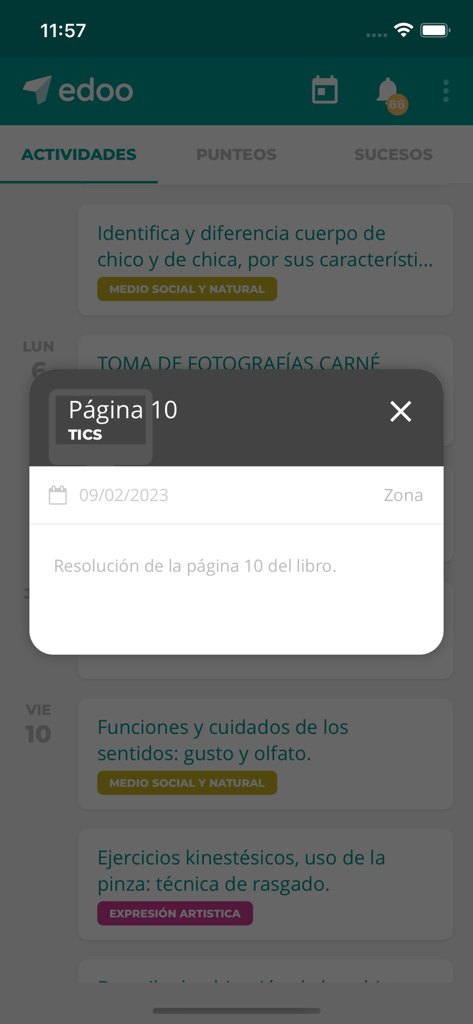
Edoo mobile app screen displaying a list of school activities and a popup window with specific assignment instructions in Spanish
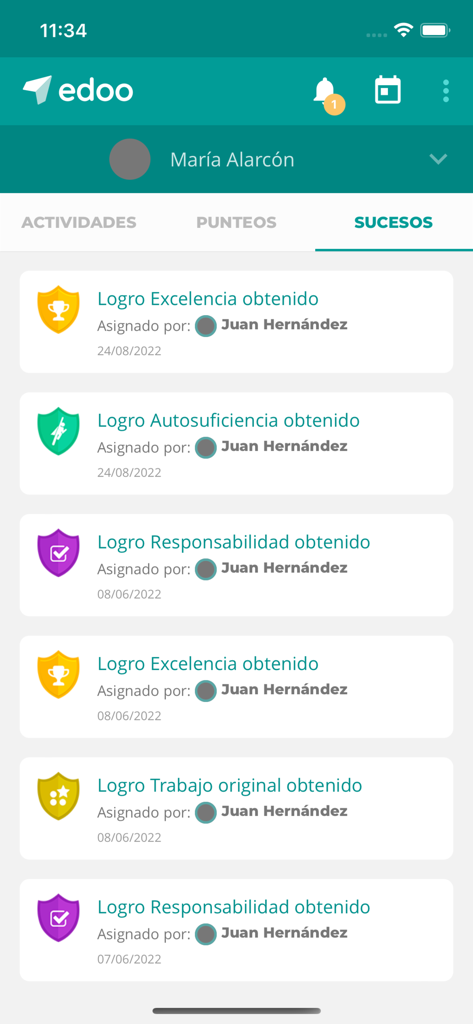
Mobile app screen displaying student achievements and earned badges in the Edoo education platform.
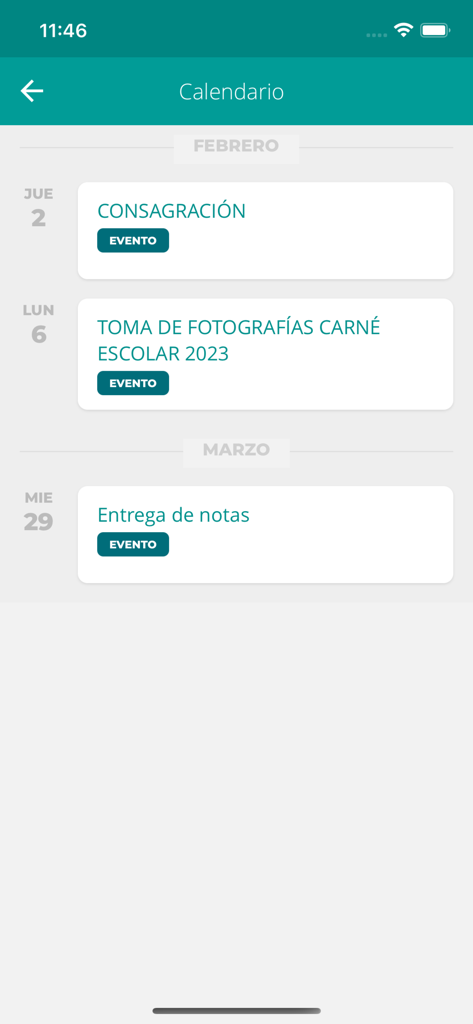
A calendar view in the Edoo app listing school events and important academic dates in Spanish.
Description
Download
More Like This
Top-ranked apps in the same category

Duolingo - Language Lessons
Duolingo, Inc

Speak & Learn English: Learna
DEEP FLOW SOFTWARE SERVICES - FZCO

驾考宝典-科一科四驾驶证考试驾考通
Wuhan Jiakaobaodian Information Service Co., Ltd.

Toca Boca World
Toca Boca AB

Google Classroom
Google LLC

作业帮-中小学家长作业检查和辅导工具
Guangzhou Polar Future Culture Technology Co., Ltd

学信网
Student Information Consultation Service Co., Ltd.

Gauth: AI Study Companion
GAUTHTECH PTE. LTD.

ArtWorkout: Learn How to Draw
Aleksandr Ulitin
This page is not an official page of the app or its developer, but an independent editorial publication created for informational and commentary purposes. Unless expressly stated otherwise, neither the app nor its developer is affiliated with, endorsed by, sponsored by, authorized by, or otherwise officially connected with MWM, Apple, Google Play, the app publisher, or the app's developer, and nothing on this page implies that the app was developed using MWM's services. Any trademarks, logos, screenshots, and other content remain the property of their respective owners.