
This page is not an official page of the app or its developer, but an independent editorial publication created for informational and commentary purposes. Unless expressly stated otherwise, neither the app nor its developer is affiliated with, endorsed by, sponsored by, authorized by, or otherwise officially connected with MWM, Apple, Google Play, the app publisher, or the app's developer, and nothing on this page implies that the app was developed using MWM's services. Any trademarks, logos, screenshots, and other content remain the property of their respective owners.


Emoji Studio - Sticker Maker
Tired of the same old emojis? Mix designs, create custom stickers, and build your own aesthetic. Craft personalized avatars and wallpapers in seconds to make your chats stand out.
Downloads
815K+User Rating
Total Ratings
10K+Publisher
Category
Graphics & DesignLocales
8Latest Version
1.3.9Size
146.7 MBFirst Released
Dec 15, 2020Elevate Your Digital Vibe
Break free from basic icons. Emoji Studio gives you the ultimate creative sandbox to design, mix, and share stickers that are as unique as your personality.
Mix & Mashup Emojis
Combine elements to create 'unhinged' hybrids or niche emotional reactions that standard keyboards simply do not have.
Pro-Level Sticker Studio
Easily turn your wildest ideas into custom sticker packs for iMessage and Discord. Perfect for inside jokes and meme-making.
Frequently Asked Questions
Everything you need to know about Emoji Studio - Sticker Maker
How to create custom stickers with Emoji Studio - Sticker Maker?
Emoji Studio allows users to create unique stickers using its Maker feature. Users deconstruct emoji elements, mix them, and craft new designs. The app also features an Editor for extensive customization.
Can Emoji Studio - Sticker Maker combine emojis?
Yes, Emoji Studio features an "Emoji Mix" function. This allows users to merge two existing emojis into one innovative design, creating unique combinations.
Does Emoji Studio provide tools to edit existing emojis and add text?
Yes, Emoji Studio includes an Editor feature. Users access an extensive emoji library, switch styles, combine expressions, add stickers, and include custom text for personalization.
Can users create personalized wallpapers with Emoji Studio?
Yes, Emoji Studio includes a Wallpaper feature. Users create custom wallpapers by designing an emoji-based background or selecting a solid color background.
Is Emoji Studio - Sticker Maker an avatar creation app?
Yes, Emoji Studio includes an Avatar feature. Users easily create personalized avatars within the application.
The following screenshots and description are sourced directly from the app's official store listing and are the property of the app developer.
App Store
Screenshots
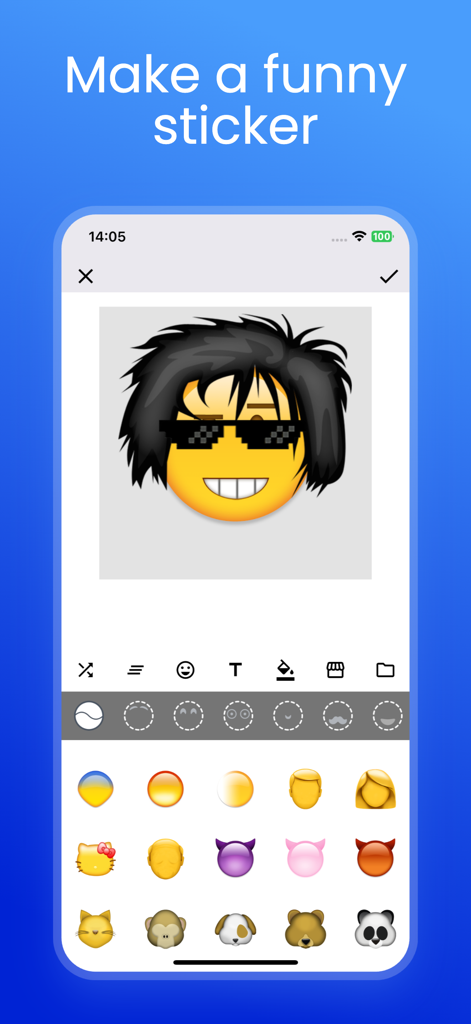
Interface of the Emoji Studio app showing a custom emoji with hair and sunglasses being created.
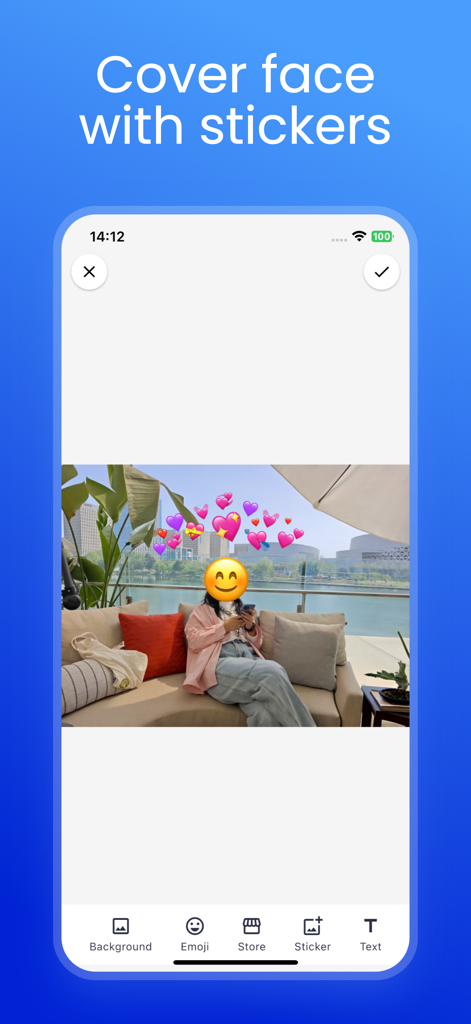
A woman sitting on an outdoor sofa with her face covered by a smiley face emoji and surrounded by heart stickers using the Emoji Studio app.
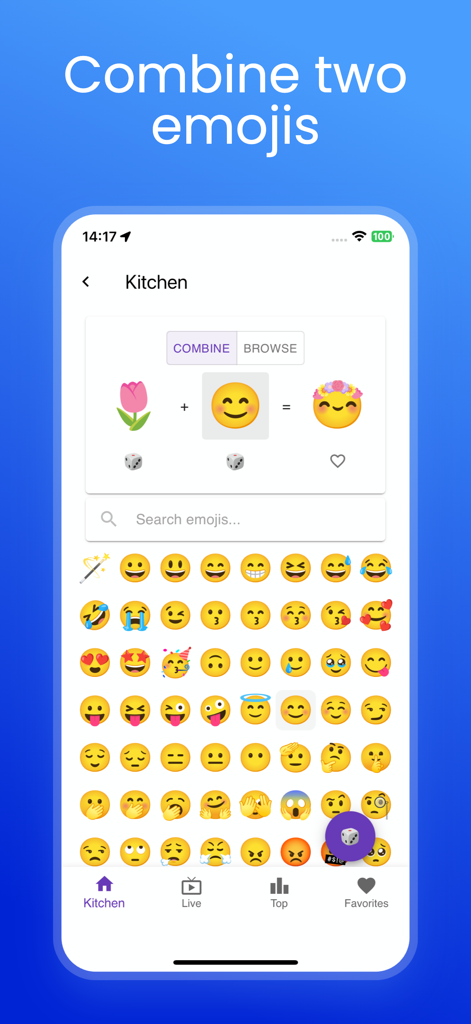
Interface of the Emoji Studio app showing the kitchen feature to combine two emojis into a unique custom sticker
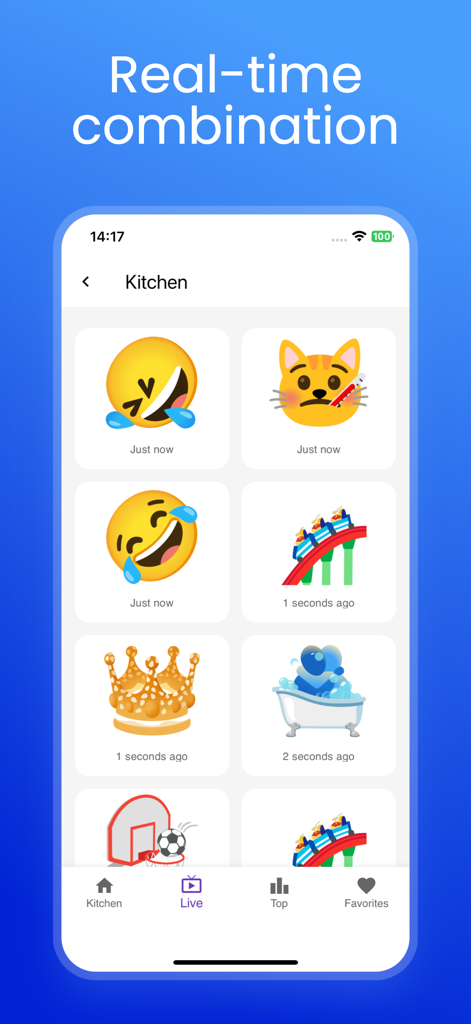
Emoji Studio app screen displaying a grid of custom sticker combinations
Description
Download
More Like This
Apps with similar features and user experience

Gmoji: AI Emoji Maker
MASSIVE APPS SOFTWARE
Emoji & Sticker Design Lab
Nguyen Yen
AI Emoji: Swipemoji
Mobile entertainment srl

Merge & Mix Emoji: Mixermoji
Mobile entertainment srl

WaSticker - Sticker Maker
Brain Craft Ltd

Sticker Maker + Stickers
Daily International Ltd.

AI Emojis
Kawaii, Incorporated

Funto
Chongqing guicen Technology Co., Ltd

Emoji Merge: Mix Sticker Maker
YOKO INDUSTRY LIMITED
This page is not an official page of the app or its developer, but an independent editorial publication created for informational and commentary purposes. Unless expressly stated otherwise, neither the app nor its developer is affiliated with, endorsed by, sponsored by, authorized by, or otherwise officially connected with MWM, Apple, Google Play, the app publisher, or the app's developer, and nothing on this page implies that the app was developed using MWM's services. Any trademarks, logos, screenshots, and other content remain the property of their respective owners.