
This page is not an official page of the app or its developer, but an independent editorial publication created for informational and commentary purposes. Unless expressly stated otherwise, neither the app nor its developer is affiliated with, endorsed by, sponsored by, authorized by, or otherwise officially connected with MWM, Apple, Google Play, the app publisher, or the app's developer, and nothing on this page implies that the app was developed using MWM's services. Any trademarks, logos, screenshots, and other content remain the property of their respective owners.


End Credits Maker: Roll Titles
Give your indie films, documentaries, and YouTube videos the studio-quality finish they deserve. Create watermark-free, scrolling credit rolls with CSV import and complete creative control directly on your iPhone or iPad.
Downloads
0User Rating
Total Ratings
0Publisher
Category
Photo & VideoLocales
1Latest Version
1.5Size
13.1 MBFirst Released
Jun 30, 2025Produce Cinematic Credits in Minutes
The ultimate tool for indie filmmakers and YouTube creators to build professional, watermark-free scrolling titles directly from your iPhone or iPad.
Instant CSV Import
Skip the tedious manual typing. Import your entire cast and crew list from a spreadsheet to generate your roll in seconds.
Pro-Grade Customization
Achieve a studio look with multi-column layouts, custom system fonts, and high-quality exports—all 100% watermark-free.
The following screenshots and description are sourced directly from the app's official store listing and are the property of the app developer.
App Store
Screenshots
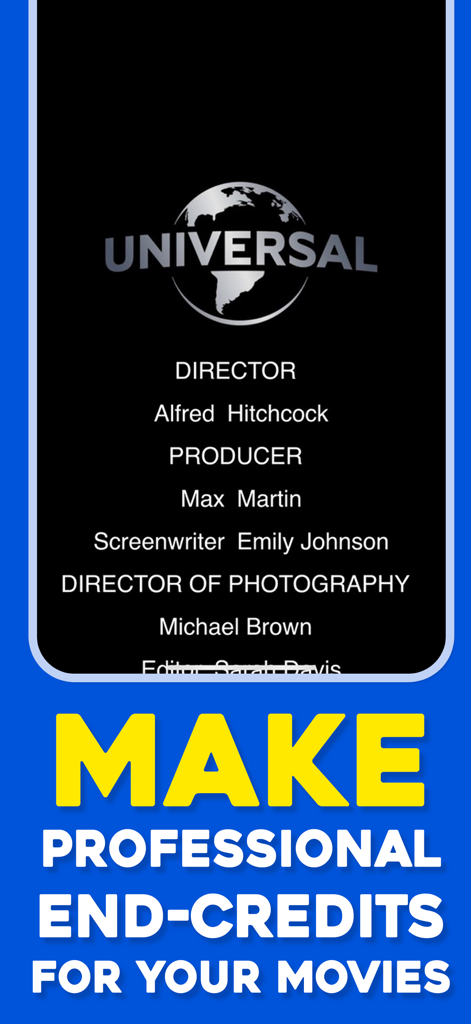
Professional movie end credits roll titles with studio logo and cast names
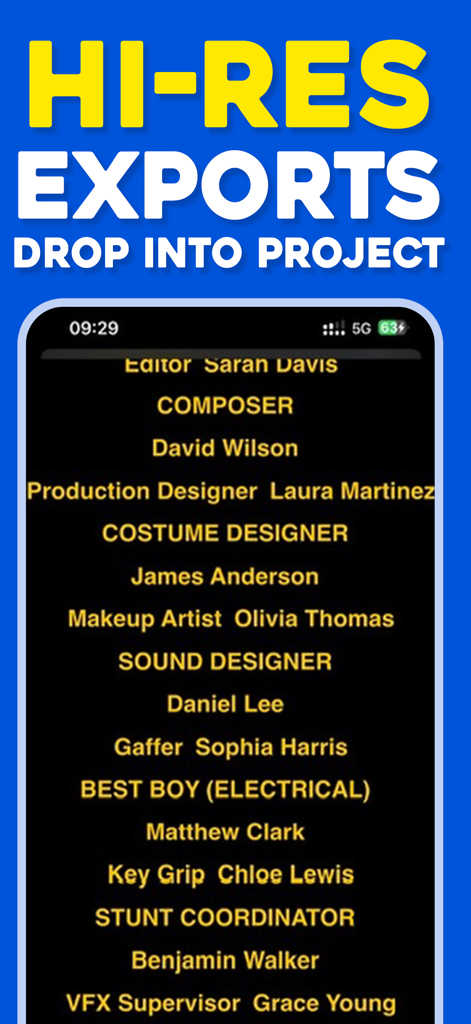
Rolling film credits on a mobile app screen showing high resolution export capabilities
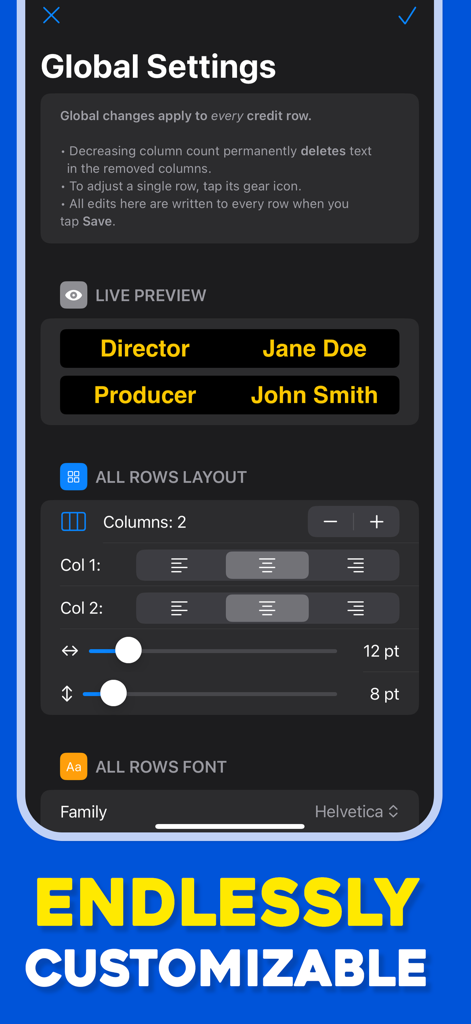
Global settings screen of the End Credits Maker app showing layout and font customization options for movie roll titles.
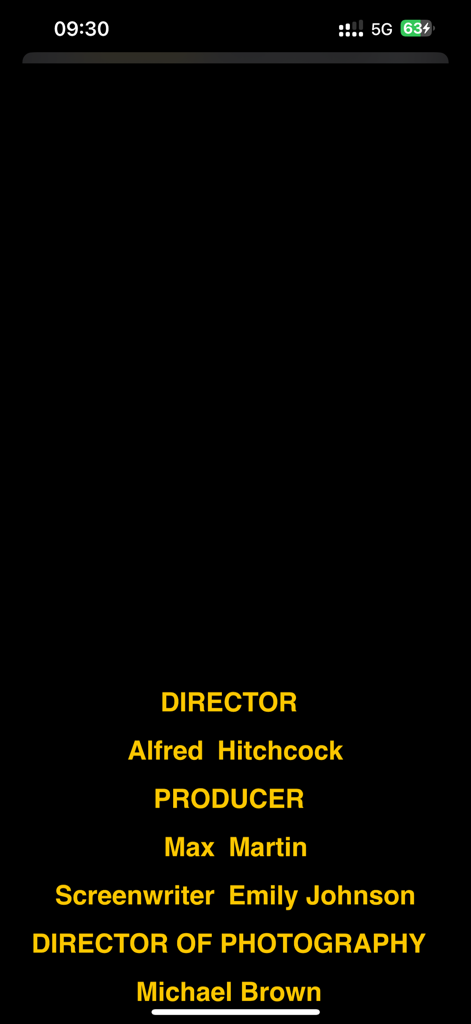
A preview of yellow cinematic rolling credits on a black background showing names and film production roles
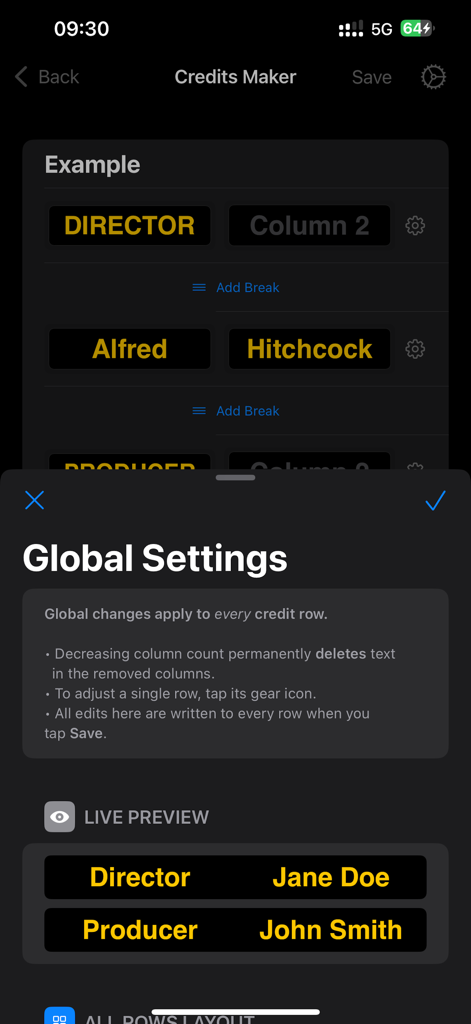
Global settings menu and live preview showing director and producer credits in the End Credits Maker app interface.
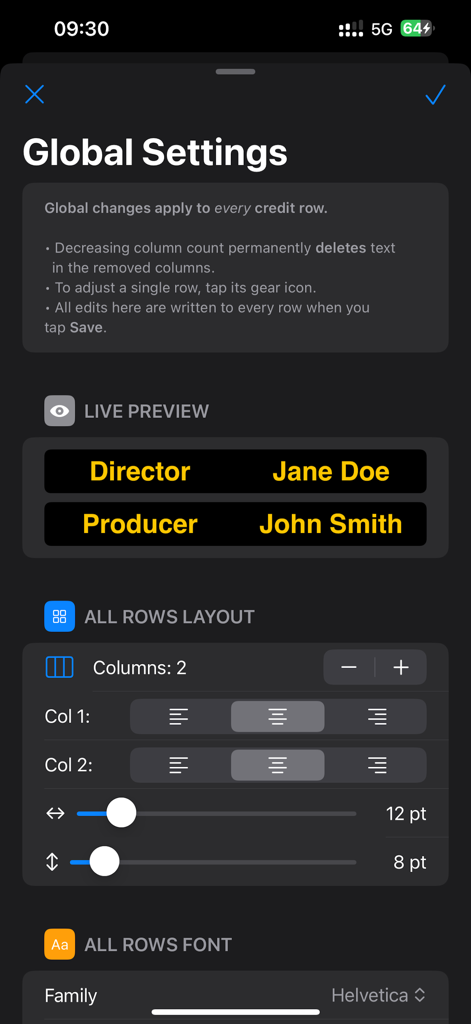
Global settings menu in End Credits Maker app for managing layout columns and text alignment for film credits
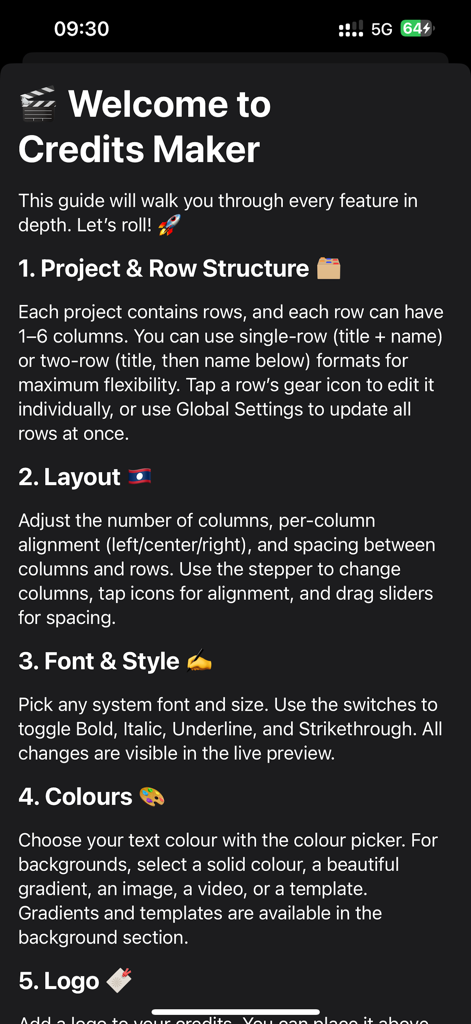
Welcome screen of the End Credits Maker app listing features like project structure layout font styles and color customization
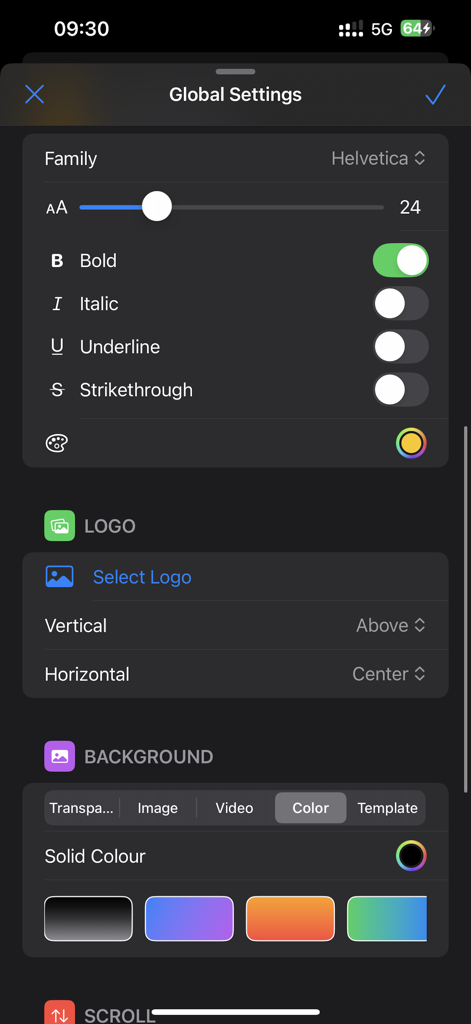
A screenshot of the global settings menu in End Credits Maker showing text styling logo and background options
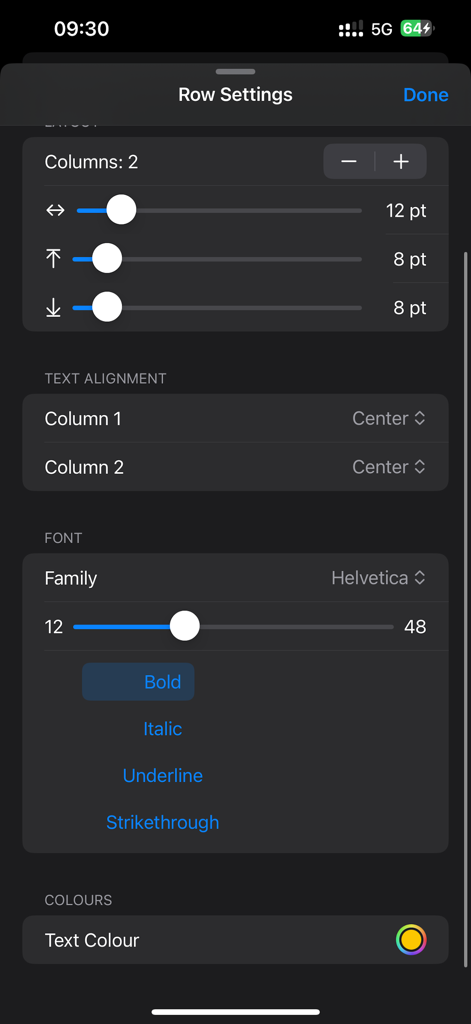
Interface for adjusting text alignment font and layout settings in the credits maker app
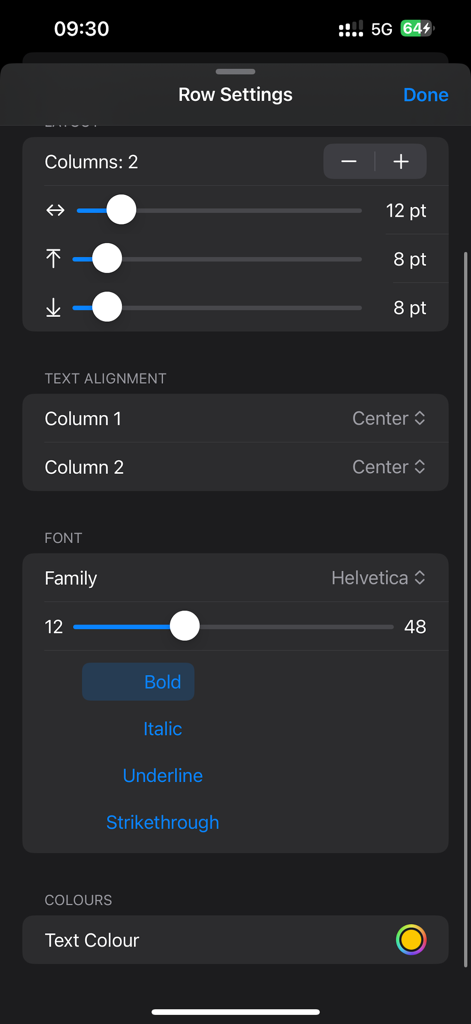
Interface of the Row Settings menu in the End Credits Maker app showing font, alignment, and layout customization controls for film credits.
Description
Download
More Like This
Top-ranked apps in the same category

CapCut: Photo & Video Editor
BYTEDANCE PTE. LTD.

Instagram, Inc.

YouTube
Google LLC

Canva: AI Video & Photo Editor
Canva Pty Ltd

Meta AI - Vibes & AI Glasses
Meta Platforms, Inc.

Snapchat
Snap, Inc.

快手
Beijing Kwai Technology Co., Ltd.

Edits: Video Editor
Instagram, Inc.

Meitu- AI Photo & Video Editor
Xiamen Meitu Technology Co., Ltd.
This page is not an official page of the app or its developer, but an independent editorial publication created for informational and commentary purposes. Unless expressly stated otherwise, neither the app nor its developer is affiliated with, endorsed by, sponsored by, authorized by, or otherwise officially connected with MWM, Apple, Google Play, the app publisher, or the app's developer, and nothing on this page implies that the app was developed using MWM's services. Any trademarks, logos, screenshots, and other content remain the property of their respective owners.