
This page is not an official page of the app or its developer, but an independent editorial publication created for informational and commentary purposes. Unless expressly stated otherwise, neither the app nor its developer is affiliated with, endorsed by, sponsored by, authorized by, or otherwise officially connected with MWM, Apple, Google Play, the app publisher, or the app's developer, and nothing on this page implies that the app was developed using MWM's services. Any trademarks, logos, screenshots, and other content remain the property of their respective owners.

EPS Converter, EPS to SVG
Instantly unlock and transform EPS files into high-quality SVG, PNG, or PDF on your iPhone or iPad. No accounts, no fees, and 100% private—the essential tool for creators and business owners on the go.
Downloads
0User Rating
Total Ratings
0Publisher
Category
Photo & VideoLocales
1Latest Version
1.5.14Size
73.5 MBFirst Released
May 13, 2021Power Your Creative Workflow
The ultimate utility for designers and entrepreneurs to unlock, convert, and resize EPS files anywhere—no desktop required.
Local & Private Processing
Conversions happen directly on your device. Your professional assets stay private, and your workflow stays lightning-fast with zero cloud lag.
Zero Cost, Zero Limits
Escape the subscription economy. Enjoy unlimited conversions with no file-size caps, no sign-up forms, and absolutely no hidden fees.
The following screenshots and description are sourced directly from the app's official store listing and are the property of the app developer.
App Store
Screenshots
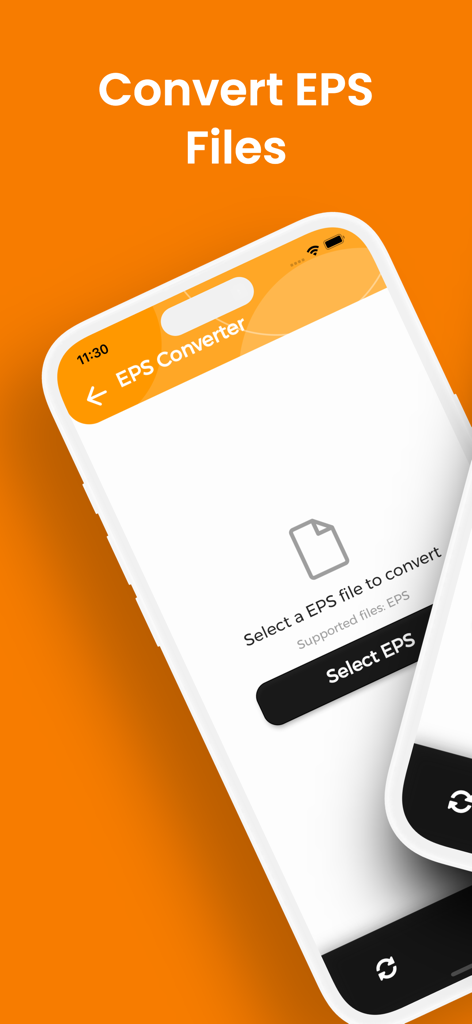
Mobile app interface for converting EPS files featuring a select file button
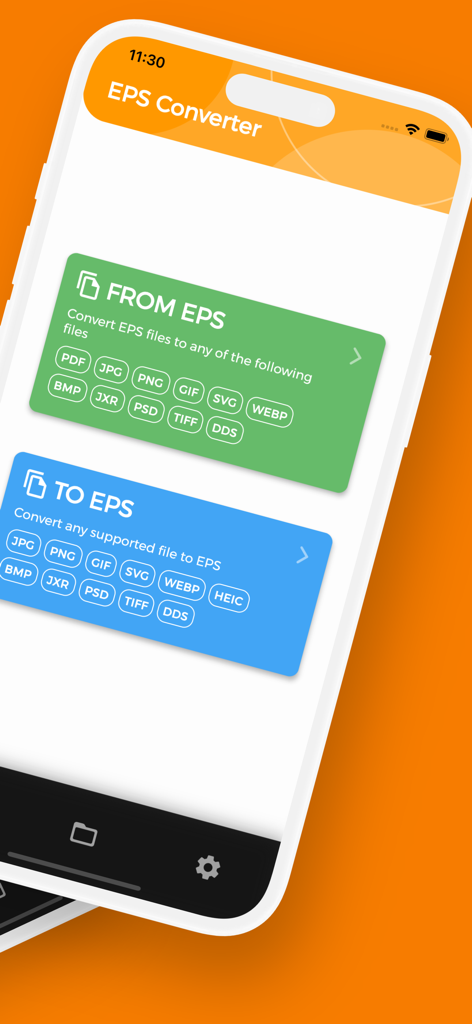
Main screen of the EPS Converter app on iPhone showing options for converting files to and from EPS format
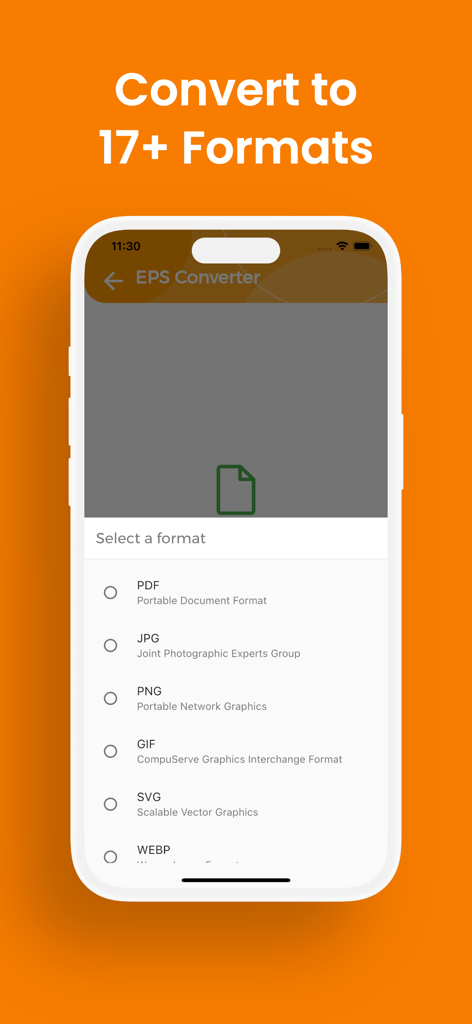
EPS Converter app interface showing conversion options for PDF, JPG, PNG, GIF, and SVG formats.
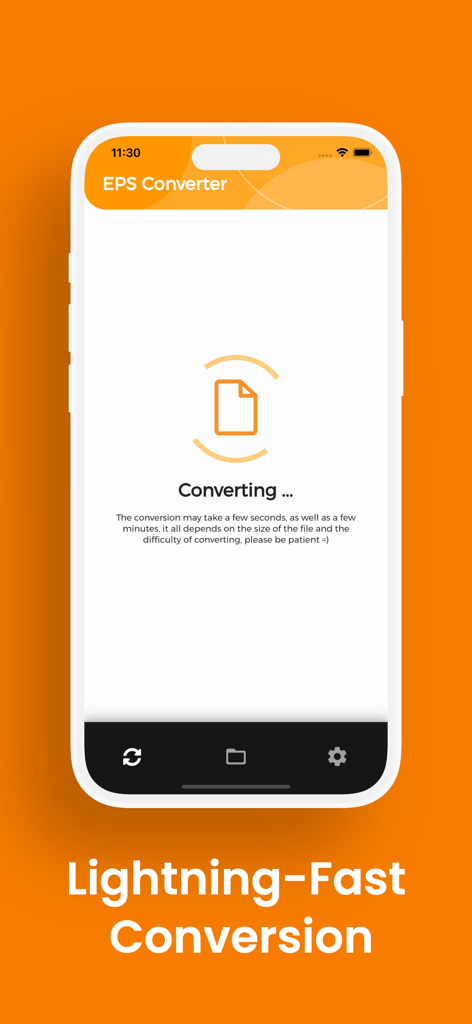
EPS Converter app interface showing an active file conversion process on an iPhone
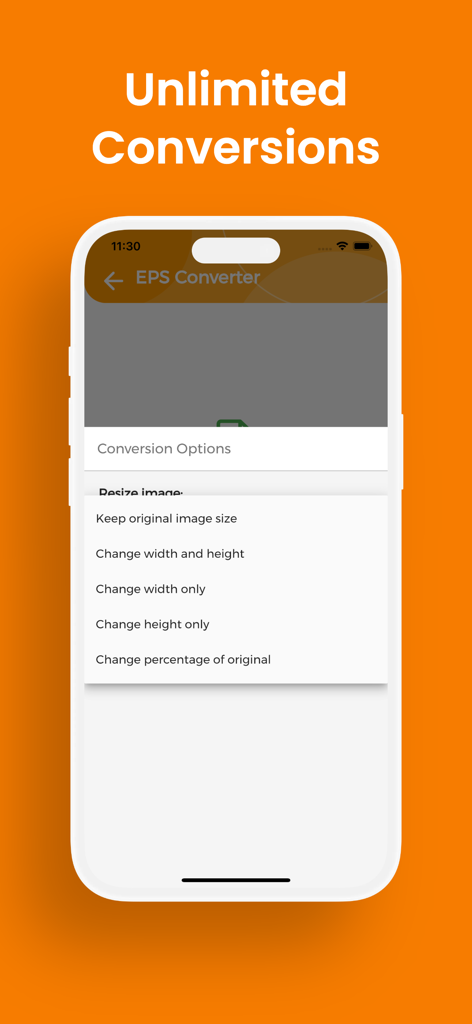
Screenshot of the EPS Converter app showing various image resizing options for file conversion.
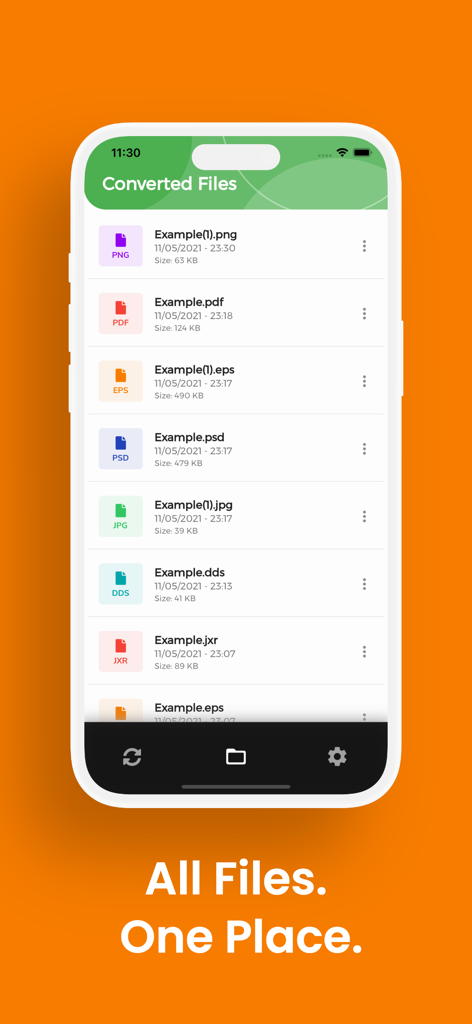
iPhone screen showing a list of converted files in multiple formats including PNG PDF and EPS within the EPS Converter app
Description
Download
More Like This
Top-ranked apps in the same category

CapCut: Photo & Video Editor
BYTEDANCE PTE. LTD.

Instagram, Inc.

YouTube
Google LLC

Canva: AI Video & Photo Editor
Canva Pty Ltd
Meta AI - Vibes & AI Glasses
Meta Platforms, Inc.

Snapchat
Snap, Inc.

快手
Beijing Kwai Technology Co., Ltd.

Edits: Video Editor
Instagram, Inc.
Google Photos: Backup & Edit
Google LLC
This page is not an official page of the app or its developer, but an independent editorial publication created for informational and commentary purposes. Unless expressly stated otherwise, neither the app nor its developer is affiliated with, endorsed by, sponsored by, authorized by, or otherwise officially connected with MWM, Apple, Google Play, the app publisher, or the app's developer, and nothing on this page implies that the app was developed using MWM's services. Any trademarks, logos, screenshots, and other content remain the property of their respective owners.