
EquateAccess


Protect your corporate share plans with effortless multi-factor authentication. Use Face ID or Touch ID to authorize logins instantly and keep your EquatePlus account secure.
Publisher
Category
ProductivityDownloads
1M+User Rating
Total Ratings
300Locales
22Discover the interface used by 1M+ users.
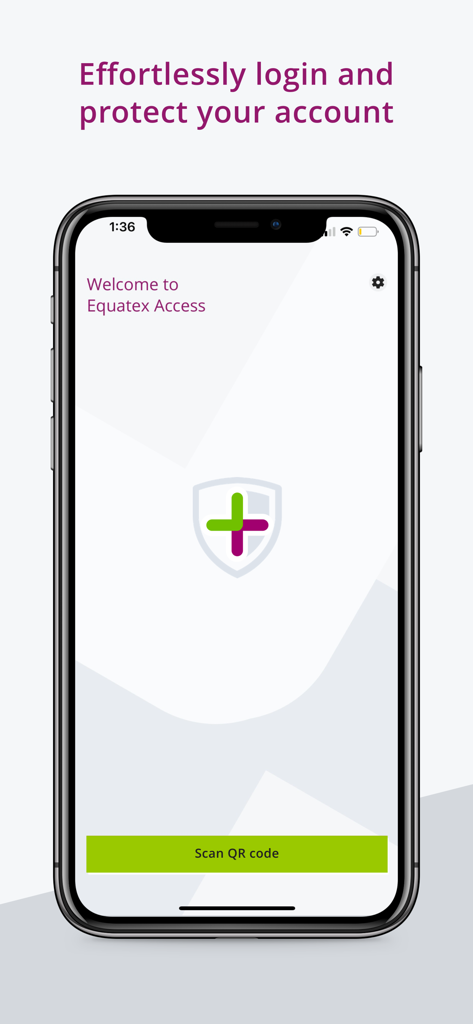
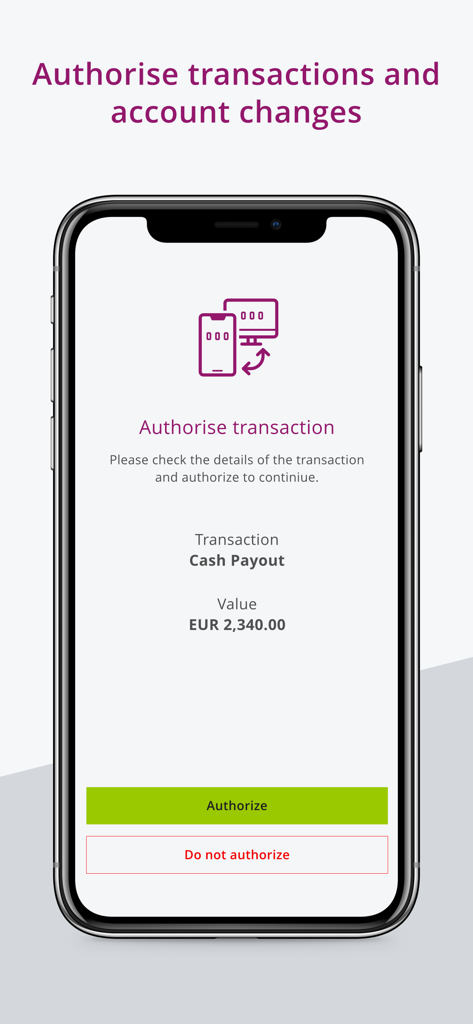
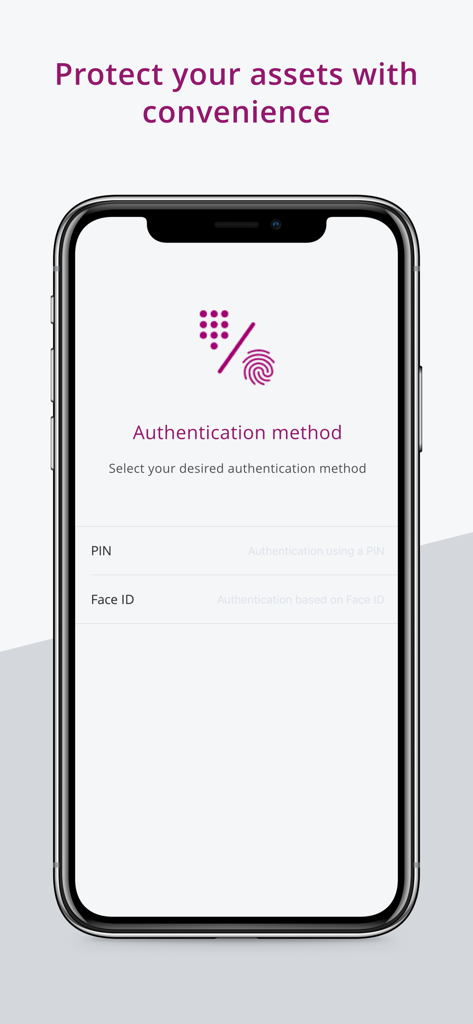
The tools that make this app stand out, trusted by 1M+ users.
Access your portfolio instantly using Face ID, Touch ID, or a secure PIN—no more waiting for SMS codes.
Add a powerful layer of Multi-Factor Authentication (MFA) to safeguard your vested shares and sensitive financial data.
Register your device in seconds via QR code and authorize logins with a single tap on your mobile device.
Everything you need to know about EquateAccess.
Description
Latest Version
2.10.2
Size
51.9 MB
First Released
Nov 11, 2021
Join over 1 million professionals protecting their portfolios. Download EquateAccess to enable fast, biometric authentication and gain seamless access to your EquatePlus account.
Everything you need to know about EquateAccess
EquateAccess is a security app providing multi-factor authentication (MFA) for the EquatePlus equity compensation platform. It simplifies login and enhances account protection.
EquateAccess provides MFA by requiring users to scan a QR code upon login. Users then authorize access on their mobile device using Face ID, Touch ID, or an EquateAccess PIN.
Yes, EquateAccess can authorize transactions and account changes within the EquatePlus platform. Users confirm details and then approve or deny the action via the app.
EquateAccess requires a mobile device camera to scan QR codes. Users must grant camera permission and receive an invitation, as the enhanced login must be company-configured.
EquateAccess supports biometric authentication methods like Face ID and Touch ID. It also allows authentication using a user-defined EquateAccess PIN.
Yes, you must receive an invitation before installing EquateAccess. The enhanced login feature requires configuration by your company to function.
Apps with similar features and user experience

WatchGuard Technologies Inc.

MULTIFAKTOR, OOO

Acceptto Corporation

Tirender Wig

Aladdin R.D. ZAO

RSA Security

Google LLC

Fortinet, Inc

Closed Joint Stock Company"Trade House"Perekrestok
App information, icons, screenshots, and descriptions displayed on this page are sourced from the Apple App Store and are the property of their respective developers. Download estimates and rankings are based on MWM's proprietary models and may not reflect actual figures. This page is provided for informational and analytical purposes only.
Believe this page infringes your intellectual property? File a dispute