eSign PDF Sign Documents

eSign PDF Sign Documents


Download on App Store
Logo of eSign PDF Sign Documents

eSign PDF Sign Documents: Professional Signatures in Seconds

Stop hunting for a printer. Scan, sign, and send legally binding contracts directly from your iPhone with secure local storage for your privacy.

Download on App Store

Publisher

HEN AI Co., Ltd

Category

Productivity

Downloads

30K+

User Rating

4.2/5

Total Ratings

100

Locales

16

Efficiency in Action

Discover the interface used by 30K+ users.
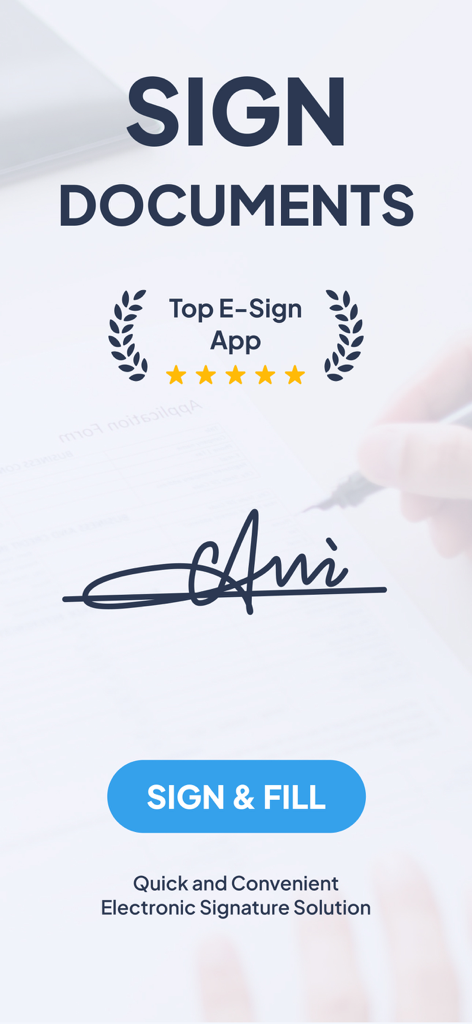
eSign PDF mobile app splash screen showing a handwritten signature on a document with a sign and fill button

eSign PDF mobile app splash screen showing a handwritten signature on a document with a sign and fill button

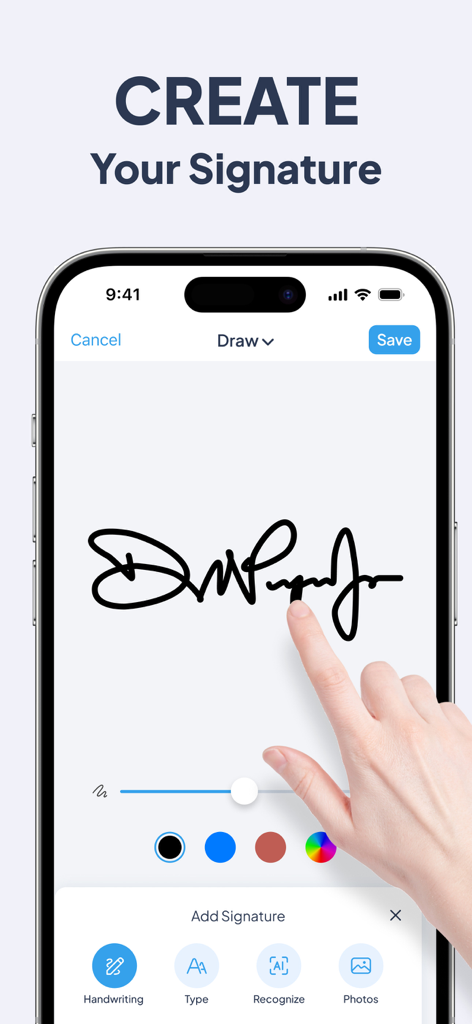
A user drawing a handwritten signature on a smartphone screen in the eSign PDF app.

A user drawing a handwritten signature on a smartphone screen in the eSign PDF app.

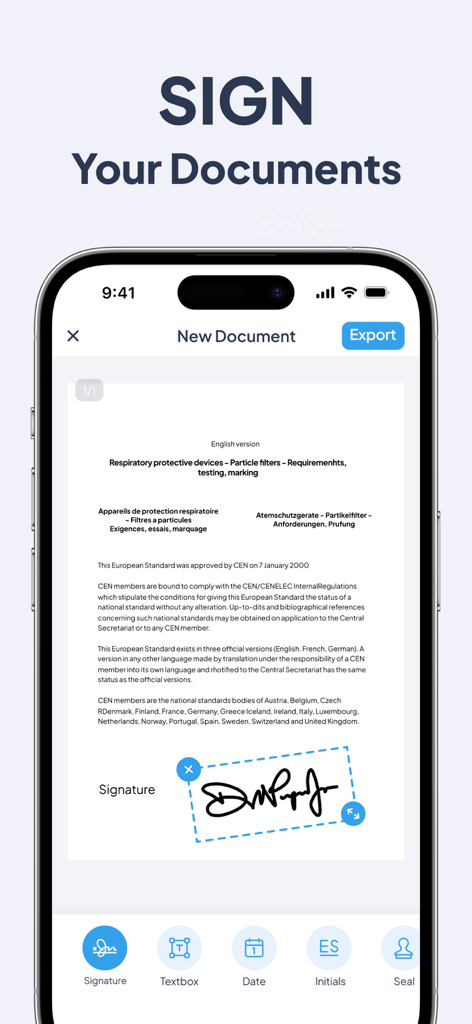
Smartphone screen showing the eSign app interface with a digital signature on a PDF document.

Smartphone screen showing the eSign app interface with a digital signature on a PDF document.

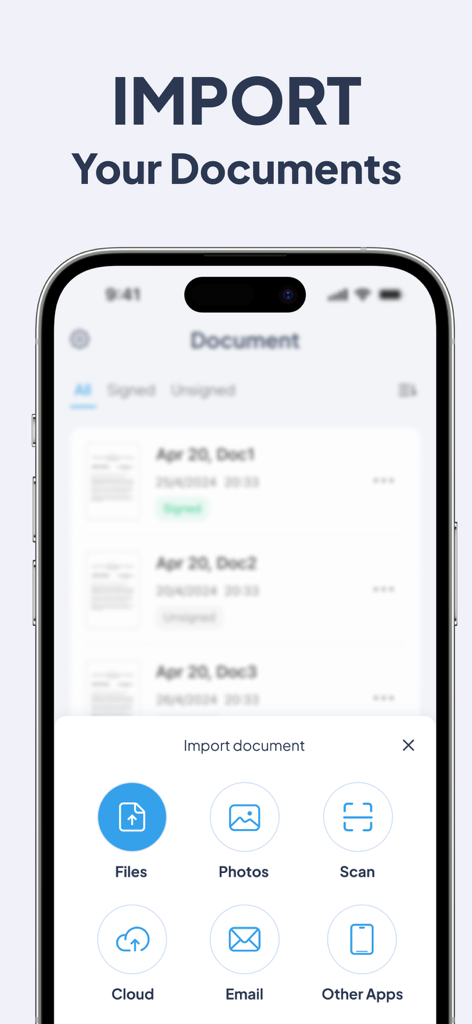
Mobile app screen showing various document import options including files, photos, scan, and cloud storage for digital signing.

Mobile app screen showing various document import options including files, photos, scan, and cloud storage for digital signing.

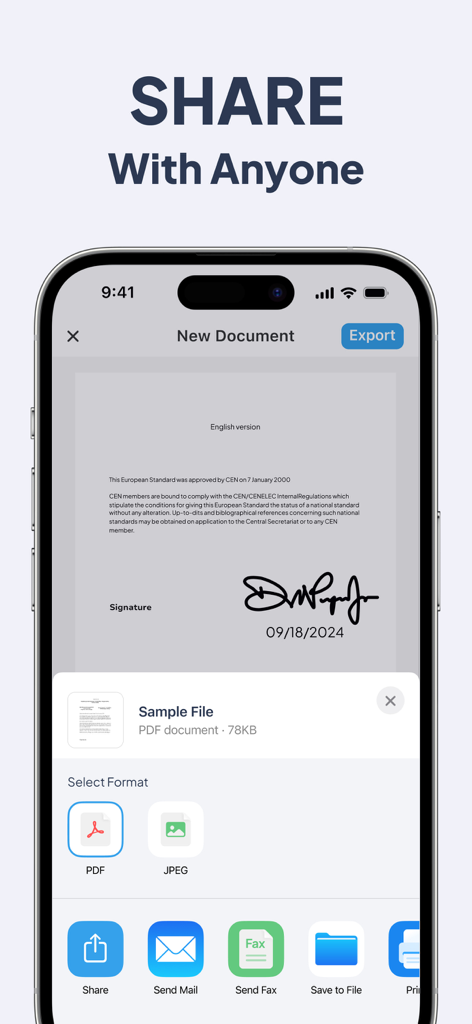
Mobile app screen showing export and sharing options for a signed PDF document

Mobile app screen showing export and sharing options for a signed PDF document

Your Office, In Your Pocket

The tools that make this app stand out, trusted by 30K+ users.

✍️

Legally Binding Signatures

Create authentic, handwritten signatures on any PDF or document format that hold up in any professional or legal setting.

📸

Built-in Document Scanner

Turn physical paperwork into high-quality PDFs instantly using your camera, perfect for signing and sending contracts on the go.

🛡️

Privacy-First Security

Your sensitive signatures and data are stored only on your device, giving you full control and total peace of mind without cloud risks.

About the app

Everything you need to know about eSign PDF Sign Documents.

Description

DocSign App is a special tool designed for signing your paperwork just like PDFs or any other document format. Online electronic signatures, handwritten in original handwriting, say goodbye to printing and express delivery for signing. You can easily grab documents from files or photo gallery, and even scan them before adding your signature using either the default editor or your own custom signature.With just a few simple steps, you can easily sign PDF documents/images. Sign contracts anytime, anywhere, making it an indispensable office software on your phone. Key Features: - Sign Documents: Easily add digital signatures to your documents. Signatures are legally binding and have an audit trail. - Scan Documents: Use the built-in scanner to digitize paper documents. - Create Documents from Photos: Turn photos into complete documents. - Sign Any Document Type: Supports formats like PDF, DOC, XLS, and more. - Share and Print: Send documents to colleagues and print them directly from the app. Make the process of signing documents easier and faster with our app! With DocSign App, your profile data is securely protected and only stored locally on your device. We're happy to help you sign your crucial documents. Contact US:support@usigndoc.com Terms of use:https://www.usigndoc.com/protocol/terms.html Privacy policy:https://www.usigndoc.com/protocol/privacy.html

Latest Version

2.0.3

Size

38.2 MB

First Released

Dec 6, 2023

Stop Hunting for a Printer—Sign Your Next Contract in Seconds

Join 30,000+ professionals who trust DocSign for secure, legally binding signatures on the go. Download now and keep your business moving from anywhere.

Download on App Store

App information, icons, screenshots, and descriptions displayed on this page are sourced from the Apple App Store and are the property of their respective developers. Download estimates and rankings are based on MWM's proprietary models and may not reflect actual figures. This page is provided for informational and analytical purposes only.

Believe this page infringes your intellectual property? File a dispute