eSign - Signer PDF

eSign - Signer PDF

Logo of eSign - Signer PDF

eSign - Signer PDF: Sign any document in seconds, no account required.

Tired of monthly subscriptions? Securely sign leases, contracts, and forms offline from your iPhone or iPad. No hidden fees, no cloud uploads—just simple, professional signatures.

Publisher

Loic Veteau

Category

Productivity

Downloads

0

User Rating

1.0/5

Total Ratings

0

Locales

4

Simplicity in Every Pixel

Discover the interface used by 0 users.
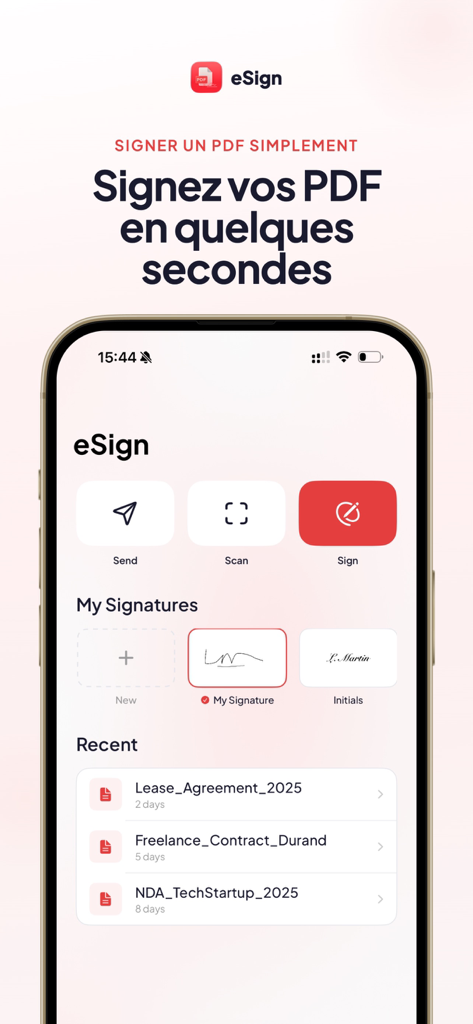
Home screen of the eSign app showing PDF signing tools saved signatures and recent documents

Home screen of the eSign app showing PDF signing tools saved signatures and recent documents

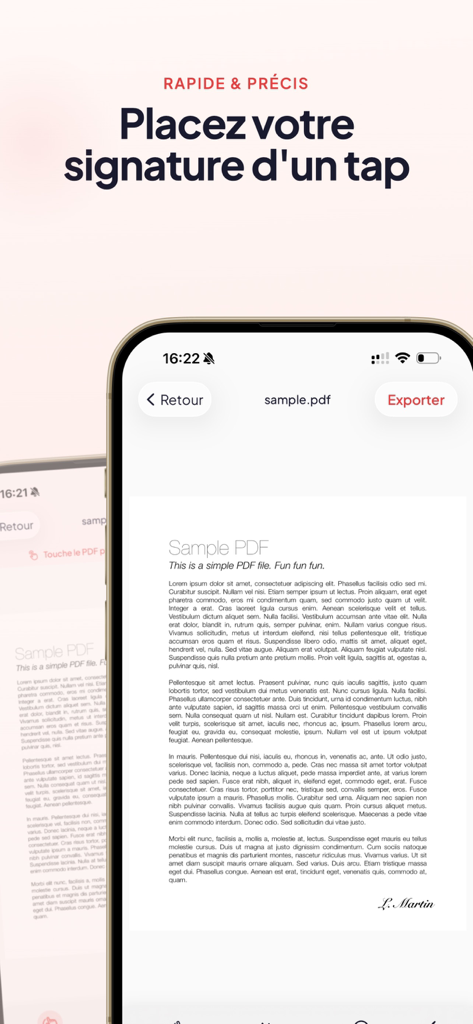
An iPhone displaying the eSign app with a signature placed on a sample PDF document

An iPhone displaying the eSign app with a signature placed on a sample PDF document

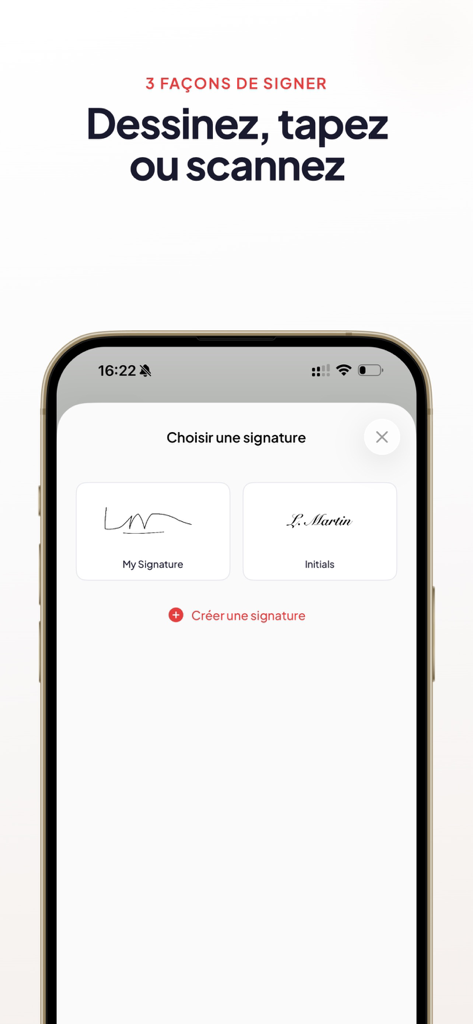
iPhone screen displaying options to create or choose a signature by drawing typing or scanning

iPhone screen displaying options to create or choose a signature by drawing typing or scanning

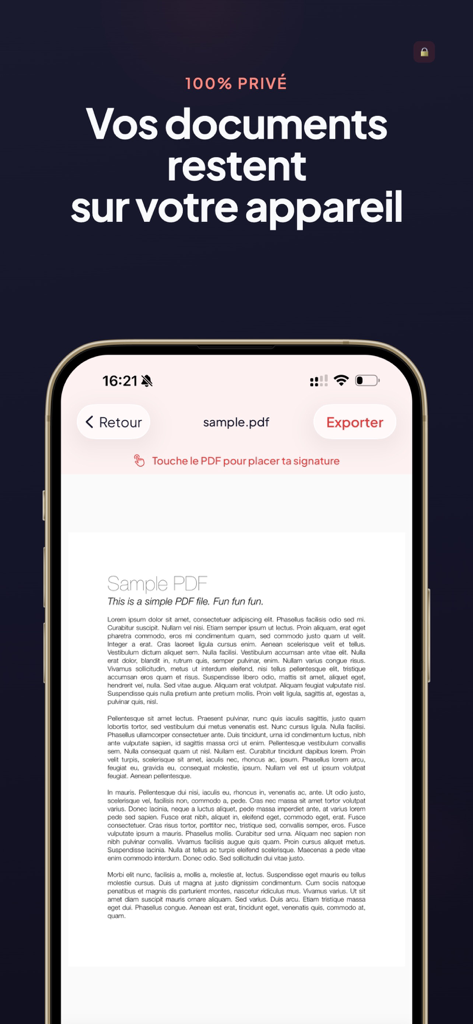
Screenshot of eSign app showing a PDF document on an iPhone with text about document privacy

Screenshot of eSign app showing a PDF document on an iPhone with text about document privacy

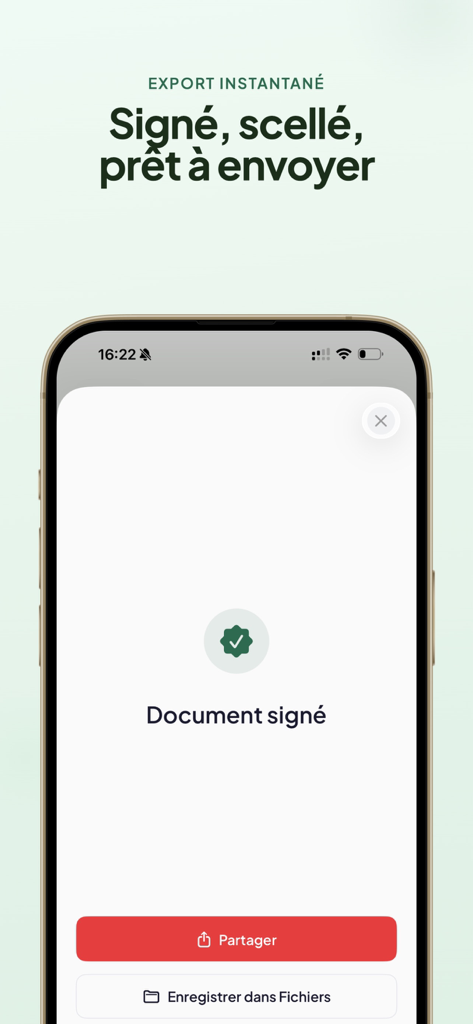
A mobile app screen showing a confirmation that a PDF document has been signed with options to share or save it.

A mobile app screen showing a confirmation that a PDF document has been signed with options to share or save it.

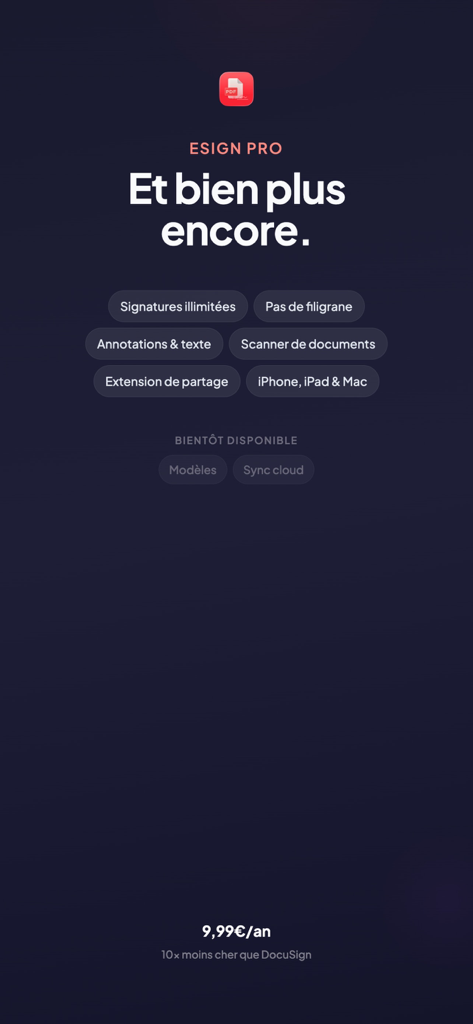
List of eSign Pro features including unlimited signatures document scanning and annotations

List of eSign Pro features including unlimited signatures document scanning and annotations

Effortless Signing, Total Control

The tools that make this app stand out, trusted by 0 users.

Sign in Under 30 Seconds

Skip the login screen and the 5-step onboarding. Import any PDF from Mail or Files, drop your signature, and send it off instantly.

🔒

100% Private and Offline

Your sensitive contracts never leave your iPhone or iPad. We don't use cloud servers, ensuring your data remains completely under your control.

🚫

Zero Subscription Fatigue

Stop paying $15 a month for a tool you use occasionally. Experience professional-grade PDF signing without hidden fees or recurring charges.

About the app

Everything you need to know about eSign - Signer PDF.

Description

Signez vos PDF en toute simplicite. eSign est l'app la plus simple pour signer vos documents PDF. Pas de compte a creer, pas d'abonnement cache. Ouvrez votre PDF, placez votre signature, envoyez. C'est tout. Fini les galeres pour signer un bail, un contrat ou un formulaire administratif. eSign fait une seule chose et le fait bien : vous permettre de signer vos documents depuis votre iPhone ou iPad, en quelques secondes. COMMENT CA MARCHE 1. Importez votre PDF depuis Fichiers, Mail, ou n'importe quelle app 2. Creez votre signature (dessin, texte ou scan) 3. Placez-la sur le document 4. Exportez et partagez CREEZ VOTRE SIGNATURE - Dessinez au doigt ou a l'Apple Pencil — tracez votre signature comme sur papier - Tapez votre nom — choisissez parmi plusieurs styles de polices manuscrites - Scannez une signature existante — prenez en photo votre signature papier, le fond est supprime automatiquement VOS SIGNATURES, TOUJOURS PRETES Sauvegardez vos signatures dans votre bibliotheque personnelle. Signature complete, initiales, paraphe : retrouvez-les instantanement a chaque fois que vous en avez besoin. ANNOTEZ VOS DOCUMENTS - Ajoutez du texte libre : nom, date, adresse - Cochez des cases dans les formulaires - Inserez la date du jour automatiquement - Naviguez facilement dans les documents multi-pages PARTAGEZ EN UN GESTE Envoyez votre document signe par Mail, Messages, AirDrop ou toute autre app. Sauvegardez-le dans Fichiers ou dans votre pellicule. Le PDF exporte conserve toute sa qualite. POURQUOI ESIGN - Aucun compte requis — ouvrez l'app et signez, c'est tout - Aucun abonnement — pas de surprise sur votre releve bancaire - 100% hors-ligne — vos documents restent sur votre appareil - Rapide — signez un document en moins de 30 secondes - Compatible iPhone et iPad — avec support Apple Pencil - Accessible via le menu Partager depuis n'importe quelle app IDEAL POUR - Signer un bail ou un contrat de location - Valider un devis ou un bon de commande - Remplir et signer des formulaires administratifs (CAF, impots, mutuelle) - Signer une autorisation parentale - Approuver des documents professionnels - Parapher chaque page d'un contrat GRATUIT ET SANS PUBLICITE Utilisez eSign gratuitement. Passez a eSign Pro pour des signatures illimitées, sans watermark, avec toutes les polices manuscrites disponibles. Terms of Use (EULA): https://www.apple.com/legal/internet-services/itunes/dev/stdeula/

Latest Version

1.0

Size

14.0 MB

First Released

Mar 19, 2026

Ready to Sign Without the Subscription Headache?

Join thousands who choose eSign for speed and privacy. No accounts, no hidden fees, and 100% offline—just open, sign, and send your documents in under 30 seconds.

App information, icons, screenshots, and descriptions displayed on this page are sourced from the Apple App Store and are the property of their respective developers. Download estimates and rankings are based on MWM's proprietary models and may not reflect actual figures. This page is provided for informational and analytical purposes only.

Believe this page infringes your intellectual property? File a dispute