
This page is not an official page of the app or its developer, but an independent editorial publication created for informational and commentary purposes. Unless expressly stated otherwise, neither the app nor its developer is affiliated with, endorsed by, sponsored by, authorized by, or otherwise officially connected with MWM, Apple, Google Play, the app publisher, or the app's developer, and nothing on this page implies that the app was developed using MWM's services. Any trademarks, logos, screenshots, and other content remain the property of their respective owners.


Everbridge 360
Receive vital alerts from your workplace or school and send an SOS when it matters most. Stay informed, prepared, and safe with our modern, easy-to-use communication platform.
Downloads
66K+User Rating
Total Ratings
0Publisher
Category
BusinessLocales
26Latest Version
26.1.0Size
178.3 MBFirst Released
Sep 25, 2023Your Direct Link to Safety and Preparedness
Designed for the modern professional and student, Everbridge 360 provides the essential tools to navigate incidents with confidence and clarity through your organization.
Personal SOS Protection
Trigger an immediate emergency signal to your organization when you are in need of assistance, ensuring help is notified of your situation instantly.
Simplified Critical Alerts
Cut through the information overload with a streamlined communication feed that ensures you only receive high-priority, mission-critical updates.
Frequently Asked Questions
Everything you need to know about Everbridge 360
What is the primary function of the Everbridge 360 app?
The Everbridge 360 app connects users to organizations for vital information during critical events and incident management. It enables users to receive updates and send an SOS alert when assistance is needed.
How do users log in to the Everbridge 360 app?
Users log in to the Everbridge 360 app using an Organization Code. This code, provided by their organization, facilitates easy registration and grants access to the app's full features.
Can I send an SOS alert using the Everbridge 360 app?
Yes, the Everbridge 360 app allows users to create and send an SOS alert. This feature provides a way to request assistance during critical situations, supported by organizations.
Does Everbridge 360 integrate with Mobile Device Management (MDM) systems?
Yes, Everbridge 360 supports Mobile Device Management (MDM) and automated provisioning. This feature simplifies corporate deployment, offering organizations a streamlined and efficient setup process for their users.
What kind of notifications does Everbridge 360 provide?
Everbridge 360 provides notifications for critical events, security advisories, and general organizational communications. Users receive updates on incidents like earthquake drills, information security, and facility announcements through a simplified communications feed.
The following screenshots and description are sourced directly from the app's official store listing and are the property of the app developer.
App Store
Screenshots
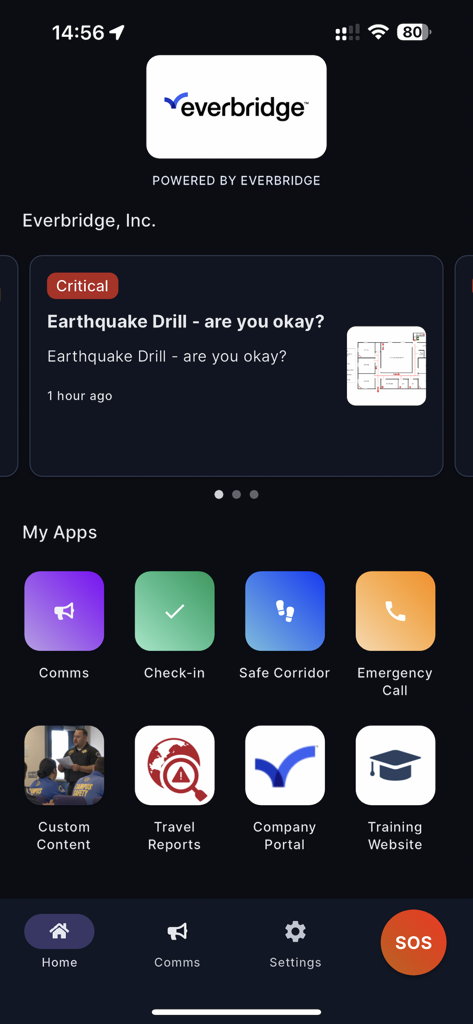
Everbridge 360 mobile app interface showing a critical alert notification and emergency communication features like an SOS button.
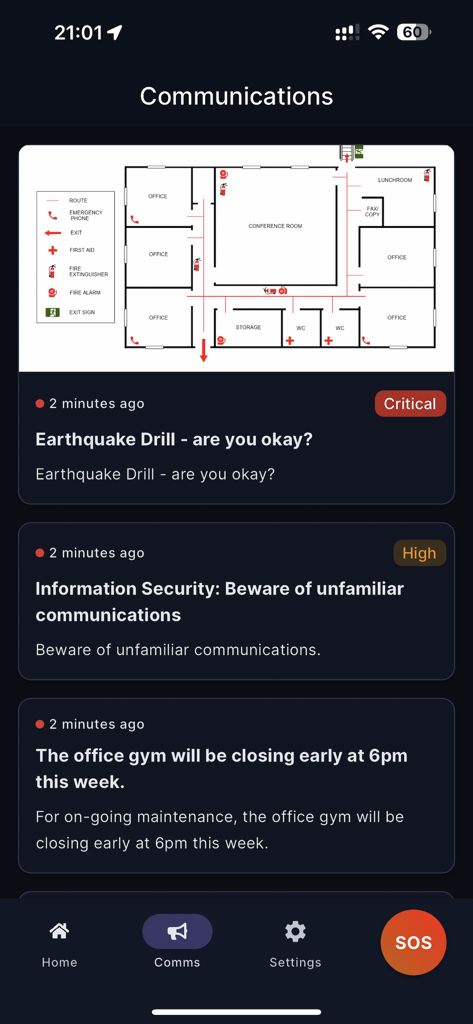
Everbridge 360 app communications feed displaying critical safety alerts and an emergency office floor plan
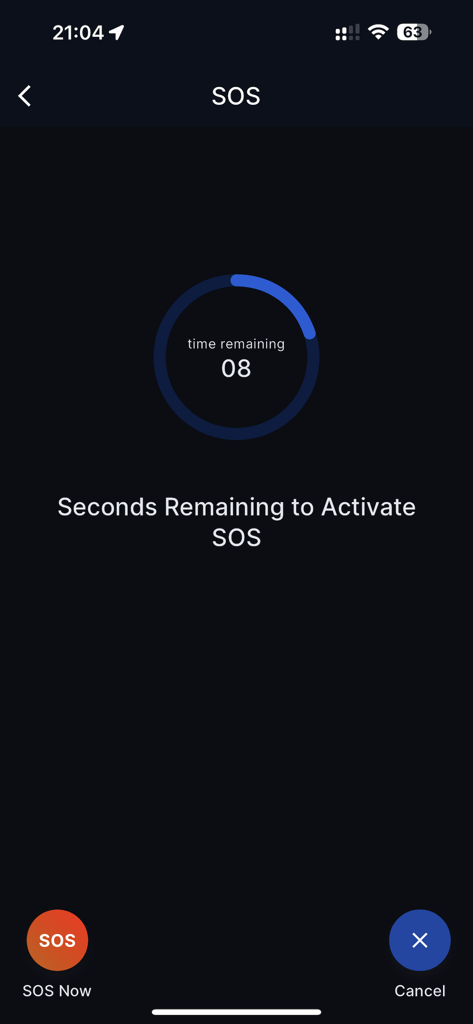
Everbridge 360 emergency SOS countdown screen showing a timer with 8 seconds remaining
Description
Download
More Like This
Apps with similar features and user experience

AlertMedia
Alert Media LLC

Enjad
ENJAD ASSOCIATION FOR SEARCH AND RESCUE

Raptor Alert
RAPTOR TECHNOLOGIES, LLC

Ocrenger
Pascal Corporation

SECOM Safety confirmation
Secom Trust Systems Co.,Ltd.

安否確認サービス2:トヨクモ
TOYOKUMO, Inc.

エマージェンシーコール(EMC)-安否確認
INFOCOM CORPORATION

Red Dot Alert
Correctional Psychiatric Services, P.C.
This page is not an official page of the app or its developer, but an independent editorial publication created for informational and commentary purposes. Unless expressly stated otherwise, neither the app nor its developer is affiliated with, endorsed by, sponsored by, authorized by, or otherwise officially connected with MWM, Apple, Google Play, the app publisher, or the app's developer, and nothing on this page implies that the app was developed using MWM's services. Any trademarks, logos, screenshots, and other content remain the property of their respective owners.