
This page is not an official page of the app or its developer, but an independent editorial publication created for informational and commentary purposes. Unless expressly stated otherwise, neither the app nor its developer is affiliated with, endorsed by, sponsored by, authorized by, or otherwise officially connected with MWM, Apple, Google Play, the app publisher, or the app's developer, and nothing on this page implies that the app was developed using MWM's services. Any trademarks, logos, screenshots, and other content remain the property of their respective owners.


eXpimal - Logic calculator
Master Boolean algebra and digital logic with step-by-step solutions. From Karnaugh maps to McCluskey minimization, get detailed explanations and circuit diagrams for your assignments—all completely ad-free.
Downloads
16K+User Rating
Total Ratings
0Publisher
Category
EducationLocales
5Latest Version
2.4.6Size
9.9 MBFirst Released
Sep 19, 2019Master Complex Digital Logic
Accelerate your STEM studies with a powerful calculator that doesn't just give answers—it explains the entire proof process with step-by-step transparency.
Transparent Step-by-Step Proofs
Get detailed comments on every minimization and conversion, perfect for verifying your homework and mastering exam-level discrete math.
Visual Circuit Design
Plot logical schemes in ANSI or IEC standards and generate ladder diagrams for industrial automation and PLC programming assignments.
The following screenshots and description are sourced directly from the app's official store listing and are the property of the app developer.
App Store
Screenshots
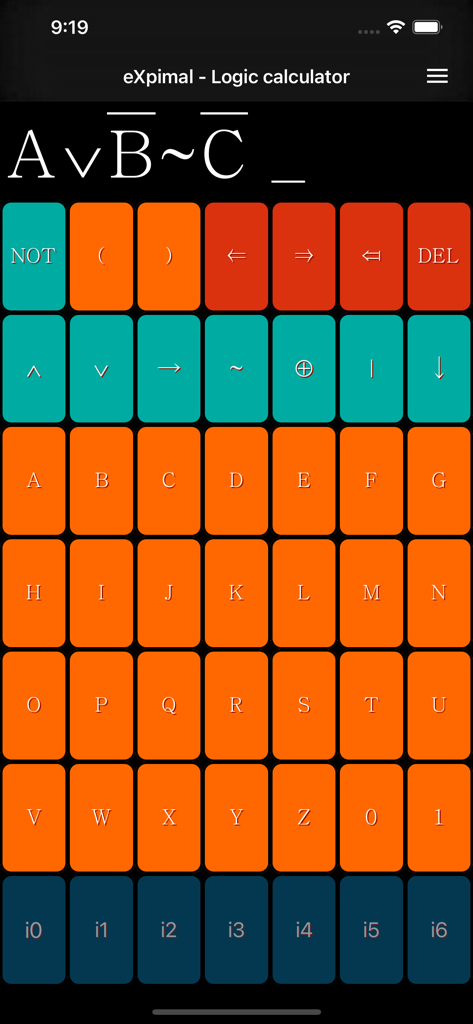
Interface of the eXpimal logic calculator app showing the custom boolean formula keyboard
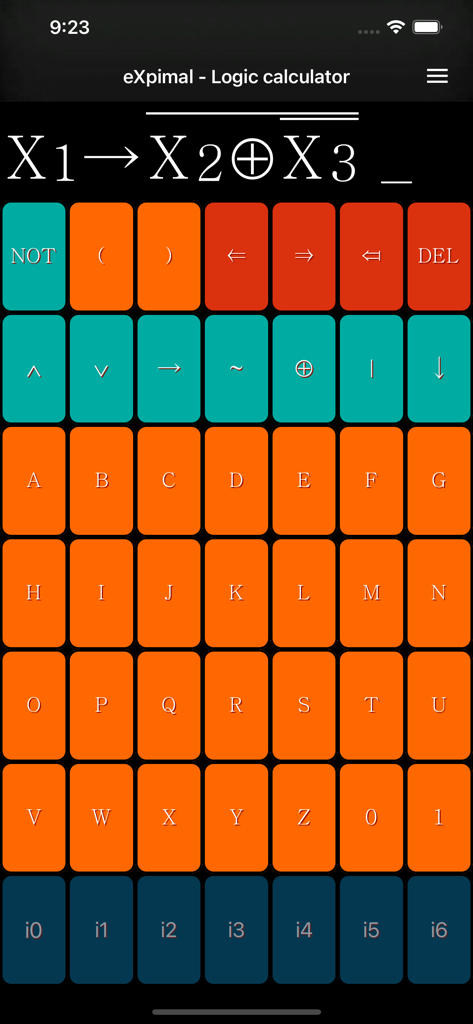
The input screen of the eXpimal app showing a specialized keyboard for entering Boolean logic formulas and technical symbols
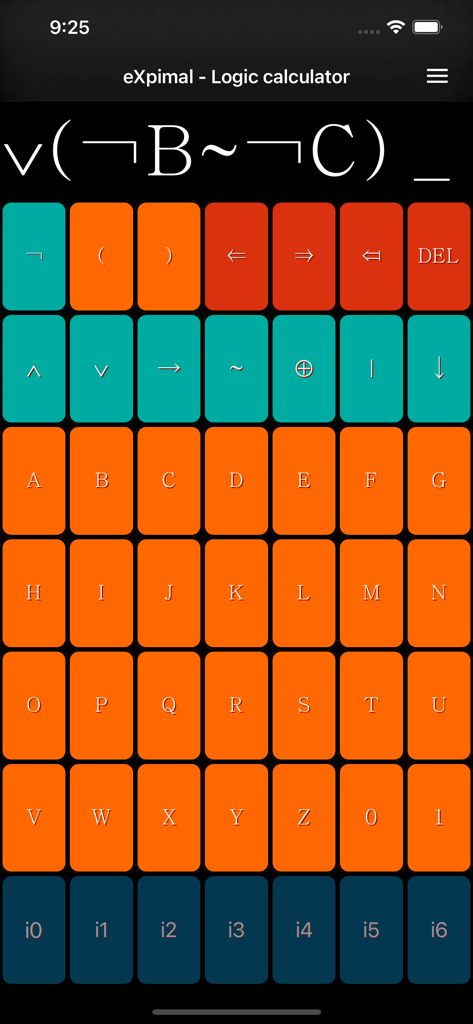
eXpimal app interface showing a colorful keyboard for inputting boolean logic formulas
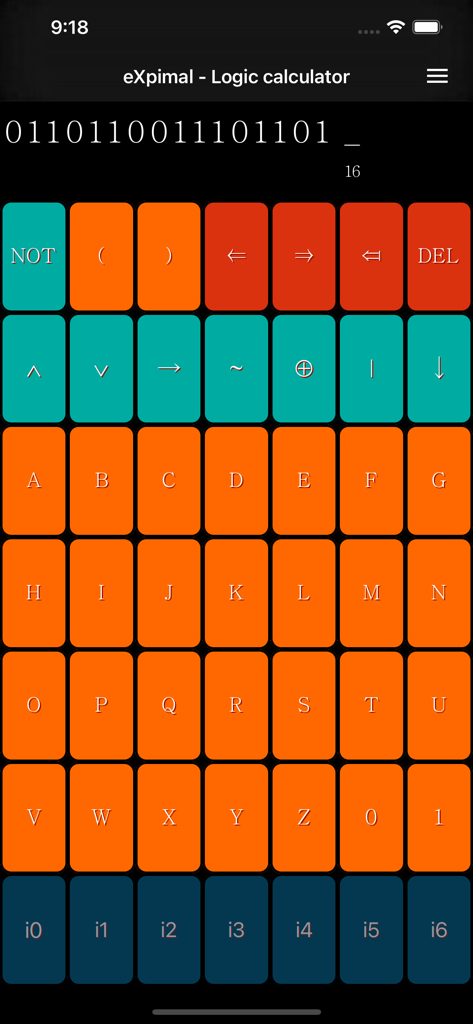
Keyboard interface of the eXpimal logic calculator showing Boolean operators and variable buttons
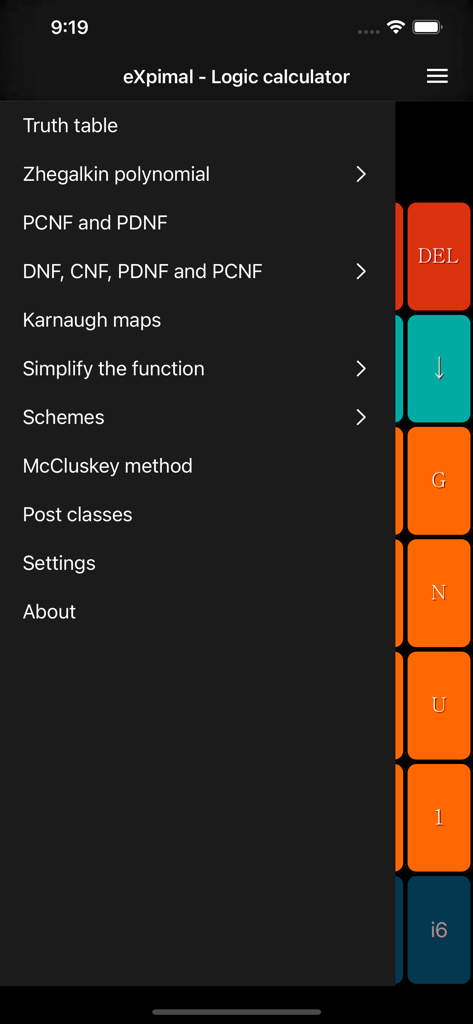
Navigation menu of the eXpimal logic calculator app listing features like truth tables and Karnaugh maps
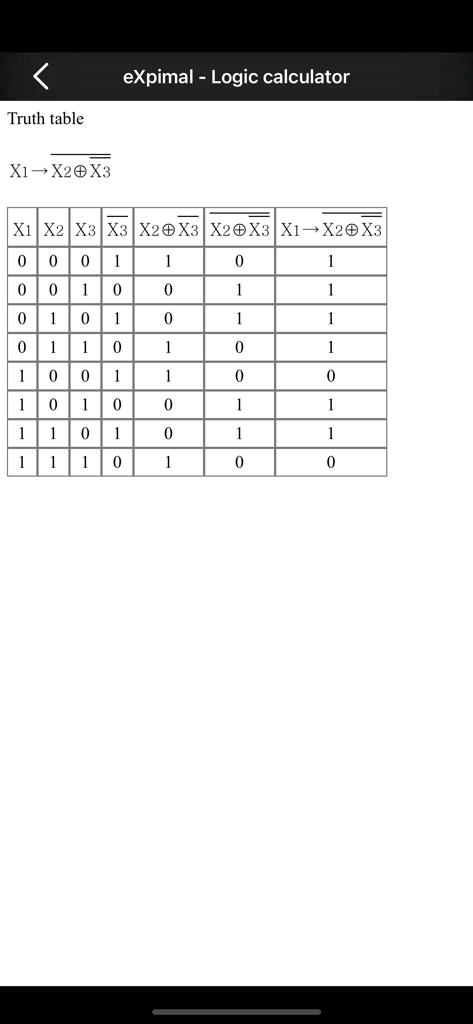
A truth table generated for a boolean logic expression within the eXpimal app
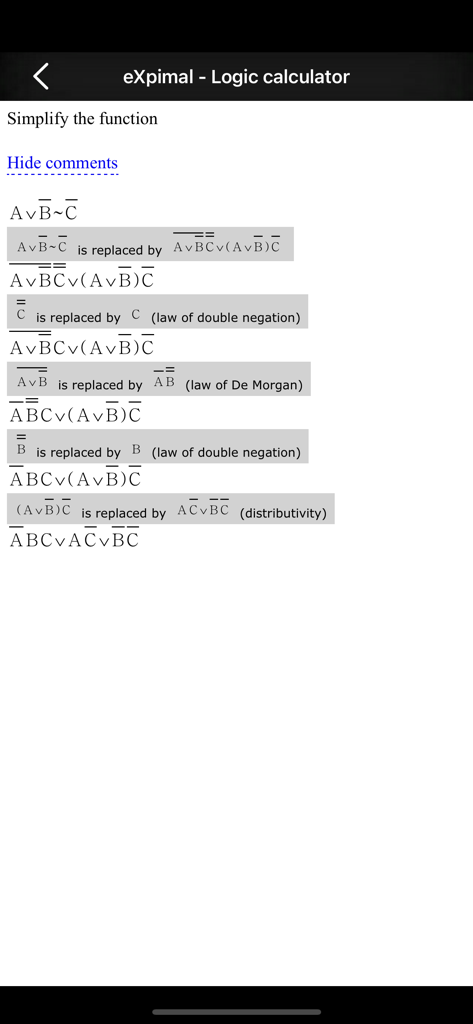
Step by step Boolean function simplification showing laws of double negation and De Morgan in the eXpimal app
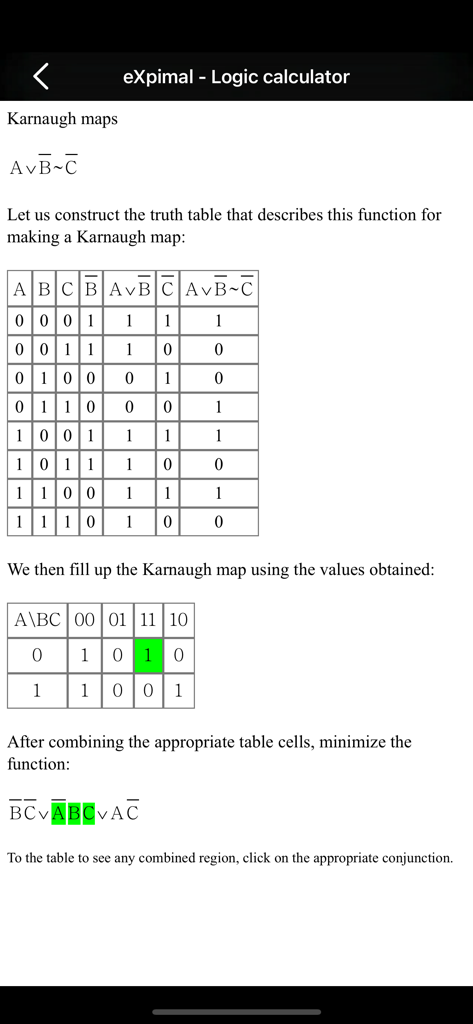
Logic calculator interface showing a truth table and Karnaugh map minimization process
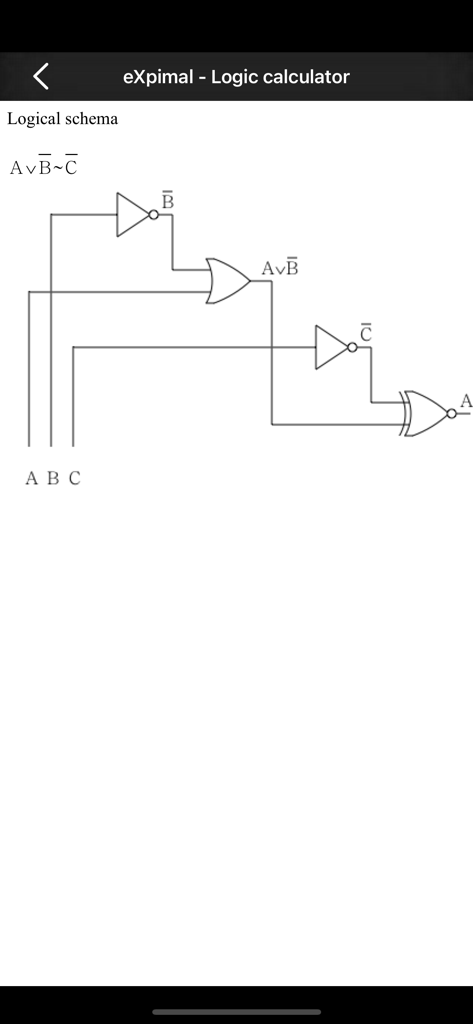
Logical schema diagram of a Boolean expression with logic gates
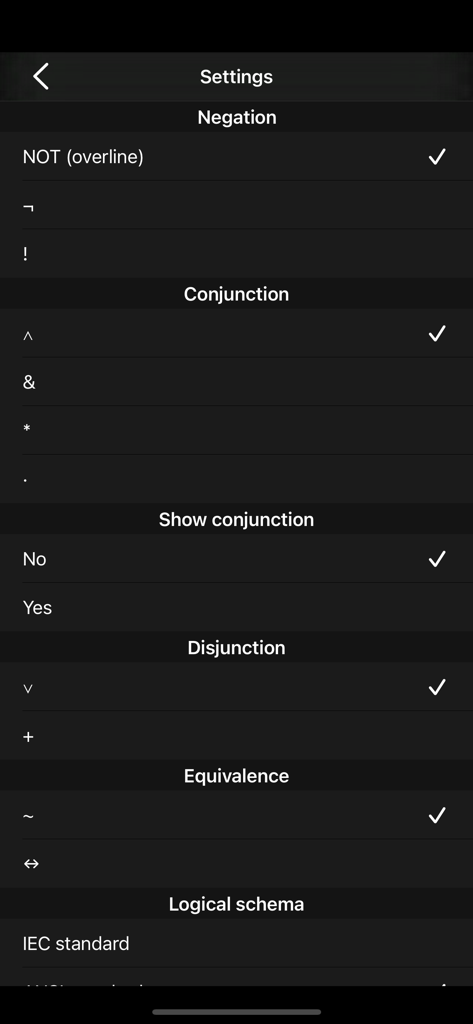
Settings menu in the eXpimal app for choosing logical operator symbols and circuit standards
Description
Download
More Like This
Top-ranked apps in the same category

Duolingo - Language Lessons
Duolingo, Inc

Speak & Learn English: Learna
DEEP FLOW SOFTWARE SERVICES - FZCO

驾考宝典-科一科四驾驶证考试驾考通
Wuhan Jiakaobaodian Information Service Co., Ltd.

Toca Boca World
Toca Boca AB

Google Classroom
Google LLC

作业帮-中小学家长作业检查和辅导工具
Guangzhou Polar Future Culture Technology Co., Ltd

学信网
Student Information Consultation Service Co., Ltd.

Gauth: AI Study Companion
GAUTHTECH PTE. LTD.

ArtWorkout: Learn How to Draw
Aleksandr Ulitin
This page is not an official page of the app or its developer, but an independent editorial publication created for informational and commentary purposes. Unless expressly stated otherwise, neither the app nor its developer is affiliated with, endorsed by, sponsored by, authorized by, or otherwise officially connected with MWM, Apple, Google Play, the app publisher, or the app's developer, and nothing on this page implies that the app was developed using MWM's services. Any trademarks, logos, screenshots, and other content remain the property of their respective owners.