
This page is not an official page of the app or its developer, but an independent editorial publication created for informational and commentary purposes. Unless expressly stated otherwise, neither the app nor its developer is affiliated with, endorsed by, sponsored by, authorized by, or otherwise officially connected with MWM, Apple, Google Play, the app publisher, or the app's developer, and nothing on this page implies that the app was developed using MWM's services. Any trademarks, logos, screenshots, and other content remain the property of their respective owners.

Face Cam Screen Recorder Pro
Record and stream with a truly live face cam, built-in teleprompter, and touch indicators. Create polished tutorials or reaction videos in one take and skip the monthly fees with a one-time purchase.
Downloads
500+User Rating
Total Ratings
0Publisher
Category
Photo & VideoLocales
9Latest Version
3.7Size
26.2 MBFirst Released
Nov 28, 2025Everything You Need for Pro-Level Content
Skip the complex editing. Record, draw, and stream with professional tools designed for creators, educators, and founders who value efficiency.
Live Face Cam Overlay
Show your reaction in real-time with a resizable, draggable face cam. Stop wasting hours syncing video files in post-production.
Invisible Teleprompter
Maintain perfect eye contact and stay on script. Read your notes directly on screen while they remain completely invisible to your audience.
The following screenshots and description are sourced directly from the app's official store listing and are the property of the app developer.
App Store
Screenshots
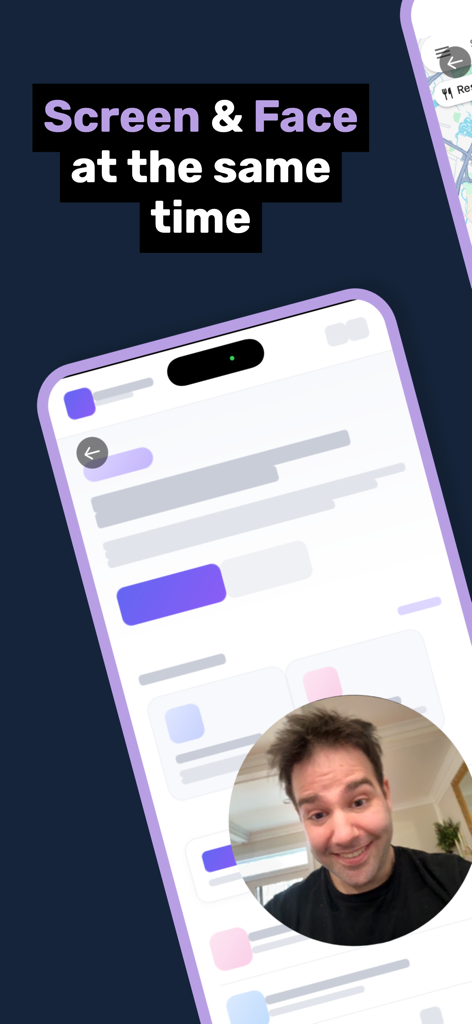
Face Cam Screen Recorder Pro interface showing simultaneous screen and live face cam recording
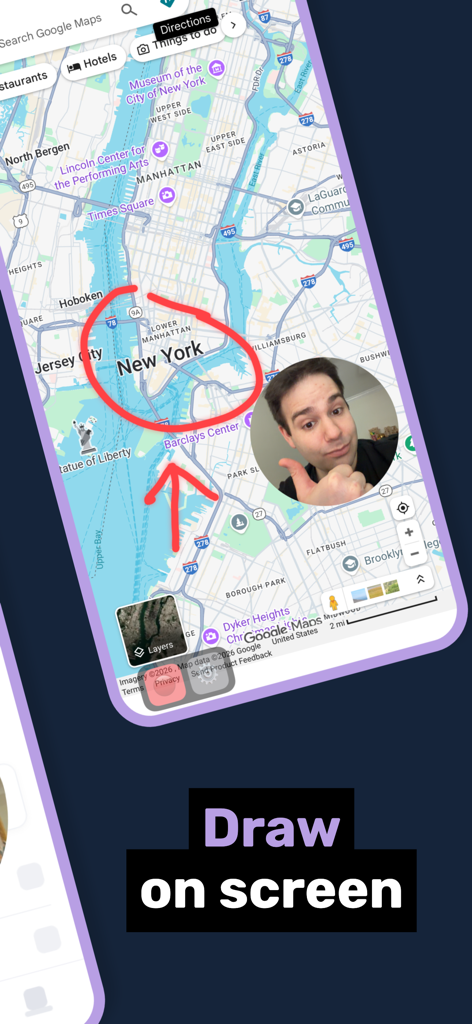
Screenshot of Face Cam Screen Recorder Pro showing the draw on screen feature with a live face cam overlay on a map.
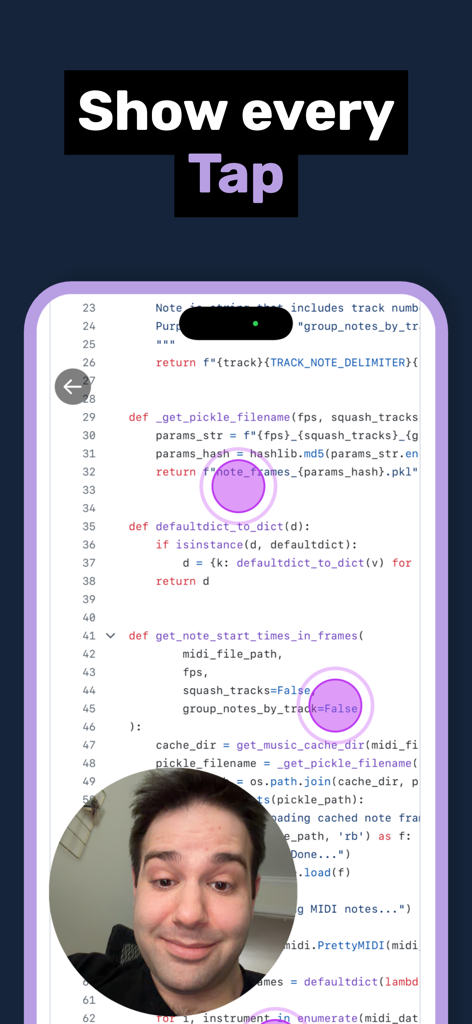
Screen recording with a live circular face cam overlay and purple touch indicators showing taps on code
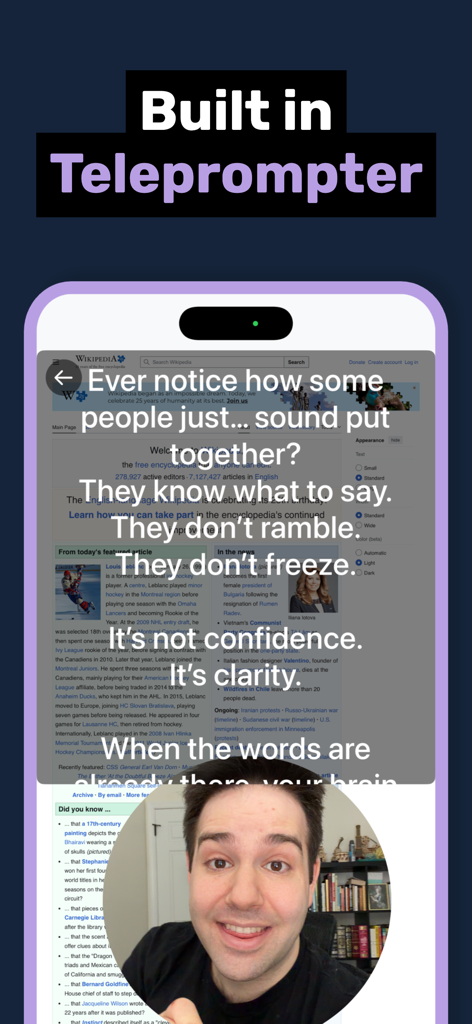
Smartphone screen showing the built-in teleprompter overlay with script text and a circular face cam of a person recording.
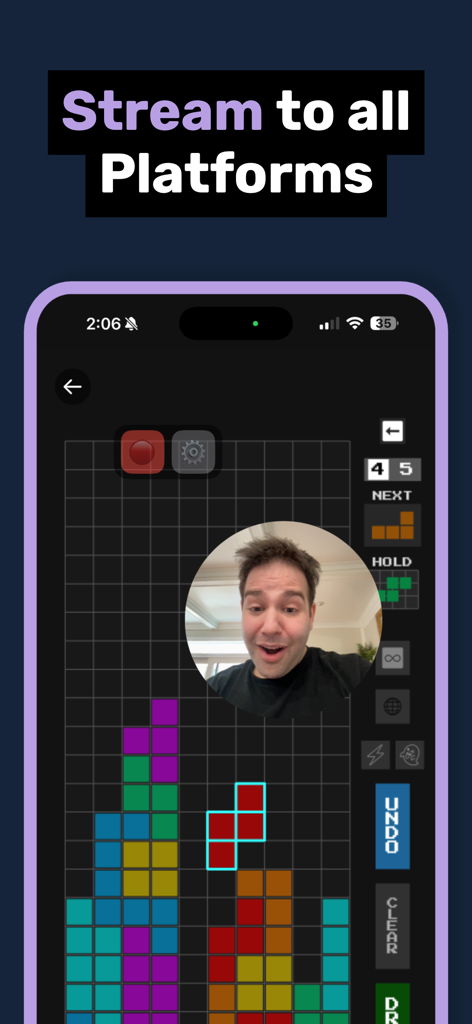
Face Cam Screen Recorder Pro displaying a circular face cam overlay on a mobile game screen with the text Stream to all Platforms.
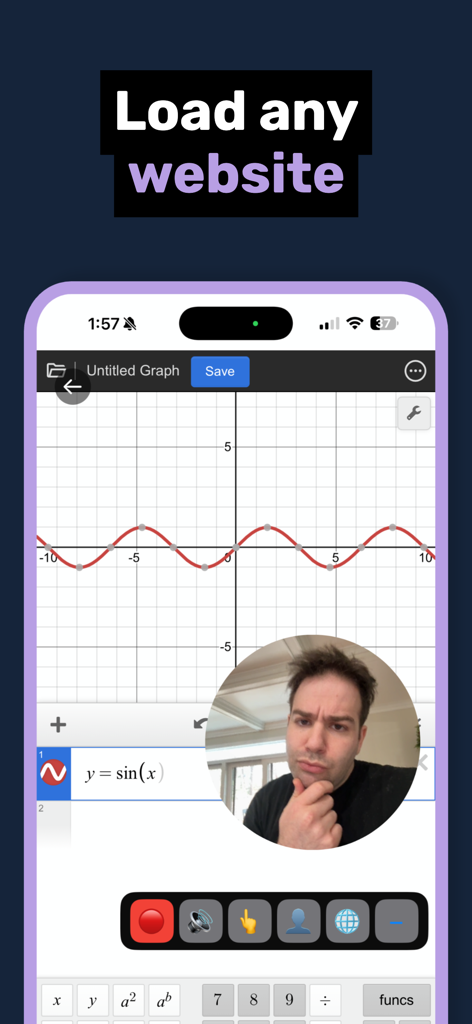
Mobile screen recording of a website with a live face cam overlay and control panel
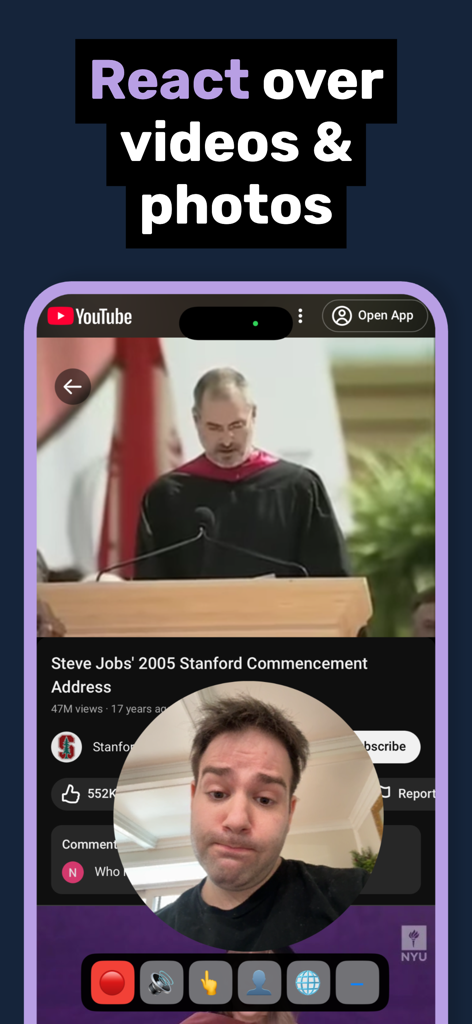
Face Cam Screen Recorder Pro app interface showing a live face cam overlay on top of a YouTube video for reaction content.
Description
Download
More Like This
Top-ranked apps in the same category

CapCut: Photo & Video Editor
BYTEDANCE PTE. LTD.

Instagram, Inc.

YouTube
Google LLC

Canva: AI Video & Photo Editor
Canva Pty Ltd

Snapchat
Snap, Inc.

Meta AI - Vibes & AI Glasses
Meta Platforms, Inc.

Edits: Video Editor
Instagram, Inc.

快手
Beijing Kwai Technology Co., Ltd.

Google Photos: Backup & Edit
Google LLC
This page is not an official page of the app or its developer, but an independent editorial publication created for informational and commentary purposes. Unless expressly stated otherwise, neither the app nor its developer is affiliated with, endorsed by, sponsored by, authorized by, or otherwise officially connected with MWM, Apple, Google Play, the app publisher, or the app's developer, and nothing on this page implies that the app was developed using MWM's services. Any trademarks, logos, screenshots, and other content remain the property of their respective owners.