Fammy - Blocksite
Fammy - Blocksite
Download on App Store

This page is not an official page of the app or its developer, but an independent editorial publication created for informational and commentary purposes. Unless expressly stated otherwise, neither the app nor its developer is affiliated with, endorsed by, sponsored by, authorized by, or otherwise officially connected with MWM, Apple, Google Play, the app publisher, or the app's developer, and nothing on this page implies that the app was developed using MWM's services. Any trademarks, logos, screenshots, and other content remain the property of their respective owners.


Logo of Fammy - Blocksite
Download on App Store

Fammy - Blocksite

Manage screen time, block harmful apps, and track real-time locations with the award-winning companion app designed to keep your children safe online and off.

Key Figures

Downloads

252K+

User Rating

1.4/5

Total Ratings

400

Publisher

Shenzhen Wondershare Software Co., Ltd

Category

Lifestyle

Locales

9

Latest Version

8.6.20

Size

78.3 MB

First Released

May 19, 2021
Features

Complete Peace of Mind for Your Digital Family

Empower your parenting with award-winning tools designed to manage screen time, detect online risks, and ensure your child's safety both online and in the real world.

AI-Powered Risk Detection

Get instant alerts if your child encounters cyberbullying, predators, or explicit content on social media apps like Instagram, WhatsApp, and YouTube.

Smart Location & SOS Alerts

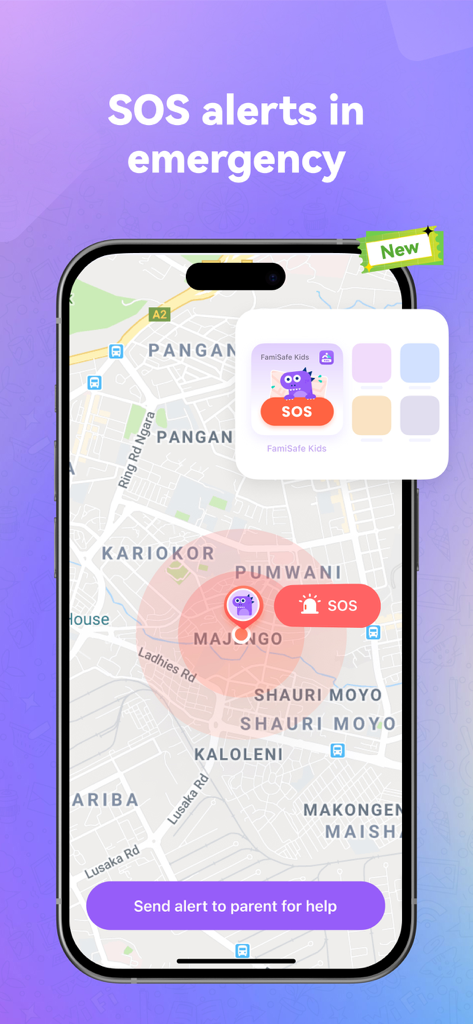
Track live locations in real-time and set geofenced 'Safe Zones.' Plus, your child can reach you instantly with a one-tap SOS button during emergencies.

The following screenshots and description are sourced directly from the app's official store listing and are the property of the app developer.

App Store

Screenshots
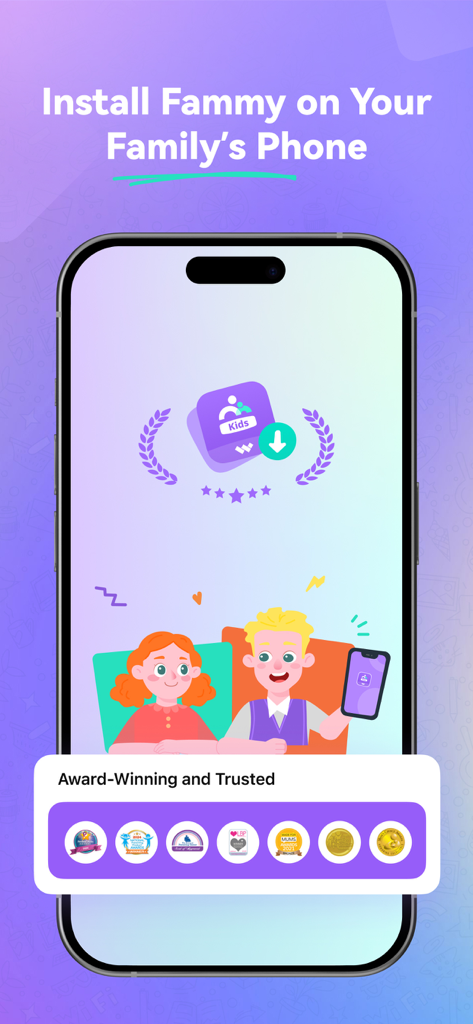
Fammy - Blocksite - Fammy app screenshot showing installation instructions for family phones and award winning badges for parental safety
Fammy app screenshot showing installation instructions for family phones and award winning badges for parental safety

Fammy - Blocksite - Interface of the Fammy app showing a map with an SOS emergency alert and a button to send a help notification to parents.
Interface of the Fammy app showing a map with an SOS emergency alert and a button to send a help notification to parents.

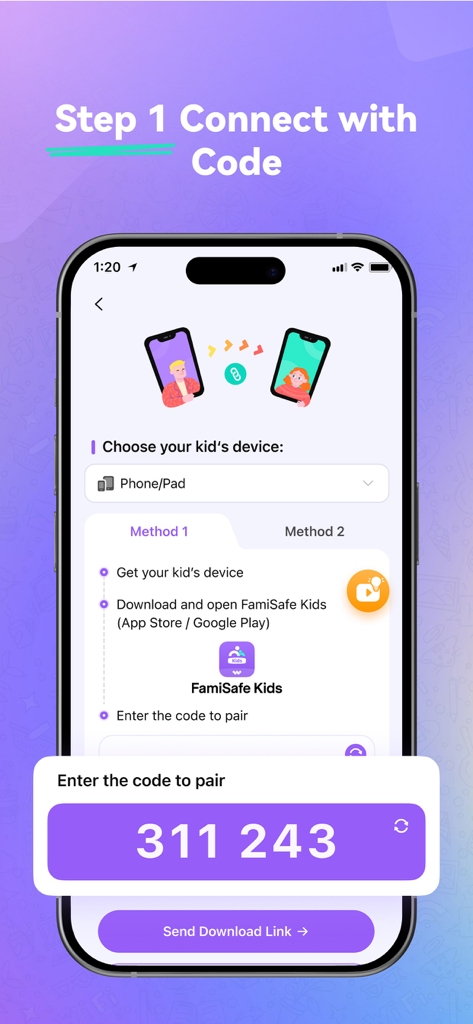
Fammy - Blocksite - Setup screen showing a pairing code to connect a child device to the Fammy parental control app
Setup screen showing a pairing code to connect a child device to the Fammy parental control app

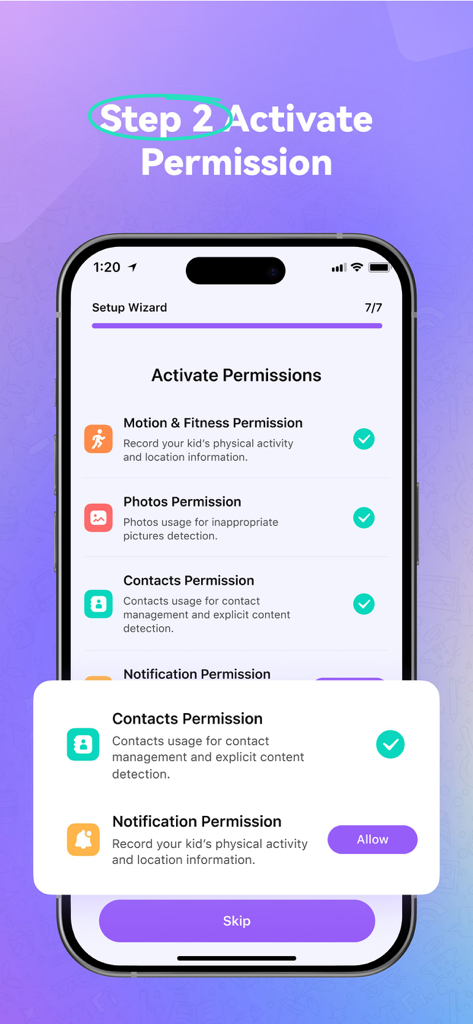
Fammy - Blocksite - The Fammy app setup wizard showing step two to activate permissions on a child device.
The Fammy app setup wizard showing step two to activate permissions on a child device.

Fammy - Blocksite - Fammy app interface featuring screen time reports, app blocking, and location tracking.
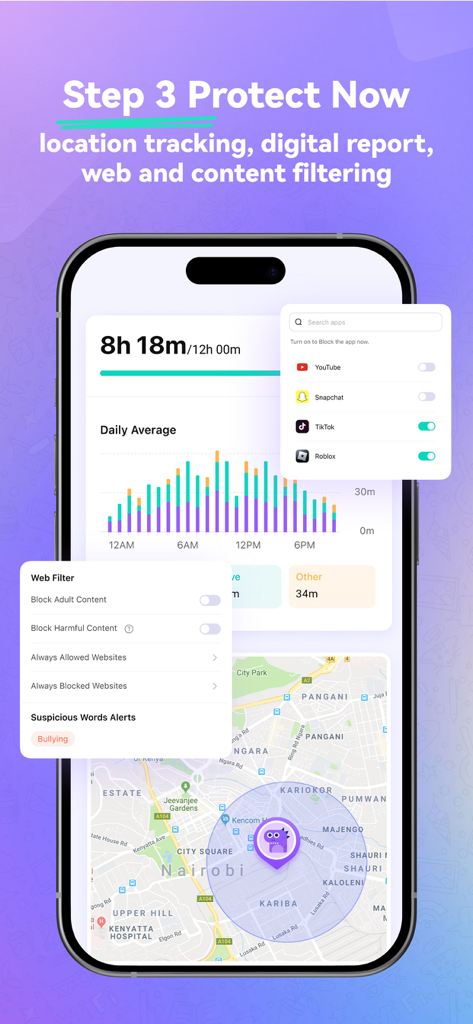
Fammy app interface featuring screen time reports, app blocking, and location tracking.

Fammy - Blocksite - Smartphone screen displaying guaranteed privacy protection with a shield icon and kids using mobile devices.

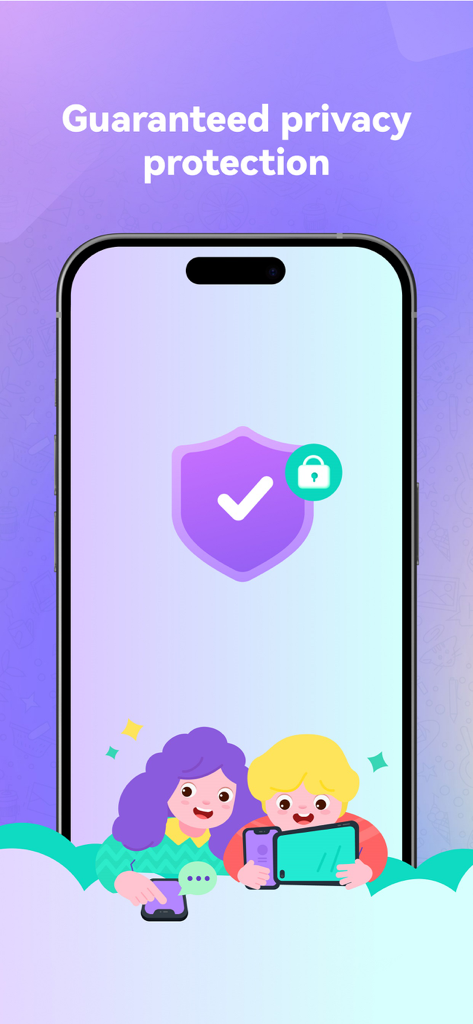
Smartphone screen displaying guaranteed privacy protection with a shield icon and kids using mobile devices.

Description

Fammy (formerly FamiSafe Kids - Blocksite) is the companion app of the FamiSafe Parental Control App, our app for the parent’s device. Please install this Fammy onto the devices you want to supervise (usually on childs' mobile phone or pad or computer). Parents need to install FamiSafe Parental Control App on parent devices (usually on your mobile phone or pad) and then connect this Fammy with a pairing code. New feature: SOS Alert. When you are alone outside and feel unsafe, you can quickly seek help from your parents through SOS alert. Fammy is your most reliable Screen Time & Location Tracker parental control app, with features like kids’ screen time limiting, App blocker, website filtering, game/porn blocking, suspicious photos detecting and suspicious text detecting on social media app like YouTube, Facebook, Instagram, WhatsApp and more. Link family devices, keep your family safe and happy. FREE Test for the latest 7.0 version! After registration, you can keep using FamiSafe screentime control for three days, 100% FREE of charge. All the functions like screen time control, App blocker, location tracking, sensitive words block and so on. Hottest Features of FamiSafe: Screen Time Control -Track and plan the screen-time using of kids -Remotely block or allow the using via screentime control Location Tracker & Live-Location Share -Track your kids’ live location and location history timeline -Create a SAFE zone for tracking kids and get alerts when they break the planned zone Phone activity Timeline -Remotely track phone activities -View what apps kids install or uninstall App/Game blocker & Usage -Block or restrict specific inappropriate apps -Send instant alert when children try to open blocked apps or games Suspicious Photos Detection -Send instant warnings when detects dangerous pictures in kids’ phone albums -View Explicit Images directly on parents’ device Suspicious Text Detection -Detect risky keywords from search history, received or sent texts on social media app -Setting keywords you concern about, such as Sex, Violent or Drugs -Detect WhatsApp, Facebook, YouTube, Instagram, Twitter and more Drive Safety -Track records of driving speed, driving time, hard braking -Help teens form good driving habits ---Why is FamiSafe your first and best choice?--- Recognized and trusted by many organizations and associations * 2021 Family Choice Award Winner. Awarded by Family Choice Awards. * Best Innovative Tech Product for Children 2021. Awarded by Loved By Parents Award. * The best family-friendly product. Awarded by Mom’s Choice Award. * 2020 NAPPA Award Winner. Awarded by National Parenting Product AWARDS. * Seal of Approval Winner. Awarded by The National Parenting Center. * MFM Awards 2021 Winners. Awarded by Made For Mums. How to track screen time, with FamiSafe, the best Screentime Control & Location Tracker App? 1. Install FamiSafe via scanning QR-Code or entering pairing Code on the device you want to supervise. 2. Register a FamiSafe account and log in. 3. Create a personalized plan for your kid and Start your safe onlie travel from this moment on! For full user guide reference, please check here: https://famisafe.wondershare.com/user-guide ---FAQs--- • What languages does FamiSafe provide? -FamiSafe screentime control app is available in English, Spanish, French, German, Italian, Portuguese, Japanese and Korean. • Can parents monitor two or more devices on one account? -Yes. One account can manage up to 30 mobile devices or tablets. ---ABOUT US--- Wondershare is a global leader in application software development with 6 offices around the globe and 1000+ talented employees. Our 15 leading products are used in over 150 countries worldwide.

Download

Download on App Store

This page is not an official page of the app or its developer, but an independent editorial publication created for informational and commentary purposes. Unless expressly stated otherwise, neither the app nor its developer is affiliated with, endorsed by, sponsored by, authorized by, or otherwise officially connected with MWM, Apple, Google Play, the app publisher, or the app's developer, and nothing on this page implies that the app was developed using MWM's services. Any trademarks, logos, screenshots, and other content remain the property of their respective owners.








