
This page is not an official page of the app or its developer, but an independent editorial publication created for informational and commentary purposes. Unless expressly stated otherwise, neither the app nor its developer is affiliated with, endorsed by, sponsored by, authorized by, or otherwise officially connected with MWM, Apple, Google Play, the app publisher, or the app's developer, and nothing on this page implies that the app was developed using MWM's services. Any trademarks, logos, screenshots, and other content remain the property of their respective owners.

Favorites Private Browser
Ditch the tab fatigue and reclaim your focus. Launch your daily dashboards and tools instantly with separate account containers and seamless iCloud sync across iPhone, Mac, and Apple Vision Pro.
Downloads
0User Rating
Total Ratings
0Publisher
Category
ReferenceLocales
1Latest Version
1.0Size
3.6 MBFirst Released
Feb 1, 2026Master Your Daily Workflow
Stop fighting tab overload. Favorites transforms your most-visited sites into a streamlined, distraction-free launcher that stays in sync across all your Apple devices.
Instant One-Tap Launch
Skip the address bar and bookmarks. Jump straight into your essential dashboards, tools, and news with a single tap.
Multi-Account Freedom
Run separate sessions with isolated cookies. Manage multiple logins for the same service without the constant hassle of logging out.
The following screenshots and description are sourced directly from the app's official store listing and are the property of the app developer.
App Store
Screenshots
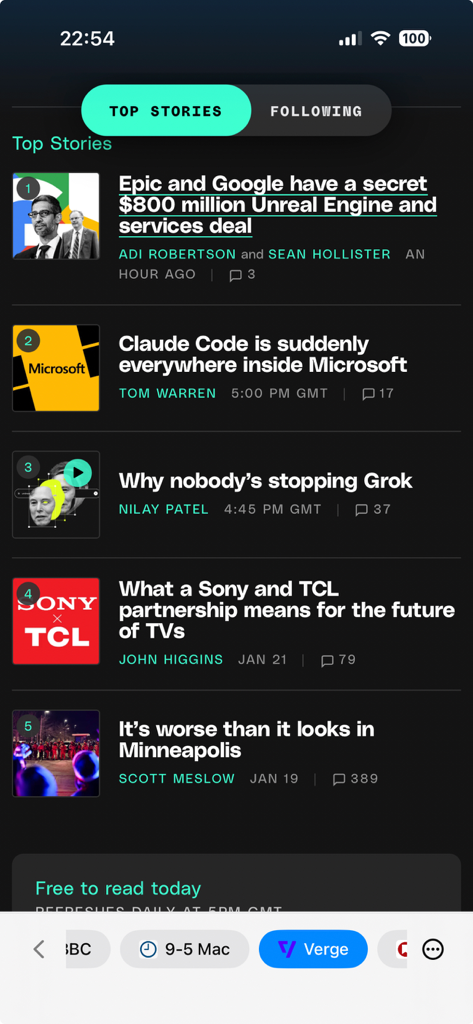
Minimalist mobile browser interface showing tech news from the Verge with quick access icons at the bottom
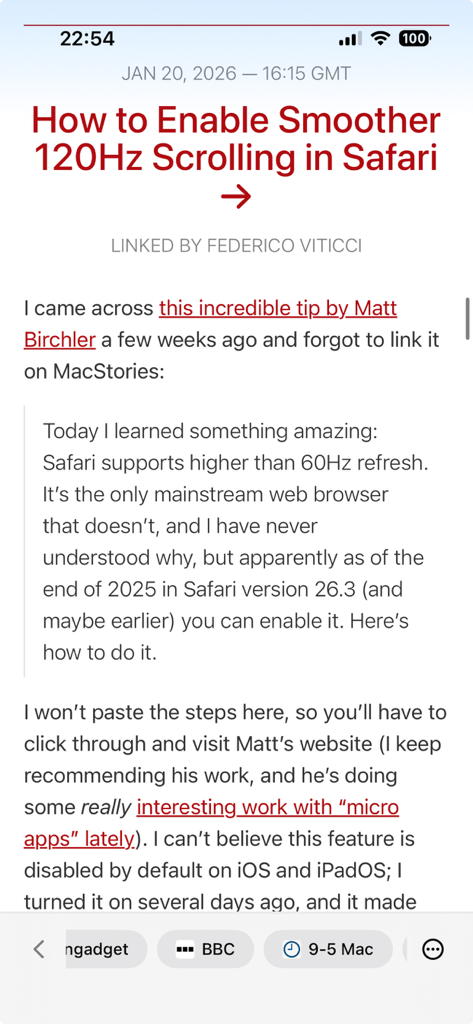
A clean minimalist browser interface showing a tech news article with a quick access navigation bar at the bottom featuring site icons.
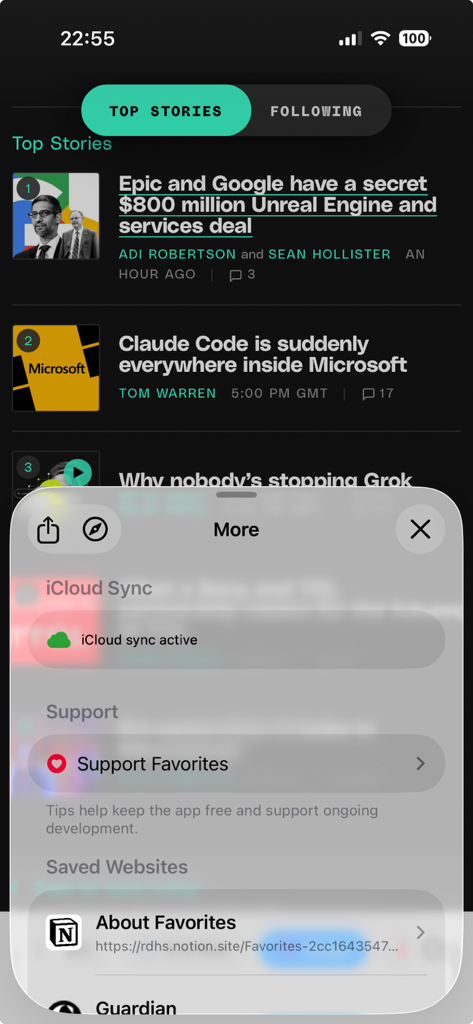
Interface of the Favorites Private Browser showing the More menu with iCloud sync status and a list of saved websites.
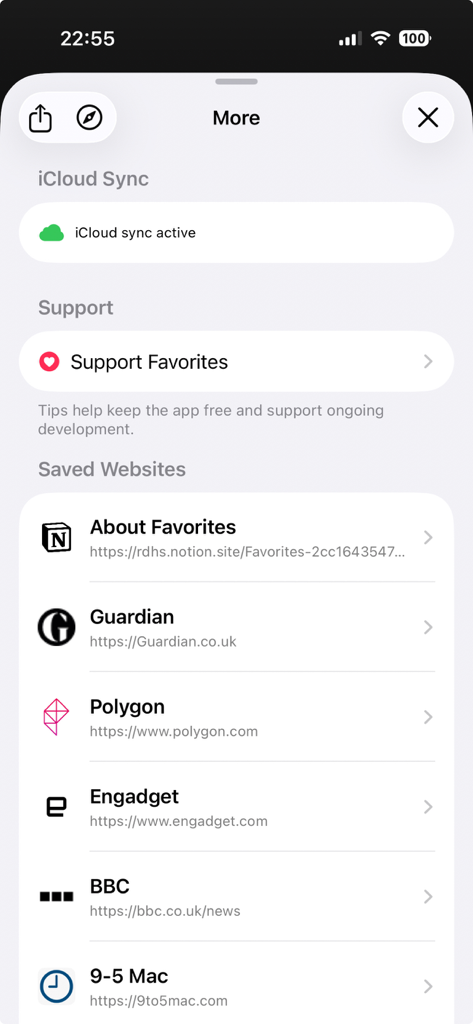
A screen showing a list of saved website shortcuts and active iCloud sync status.
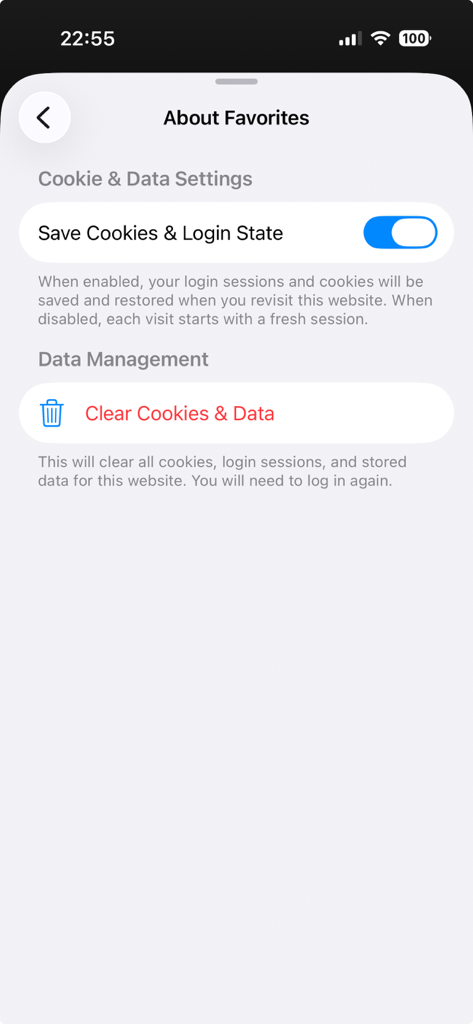
Cookie and Data Settings screen in the Favorites Private Browser showing options to save login state and clear website data
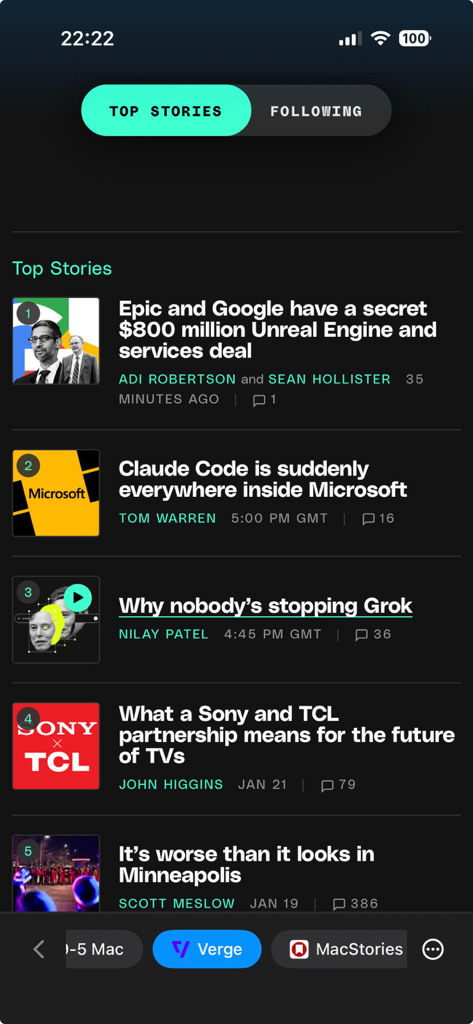
Favorites Private Browser interface showing a news feed from The Verge with quick access tabs at the bottom.
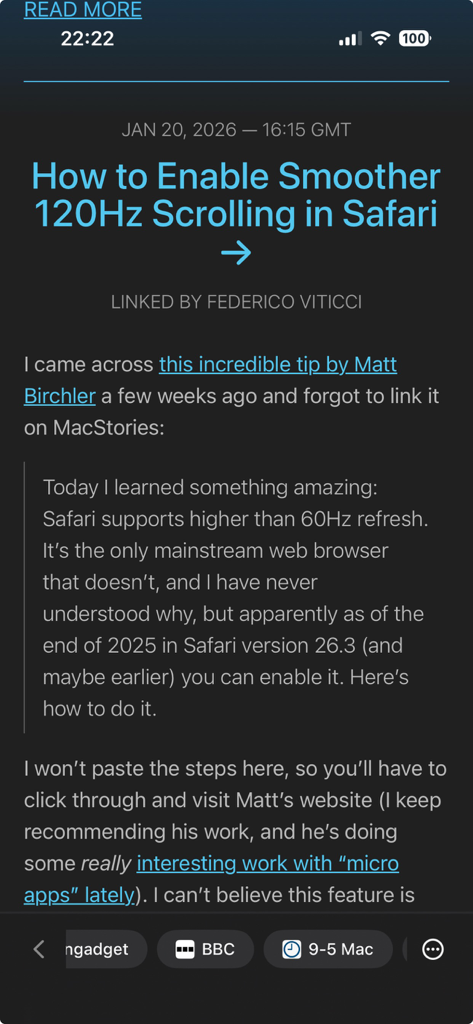
Minimalist reading view in Favorites Private Browser with quick access site icons at the bottom
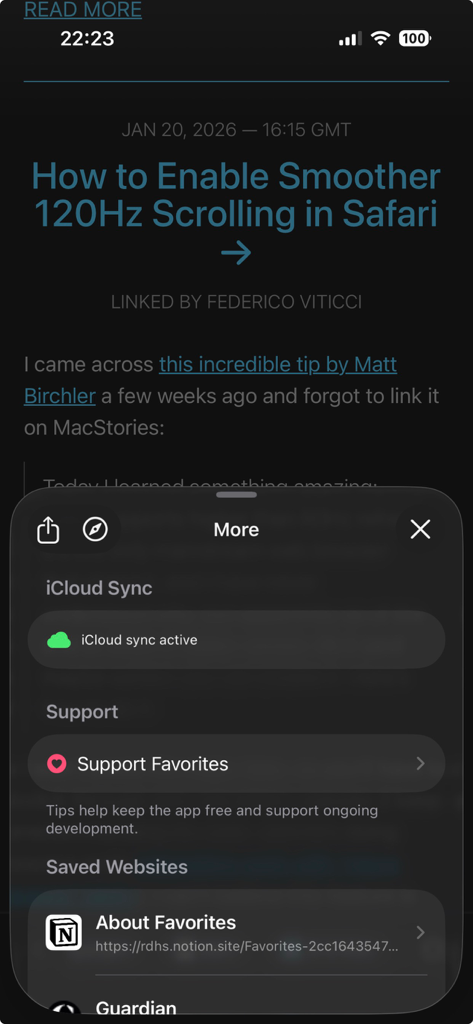
The settings menu of Favorites Private Browser displaying iCloud sync status and a list of saved websites.
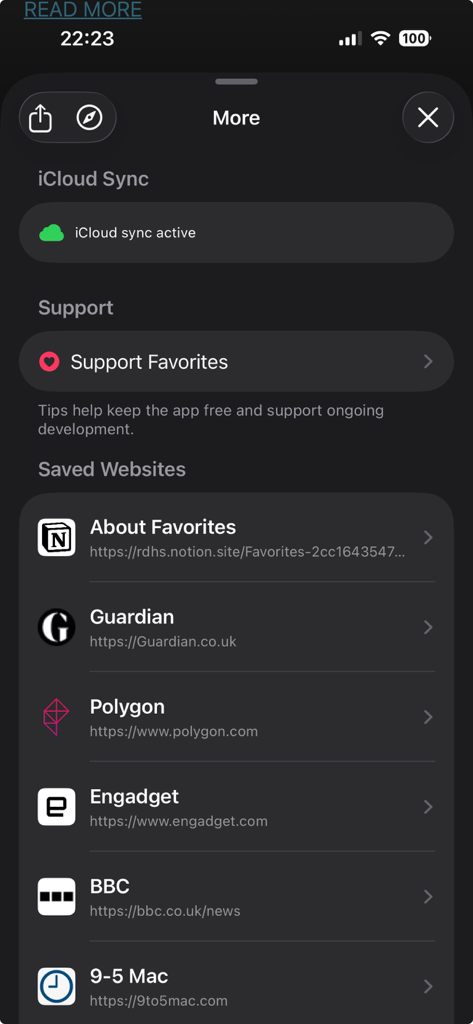
Settings menu of Favorites Private Browser showing iCloud sync status and a list of saved websites including news and tech blogs
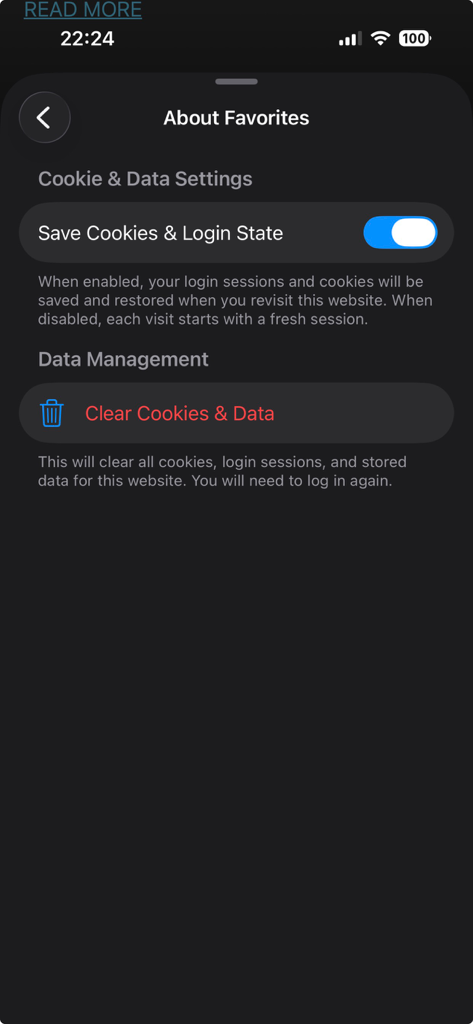
Cookie and data settings screen in Favorites Private Browser showing login state toggle and data clearing options
Description
Download
More Like This
Top-ranked apps in the same category

Google Translate
Google LLC

火箭沙盒
P2E CO., LTD.

Bible
Life.Church

Hallow: Prayer & Meditation
Hallow, Inc.

Muslim Pro: Ramadan 2026
Bitsmedia Pte Ltd

Youdao Dictionary
Beijing NetEase Youdao Computer System Co.,Ltd

Bible Widgets: Verses & Prayer
MOTIVATION APPS SOCIEDAD LIMITADA.

Naver Papago - AI Translator
NAVER Corp.

Lok l0k: Watch Drama TV,Movies
Olivia Harris
This page is not an official page of the app or its developer, but an independent editorial publication created for informational and commentary purposes. Unless expressly stated otherwise, neither the app nor its developer is affiliated with, endorsed by, sponsored by, authorized by, or otherwise officially connected with MWM, Apple, Google Play, the app publisher, or the app's developer, and nothing on this page implies that the app was developed using MWM's services. Any trademarks, logos, screenshots, and other content remain the property of their respective owners.