
This page is not an official page of the app or its developer, but an independent editorial publication created for informational and commentary purposes. Unless expressly stated otherwise, neither the app nor its developer is affiliated with, endorsed by, sponsored by, authorized by, or otherwise officially connected with MWM, Apple, Google Play, the app publisher, or the app's developer, and nothing on this page implies that the app was developed using MWM's services. Any trademarks, logos, screenshots, and other content remain the property of their respective owners.

Fax from iPhone - Send Docs
Skip the office trip and handle high-stakes paperwork from anywhere. Scan, sign, and send secure documents in seconds with instant delivery proof for total peace of mind.
Downloads
198K+User Rating
Total Ratings
4K+Publisher
Category
BusinessLocales
4Latest Version
1.1.11Size
14.0 MBFirst Released
Aug 15, 2024Built for the Modern Professional
Stop wasting time searching for physical fax machines. mFax turns your iPhone into a high-performance productivity hub, allowing you to handle critical paperwork from anywhere.
Smart Mobile Scanner
Transform physical contracts or medical forms into professional-grade digital faxes instantly using your iPhone's camera.
Guaranteed Delivery Proof
Gain peace of mind with real-time notifications and detailed delivery receipts that serve as legal proof of transmission.
Frequently Asked Questions
Everything you need to know about Fax from iPhone - Send Docs
What is Fax from iPhone - Send Docs (mFax App)?
Fax from iPhone - Send Docs, also known as mFax App, transforms your iPhone into a versatile faxing tool. It uses advanced Internet Protocol (IP) technology to send fax documents directly over the internet from your device.
How does Fax from iPhone - Send Docs work?
Fax from iPhone - Send Docs enables faxing directly from your iPhone using advanced Internet Protocol (IP) technology. Users can send documents in a few quick steps, eliminating the need for traditional fax machines and landlines.
Can I send faxes 24/7 with Fax from iPhone - Send Docs?
Yes, Fax from iPhone - Send Docs supports 24/7 faxing. Users can send faxes from their iPhone whenever needed, without any time restrictions, providing constant availability.
Does Fax from iPhone - Send Docs provide proof of fax delivery?
Yes, Fax from iPhone - Send Docs provides proof of fax delivery. The app sends confirmation for every fax transmitted from your iPhone, ensuring peace of mind and accountability.
What file formats does Fax from iPhone - Send Docs support for faxing?
Fax from iPhone - Send Docs supports multiple file formats for faxing. These include PDF, DOC, JPG, PNG, TIFF, and HTML, providing broad compatibility for various document types.
Can I scan documents using Fax from iPhone - Send Docs?
Yes, Fax from iPhone - Send Docs includes a quick document scanner. This feature allows users to capture and edit documents swiftly for faxing directly from their iPhone.
How does Fax from iPhone - Send Docs handle electronic signatures?
Fax from iPhone - Send Docs allows users to add electronic signatures to documents. This feature ensures authenticity and security for faxes sent directly from your iPhone.
Is Fax from iPhone - Send Docs secure?
Yes, Fax from iPhone - Send Docs ensures unparalleled security. The app keeps your faxes secure and accessible whenever needed, utilizing secure transmission methods.
Can I track my sent faxes in Fax from iPhone - Send Docs?
Yes, Fax from iPhone - Send Docs provides a comprehensive fax history. This feature allows users to track every fax they send, helping them stay organized.
How does subscription renewal work for Fax from iPhone - Send Docs?
Subscriptions for Fax from iPhone - Send Docs automatically renew unless auto-renew is turned off at least 24 hours before the end of the current period. Payment is charged to your iTunes Account.
Is mFax App HIPAA compliant?
Yes, mFax App is HIPAA compliant. This ensures the secure handling of sensitive health information when sending faxes through the application, meeting strict regulatory standards.
The following screenshots and description are sourced directly from the app's official store listing and are the property of the app developer.
App Store
Screenshots
mFax app splash screen with text send fax from iPhone and HIPPA compliant badge
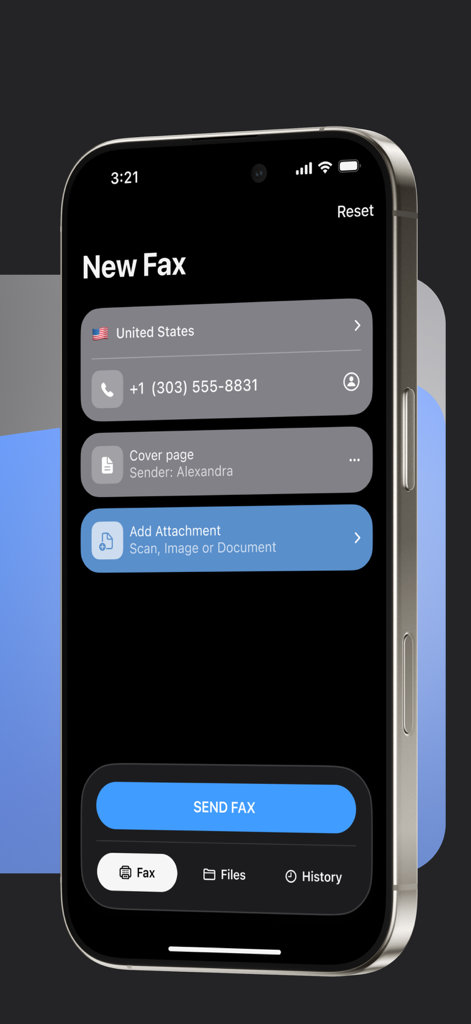
Interface of the mFax app on an iPhone showing the New Fax screen to send documents
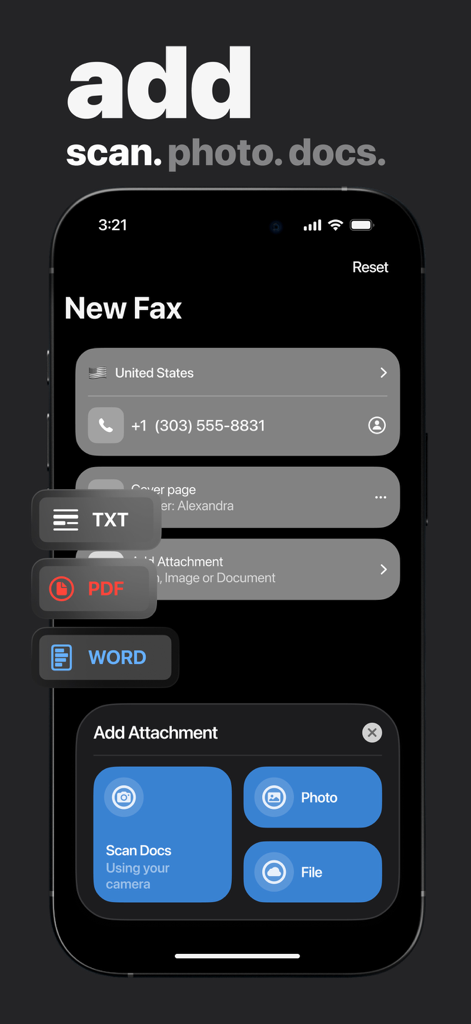
Interface of the mFax app showing options to add attachments via scan, photo, or file for a new fax
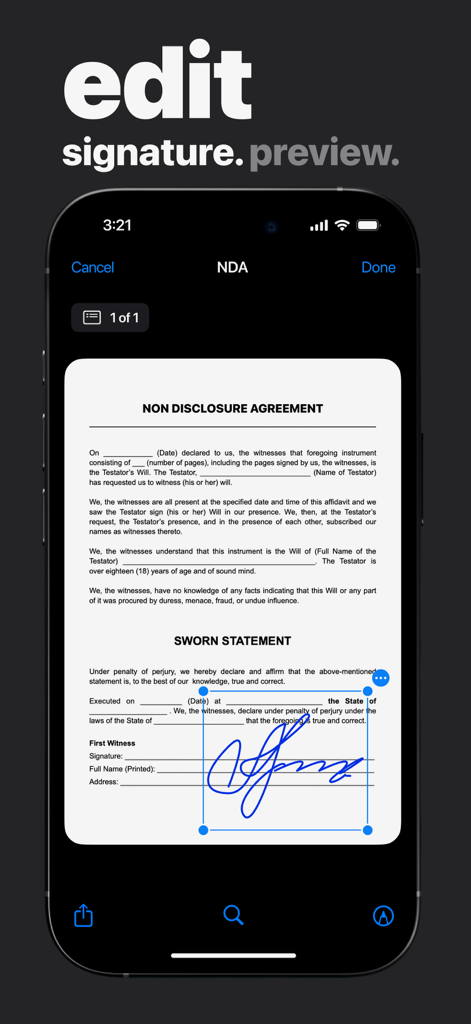
User editing an electronic signature on an NDA document within the mFax app
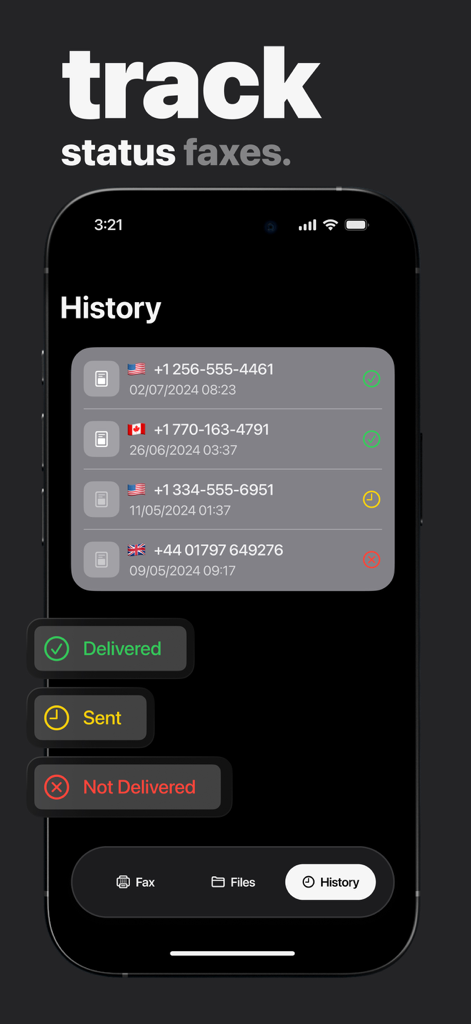
Screenshot showing fax history with delivery status indicators on an iPhone app
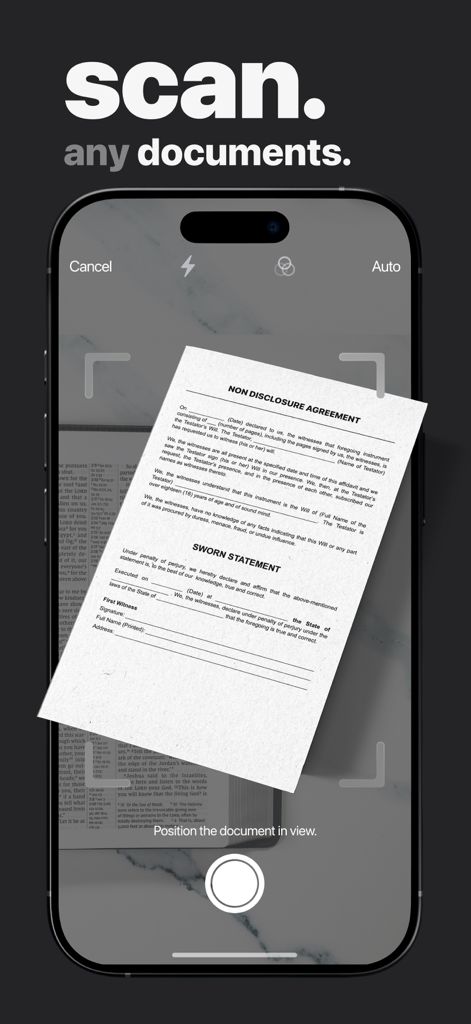
Mobile app interface scanning a legal document for faxing from an iPhone
Description
Download
More Like This
Apps with similar features and user experience

FAX ®
Trendest Insight SRL

FAX from iPhone: Send Doc App
Municorn Limited

FaxFree: Send Fax From iPhone
BP Mobile LLC

Fax From iPhone - Receive Fax
Caprinix LLC

Snapfax: Pay-as-you-go Fax
Extracomm Inc

Fax Burner: iPhone Fax App
Paul Rydell

FAX for iPhone: Send & Receive
7270356 Canada Inc

#FAX from iPhone: free sending
Vahagn Gevorgyan

Genius Fax - Faxing app
The Grizzly Labs
This page is not an official page of the app or its developer, but an independent editorial publication created for informational and commentary purposes. Unless expressly stated otherwise, neither the app nor its developer is affiliated with, endorsed by, sponsored by, authorized by, or otherwise officially connected with MWM, Apple, Google Play, the app publisher, or the app's developer, and nothing on this page implies that the app was developed using MWM's services. Any trademarks, logos, screenshots, and other content remain the property of their respective owners.