Fax from iPhone: Send Fax Easy
Download on App Store

This page is not an official page of the app or its developer, but an independent editorial publication created for informational and commentary purposes. Unless expressly stated otherwise, neither the app nor its developer is affiliated with, endorsed by, sponsored by, authorized by, or otherwise officially connected with MWM, Apple, Google Play, the app publisher, or the app's developer, and nothing on this page implies that the app was developed using MWM's services. Any trademarks, logos, screenshots, and other content remain the property of their respective owners.

Logo of Fax from iPhone: Send Fax Easy
Download on App Store

Fax from iPhone: Send Fax Easy

Turn your iPhone or iPad into a professional portable office. Scan and send unlimited faxes worldwide with 128-bit AES encryption, no hidden fees, and absolute reliability for legal, healthcare, and business professionals.

Key Figures

Downloads

28K+

User Rating

4.7/5

Total Ratings

600

Publisher

Evinco Solutions Inc.

Category

Business

Locales

1

Latest Version

4.0.7

Size

50.8 MB

First Released

Apr 16, 2019
Features

Empower Your Business with Professional Mobile Faxing

Turn your iPhone or iPad into a secure, all-in-one portable fax machine. Send unlimited documents worldwide with the reliability and security your work demands.

Secure & HIPAA-Compliant

Keep sensitive medical and legal documents safe with 128-bit AES encryption that meets the highest privacy standards for professional use.

Built-In Document Scanner

Ditch the bulky hardware. Capture sharp, professional-grade scans directly from your camera with advanced automatic image enhancement.

The following screenshots and description are sourced directly from the app's official store listing and are the property of the app developer.

App Store

Screenshots
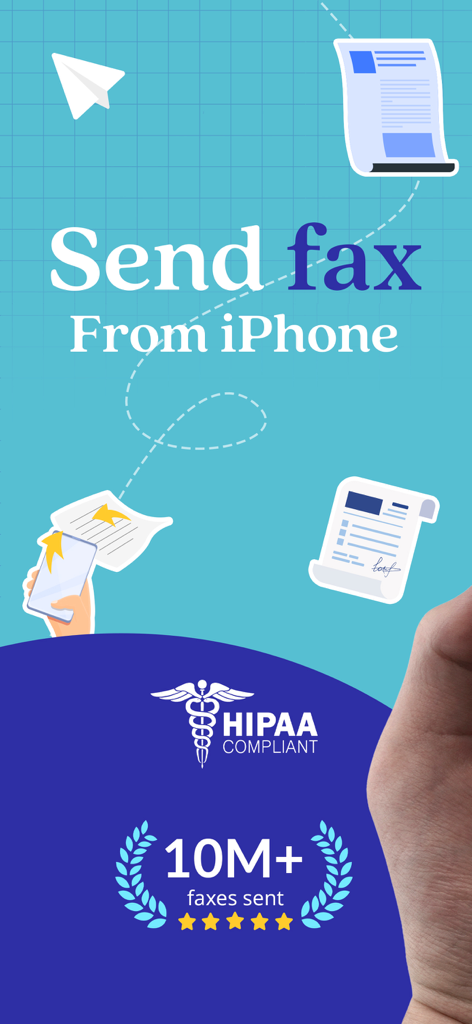
Fax from iPhone: Send Fax Easy - Promotional graphic for FaxSwift showing how to send fax from iPhone with a HIPAA compliant badge and 10 million faxes sent milestone.
Promotional graphic for FaxSwift showing how to send fax from iPhone with a HIPAA compliant badge and 10 million faxes sent milestone.

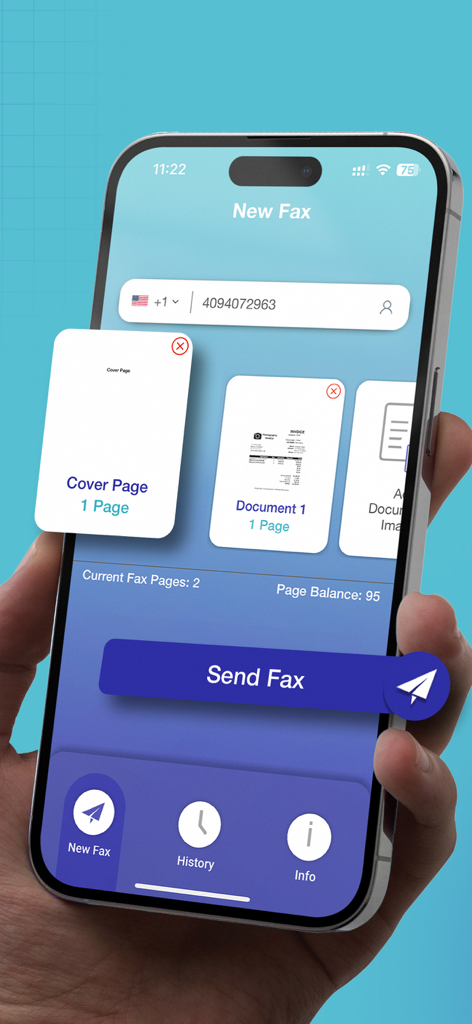
Fax from iPhone: Send Fax Easy - A hand holding an iPhone displaying the FaxSwift app interface for sending a new fax including a cover page and a document thumbnail.
A hand holding an iPhone displaying the FaxSwift app interface for sending a new fax including a cover page and a document thumbnail.

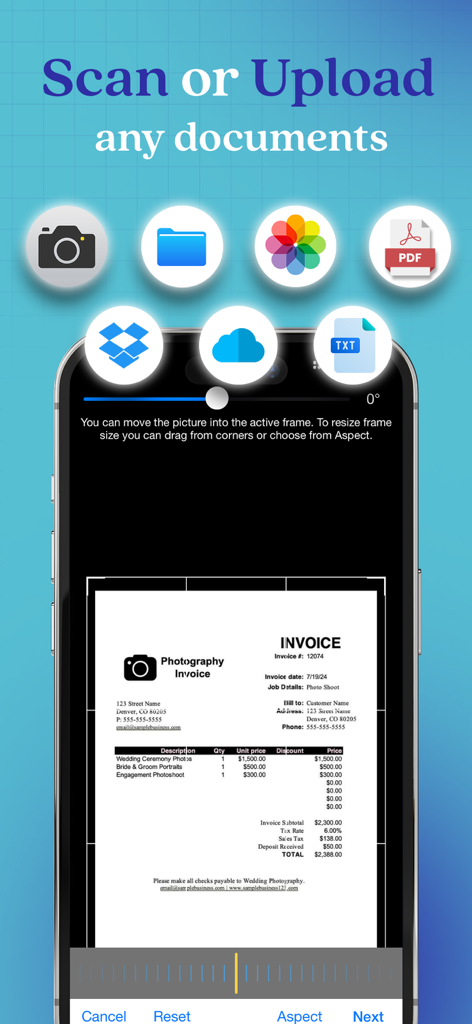
Fax from iPhone: Send Fax Easy - A mobile interface of FaxSwift app showing options to scan or upload documents from various sources like camera, PDF, and cloud storage.
A mobile interface of FaxSwift app showing options to scan or upload documents from various sources like camera, PDF, and cloud storage.

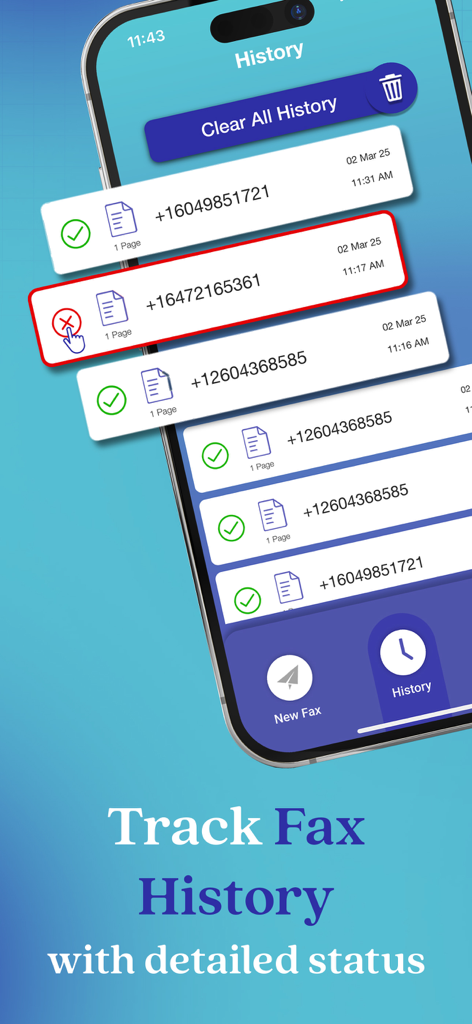
Fax from iPhone: Send Fax Easy - The FaxSwift app History screen displaying a list of sent faxes with their delivery status.
The FaxSwift app History screen displaying a list of sent faxes with their delivery status.

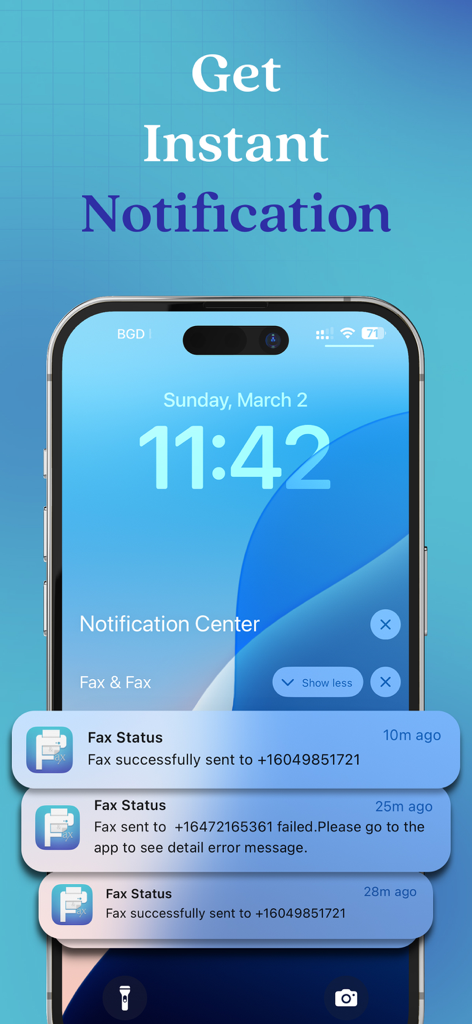
Fax from iPhone: Send Fax Easy - iPhone lock screen showing instant notifications for successful and failed fax transmissions

iPhone lock screen showing instant notifications for successful and failed fax transmissions

Description

Are you looking for a reliable way to send faxes from your iPhone or iPad? If yes, then look no further than FaxSwift: Send Fax from iPhone! It is designed to help you with sending faxes directly from your device. It comes with exceptional features to help you with all your faxing needs. Brief Introduction: FaxSwift is the most convenient app that offers a seamless solution to send faxes directly from your iPad and iPad devices. Send your first fax for FREE to experience that why FaxSwift is renowned as the most reliable and cost-effective faxing service for iPhone and iPad users. + FaxSwift first commitment is clients’ satisfaction + Enjoy an app with no subscriptions, no overcharging, and absolutely no ads! + FaxSwift ensures 100% secure fax transmissions with HIPAA-compliant 128-bit AES encryption + Get a risk-free trial for FaxSwift and then start sending unlimited faxes worldwide after subscription With FaxSwift, say goodbye to the hassle of buying credits and send hassle-free faxes. It also comes with a build-in scanner that guarantees the best output quality. If a fax failed to send, you will receive an error message after which you can resend a failed fax with a single click with no charges. Key Features: + An intuitive user interface + Send 1 page of fax from your iPhone/iPad for FREE + No subscriptions, overcharging, or ads + Secure and reliable faxing service + HIPAA-compliant 128-bit AES encryption for 100% security + Unlimited fax sending worldwide after subscription + No need to buy credits or calculate pages + Built-in scanner with advanced image processing + Detailed error messages for failed faxes (no charges) + Resend a failed fax with a single click + Preview previously sent faxes from the history tab and delete your fax history + Get instant notifications when the fax is completed and get outstanding 24/7 customer service + Save time and money by faxing from home + Avoid unnecessary risks associated with physical fax machines + Advanced image processing for optimal output quality + Flexible subscription plans for unlimited faxing options Subscription Plans for FaxSwift: FaxSwift offers flexible subscription plans including Weekly, Monthly, and Yearly Subscription. After sending your first fax page for free and experiencing the reliability of our service, you can choose from three available subscription plans designed for your convenience. + Weekly Subscription Plan: This plan renews automatically on a weekly basis at a rate of US$5.99. Enjoy unlimited faxing throughout the week without any limitations. + Monthly Subscription Plan: The monthly subscription plan costs US$22.99 which auto-renews every month. Get monthly cost-effective and flexible subscription that costs US$22.99 to send unlimited faxes throughout the month. + Yearly Subscription Plan: If you prefer long-term convenience, the yearly subscription plan is ideal. It renews annually at a rate of US$99.99 which ensures uninterrupted access to unlimited faxing for a whole year. Please note that payment for the chosen subscription plan will be charged to your iTunes Account. Subscriptions will automatically renew unless auto-renewal is turned off within the iTunes Account settings at least 24 hours before the end of the current period. You can manage your subscriptions and turn off auto-renewal by accessing your Account Settings after making the purchase. By using eFax Send Fax from iPhone App, you are agreeing to our Privacy Policy and Terms of Use: Privacy Policy: https://www.faxandfax.com/#privacy Terms of Use: https://www.faxandfax.com/#tos So, what are you waiting for? Download FaxSwift App now and transform your mobile device into a portable fax machine.

Download

Download on App Store

This page is not an official page of the app or its developer, but an independent editorial publication created for informational and commentary purposes. Unless expressly stated otherwise, neither the app nor its developer is affiliated with, endorsed by, sponsored by, authorized by, or otherwise officially connected with MWM, Apple, Google Play, the app publisher, or the app's developer, and nothing on this page implies that the app was developed using MWM's services. Any trademarks, logos, screenshots, and other content remain the property of their respective owners.