
This page is not an official page of the app or its developer, but an independent editorial publication created for informational and commentary purposes. Unless expressly stated otherwise, neither the app nor its developer is affiliated with, endorsed by, sponsored by, authorized by, or otherwise officially connected with MWM, Apple, Google Play, the app publisher, or the app's developer, and nothing on this page implies that the app was developed using MWM's services. Any trademarks, logos, screenshots, and other content remain the property of their respective owners.


Fifth Third: 53 Mobile Banking
This app cuts the financial tether. Users gain absolute control, making banking instant and location-independent. It's about time.
Downloads
2.5M+User Rating
Total Ratings
614.9KPublisher
Category
FinanceLocales
1Latest Version
5.21.0Size
147.8 MBFirst Released
Nov 16, 2011An evaluation of key functionalities driving efficiency and security for tech-savvy users.
Fifth Third Mobile Banking: Core Features Analysis
Robust Security Measures
The app integrates robust security measures, employing encryption to safeguard all user information and ensure a private and secure mobile banking experience.
Zelle Person-to-Person Payments
It allows users to send money to virtually anyone instantly, with no added fees, using only an email address or mobile phone number, enhancing personal payment convenience.
Mobile Check Deposit with Immediate Funds
The app provides mobile check deposit, allowing checks to be deposited with a smartphone camera, including an option for immediate funds access for eligible deposits, saving users a trip to a branch.
Customizable Instant Alerts
This tool features Fifth Third Instant Alerts®, delivering real-time notifications for debit, credit, and ATM transactions directly to a user's device, with comprehensive in-app management of alert preferences.
Comprehensive Funds Management (Transfers & Bill Pay)
It allows users to quickly transfer funds between accounts and efficiently pay bills by adding new payees and scheduling payments directly within the application.
Self-Service Account Management
The app provides extensive self-service capabilities, enabling users to activate cards, change PINs, update user IDs, manage e-statement delivery, and adjust alert preferences directly, enhancing user control and efficiency.
Detailed Account History & Digital Statements
This tool features access to extensive account history spanning over six months, including pending credit card transactions, and provides digital statements for up to 24 months, facilitating thorough financial review.
Branch and ATM Locator
The app includes a location finder that allows users to easily locate nearby Fifth Third branches and ATMs, providing mapping directions and operational hours.
Frequently Asked Questions
Everything you need to know about Fifth Third: 53 Mobile Banking
What is the Fifth Third Mobile Banking app?
The Fifth Third Mobile Banking app is an award-winning banking application for regional banks, recognized by J.D. Power for high customer satisfaction. It provides secure access to accounts and a range of financial tools.
Can I deposit checks using the Fifth Third Mobile Banking app?
Yes, the Fifth Third Mobile Banking app allows users to deposit checks using their phone. Deposits made by 8 p.m. ET process the same business day.
Does the Fifth Third Mobile Banking app offer Zelle® payments?
Yes, the Fifth Third Mobile Banking app integrates Zelle® Person-to-Person Payments. Users can send money to virtually anyone with a U.S. bank account quickly and securely, with no added fees.
How can I manage alerts in the Fifth Third Mobile Banking app?
The Fifth Third Mobile Banking app provides INSTANT ALERTS® to track transactions. Users can conveniently view and manage their alert preferences directly within the app under their profile.
Is the Fifth Third Mobile Banking app secure?
Yes, the Fifth Third Mobile Banking app is secure. It encrypts all user information to help prevent unauthorized access, protecting the privacy of financial data.
What financial transactions can I perform with the Fifth Third Mobile Banking app?
With the Fifth Third Mobile Banking app, users can deposit checks, pay bills, transfer money between accounts, and send funds via Zelle®. The app centralizes common banking activities.
Can I view my account statements in the Fifth Third Mobile Banking app?
Yes, the Fifth Third Mobile Banking app allows users to view up to 24 months of account statements. It also shows over six months of account history and details.
Does the Fifth Third Mobile Banking app help with saving goals?
Yes, the Fifth Third Mobile Banking app supports saving goals. Users can create and track specific financial objectives, such as a vacation or a car, directly within the application.
How do first-time users get started with the Fifth Third Mobile Banking app?
First-time users of the Fifth Third Mobile Banking app can get started by following the link provided directly on the login page. This initiates the setup process.
Are there any accounts not eligible for mobile check deposit in the Fifth Third Mobile Banking app?
Yes, Access 360 and Basic Checking accounts are not eligible for mobile check deposit through the Fifth Third Mobile Banking app. Business accounts are also excluded from the immediate funds option.
The following screenshots and description are sourced directly from the app's official store listing and are the property of the app developer.
App Store
Screenshots

The app proudly displays its J.D. Power award, signifying its top ranking for customer satisfaction among regional banks.
Award-Winning Excellence
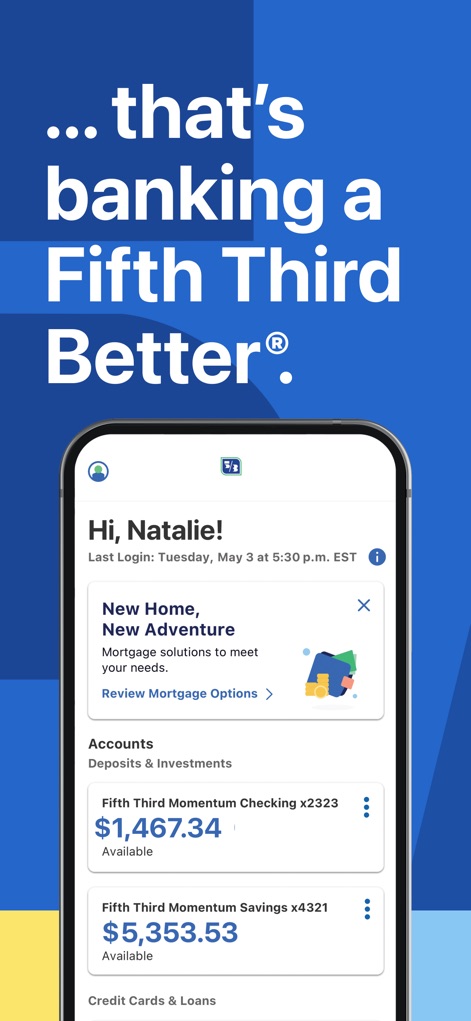
Users are greeted with a personalized welcome, immediately displaying their Fifth Third Momentum Checking and Savings account balances.
Personalized Account View
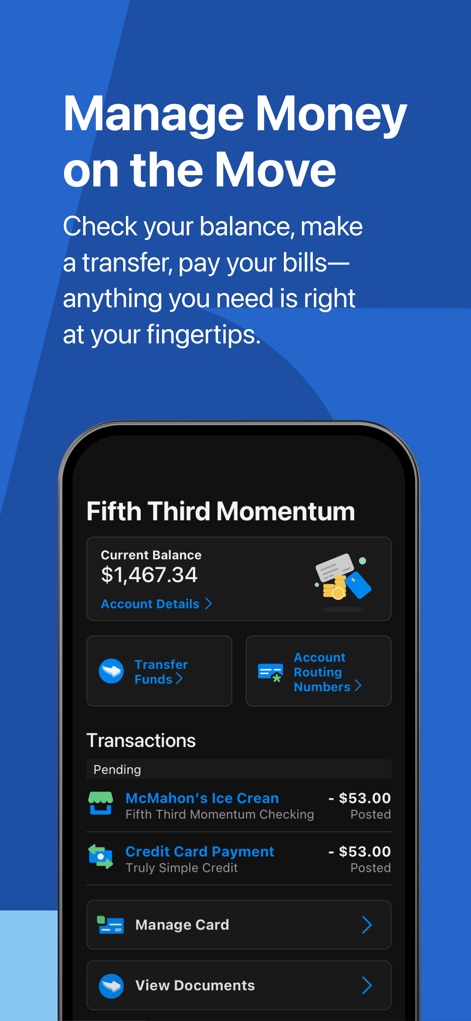
This tool empowers users to view their current balance and access essential functions like Transfer Funds and Account Routing Numbers.
Dynamic Account Management

The intuitive interface provides immediate access to critical banking actions, showcasing options such as 'Make Payment' and 'Manage Card'.
Quick Action Access
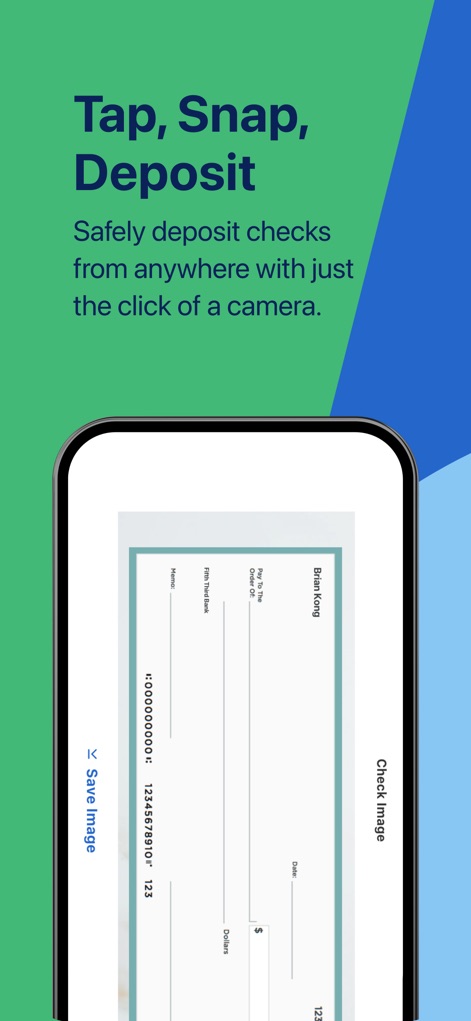
The app streamlines banking tasks with its mobile check deposit feature, visually presenting the check image and a 'Save image' option.
Effortless Check Deposit
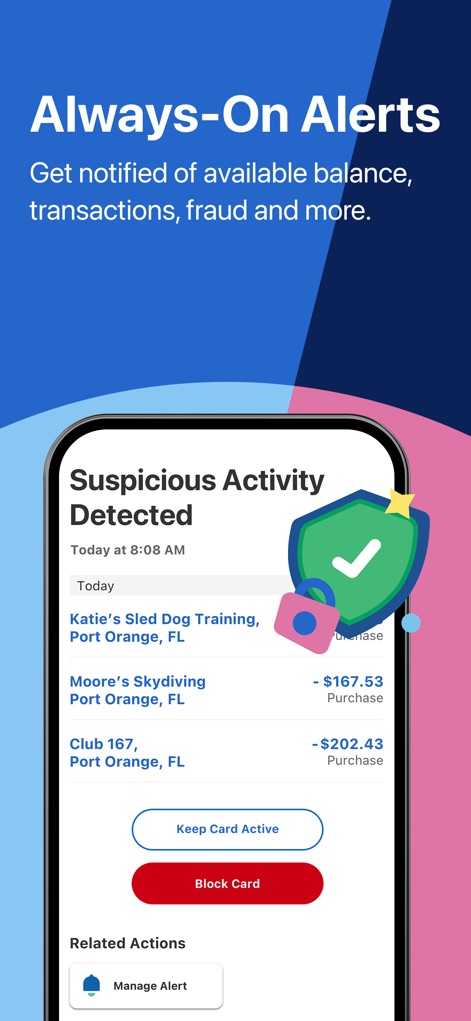
Users receive timely alerts such as 'Suspicious Activity Detected', offering quick responses like 'Keep Card Active' or 'Block Card'.
Proactive Security Alerts
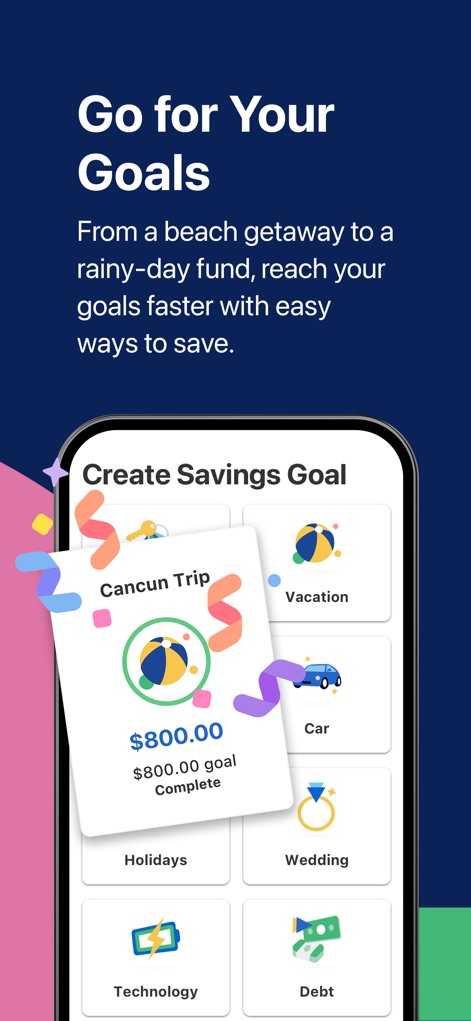
This tool enables users to set and monitor savings goals, clearly displaying progress towards aspirations like 'Cancun Trip' and 'Vacation'.
Financial Goal Tracking
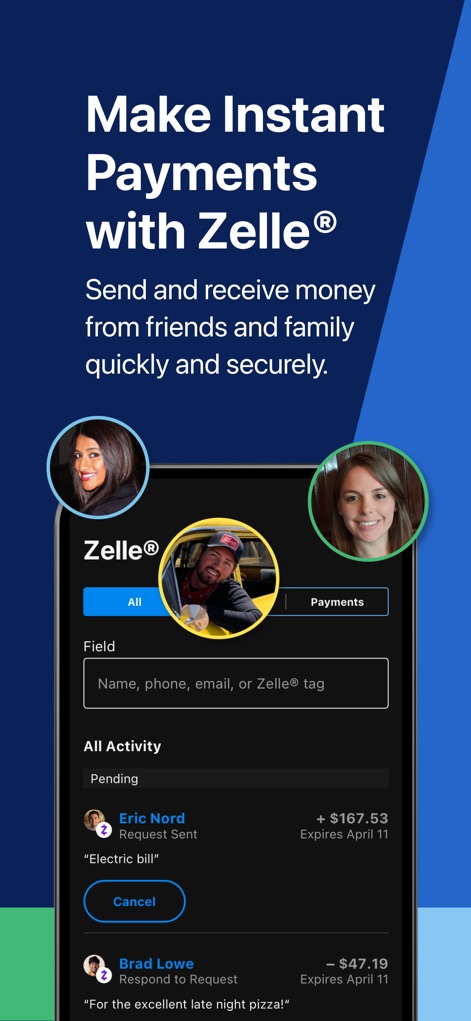
The app seamlessly integrates Zelle®, allowing users to send money to contacts and view their transaction 'All Activity' history.
Seamless Zelle Payments
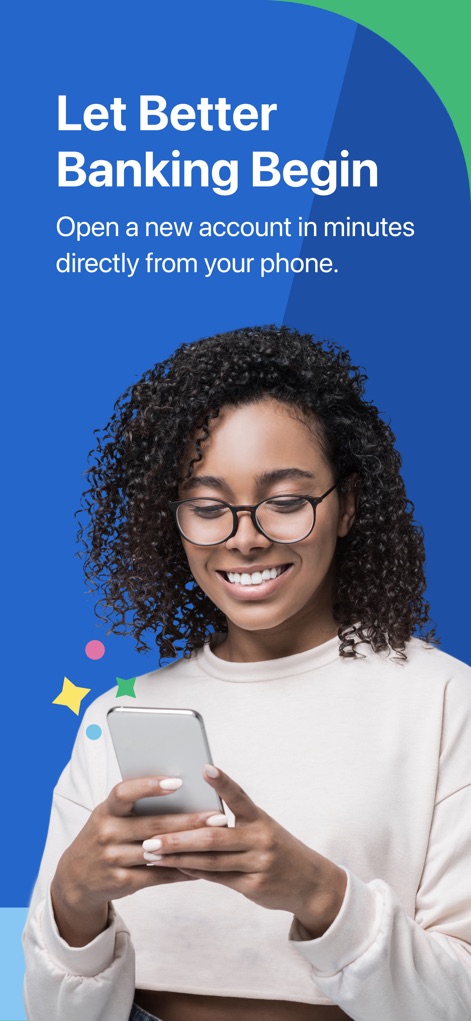
The app promotes an accessible entry point to banking services, featuring a user happily interacting with a smartphone and the inviting slogan 'Let Better Banking Begin'.
Streamlined Account Opening
Description
Download
More Like This
Apps with similar features and user experience

Enpara Bank Cep Şube
Enpara Bank Anonim Sirketi

Alinma App - تطبيق الإنماء
Alinma Bank

Huntington Mobile Banking
The Huntington National Bank, Inc

國泰世華網路銀行CUBE
Cathay United Bank

中國信託行動銀行
CTBC Bank Co., Ltd.

FNB Banking App
FirstRand Bank Limited

Riyad Bank App
Riyad Bank

CIMB OCTO MY
CIMB Bank Berhad

Regions Mobile
Regions Financial
This page is not an official page of the app or its developer, but an independent editorial publication created for informational and commentary purposes. Unless expressly stated otherwise, neither the app nor its developer is affiliated with, endorsed by, sponsored by, authorized by, or otherwise officially connected with MWM, Apple, Google Play, the app publisher, or the app's developer, and nothing on this page implies that the app was developed using MWM's services. Any trademarks, logos, screenshots, and other content remain the property of their respective owners.