Figure calculator ShapeInfo

Figure calculator ShapeInfo


Download on App Store
Logo of Figure calculator ShapeInfo

Figure calculator ShapeInfo: Precision Geometry and Volume Calculations Made Simple

The essential visual tool for engineers, surveyors, and students to calculate lengths, angles, and areas instantly—no complex formulas required.

Publisher

Noriyasu Kutsuzawa

Category

Productivity

Downloads

389K+

User Rating

4.6/5

Total Ratings

1K+

Locales

11

Precision at Your Fingertips

Discover the interface used by 389K+ users.
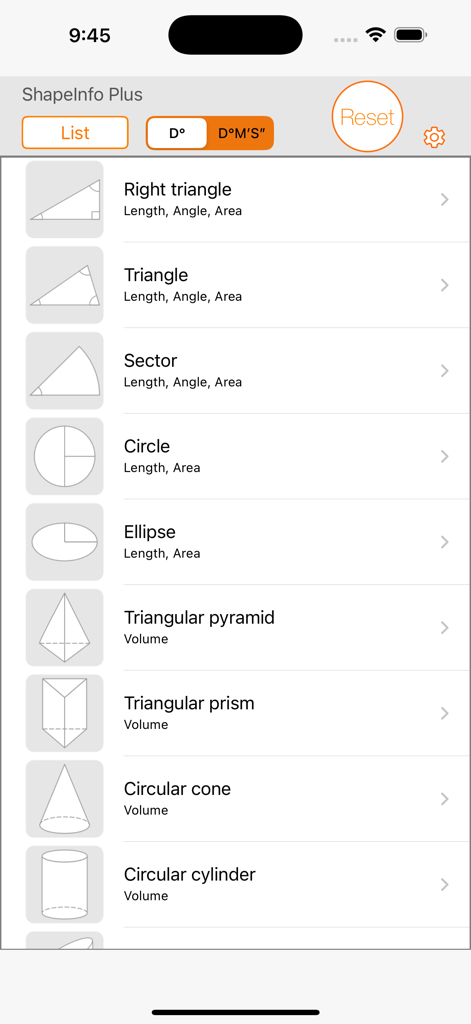
Main list of geometric shapes in the ShapeInfo calculator app for area and volume calculations

Main list of geometric shapes in the ShapeInfo calculator app for area and volume calculations

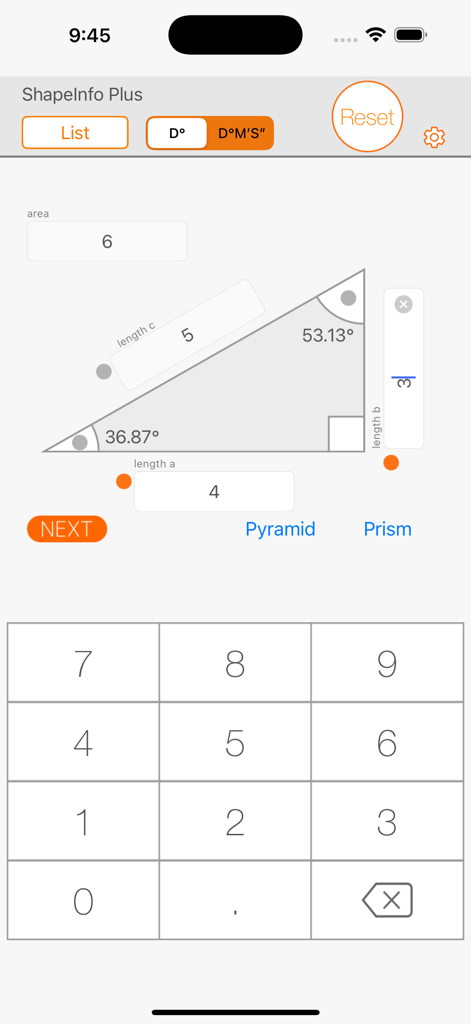
Right triangle geometry calculation screen on ShapeInfo Plus mobile app

Right triangle geometry calculation screen on ShapeInfo Plus mobile app

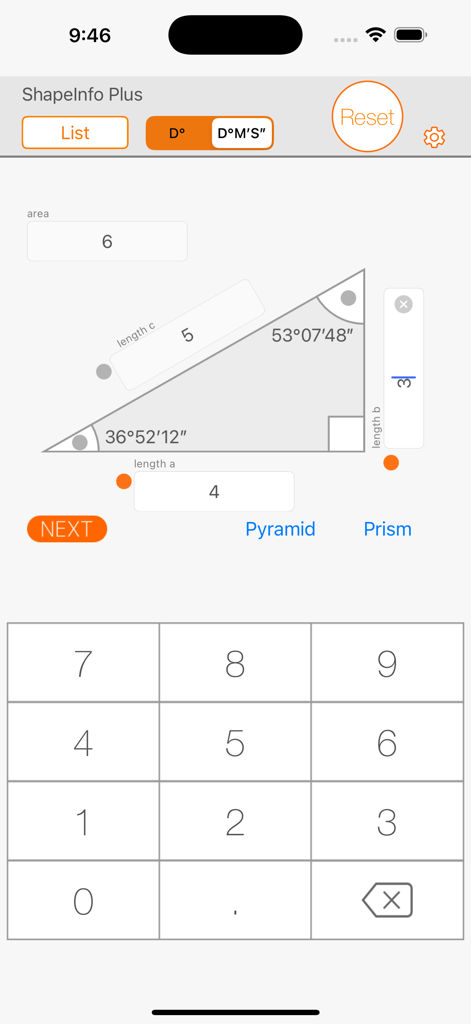
Figure calculator ShapeInfo app interface displaying right triangle calculations for sides angles and area

Figure calculator ShapeInfo app interface displaying right triangle calculations for sides angles and area

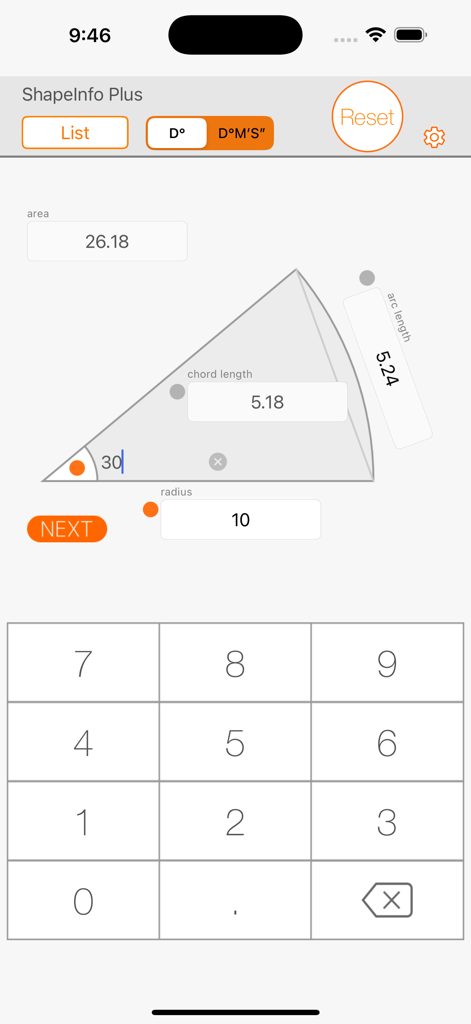
Geometry calculator interface showing area and arc length calculations for a sector

Geometry calculator interface showing area and arc length calculations for a sector

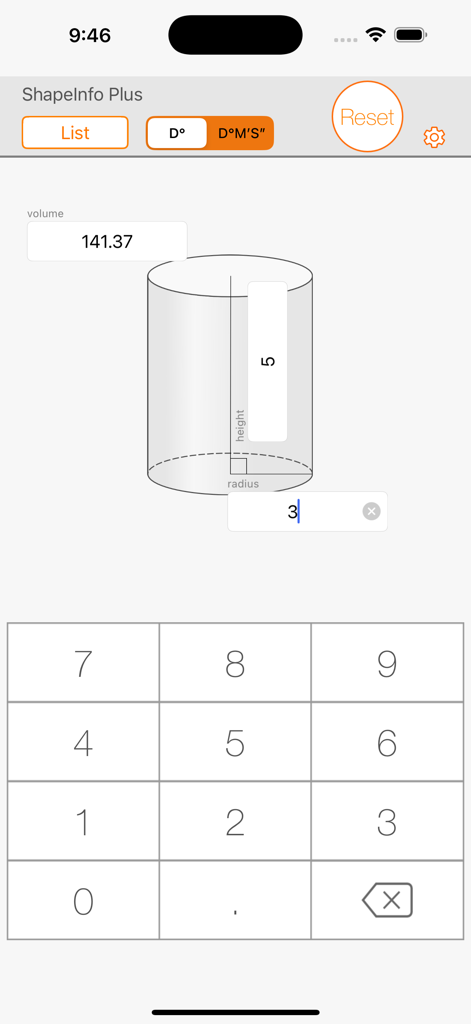
ShapeInfo app interface showing a circular cylinder volume calculation with height and radius inputs

ShapeInfo app interface showing a circular cylinder volume calculation with height and radius inputs

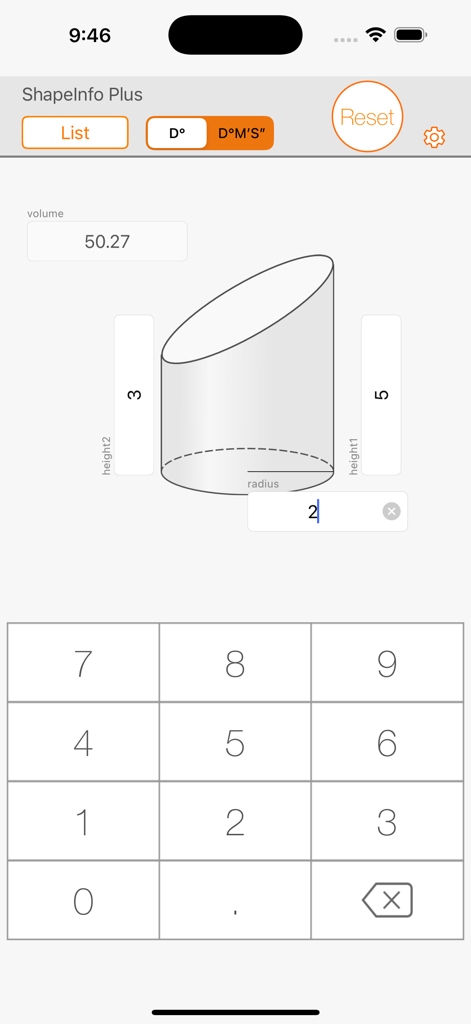
Calculation of an oblique cutting circular cylinder volume in the ShapeInfo app

Calculation of an oblique cutting circular cylinder volume in the ShapeInfo app

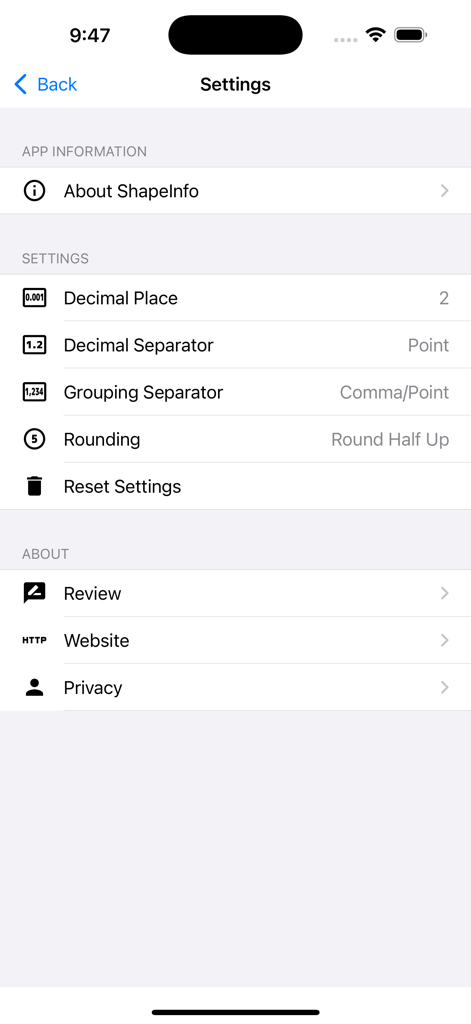
Settings screen for the ShapeInfo calculator app showing decimal and rounding preferences

Settings screen for the ShapeInfo calculator app showing decimal and rounding preferences

Master Geometry with Precision and Speed

The tools that make this app stand out, trusted by 389K+ users.

🎯

Visual Input Mapping

Simply tap the orange points on the shape diagram to enter your dimensions. No more guessing which side or angle you are measuring.

📐

Comprehensive Shape Library

Solve for area, volume, and angles across everything from basic triangles to specialized oblique cylinders and sectors.

Instant Real-Time Results

Get calculated values the moment you enter data. Perfect for field engineers and makers who need accuracy without the manual math.

About the app

Everything you need to know about Figure calculator ShapeInfo.

Description

Feature The ShapeInfo is useful application for calculating shape lengths, angles and area. You can get some calculated values, lengths and angles of the shape, from choosing and entering values in the text boxes. How to use 1. Choosing shape from the list. 2. Enter the value to the box upon the orange points. You can change the formation of the orange points by "NEXT" button (orange color) or tapping orange/gray point near the box that you are going to enter the value. 3. You can get calculated values of the shape, immediately after entering values. Applications - For the software developer, the mechanical engineer, the dynamics engineer and the surveying engineer. - Study mathematics for high school students. Functions - Calculate lengths, angles and the area for the right triangle, the triangle, the sector, the circle and ellipse. - Calculate volume for the triangular pyramid, the triangular prism, the circular cone, circular cylinder and the sphere. Shapes - Right triangle - Triangle - Sector - Circle - Ellipse - Triangular pyramid - Triangular prism - Circular cone - Circular cylinder - Oblique cutting circular cylinder - Sphere Disclaimer Appsys does not accept responsibility for any loss, which may arise from reliance on the software or materials published on this site.

Latest Version

4.0.5

Size

20.4 MB

First Released

Sep 14, 2014

Precision Engineering in the Palm of Your Hand

Join 389,000+ engineers, surveyors, and students. Download ShapeInfo today to calculate complex areas, volumes, and angles instantly—no manual formulas required.

Download on App Store

App information, icons, screenshots, and descriptions displayed on this page are sourced from the Apple App Store and are the property of their respective developers. Download estimates and rankings are based on MWM's proprietary models and may not reflect actual figures. This page is provided for informational and analytical purposes only.

Believe this page infringes your intellectual property? File a dispute