First Phrases HD
First Phrases HD
Download on App Store

This page is not an official page of the app or its developer, but an independent editorial publication created for informational and commentary purposes. Unless expressly stated otherwise, neither the app nor its developer is affiliated with, endorsed by, sponsored by, authorized by, or otherwise officially connected with MWM, Apple, Google Play, the app publisher, or the app's developer, and nothing on this page implies that the app was developed using MWM's services. Any trademarks, logos, screenshots, and other content remain the property of their respective owners.

Logo of First Phrases HD
Download on App Store

First Phrases HD

Developed by a certified Speech-Language Pathologist, this evidence-based tool helps toddlers and children with speech delays master 2-3 word phrases through interactive animations and expressive voice recording.

Key Figures

Downloads

9K+

User Rating

4.2/5

Total Ratings

100

Publisher

Hamaguchi Learning & Development, LLC

Category

Education

Locales

1

Latest Version

2.0

Size

611.5 MB

First Released

Nov 1, 2011
Features

Building Communication Skills, One Phrase at a Time

Developed by speech-language experts, First Phrases HD provides the visual and auditory support needed to turn single words into meaningful sentences for toddlers and children with speech delays.

Animated Action Learning

Bridge the gap between words and meaning with 456 unique animations that bring verb-noun combinations to life, helping children visualize language.

Interactive Voice Recording

Empower your child to take the lead. Use the built-in recording tool to practice expressive speech and watch characters respond to their vocal commands.

The following screenshots and description are sourced directly from the app's official store listing and are the property of the app developer.

App Store

Screenshots
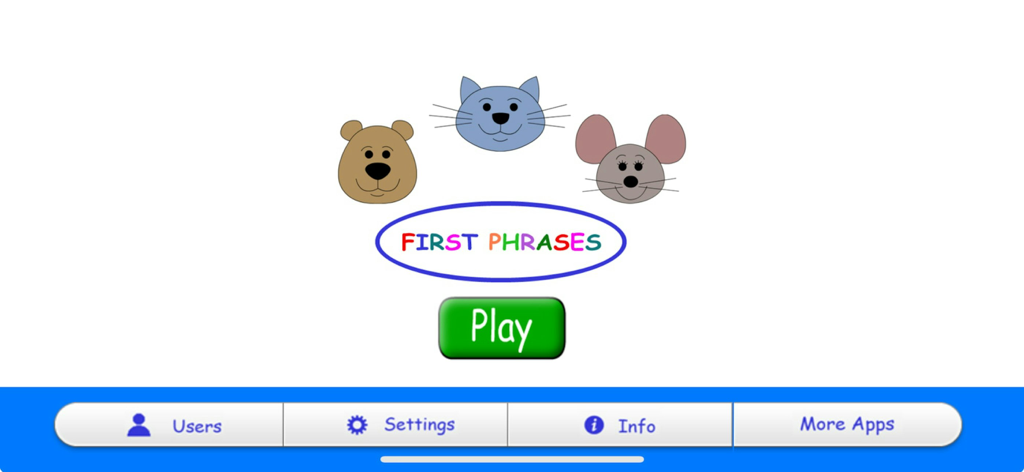
First Phrases HD - Main menu of the First Phrases HD app featuring animal characters and a large green play button
Main menu of the First Phrases HD app featuring animal characters and a large green play button

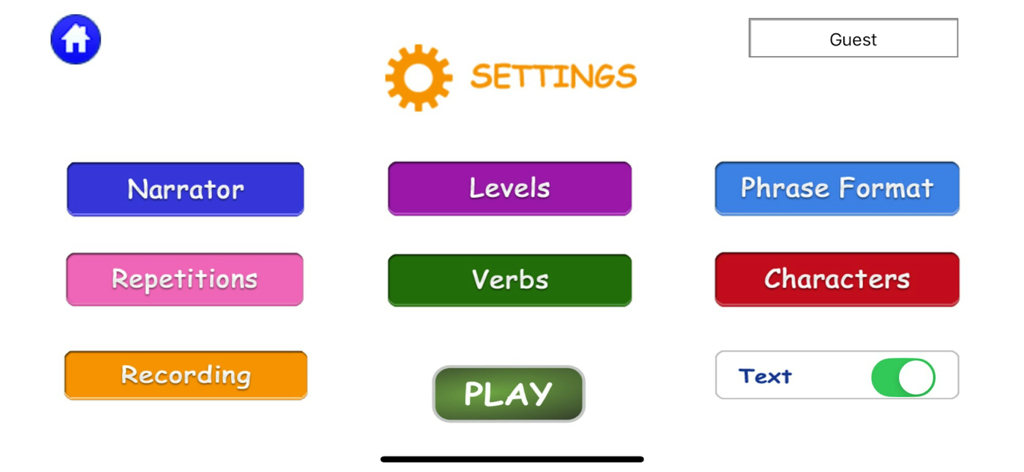
First Phrases HD - Settings menu of the First Phrases HD app showing customization buttons for narrator, levels, phrase format, and recording options.
Settings menu of the First Phrases HD app showing customization buttons for narrator, levels, phrase format, and recording options.

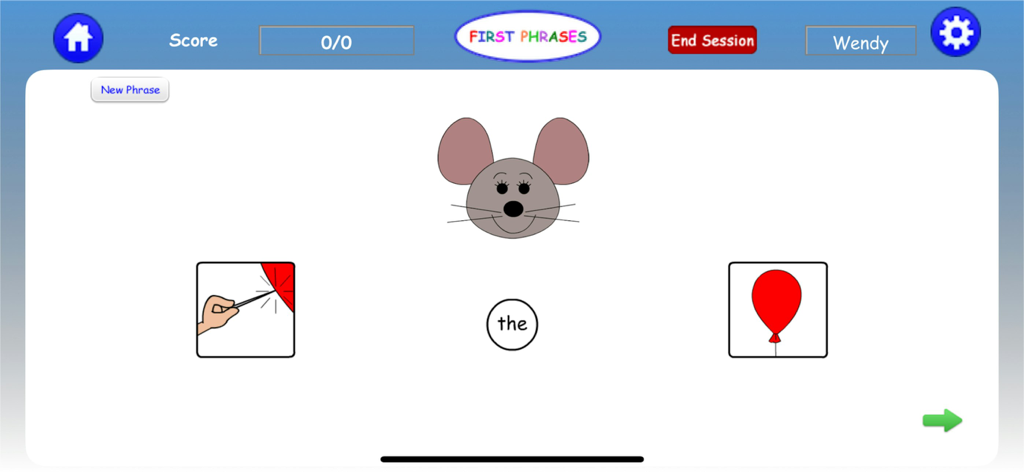
First Phrases HD - Interface of First Phrases HD app showing a phrase building activity with a mouse character and icons for forming sentences.
Interface of First Phrases HD app showing a phrase building activity with a mouse character and icons for forming sentences.

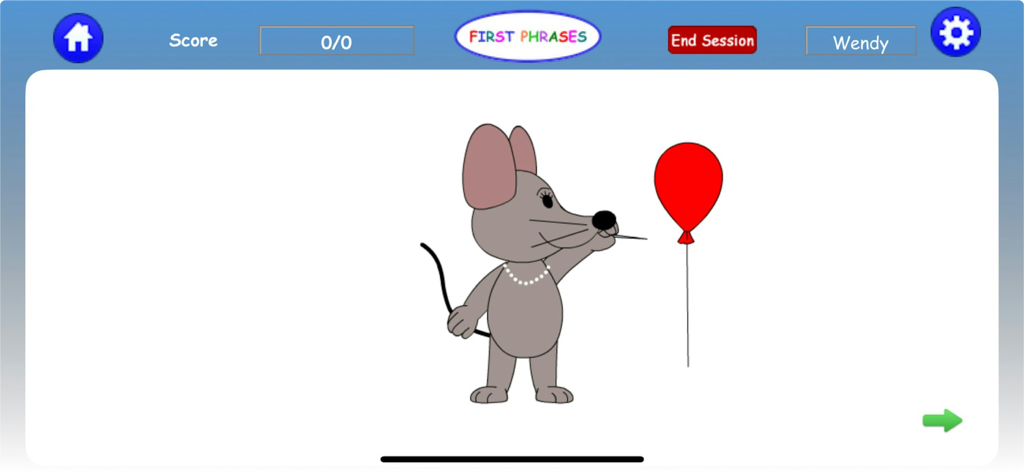
First Phrases HD - Cartoon mouse character next to a red balloon in the First Phrases HD speech therapy app interface

Cartoon mouse character next to a red balloon in the First Phrases HD speech therapy app interface
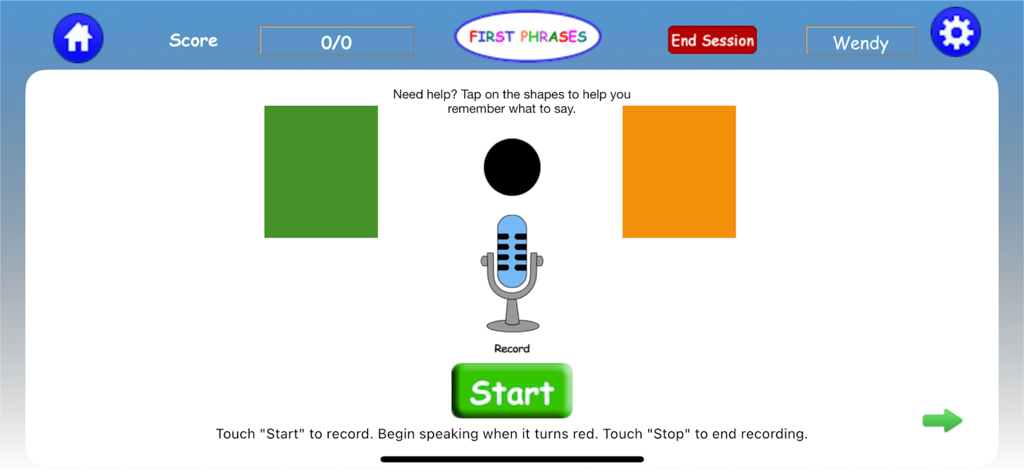
First Phrases HD - Speech recording screen in the First Phrases HD app featuring a microphone button and visual shape prompts to help children form sentences
Speech recording screen in the First Phrases HD app featuring a microphone button and visual shape prompts to help children form sentences

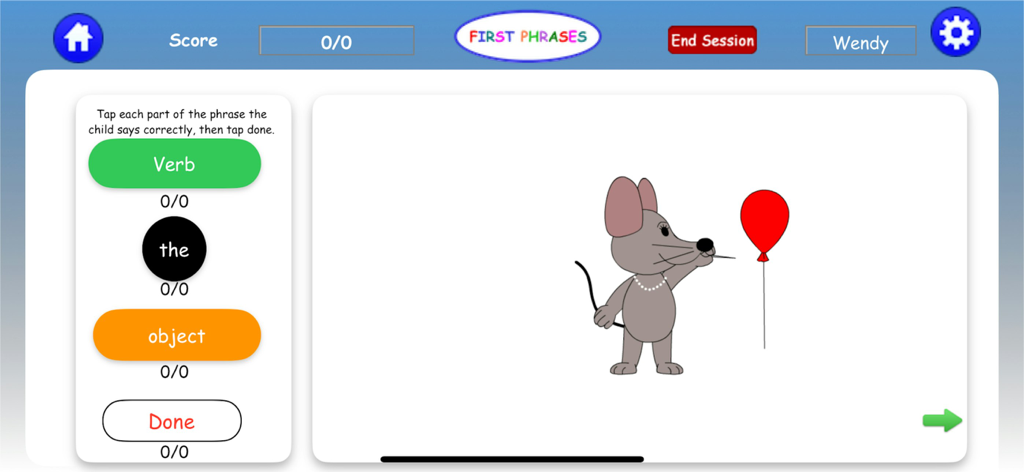
First Phrases HD - Interface of the First Phrases HD app showing a mouse character with a balloon and a data collection tool for speech therapy progress tracking.
Interface of the First Phrases HD app showing a mouse character with a balloon and a data collection tool for speech therapy progress tracking.

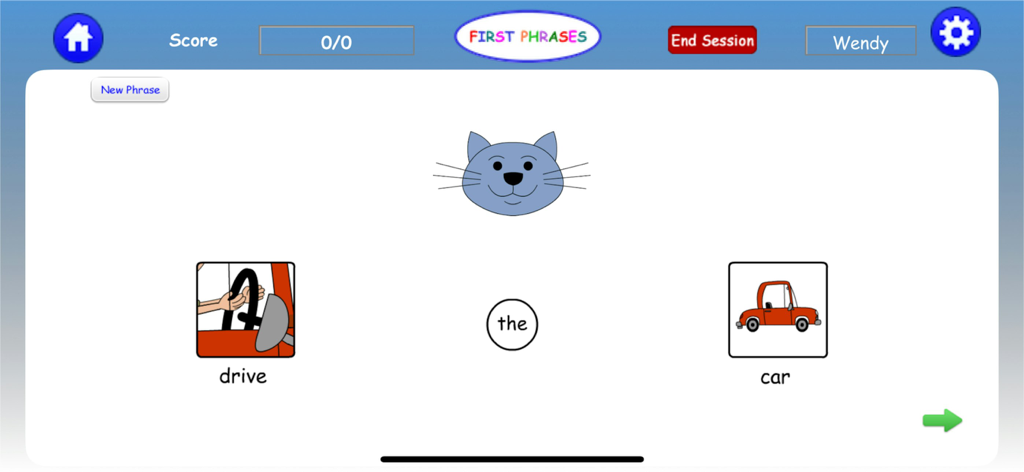
First Phrases HD - Screenshot of First Phrases HD app showing a blue cat character and visual icons for the phrase drive the car
Screenshot of First Phrases HD app showing a blue cat character and visual icons for the phrase drive the car

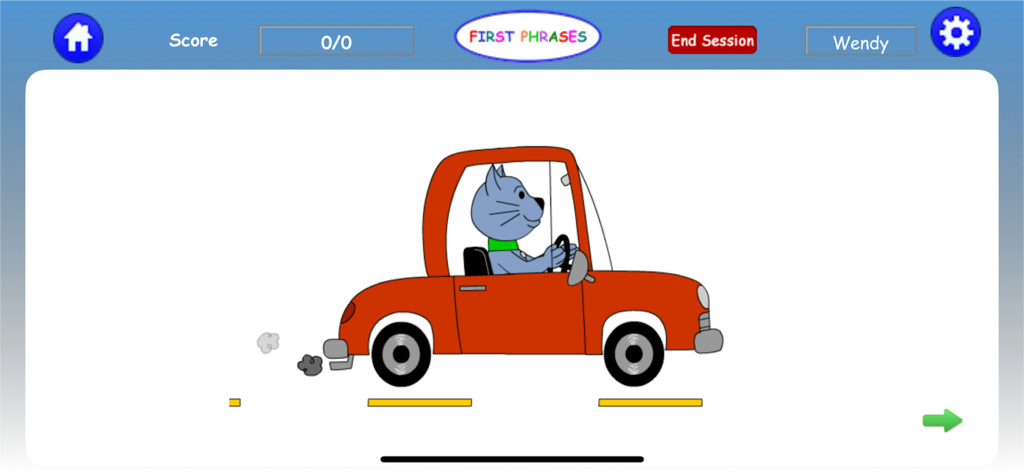
First Phrases HD - An animated blue cat character driving a red car within the First Phrases HD app interface.
An animated blue cat character driving a red car within the First Phrases HD app interface.

First Phrases HD - A blue cartoon cat giving a thumbs up inside the First Phrases HD app interface
A blue cartoon cat giving a thumbs up inside the First Phrases HD app interface

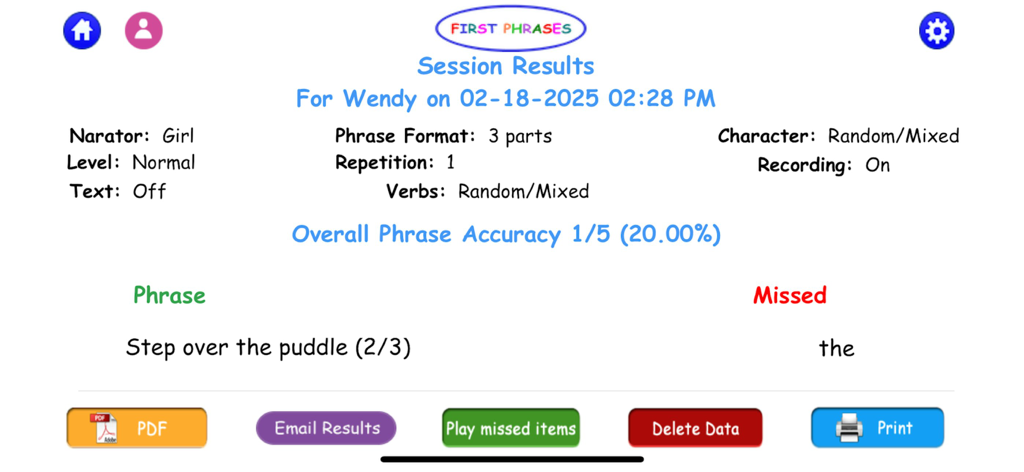
First Phrases HD - First Phrases HD session results screen showing phrase accuracy data and speech therapy settings

First Phrases HD session results screen showing phrase accuracy data and speech therapy settings

Description

From SmartAppsforKids.com: "In my opinion, First Phrases is a must-have for parents of children working on increasing expressive vocabulary, as well as the therapists and teachers who support their learning. First Phrases is creative, utilizes the iPad’s features in effective ways, and is engaging for young children. Highly recommended." This interactive, illustrated and animated app is perfect for a toddler, preschooler, or any child who is learning to put two or three English phrases together. It provides many opportunities to hear (receptive), see, and say/record (expressive--if the child is talking) 72 different verb + noun combinations, such as: eat the carrot, blow the bubble, ride the bike, throw the ball, sleep on the bed, put away the toys, and more. With 6 different characters performing the actions, there are 456 possible animations so your child will never be bored! Each verb form is paired with several associated nouns to make a logical phrase such as "eat the apple" or "eat the banana" or "eat the carrot". It is also a great way to teach the article “the” in a meaningful phrase context. Use with 20 children, making it an excellent choice for professional use by a speech-language pathologist. There is also a group setting that allows several children to be engaged at once yet still have their own personal settings. Replay missed items, email results or print them out on the Session Results page! How to play: Tell the characters what to do! Touch the illustrated parts of the phrases in order one at a time (e.g. “eat... the... carrot”). The child hears the pre-recorded spoken phrase modeled. You can have this repeated once, twice or three times in the settings for maximum auditory input. Children who are not yet talking can skip the recording option and simply tap/see the associated animation on the Easy Level to learn the meanings of the phrases and to build language comprehension. The child then watches the character (bear, mouse, cat, dog, boy or girl) perform the command to help associate the words with their meaning. Now it’s the child’s turn to say it and tell them what to do! Tap the microphone and record, listen again, and watch the character follow the direction. Use the optional visual support to help remember what to say! On the scoring page, an adult can indicate what parts of the verb phrase were produced correctly for data collection if desired, then tap "Done". When all parts of the phrase are correct the character gives a thumbs-up. This format is especially powerful for children with speech delays and autism spectrum disorders who need strong visual support with as little background clutter as possible, and for use in speech therapy sessions. The format also is a terrific way to support early literacy for left to right orientation, reading (with text on feature) and word boundaries. Options include text on/text off, recording feature on/off, girl or boy narration voice models, presentation of the phrase in 3 segments (verb + the + object) or 2 segments (verb + the object). A perfect speech therapy app for children with special needs! PRIVACY POLICY: We do NOT collect personal data from our users and have no ads. Personal data regarding user performance on the tasks on this app are self-contained and not transmitted in any way. This is a one-time download fee. We do not have subscriptions. Developed by noted speech-language pathologist Patti Hamaguchi, M.A., CCC-SLP who is also the author of books such as "Childhood Speech, Language & Listening Problems: What Every Parent Should Know", "A Metacognitive Treatment Approach to Treating Auditory Processing Disorders", several tests (RESCA-E, ELCI, TAPS4) To find out more about this app and our other upcoming projects, go to: www.hamaguchiapps.com Questions or need Tech Support? Email us at info@hamaguchiapps.com

Download

Download on App Store

This page is not an official page of the app or its developer, but an independent editorial publication created for informational and commentary purposes. Unless expressly stated otherwise, neither the app nor its developer is affiliated with, endorsed by, sponsored by, authorized by, or otherwise officially connected with MWM, Apple, Google Play, the app publisher, or the app's developer, and nothing on this page implies that the app was developed using MWM's services. Any trademarks, logos, screenshots, and other content remain the property of their respective owners.








