
This page is not an official page of the app or its developer, but an independent editorial publication created for informational and commentary purposes. Unless expressly stated otherwise, neither the app nor its developer is affiliated with, endorsed by, sponsored by, authorized by, or otherwise officially connected with MWM, Apple, Google Play, the app publisher, or the app's developer, and nothing on this page implies that the app was developed using MWM's services. Any trademarks, logos, screenshots, and other content remain the property of their respective owners.


Flashlight ¤
The app proves to be an indispensable tool, granting users command over their immediate environment with a blast of illumination. It offers more than light; it provides control.
Downloads
2.5M+User Rating
Total Ratings
75.6KPublisher
Category
ProductivityLocales
11Latest Version
2.2.2Size
41.7 MBFirst Released
Oct 12, 2010An analysis of key functionalities and user experience.
Tech Evaluation: Flashlight ¤
Maximized Brightness
The app ensures the maximum possible illumination by leveraging the iPhone's LED, delivering a consistently bright light.
Intuitive On/Off Control
It allows users to quickly activate or deactivate the flashlight with a simple, familiar interface, mirroring the experience of a physical device.
Adjustable Strobe/Blinking Mode
This tool features a versatile strobe or blinking mode, with the added capability to adjust the flashing frequency to suit various needs, from signaling to entertainment.
Optimized LED Utilization
The app is engineered to fully utilize the iPhone's LED hardware, ensuring optimal performance and brightness output.
Frequently Asked Questions
Everything you need to know about Flashlight ¤
Is Flashlight ¤ the brightest flashlight app for iPhone?
Yes, Flashlight ¤ guarantees it is the brightest flashlight available. It fully utilizes the iPhone X LED light to provide maximum illumination.
Does Flashlight ¤ include a strobe or blinking mode?
Yes, Flashlight ¤ supports a Strobe/Blinking Mode. Users can adjust the blinking frequency to their preference directly within the app.
How can I adjust the LED brightness in Flashlight ¤?
Users can adjust the LED brightness in Flashlight ¤ by interacting with the app's control switch. Screenshot #4 demonstrates the ability to move the switch for brightness adjustment.
Does Flashlight ¤ impact iPhone battery life?
Yes, Flashlight ¤ can impact iPhone battery life. Continued use of the app's flash may significantly decrease the device's overall battery duration.
Can I control sound effects in the Flashlight ¤ app?
Yes, Flashlight ¤ includes a sound control feature. An on/off icon for sound is present in the user interface, allowing users to manage audio feedback.
The following screenshots and description are sourced directly from the app's official store listing and are the property of the app developer.
App Store
Screenshots
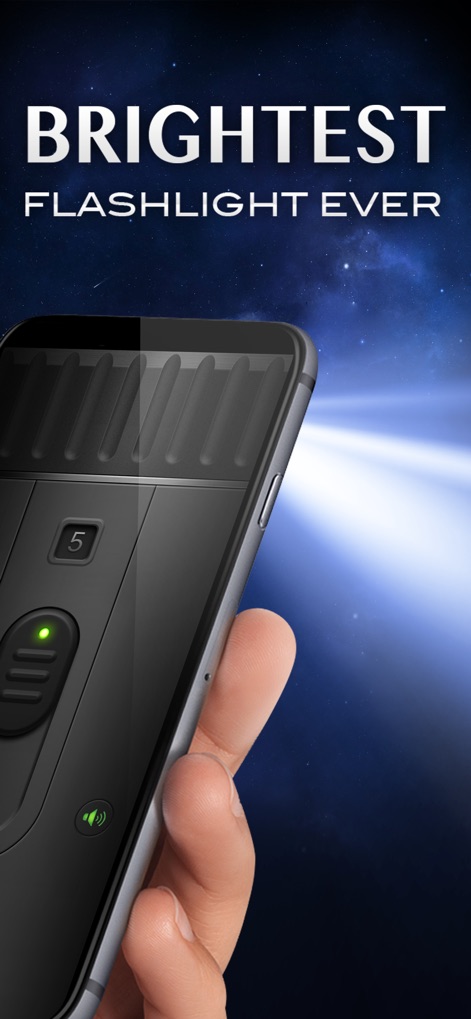
Observe how the app transforms the iPhone into a powerful light source, showcasing its bright output and seamless integration with the device.
Brightness Unleashed
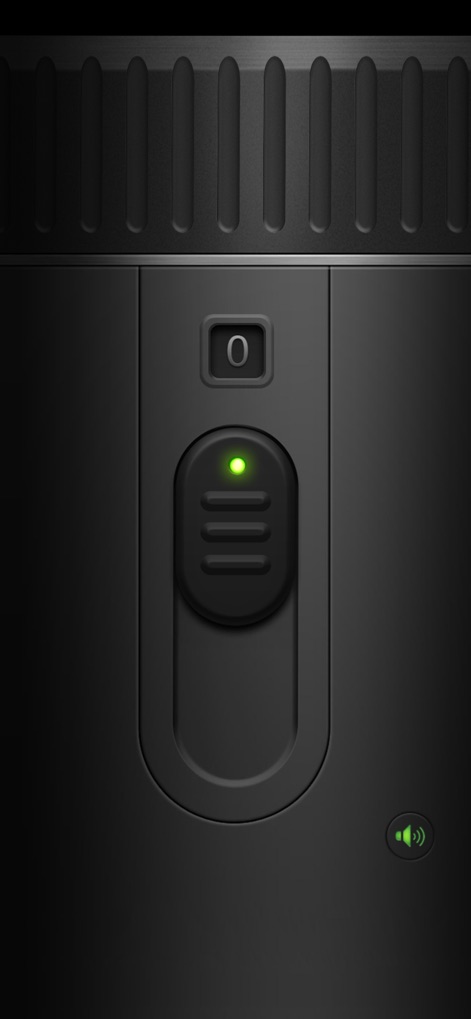
Explore the app's main interface, highlighting the realistic power slider and the clear green LED indicator for instant status.
Intuitive Controls
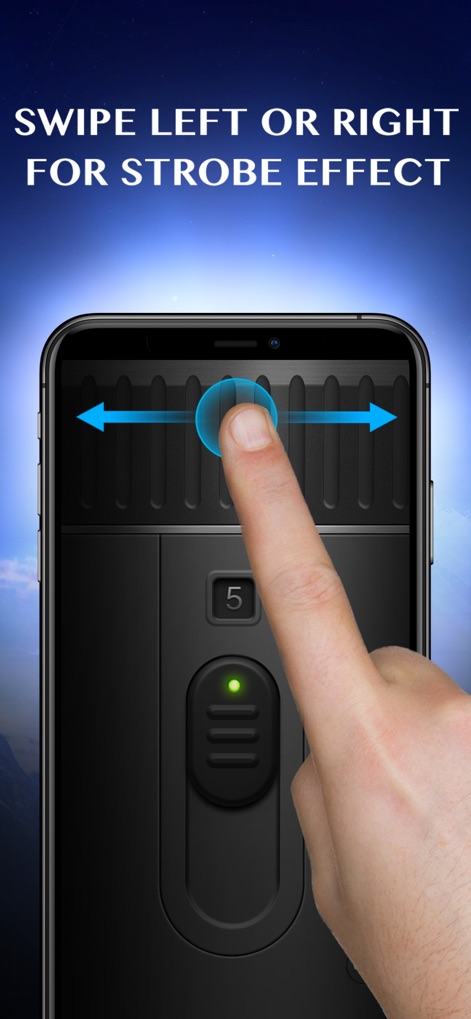
Discover the interactive gesture for activating the dynamic strobe effect, demonstrating the simple swipe control and visual feedback.
Strobe Mode Engaged
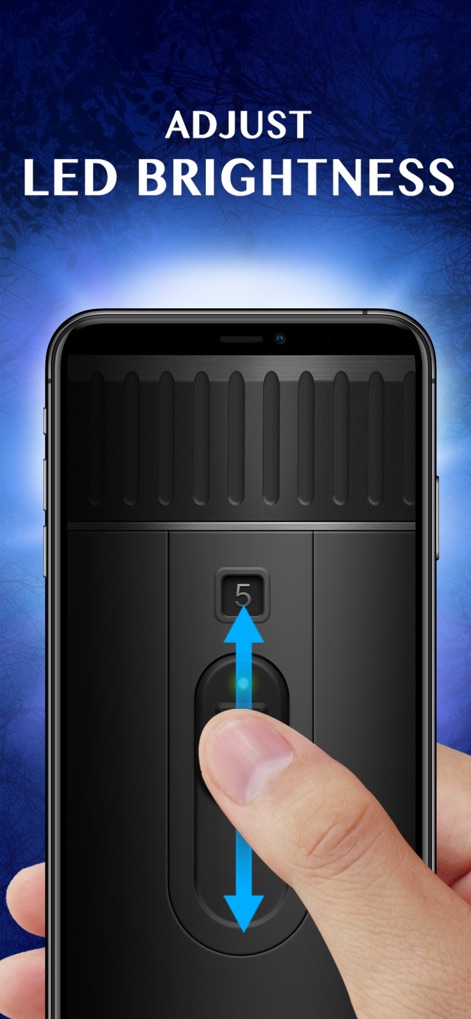
Witness the precise brightness control mechanism, allowing users to fine-tune the LED intensity with an intuitive slider and numerical display.
Adjustable Illumination
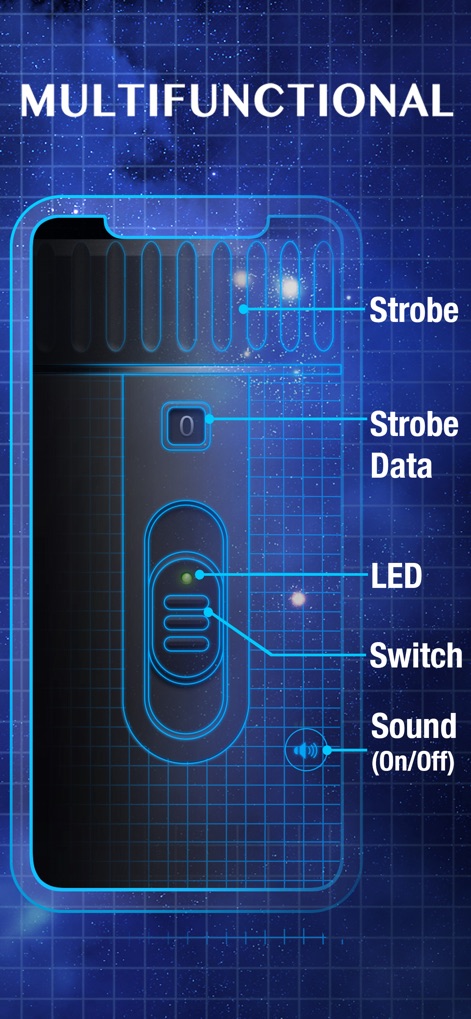
A detailed breakdown of the app's core functionalities, illustrating the strobe controls and sound options within its sleek interface.
Feature Overview
Description
Download
More Like This
Apps with similar features and user experience
Magnifying Glass - Loupe 32x
DigitAlchemy LLC

Flashlight Ⓞ
ONE App Limited

Flashlight •
7th Gear
Magnifying Glass + Flashlight
RV AppStudios LLC
Flashlight ○
Pixelinlove Ltd
MyLight – Flashlight & LED
Alexander Kaessner
Flashlight◉ - Magnifying Glass
Changsha Shenguangyuan Technology Co., Ltd.

Flashlight.®
Mobile Flame Ltd.
Best Flash Light - Flashlight
RV AppStudios LLC
This page is not an official page of the app or its developer, but an independent editorial publication created for informational and commentary purposes. Unless expressly stated otherwise, neither the app nor its developer is affiliated with, endorsed by, sponsored by, authorized by, or otherwise officially connected with MWM, Apple, Google Play, the app publisher, or the app's developer, and nothing on this page implies that the app was developed using MWM's services. Any trademarks, logos, screenshots, and other content remain the property of their respective owners.