
This page is not an official page of the app or its developer, but an independent editorial publication created for informational and commentary purposes. Unless expressly stated otherwise, neither the app nor its developer is affiliated with, endorsed by, sponsored by, authorized by, or otherwise officially connected with MWM, Apple, Google Play, the app publisher, or the app's developer, and nothing on this page implies that the app was developed using MWM's services. Any trademarks, logos, screenshots, and other content remain the property of their respective owners.

Magnifying Glass + Flashlight
The simplest all-in-one tool to zoom in and light up restaurant menus, medicine bottles, and labels. Rediscover your independence with big, clear text at your fingertips.
Downloads
7M+User Rating
Total Ratings
178K+Publisher
Category
Food & DrinkLocales
21Latest Version
2.3Size
21.4 MBFirst Released
Aug 22, 2014See Everything Big and Clear
Designed for simplicity and independence, our app combines powerful magnification with instant lighting to help you navigate the world with confidence.
Crystal Clear 10x Zoom
Effortlessly magnify restaurant menus, prescription bottles, and tiny serial numbers up to 10 times their original size.
Bright LED Flashlight
Never struggle in a dimly lit room again. The integrated torch provides instant illumination for reading in any environment.
Frequently Asked Questions
Everything you need to know about Magnifying Glass + Flashlight
What is the Magnifying Glass + Flashlight app?
The Magnifying Glass + Flashlight app is an all-in-one tool combining a digital magnifier, LED torch light, and camera snapshot features. It helps users read small print on menus, medicine bottles, and device serial numbers.
Does Magnifying Glass + Flashlight include a flashlight feature?
Yes, the Magnifying Glass + Flashlight app includes a bright LED torch light. This feature assists in reading fine print in dark environments, functioning as an all-in-one tool.
Can the Magnifying Glass + Flashlight app read medicine bottle labels?
Yes, the Magnifying Glass + Flashlight app functions as a Prescription Bottle Reader. It helps users read small print on medicine bottles by providing magnification and auto-focus capabilities.
What zoom capabilities does the Magnifying Glass + Flashlight app offer?
The Magnifying Glass + Flashlight app provides a magnify zoom range from 1.0X to 10.0X. Users can zoom in and out further to clearly view small text and details.
Does the Magnifying Glass + Flashlight app have a high contrast mode?
Yes, the Magnifying Glass + Flashlight app features a High Contrast Mode. This mode enhances readability for users, especially when viewing text in various lighting conditions.
Can I save magnified images with Magnifying Glass + Flashlight?
Yes, the Magnifying Glass + Flashlight app allows users to save captured pictures in their library. This feature enables retaining magnified text or images for later reference.
Does the Magnifying Glass + Flashlight app offer auto-focus?
Yes, the Magnifying Glass + Flashlight app automatically focuses the text. This ensures clear and stable magnification without manual adjustments, making reading easier.
What additional modes does Magnifying Glass + Flashlight include?
The Magnifying Glass + Flashlight app includes Crystal Clear Mode, Adjust Brightness, Auto Focus Mode, and Image Freeze Mode. These features enhance the viewing and capture experience.
The following screenshots and description are sourced directly from the app's official store listing and are the property of the app developer.
App Store
Screenshots
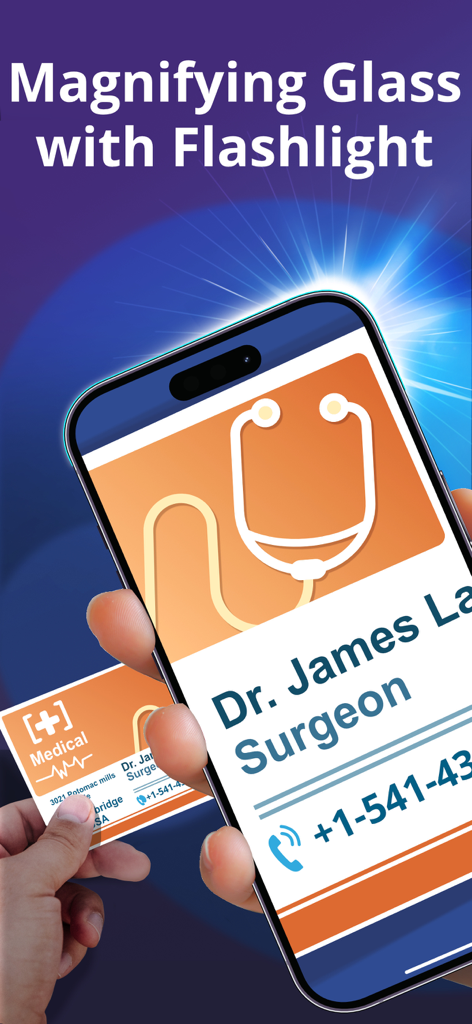
A smartphone using the Magnifying Glass app to zoom in on a surgeon business card for better readability
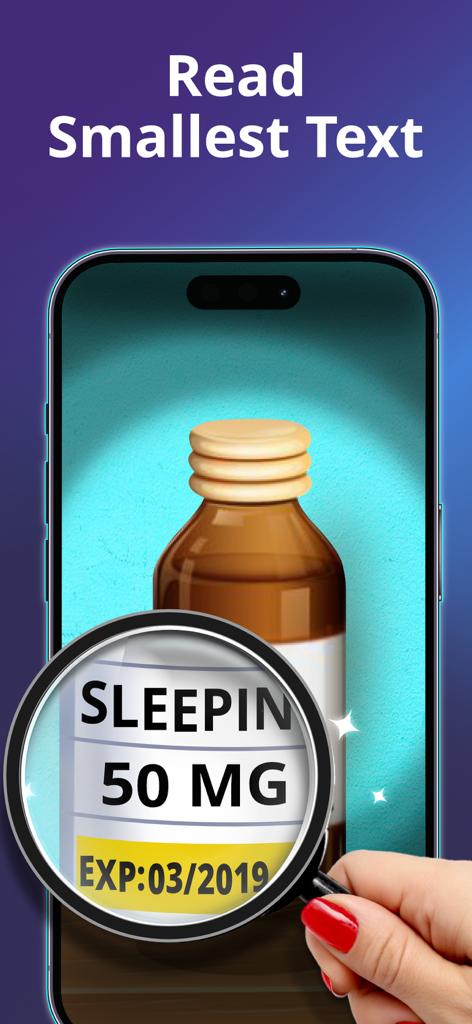
Digital magnifying glass app used to read small text on a medicine bottle
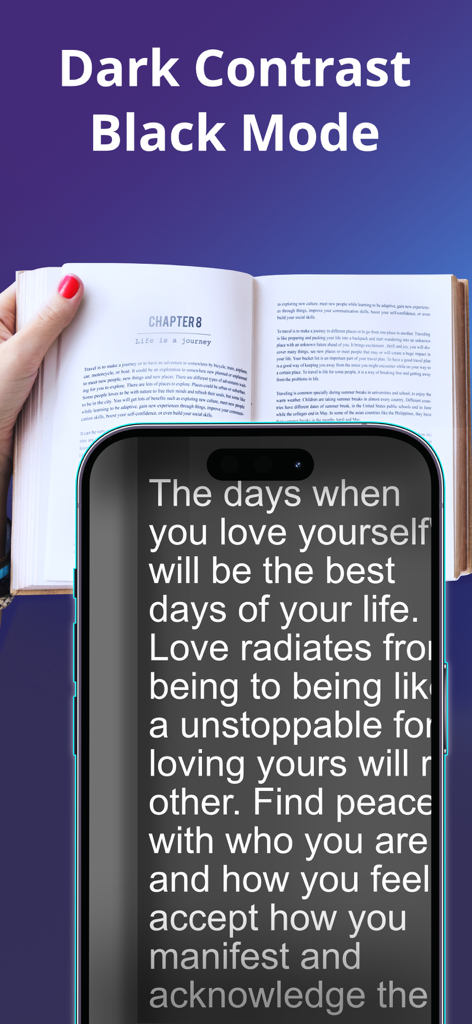
Magnifying glass app using dark contrast mode to display large white text on a black background for better readability
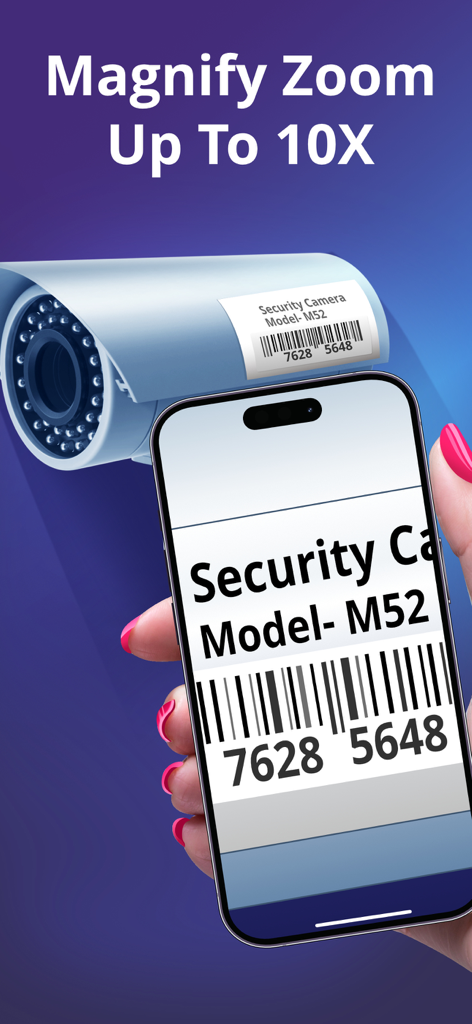
Hand holding a phone zooming in on a security camera label with the Magnifying Glass app
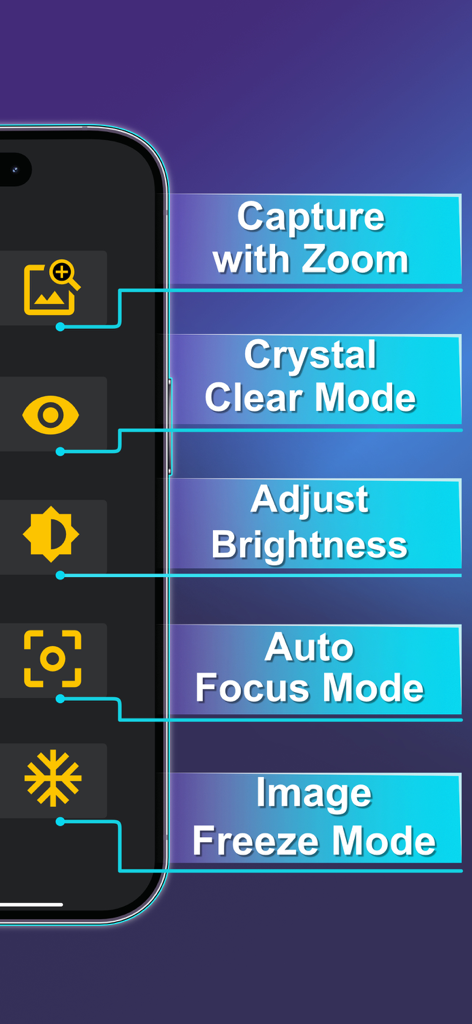
User interface of the Magnifying Glass and Flashlight app highlighting zoom brightness and auto focus features
Description
Download
More Like This
Apps with similar features and user experience
Magnifying Glass - Loupe 32x
DigitAlchemy LLC

Flashlight Ⓞ
ONE App Limited

Flashlight •
7th Gear
Flashlight ○
Pixelinlove Ltd
MyLight – Flashlight & LED
Alexander Kaessner
Flashlight◉ - Magnifying Glass
Changsha Shenguangyuan Technology Co., Ltd.
Flashlight ¤
Healive Limited

Flashlight.®
Mobile Flame Ltd.
Best Flash Light - Flashlight
RV AppStudios LLC
This page is not an official page of the app or its developer, but an independent editorial publication created for informational and commentary purposes. Unless expressly stated otherwise, neither the app nor its developer is affiliated with, endorsed by, sponsored by, authorized by, or otherwise officially connected with MWM, Apple, Google Play, the app publisher, or the app's developer, and nothing on this page implies that the app was developed using MWM's services. Any trademarks, logos, screenshots, and other content remain the property of their respective owners.