
This page is not an official page of the app or its developer, but an independent editorial publication created for informational and commentary purposes. Unless expressly stated otherwise, neither the app nor its developer is affiliated with, endorsed by, sponsored by, authorized by, or otherwise officially connected with MWM, Apple, Google Play, the app publisher, or the app's developer, and nothing on this page implies that the app was developed using MWM's services. Any trademarks, logos, screenshots, and other content remain the property of their respective owners.

FlipHTML5
The all-in-one publishing platform for the modern entrepreneur. Convert PDFs, Word, and images into interactive magazines, catalogs, and portfolios, while exploring millions of publications from creators worldwide.
Downloads
334K+User Rating
Total Ratings
0Publisher
Category
Magazines & NewspapersLocales
1Latest Version
2.3.0Size
42.7 MBFirst Released
Feb 2, 2016Elevate Your Professional Content
FlipHTML5 empowers agile entrepreneurs to transform static documents into interactive digital experiences while exploring millions of industry-leading publications.
Instant Mobile Publishing
Convert PDFs, Word docs, and images into high-end digital flipbooks directly from your phone in seconds.
Professional Brand Presence
Impress clients with tactile, interactive links that replace bulky attachments and elevate your brand image instantly.
Frequently Asked Questions
Everything you need to know about FlipHTML5
What is the FlipHTML5 app?
FlipHTML5 is a digital publishing platform. It allows users to create, enhance, and distribute digital flipbooks, magazines, newspapers, ebooks, and other publications directly from their mobile devices.
What file formats does FlipHTML5 support for flipbook creation?
The FlipHTML5 app supports PDF, Word, PPT, PNG, and JPG image files for converting into digital flipbooks. Users can import these files directly from their mobile device.
Is there a maximum file size for uploading to FlipHTML5?
Yes, the FlipHTML5 app has a maximum upload size of 100MB for files. An "Upgrade" option is available for users who wish to upload larger files for their flipbooks.
How can users share publications created with FlipHTML5?
Users can share their FlipHTML5 publications via a shareable book link. Options include sharing to Facebook, Twitter, Email, and QR code, directly from the app's sharing menu.
Can users set their FlipHTML5 books to be private or password-protected?
Yes, users can manage their FlipHTML5 books and set them as public, private, or password-protected. All books are public by default upon creation, with options to change visibility.
What kind of content can users explore on the FlipHTML5 digital newsstand?
Users can explore over 5 million digital publications, including magazines, newspapers, and ebooks, on the FlipHTML5 digital newsstand. Content spans categories like Tech & Science, Food & Home, and Fashion & Entertainment.
How do users manage their created books within the FlipHTML5 app?
Users log in to their FlipHTML5 account to view and sort all their books. Books can be organized by name, time, and status, with options for editing and sharing each publication.
Where can users find the Terms of Use and Privacy Policy for FlipHTML5?
The FlipHTML5 app provides links to its legal terms. Users can find the Terms of Use at https://fliphtml5.com/terms-of-service.php and the Privacy Policy at https://fliphtml5.com/privacy-policy.php.
The following screenshots and description are sourced directly from the app's official store listing and are the property of the app developer.
App Store
Screenshots
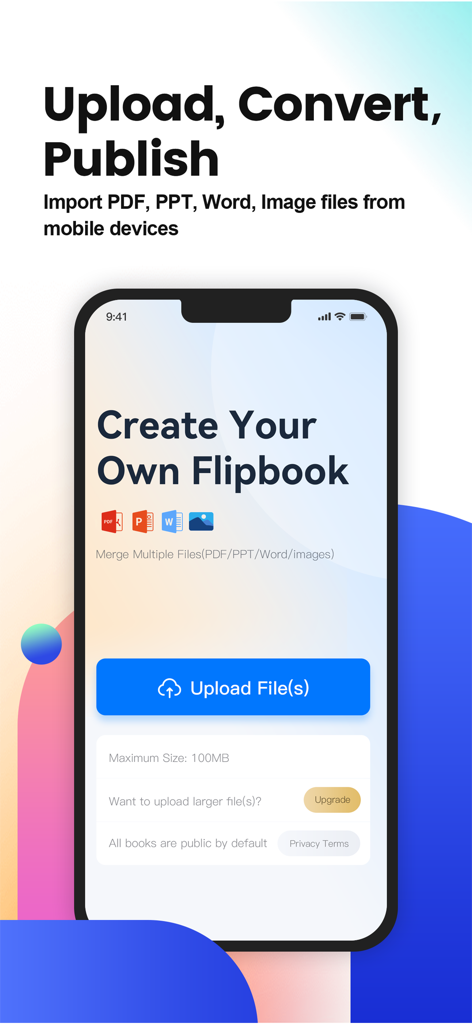
FlipHTML5 app screen for creating a digital flipbook by uploading PDF PPT and Word files
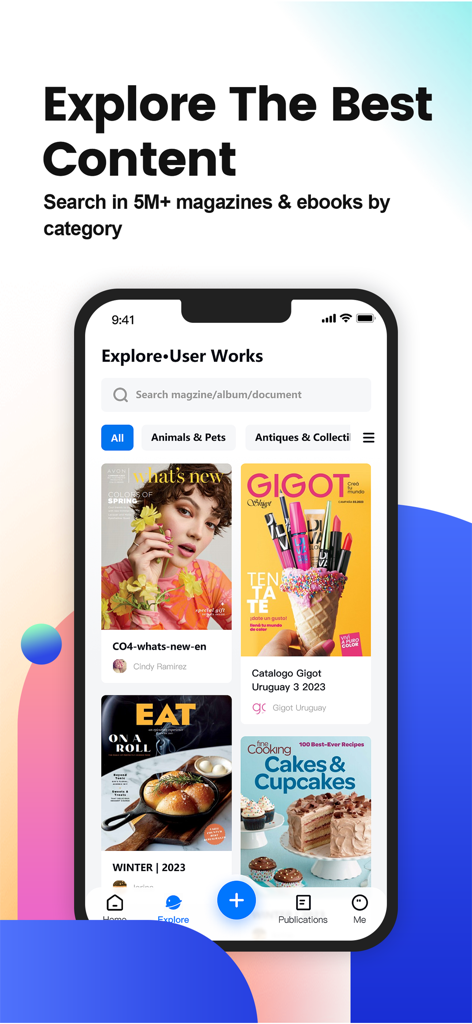
FlipHTML5 app explore screen showing a digital newsstand with magazine covers and search options
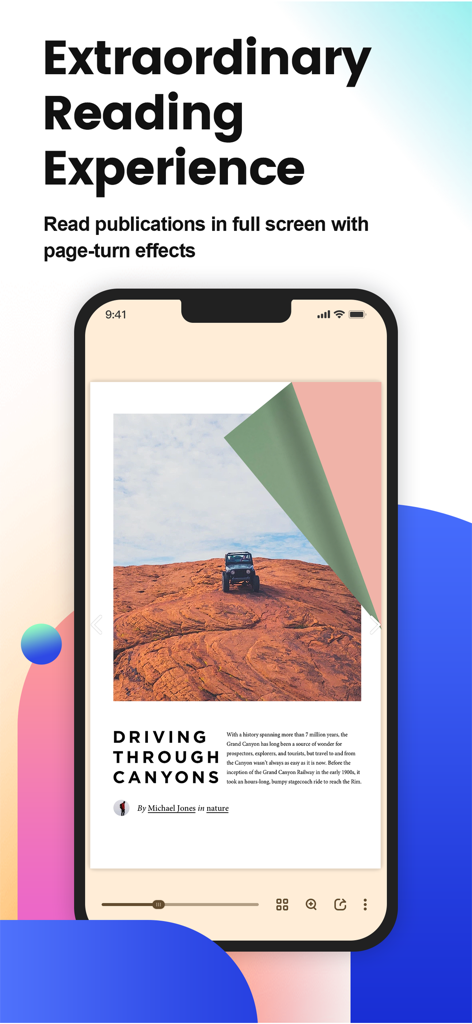
Digital magazine reading on FlipHTML5 app with interactive page turn effect.
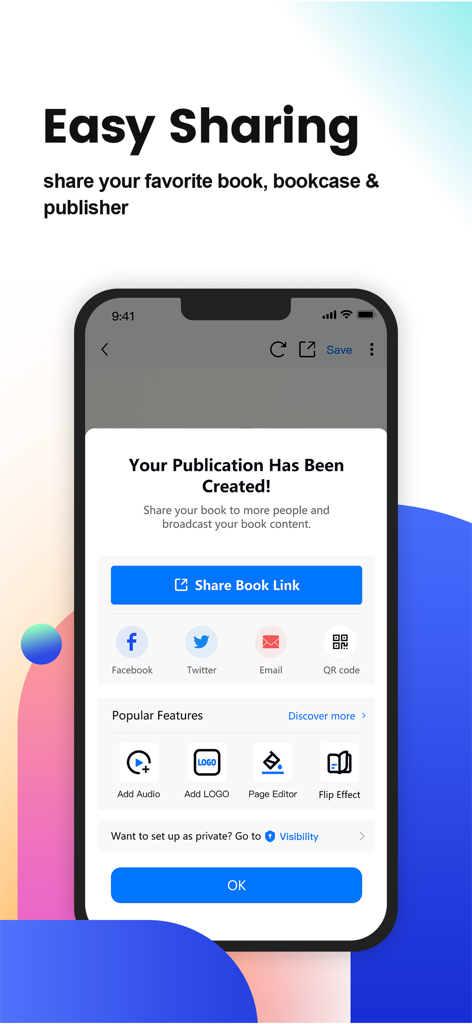
FlipHTML5 app interface for sharing a newly created digital publication
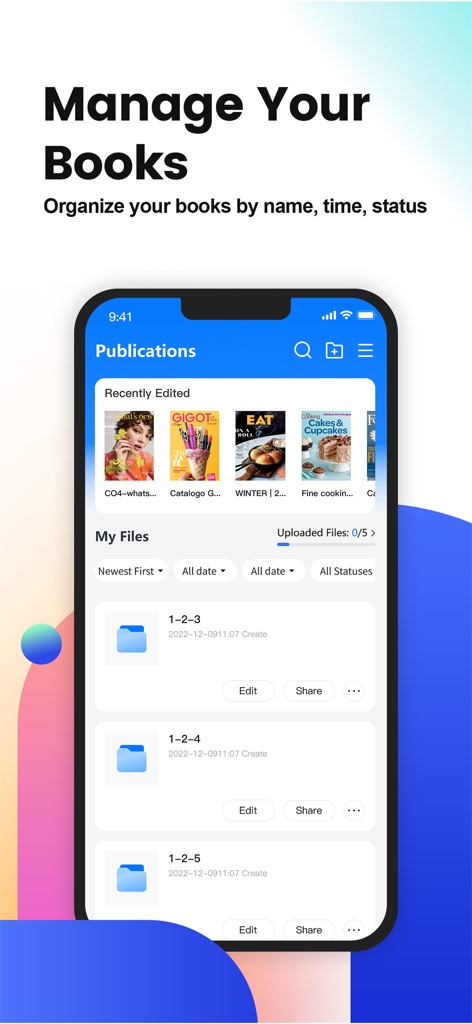
Mobile app interface of FlipHTML5 showing the publications management screen with digital books and folder organization
Description
Download
More Like This
Apps with similar features and user experience

VK Clips: short videos
V Kontakte OOO
브런치 - 좋은 글과 작가를 만나보세요
Kakao Corp.
TruyenHD - Đọc Truyện Full
Tuan Nguyen

YouTube
Google LLC

Rumble: Livestreams & Videos
Rumble Inc.

Castle - Make and Play
Montereys Coast, Inc.

Дзен — видео, ролики, статьи
VK LLC

プリ小説 byGMO 恋愛小説や夢小説が気軽に読める!
GMO Media, Inc.

GDevelop - Create & Play Games
GDEVELOP FRANCE
This page is not an official page of the app or its developer, but an independent editorial publication created for informational and commentary purposes. Unless expressly stated otherwise, neither the app nor its developer is affiliated with, endorsed by, sponsored by, authorized by, or otherwise officially connected with MWM, Apple, Google Play, the app publisher, or the app's developer, and nothing on this page implies that the app was developed using MWM's services. Any trademarks, logos, screenshots, and other content remain the property of their respective owners.