Floorplan 3D & 2D

Floorplan 3D & 2D

Download on App Store
Logo of Floorplan 3D & 2D

Floorplan 3D & 2D: The Ultimate LiDAR Scanner for Instant Room Planning

Transform your space into professional 2D and 3D models with AI material lists and pro-grade CAD exports. No subscriptions, no accounts—just high-precision design at your fingertips.

Download on App Store

Publisher

drillstars UG haftungsbeschrankt

Category

Productivity

Downloads

1K+

User Rating

5.0/5

Total Ratings

0

Locales

3

Precision at a Glance

Discover the interface used by 1K+ users.
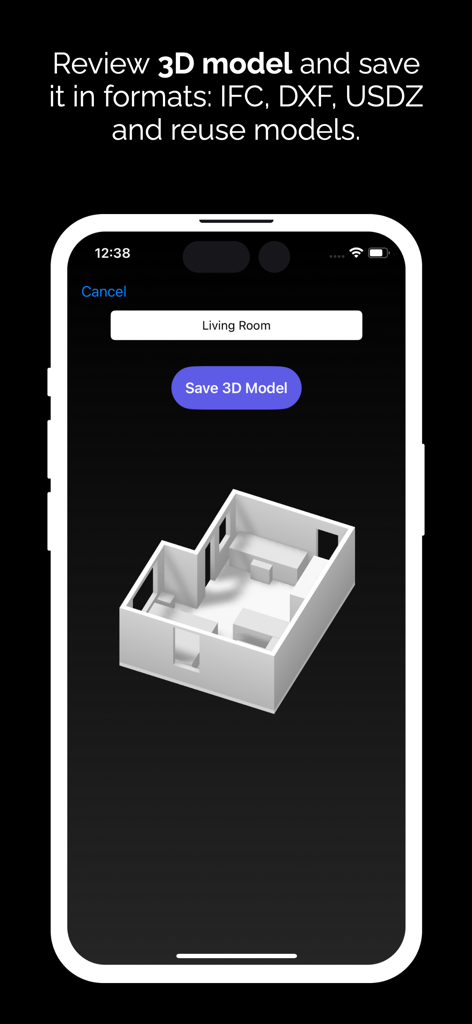
Mobile screen showing a 3D room model with options to save in IFC DXF and USDZ formats

Mobile screen showing a 3D room model with options to save in IFC DXF and USDZ formats

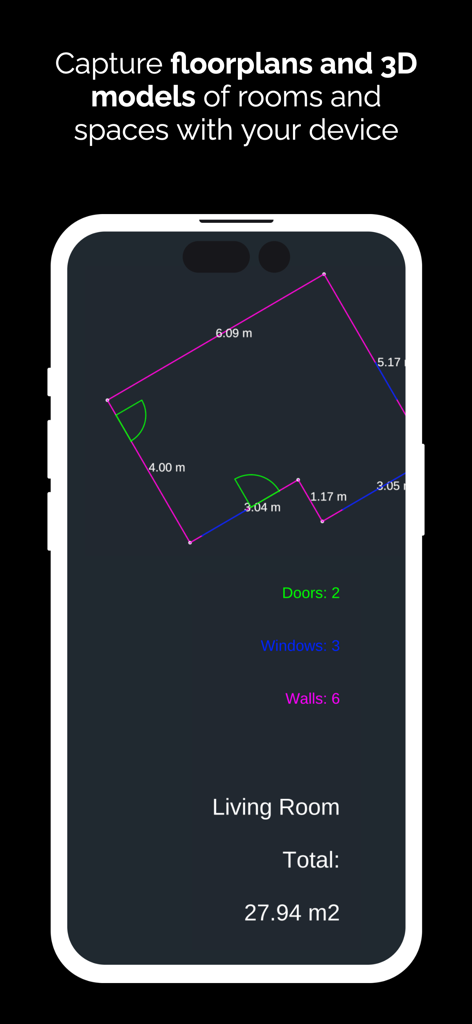
Smartphone screen showing a 2D floor plan capture with room measurements

Smartphone screen showing a 2D floor plan capture with room measurements

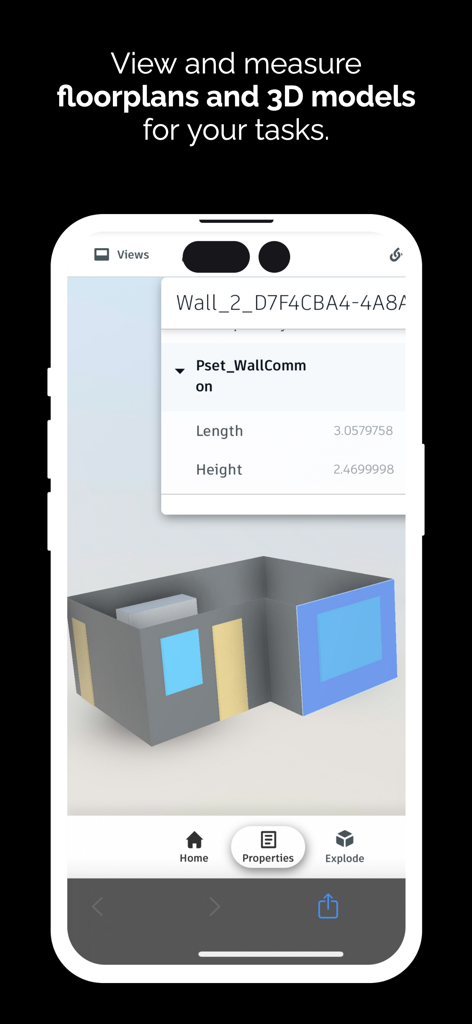
iPhone app screen displaying a 3D room model and wall dimension details

iPhone app screen displaying a 3D room model and wall dimension details

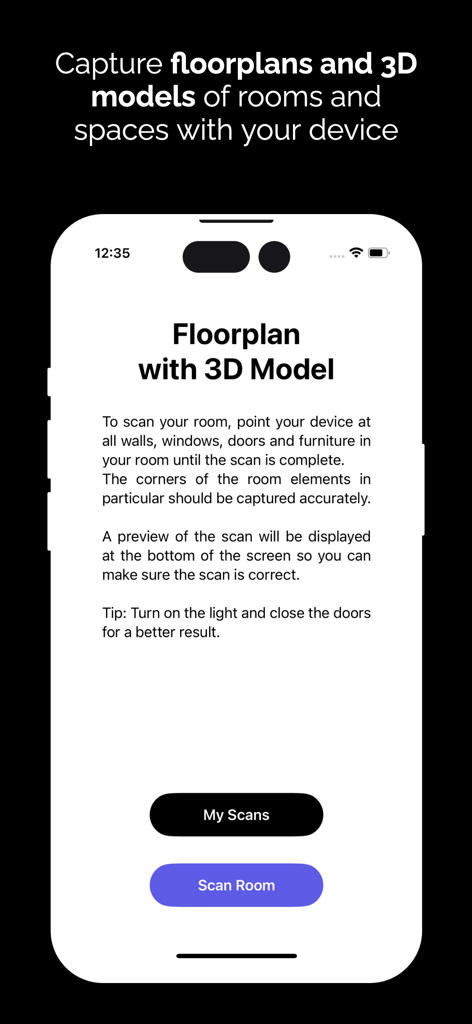
iPhone screen displaying the Floorplan 3D app with instructions for scanning a room to create a 3D model.

iPhone screen displaying the Floorplan 3D app with instructions for scanning a room to create a 3D model.

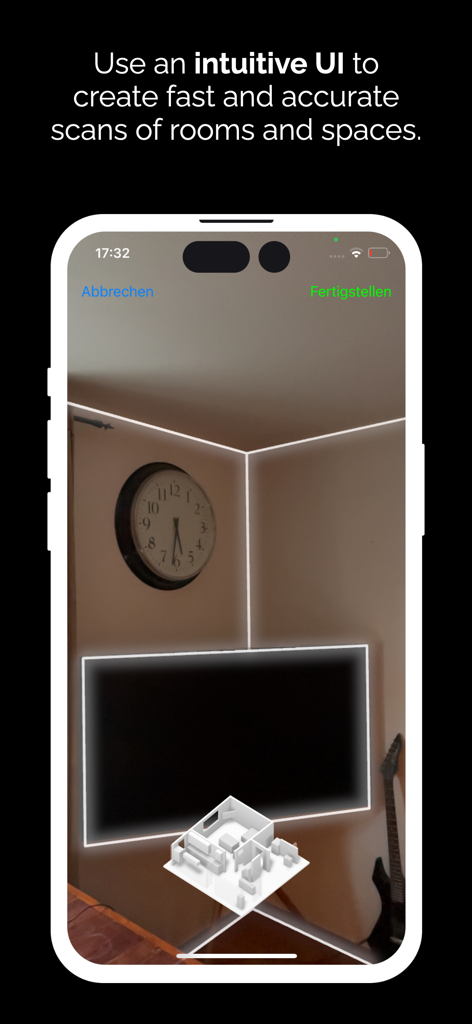
Smartphone screen showing an augmented reality room scan using LiDAR technology to create a 3D floor plan

Smartphone screen showing an augmented reality room scan using LiDAR technology to create a 3D floor plan

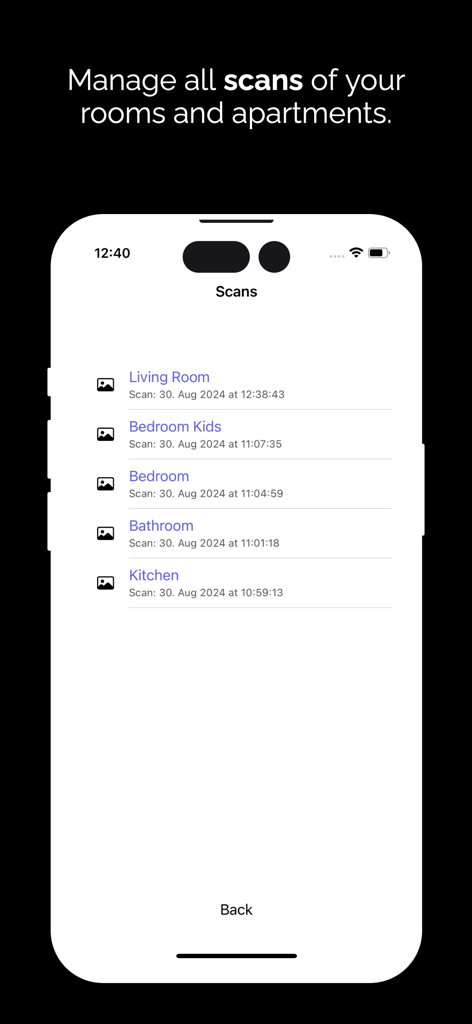
Interface showing a list of saved room scans for living room bedroom and kitchen in the Floorplan 3D app

Interface showing a list of saved room scans for living room bedroom and kitchen in the Floorplan 3D app

Professional Planning, Simplified

The tools that make this app stand out, trusted by 1K+ users.

📱

Instant LiDAR Scanning

Ditch the tape measure. Use your iPhone Pro to capture precise room dimensions, doors, and windows in real-time with millimeter accuracy.

🤖

AI-Powered Material Lists

Stop guessing your budget. Our AI generates detailed material lists and cost estimates that you can export as PDFs for your contractor or local hardware store.

🏗️

Pro-Grade Exports

Work across platforms. Export your designs as DXF, IFC, or USDZ files to seamlessly continue your work in Revit, SketchUp, or ArchiCAD.

About the app

Everything you need to know about Floorplan 3D & 2D.

Description

Transform your room planning with the latest LiDAR technology! Discover the Floor Plan 3D Planner app to create precise floor plans, detailed 2D plans and impressive 3D models. Whether you're designing a home, renovating a room, furnishing an office or simply visualizing your ideas, our app makes it easy for you. Features: - Easy real-time capture: Use innovative LiDAR technology to scan walls, doors and windows with impressive accuracy. Capture furniture and other elements effortlessly and efficiently! - Intuitive user interface: Our user-friendly app allows you to create your designs quickly and easily. - Creation of material lists and estimates using AI. Artificial intelligence makes suggestions that you can also export as PDF files in list form and floor plan illustrations. - 2D and 3D visualization: Switch seamlessly between 2D plans and 3D models to get a clear picture of your space. Customize the layout and experience your ideas in real time. - Innovative design tools: Quickly add furniture, change colors and materials and design your space the way you want. - Share and collaborate: Export your plans and models effortlessly or share them directly with friends and family to get feedback or brainstorm together. You can reuse our models in other programs such as Autodesk Revit, Trimble Sketchup or Nemetschek Archicad. We create an IFC or DXF or USDZ file for you, which you can use. Say goodbye to conventional methods! With the 3D floor plan planner, you can revolutionize your planning - efficiently, quickly and easily. Whether for private projects or professional applications, our app is the perfect companion for anyone who wants to take interior design to the next level. Download the 3D floor plan planner today and experience the future of room planning! There is no need to create a user account and no subscription is required to use the app.

Latest Version

3.0.4

Size

13.3 MB

First Released

Aug 30, 2024

Start Planning Your Dream Space—No Subscription Required

Join the next generation of DIYers and pros using LiDAR technology to scan, design, and estimate in seconds. Download now for professional-grade 3D floor plans with total privacy and zero hidden costs.

Download on App Store

App information, icons, screenshots, and descriptions displayed on this page are sourced from the Apple App Store and are the property of their respective developers. Download estimates and rankings are based on MWM's proprietary models and may not reflect actual figures. This page is provided for informational and analytical purposes only.

Believe this page infringes your intellectual property? File a dispute